
Google Docs templates
Free Google Docs Templates
Real Google Docs, designed with care and ready to use. Preview each template as it will print, copy it to your Drive in one click, or download it as a Word file or PDF.
-
Real Google Docs, not screenshots
Every template is a live document in Google Docs. The Preview button opens the actual file, so what you see is exactly what you get after copying it.
-
Designed to print well
Each Doc has a clear type scale, a restrained color band, real tables for prices and dates, and a page size set for printing. No stretched images, no broken columns.
-
Copy, or take it to Word
Use this template makes your own editable copy in Google Drive. Prefer Microsoft Word or a print-ready file? Every page also links a .docx and a PDF export.
Google Docs templates by category
Find a Google Docs template for business, your job search, marketing, school or planning.
All free Google Docs templates
40 free documents to preview and copy to your Google Drive.
-
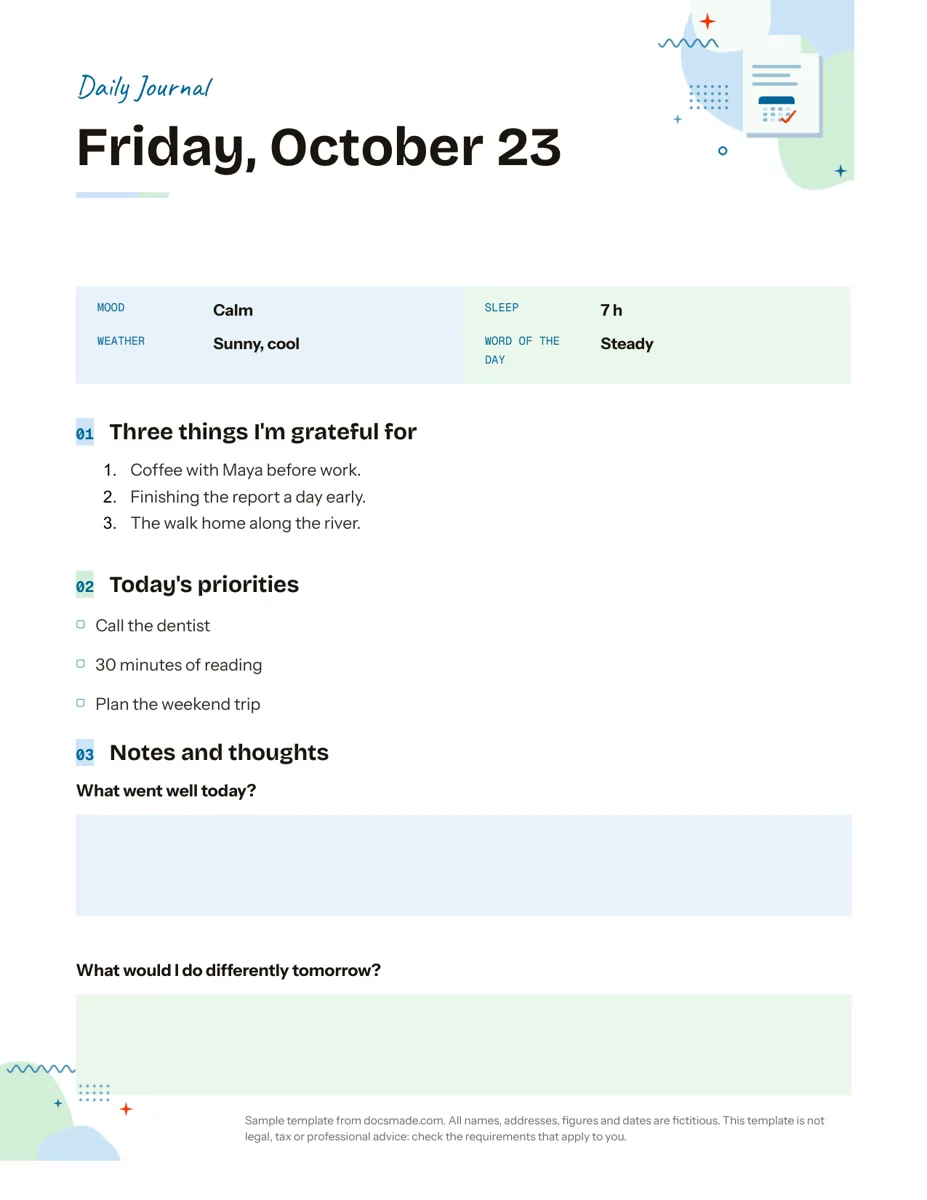 Organization Google Docs Journal Template for a Daily Page Free daily journal template for Google Docs: mood, sleep, three gratitudes, priorities and reflection prompts. Type in it, print it or download .docx/PDF. View template →
-
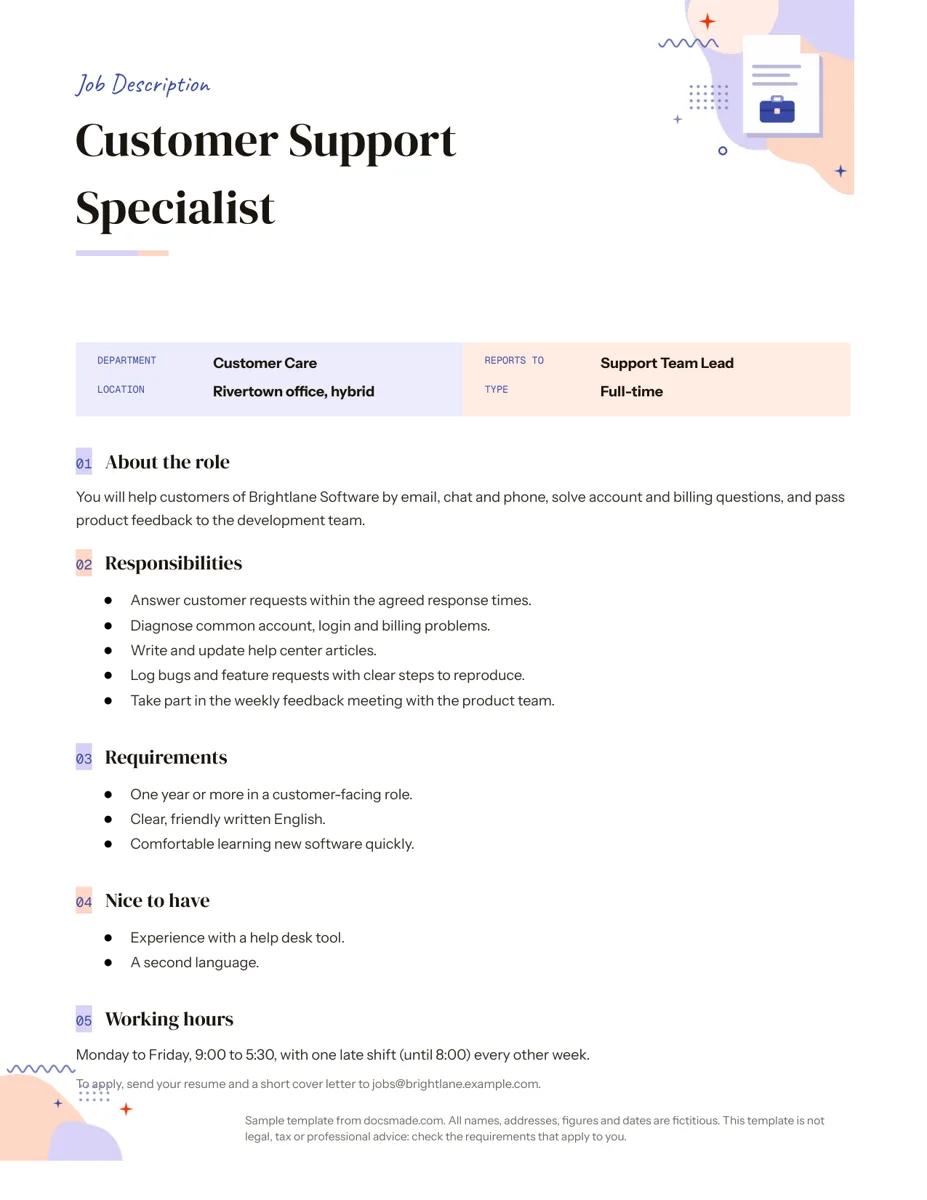 Career Google Docs Job Description Template with a Filled Example Free job description template for Google Docs: summary, responsibilities, requirements, nice-to-haves and hours, with a filled example. Copy or download. View template →
-
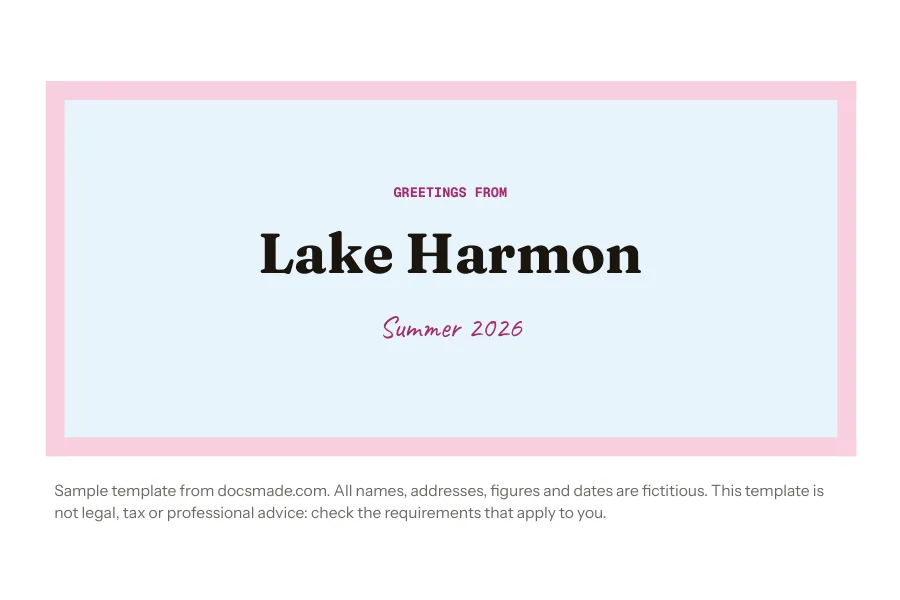 Marketing & print Google Docs Postcard Template, 6 x 4 in, Front and Back Free 6 x 4 in postcard template for Google Docs with a front design and a back for message, address and stamp. Print on card stock or download .docx/PDF. View template →
-
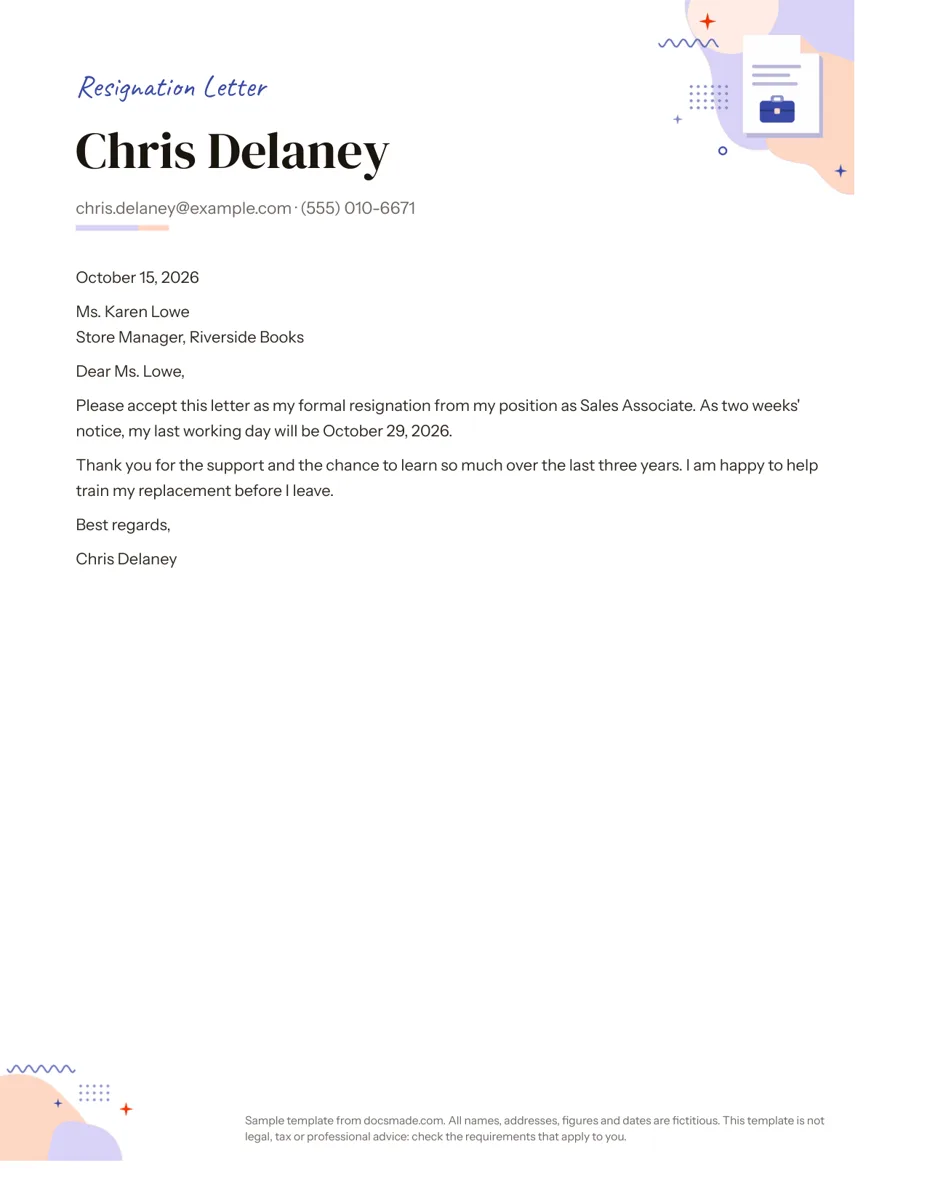 Career Google Docs Resignation Letter Template (Two Weeks Notice) Free two weeks notice letter template for Google Docs with a polite sample letter. Real Doc: preview it, make a copy, or download .docx and PDF. View template →
-
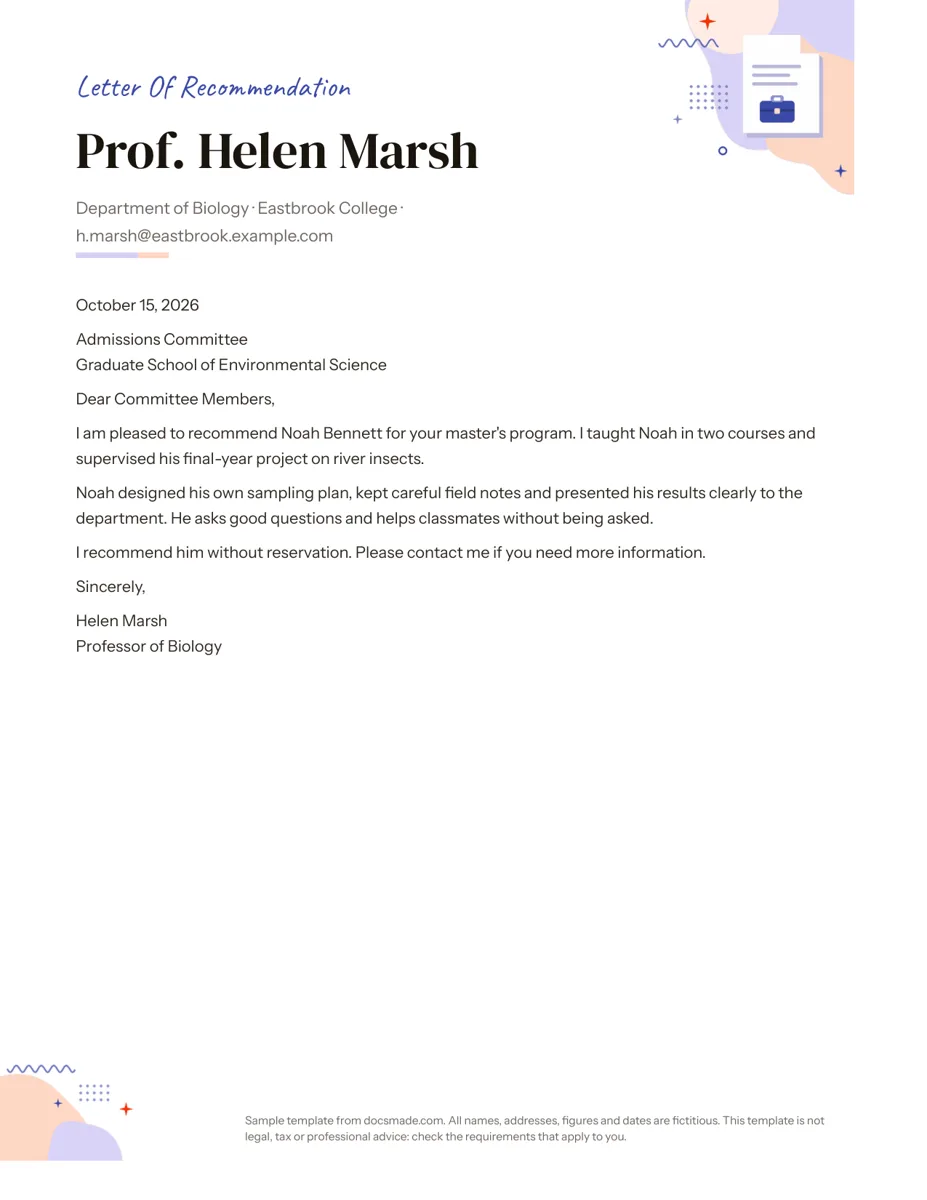 Career Google Docs Letter of Recommendation Template Free recommendation letter template for Google Docs with a complete sample for a graduate program. Real Doc: preview, copy or download .docx/PDF. View template →
-
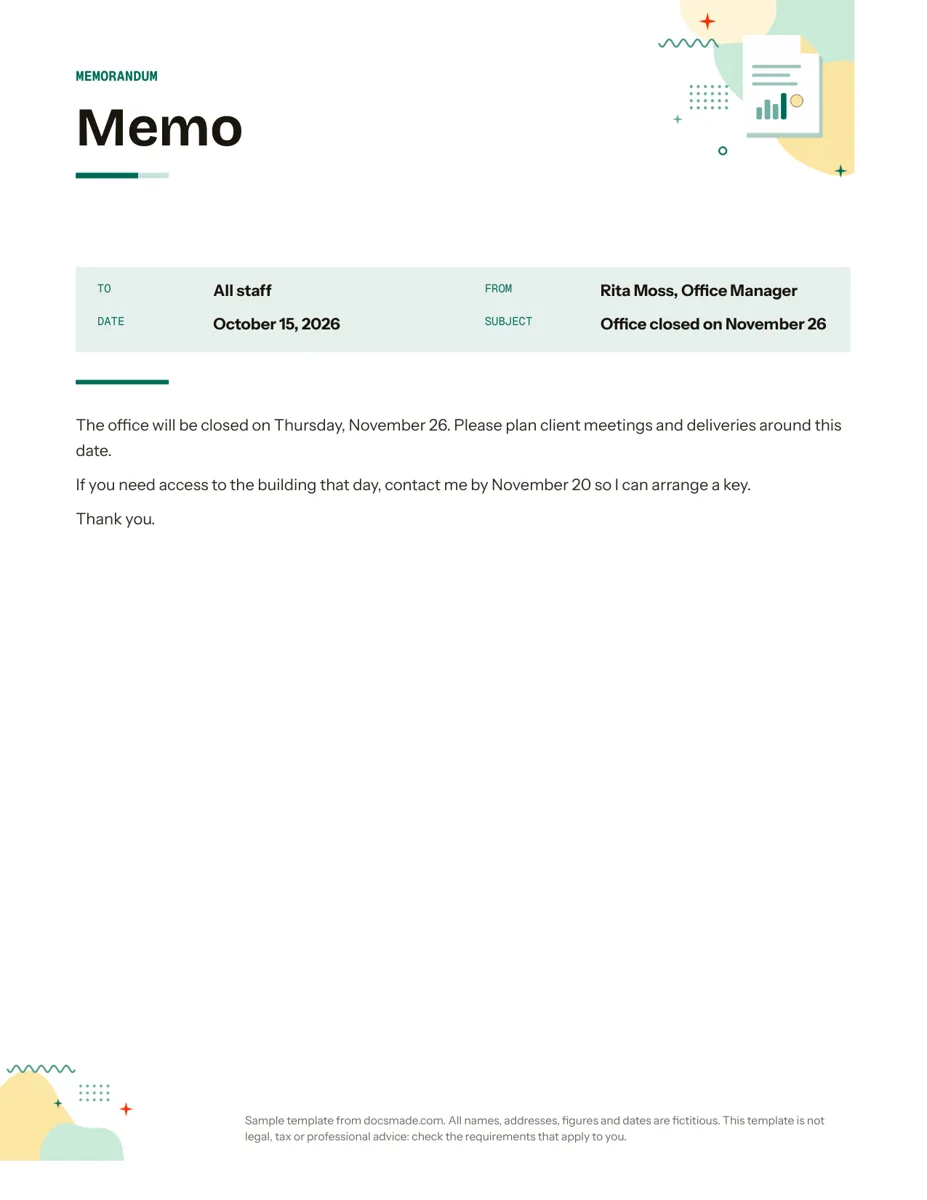 Business & finance Google Docs Memo Template for Office Announcements Free business memo template for Google Docs with To, From, Date and Subject lines. Preview it, make a copy, or download as .docx and PDF. View template →
-
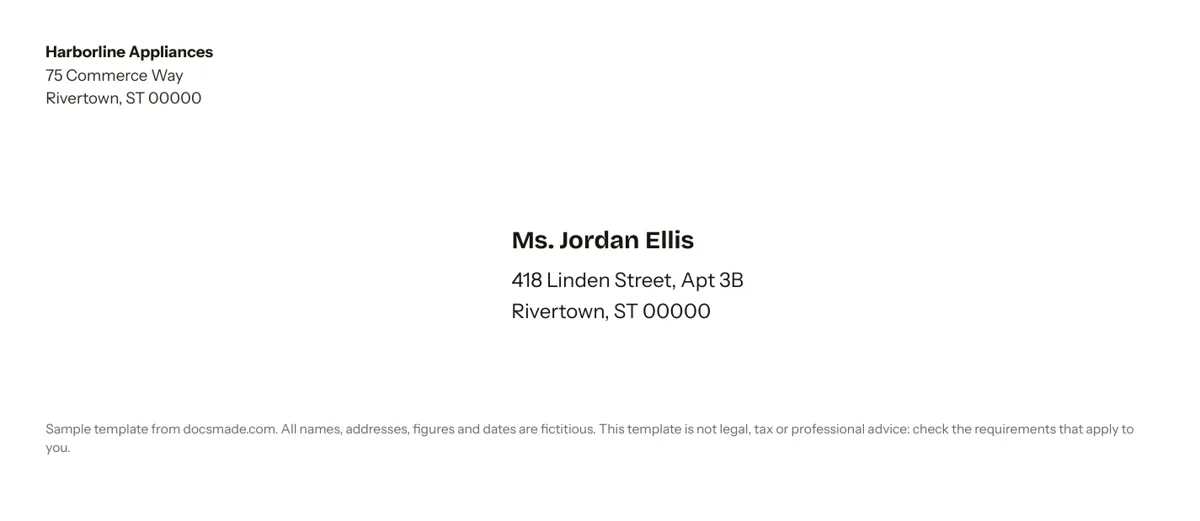 Business & finance Google Docs Envelope Template for #10 Envelopes Free #10 envelope template for Google Docs with return and delivery addresses already placed. Edit, print on an envelope or download .docx and PDF. View template →
-
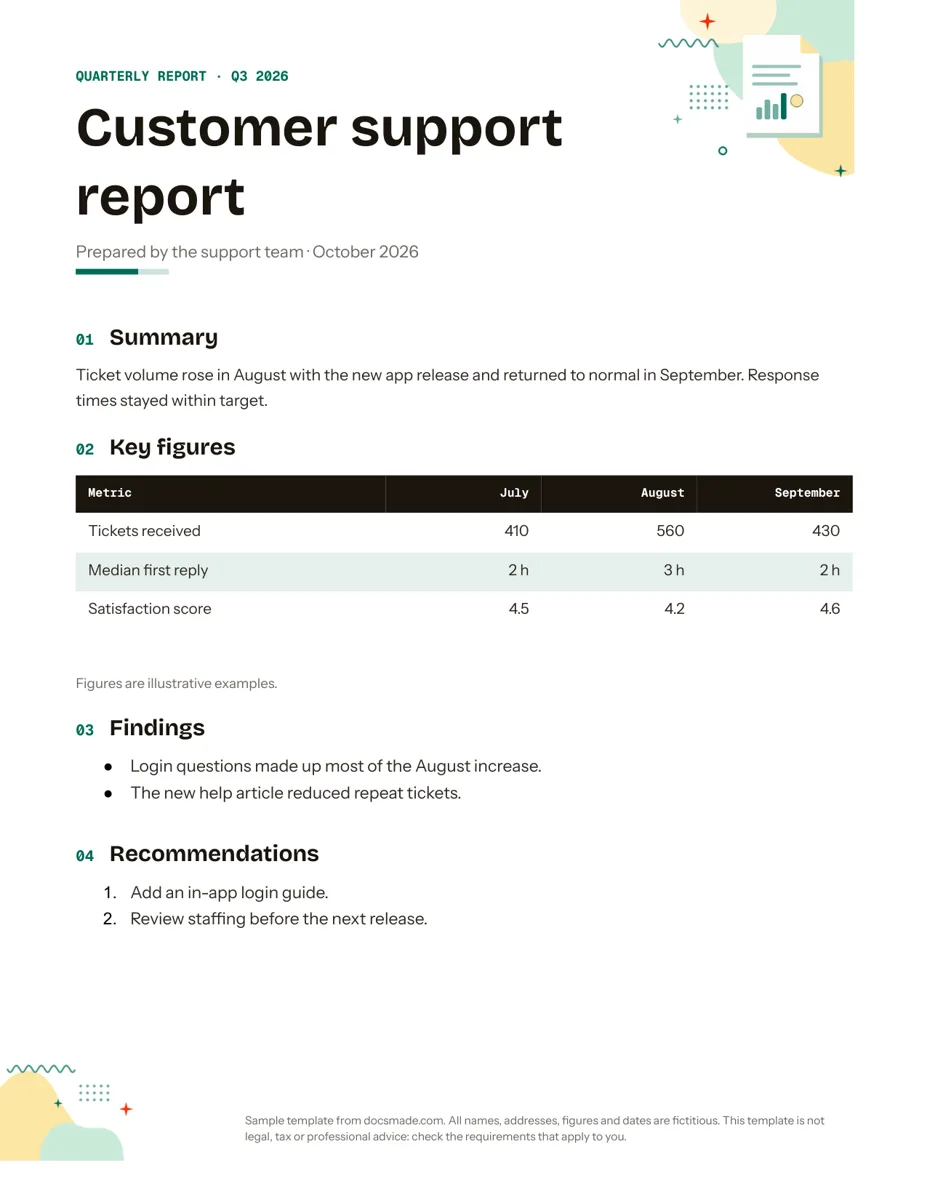 Business & finance Google Docs Report Template for Quarterly and Monthly Reports Free report template for Google Docs: summary, key figures table, findings and recommendations. Real Doc you can preview, copy or get as .docx/PDF. View template →
-
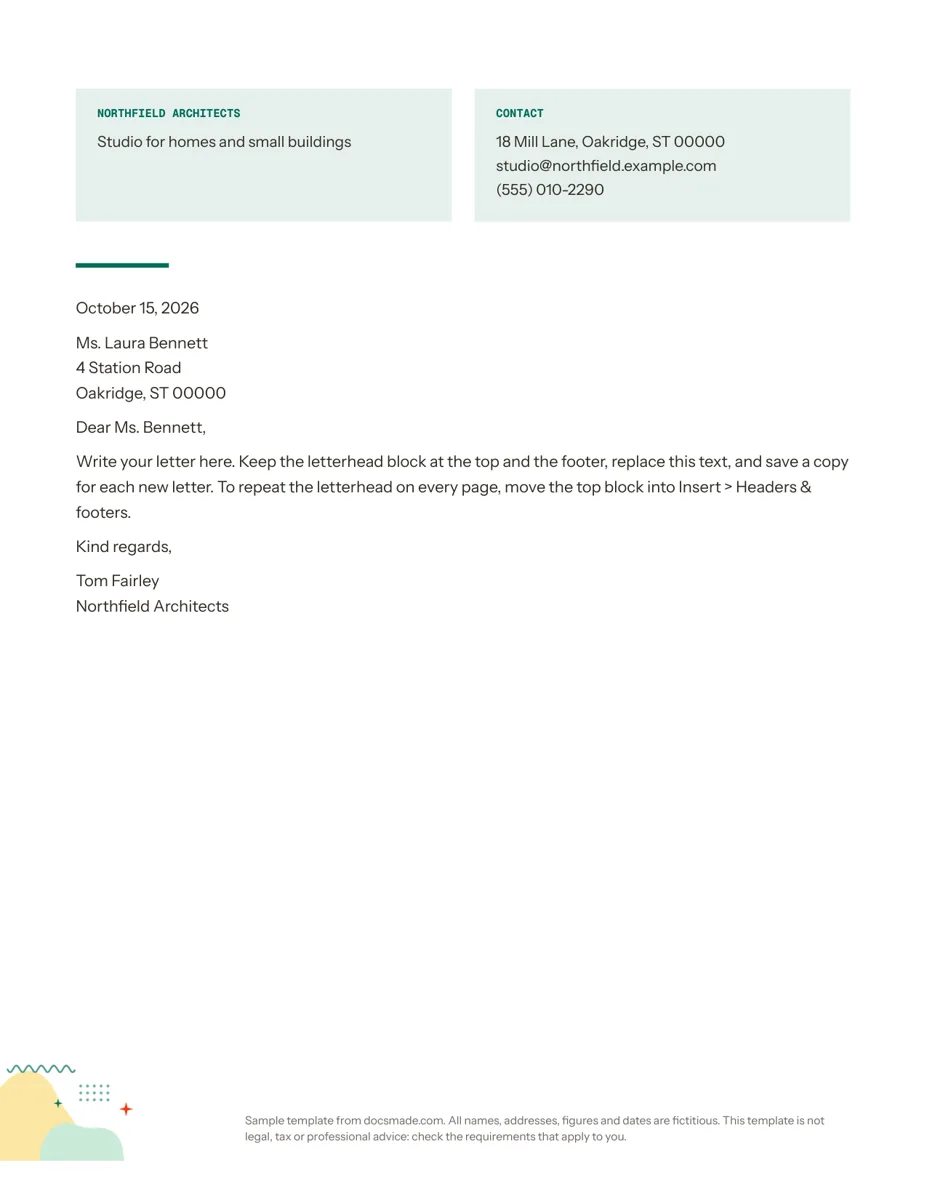 Business & finance Google Docs Letterhead Template for Business Letters Free business letterhead template for Google Docs with company and contact block. Real Doc: preview it, make a copy, or download .docx and PDF. View template →
-
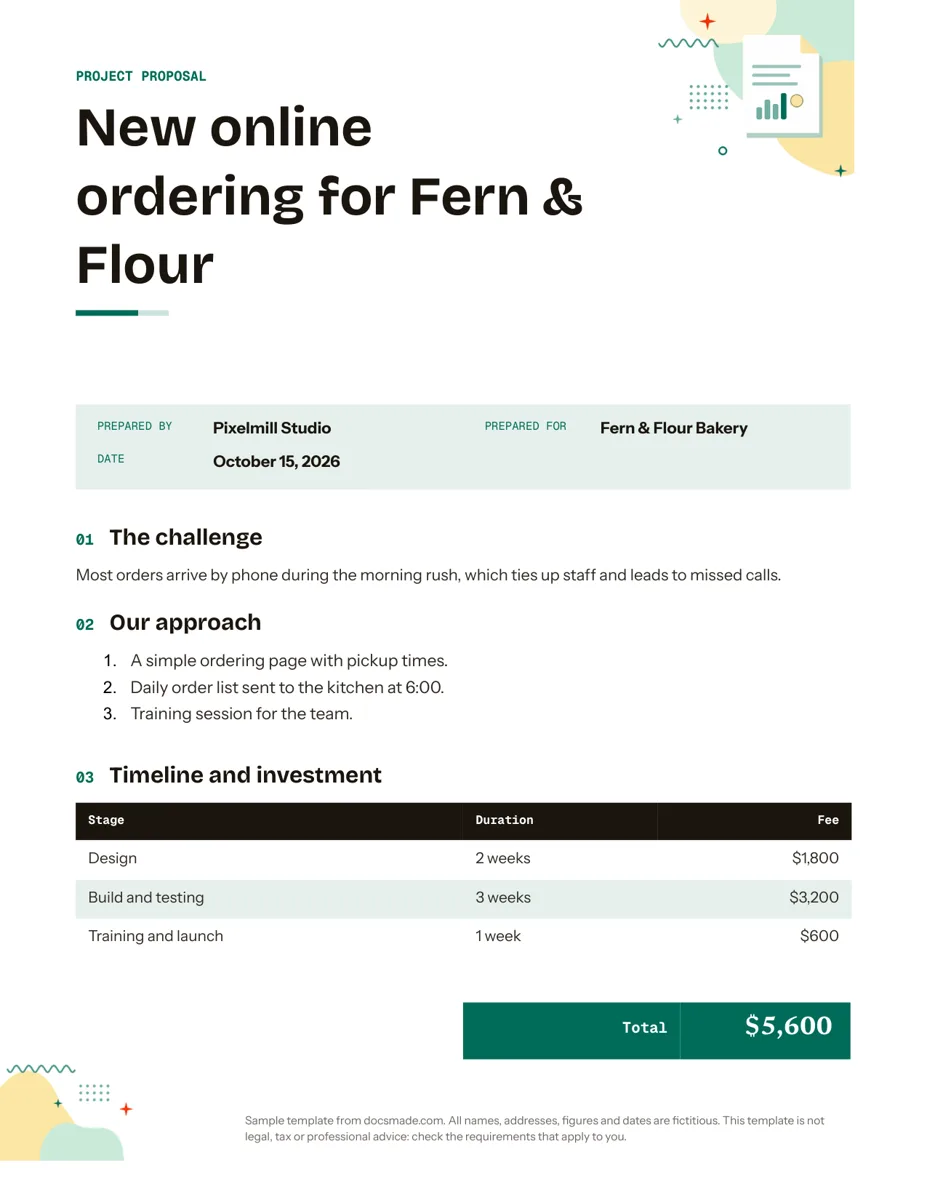 Business & finance Google Docs Proposal Template for Client Projects Free project proposal template for Google Docs: challenge, approach, timeline, fees and next steps. Preview, make a copy, or get .docx and PDF. View template →
-
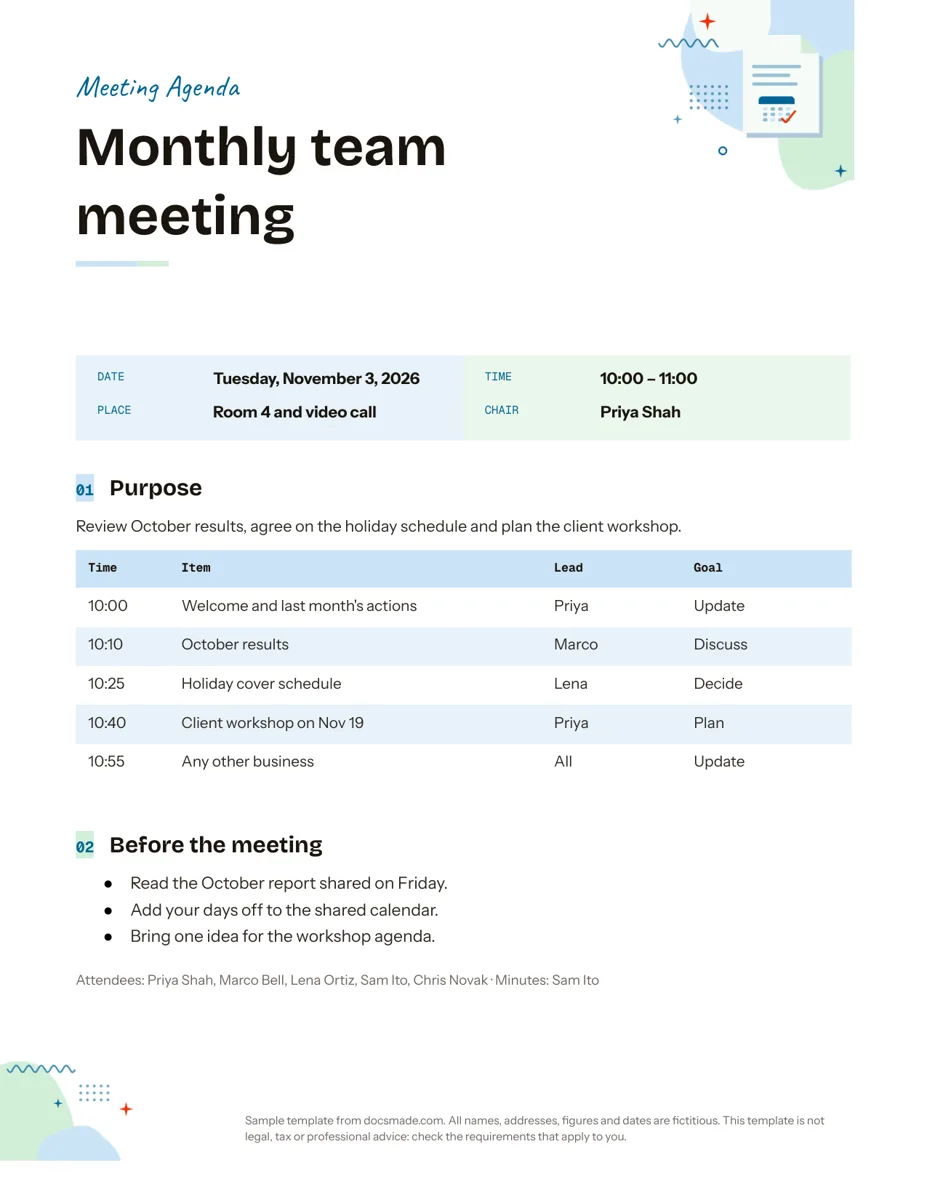 Organization Google Docs Agenda Template for Team Meetings Free Google Docs agenda template for meetings: purpose, timed items with a lead and goal, and prep tasks. Copy it, share it or download .docx and PDF. View template →
-
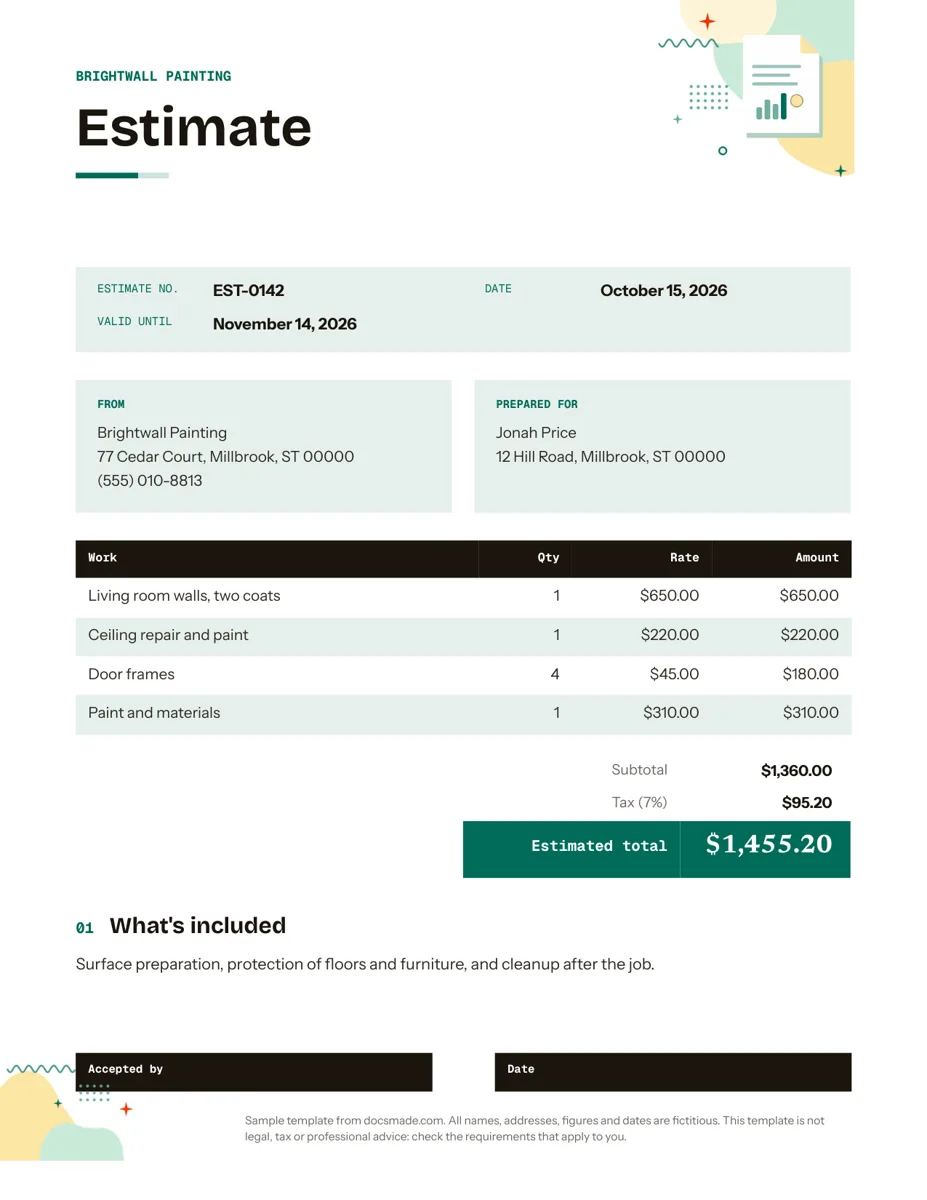 Business & finance Google Docs Estimate Template for Quotes and Jobs Free job estimate template for Google Docs with line items, tax, validity date and a sign-off line. Preview, copy, or download .docx and PDF. View template →
-
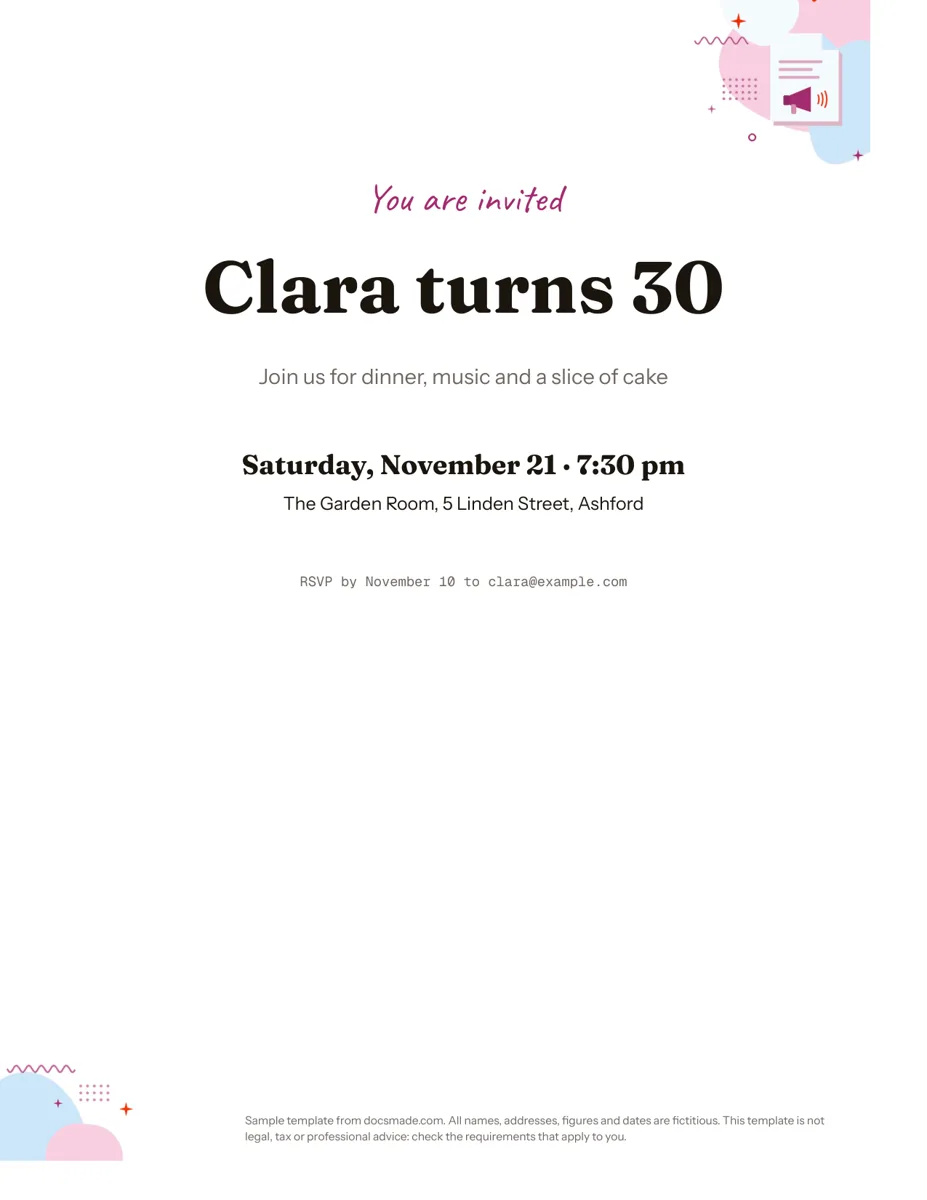 Marketing & print Google Docs Invitation Template: One-Page Party Invite Free invitation template for Google Docs: a one-page party invite you can preview, copy and edit, or download as .docx or PDF. Ready to print. View template →
-
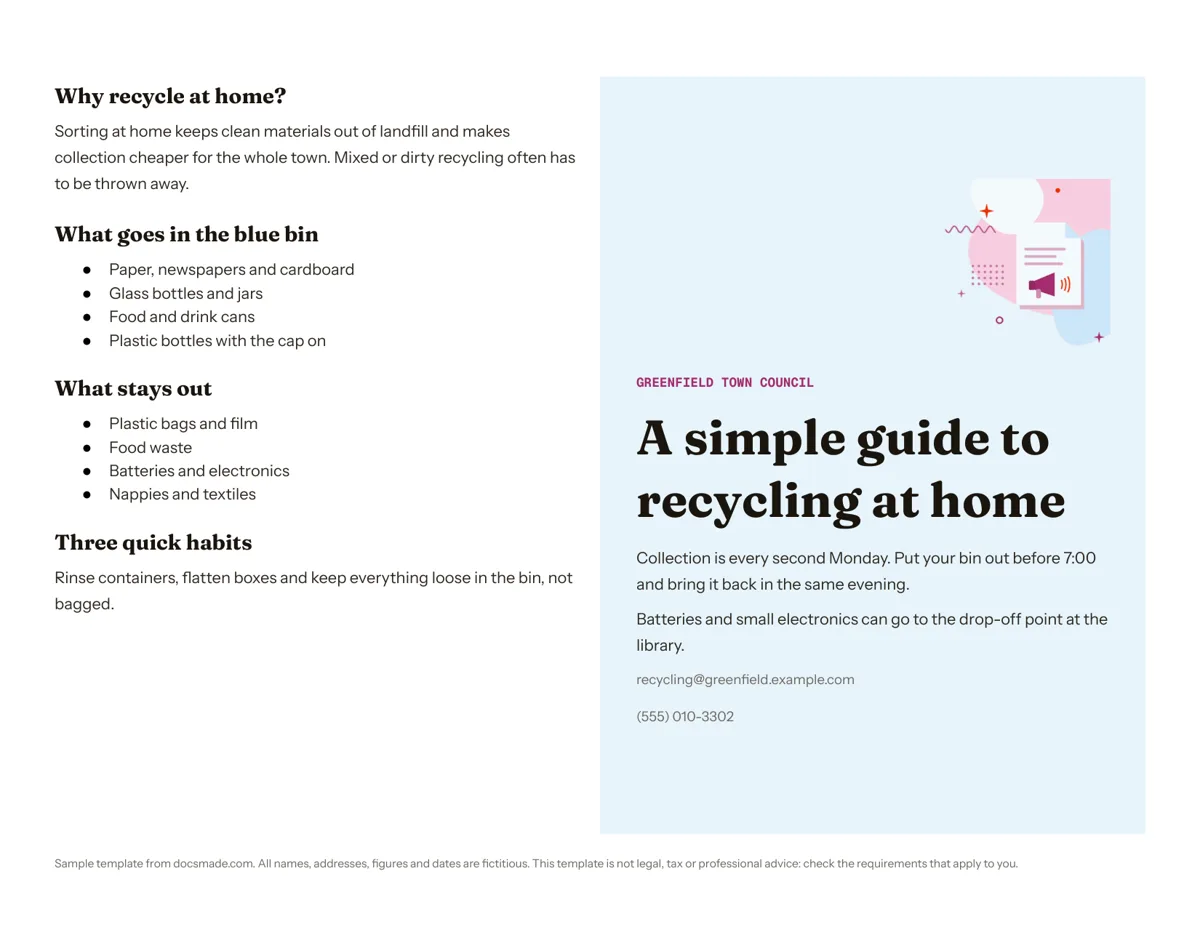 Marketing & print Google Docs Pamphlet Template for Informational Leaflets Free pamphlet template for Google Docs: a folded, two-panel info leaflet as a real Doc. Preview it, make a copy, or download .docx and PDF. View template →
-
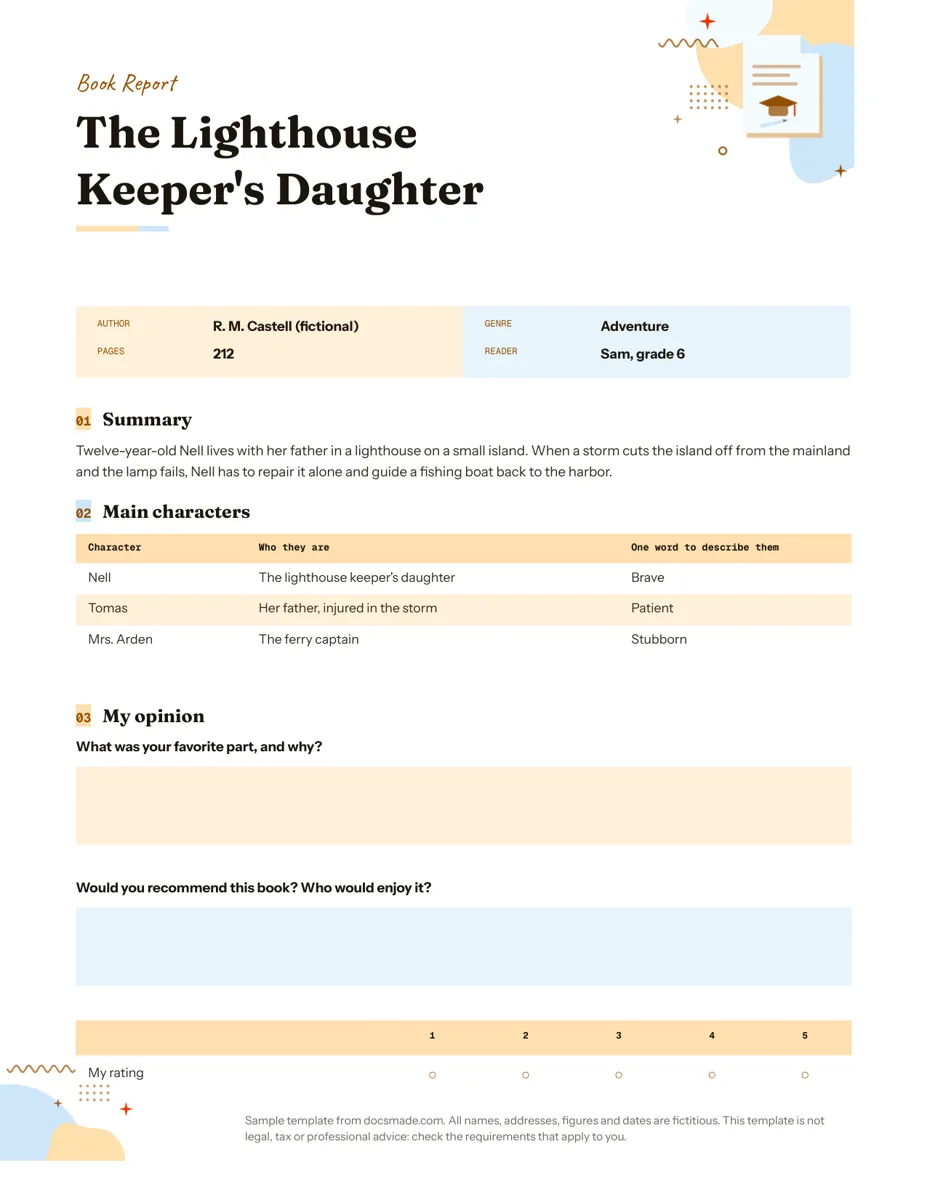 Education Book Report Template for Elementary and Middle School Free printable book report template for grades 4 to 7: summary, characters, opinion and rating. Edit it in Google Docs or download .docx and PDF. View template →
-
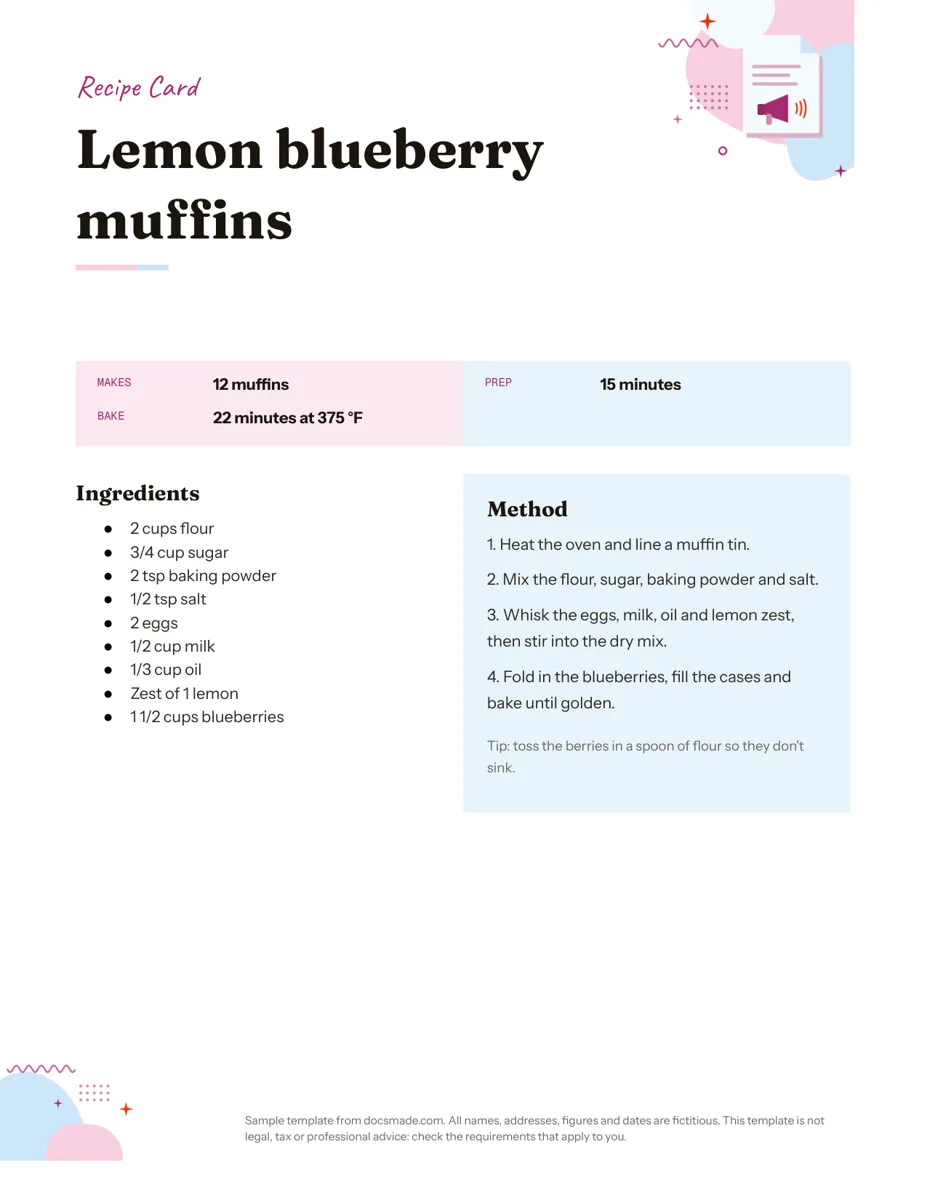 Marketing & print Google Docs Recipe Template: Printable Recipe Card Free recipe card template for Google Docs with ingredients and method side by side. Preview, copy and edit it, or download as .docx or PDF. View template →
-
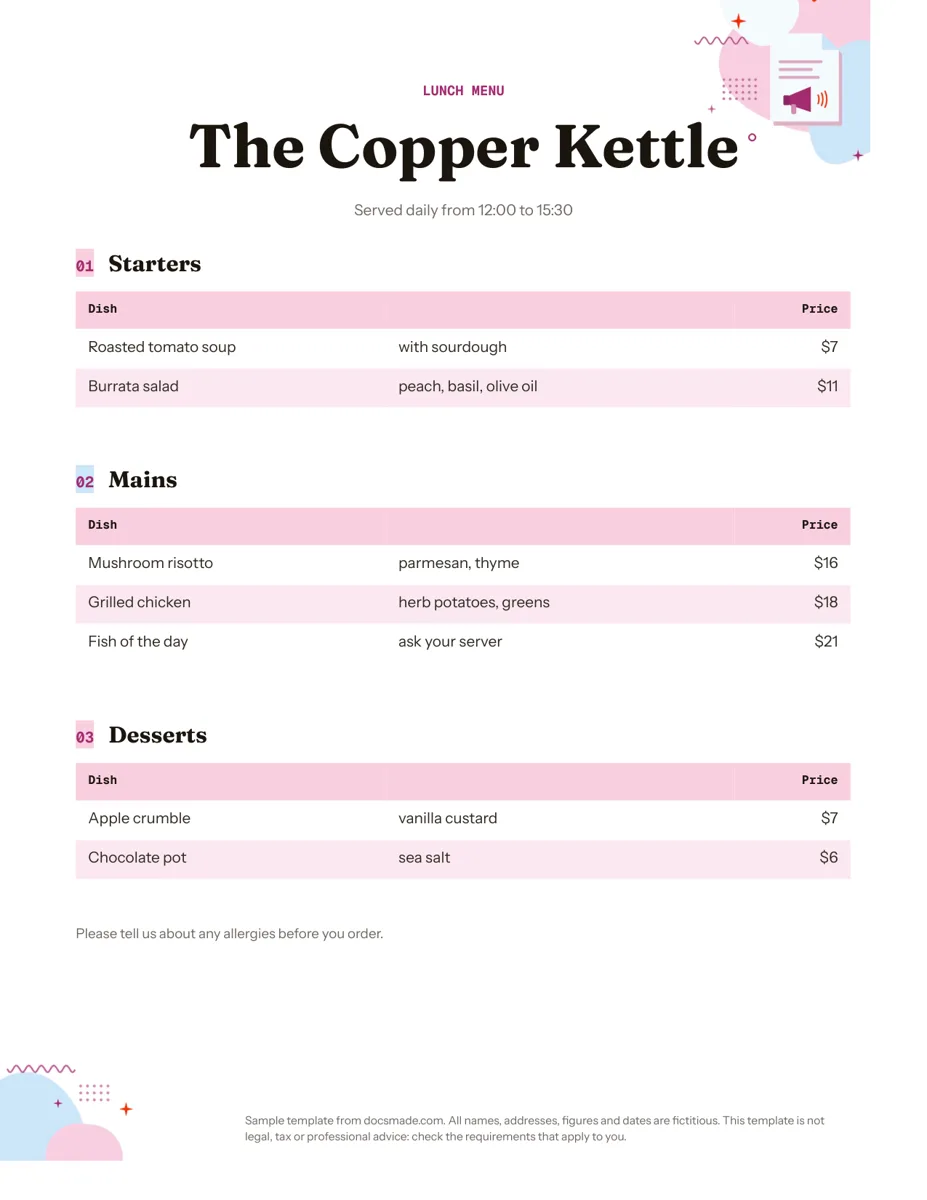 Marketing & print Google Docs Menu Template for Restaurants and Cafes Free restaurant menu template for Google Docs: starters, mains and desserts with prices. Preview it, make a copy, or download .docx or PDF. View template →
-
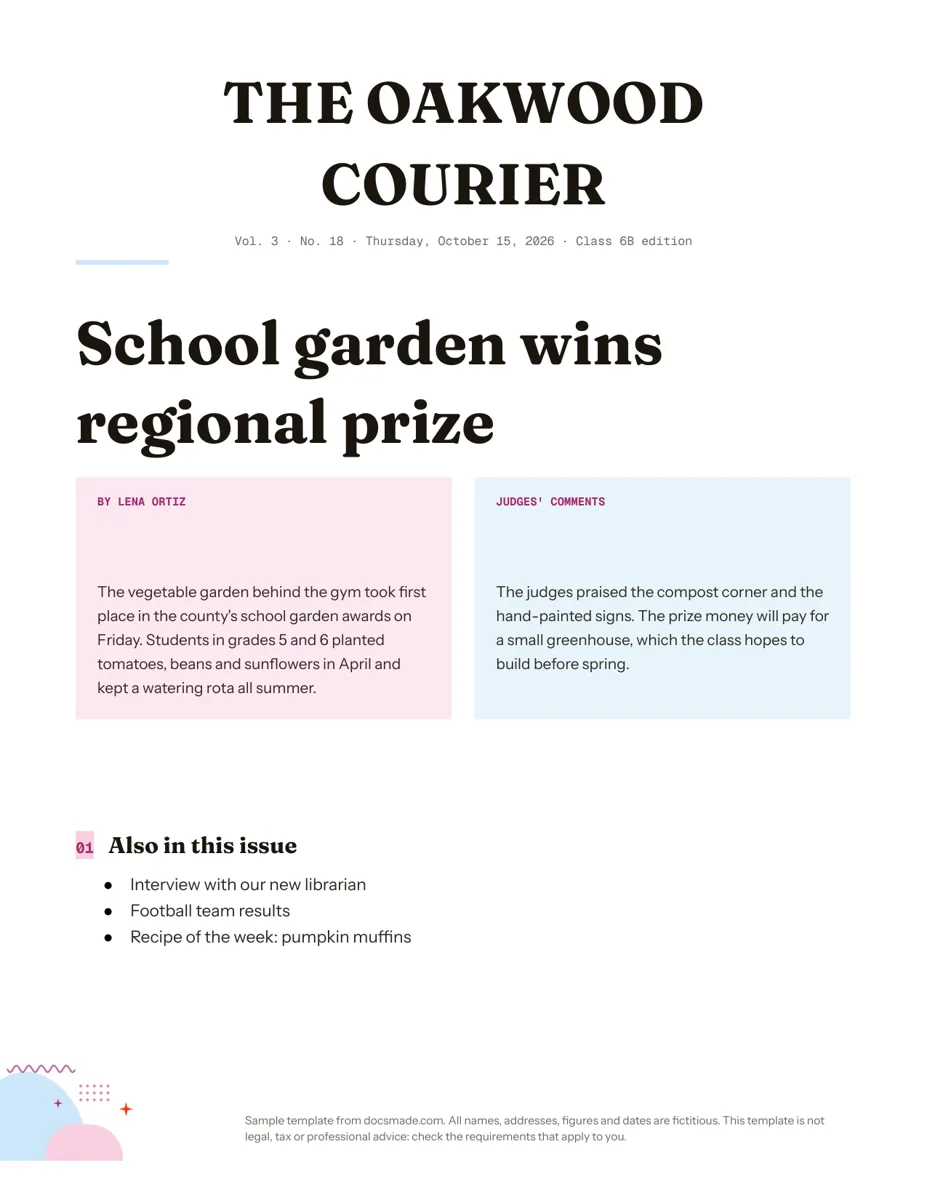 Marketing & print Google Docs Newspaper Template for Class and School Papers Free newspaper template for Google Docs: masthead, headline and two-column story. A real Doc to preview, copy, or download as .docx or PDF. View template →
-
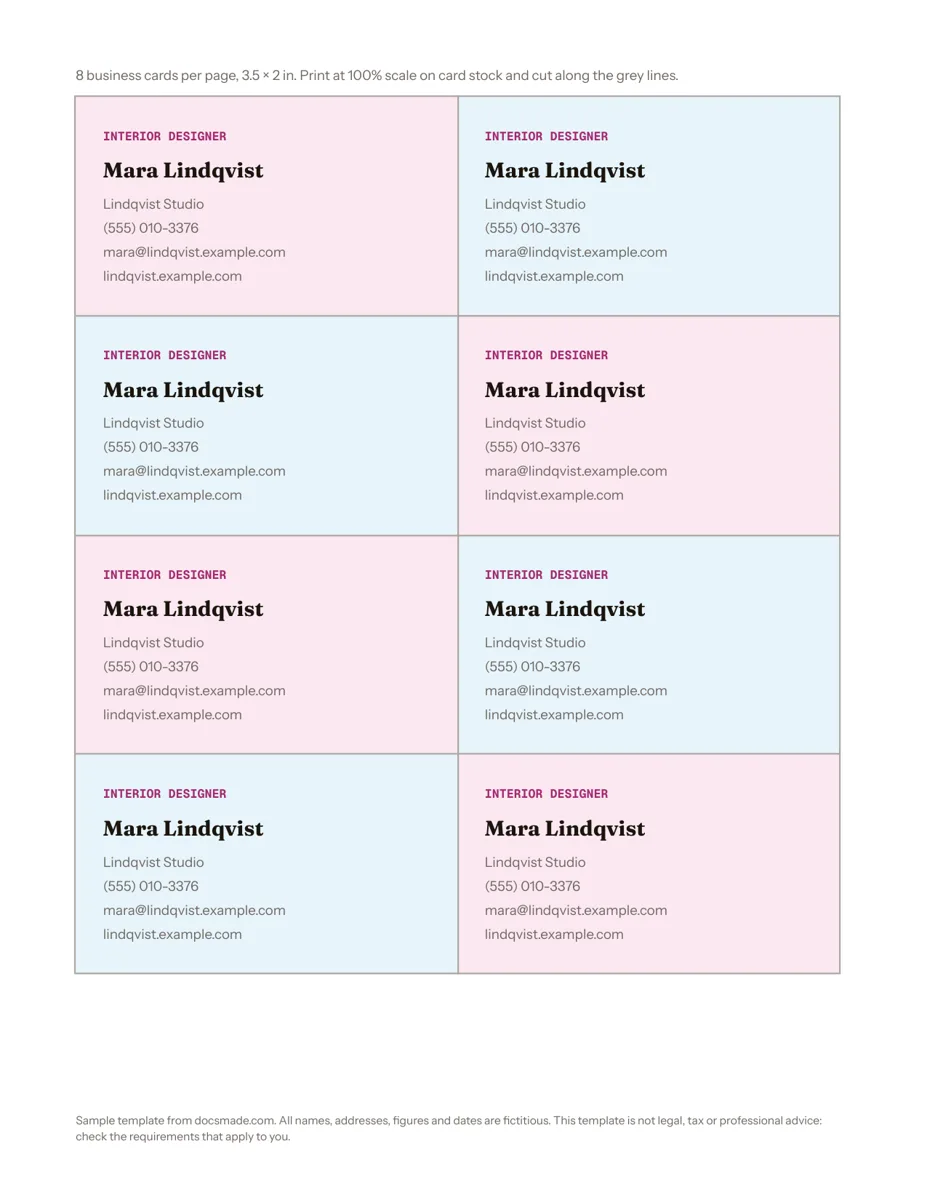 Marketing & print Google Docs Business Card Template: 8 Cards per Page Free business card template for Google Docs: eight 3.5 x 2 in cards on one Letter page with cut lines. Edit once, print on card stock, download .docx/PDF. View template →
-
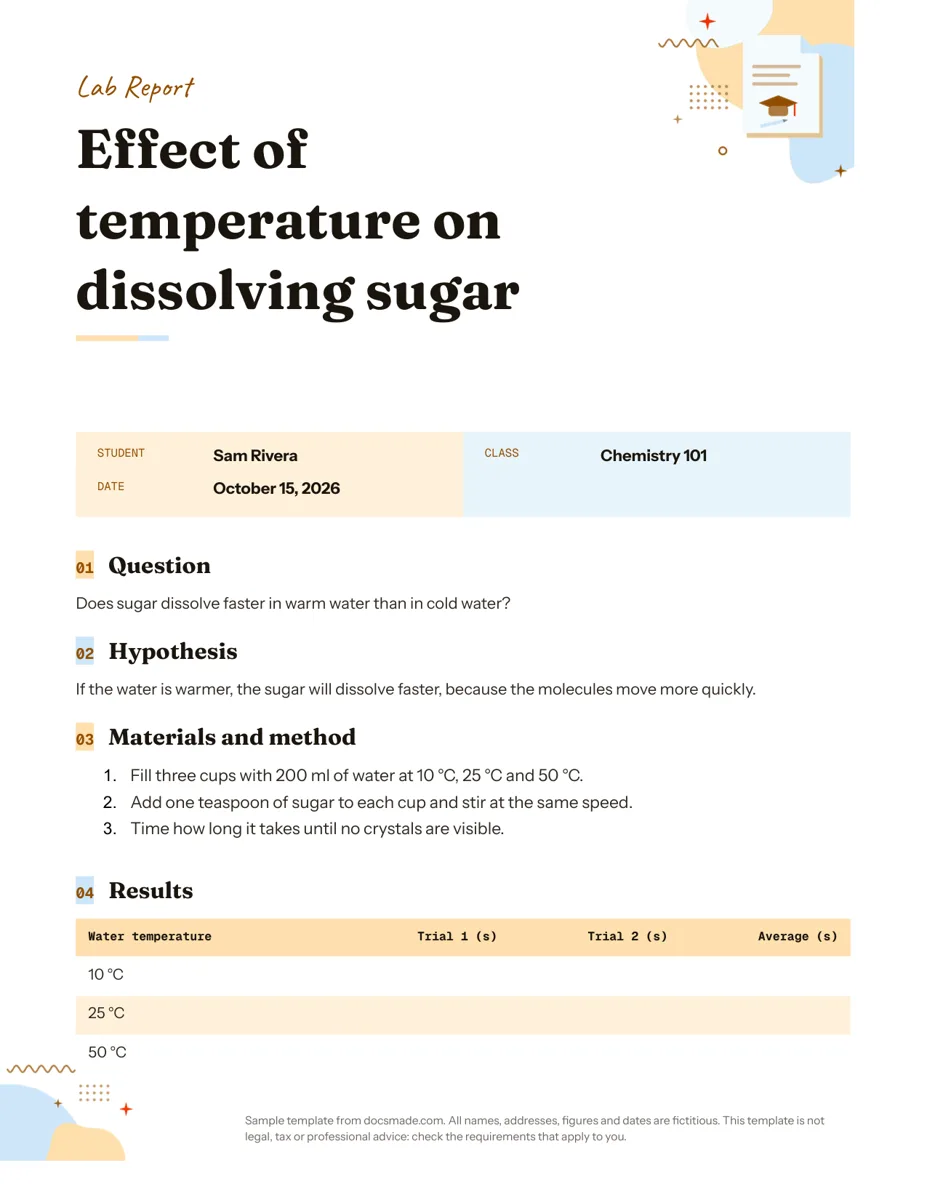 Education Google Docs Lab Report Template for Science Classes Free lab report template for Google Docs: question, hypothesis, method, results table and conclusion. Preview it, copy it, or get .docx and PDF. View template →
-
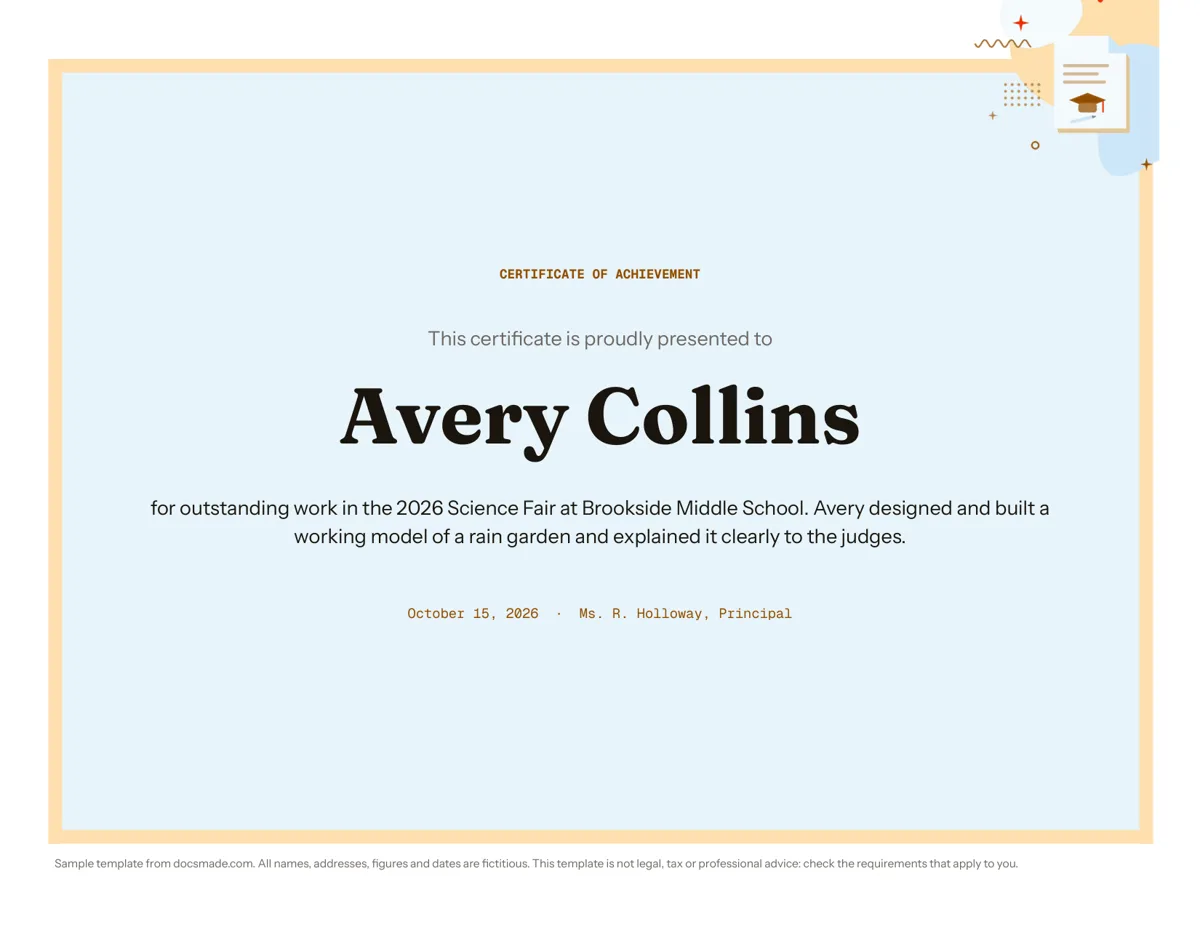 Education Certificate Template for Google Docs: Certificate of Achievement Free award certificate template for Google Docs: a framed landscape certificate of achievement. Preview, copy and edit, or download .docx or PDF. View template →
-
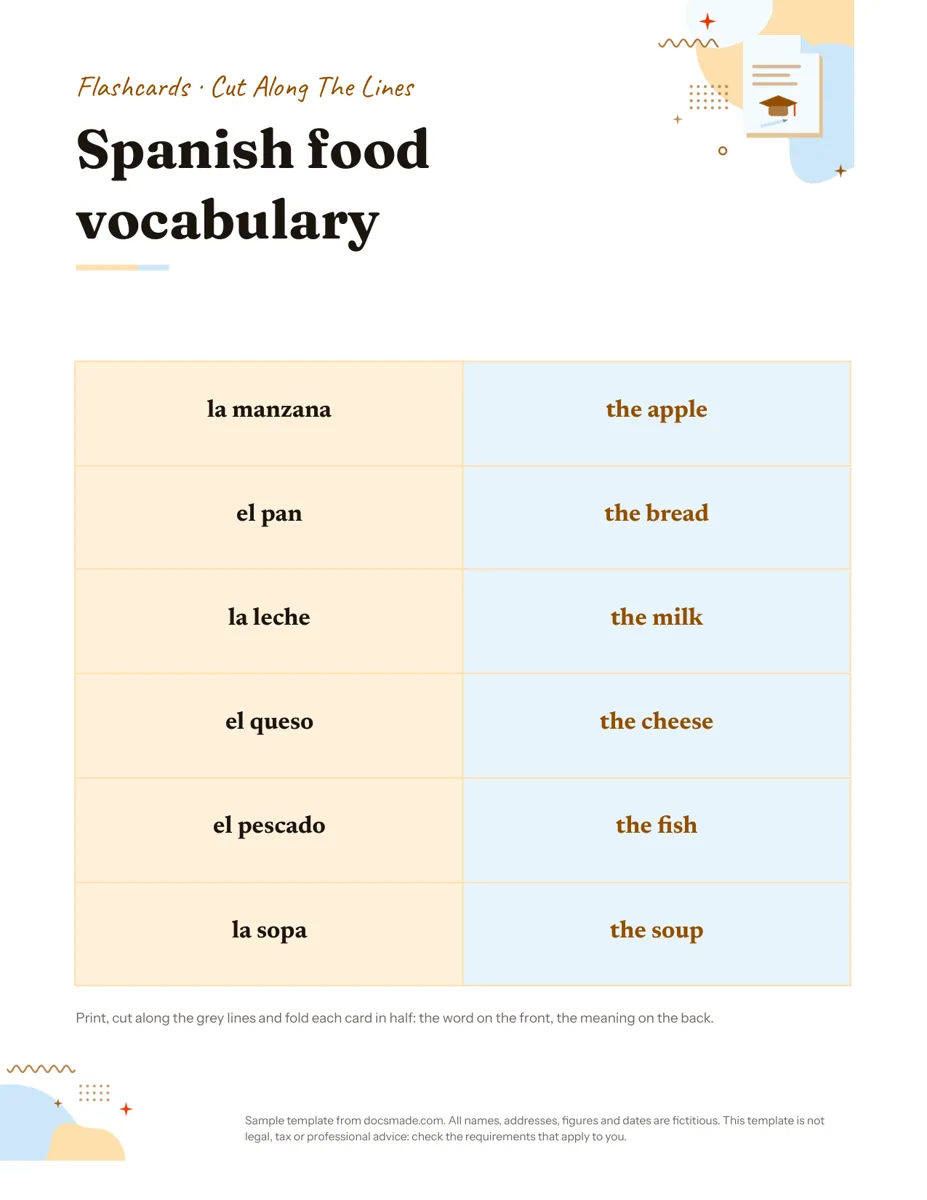 Education Google Docs Flashcard Template: Printable Cut-and-Fold Cards Printable flashcard template for Google Docs: a cut-and-fold grid with the word on the front and meaning on the back. Copy it, or get .docx or PDF. View template →
-
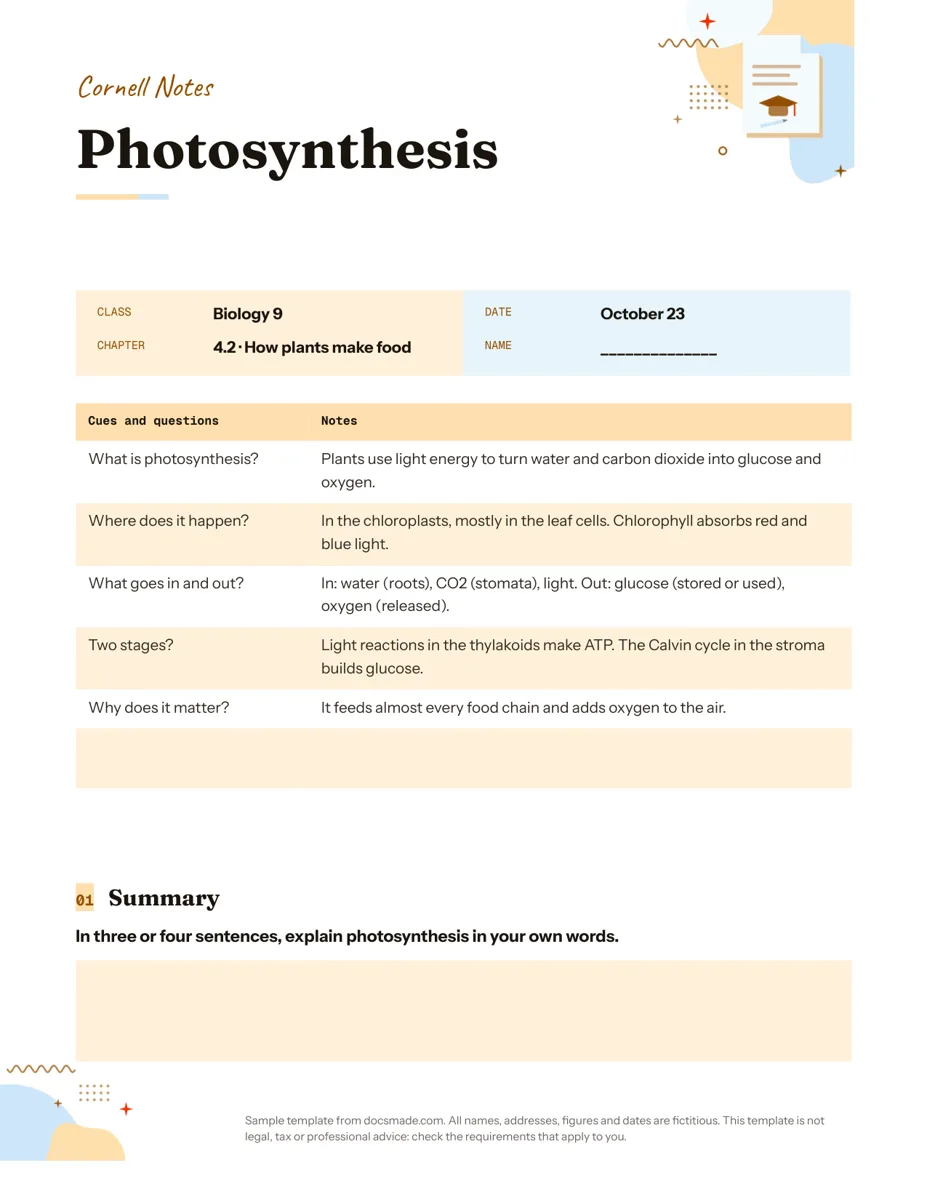 Education Google Docs Cornell Notes Template with a Filled Example Free Cornell notes template for Google Docs: cue column, notes column and summary box, with a filled biology example. Copy it or print the PDF. View template →
-
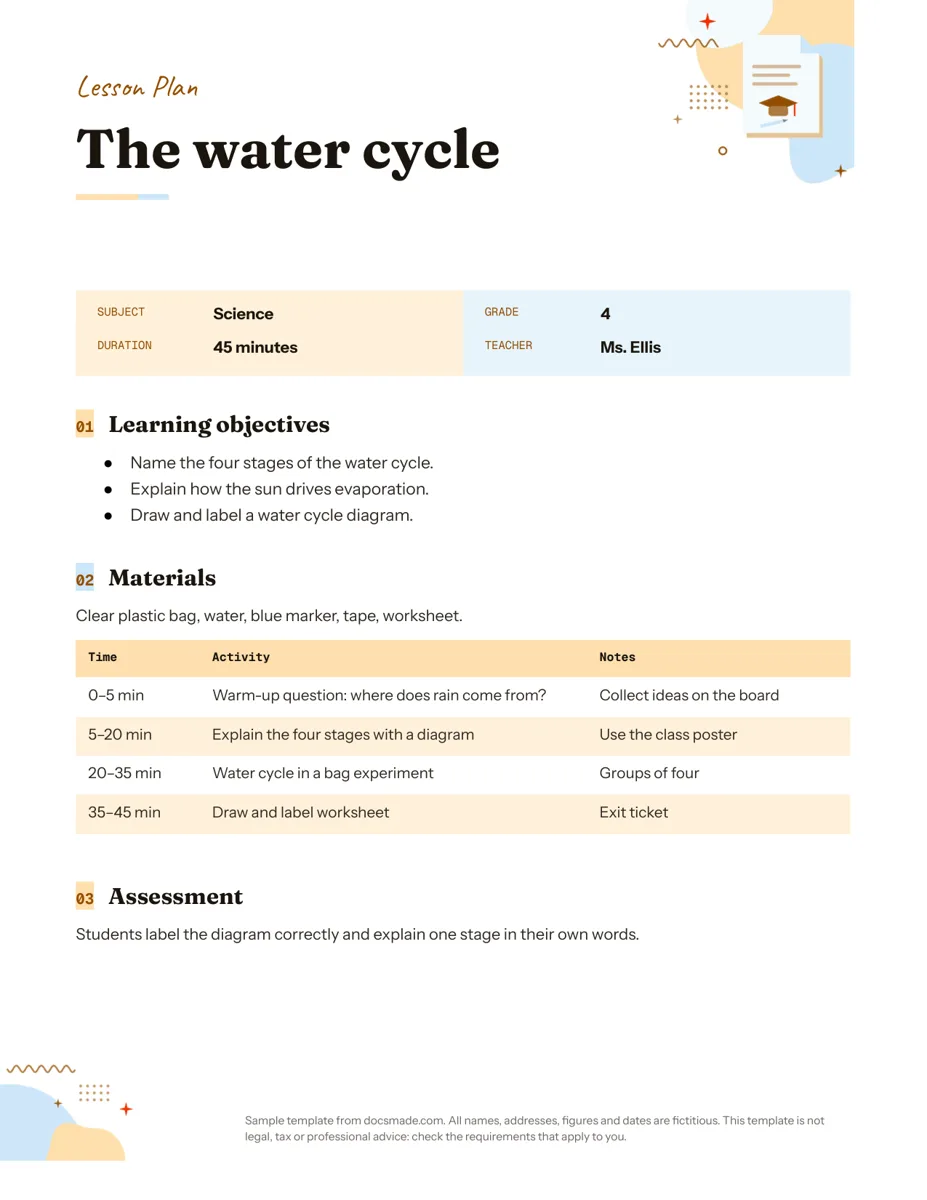 Education Google Docs Lesson Plan Template for a Single Lesson Simple lesson plan template for Google Docs: objectives, materials, timed activities and assessment. Preview, copy, or download as .docx or PDF. View template →
-
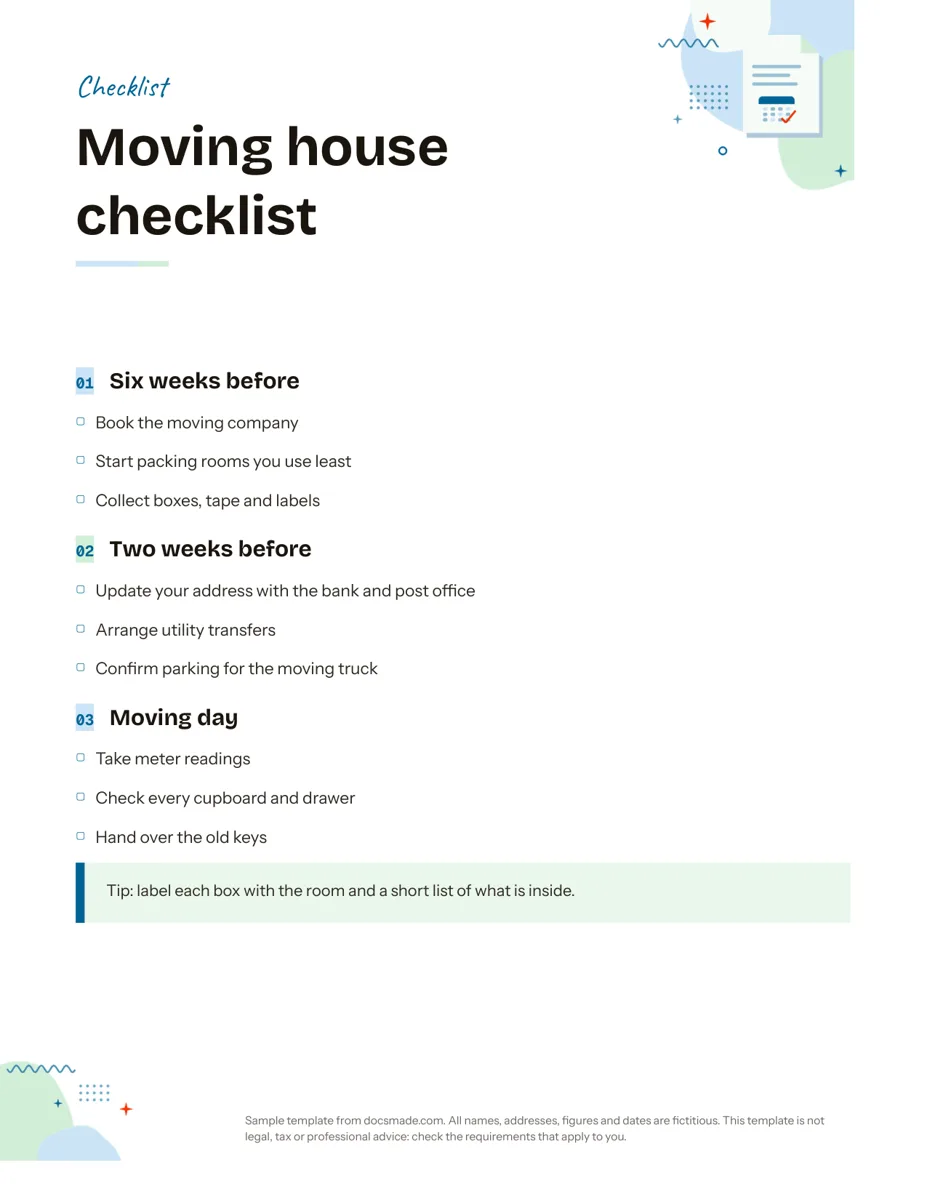 Organization Google Docs Checklist Template, Printable and Editable Free printable checklist template for Google Docs, grouped by stage with tick boxes and a tip box. Preview it, copy it, or download .docx and PDF. View template →
-
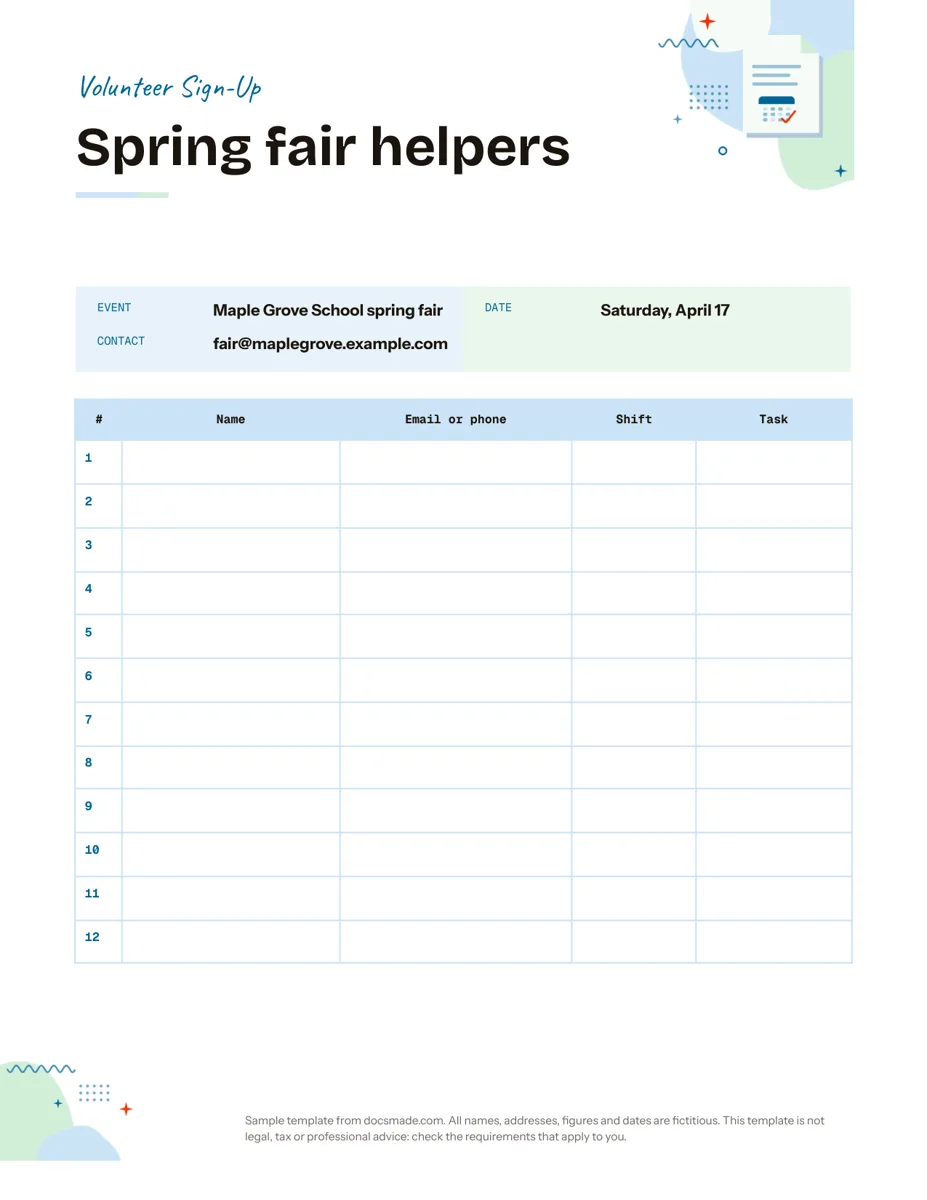 Organization Google Docs Sign Up Sheet Template for Volunteers and Events Free volunteer sign up sheet template for Google Docs with name, contact, shift and task columns. Preview it, copy it, or print the PDF. View template →
-
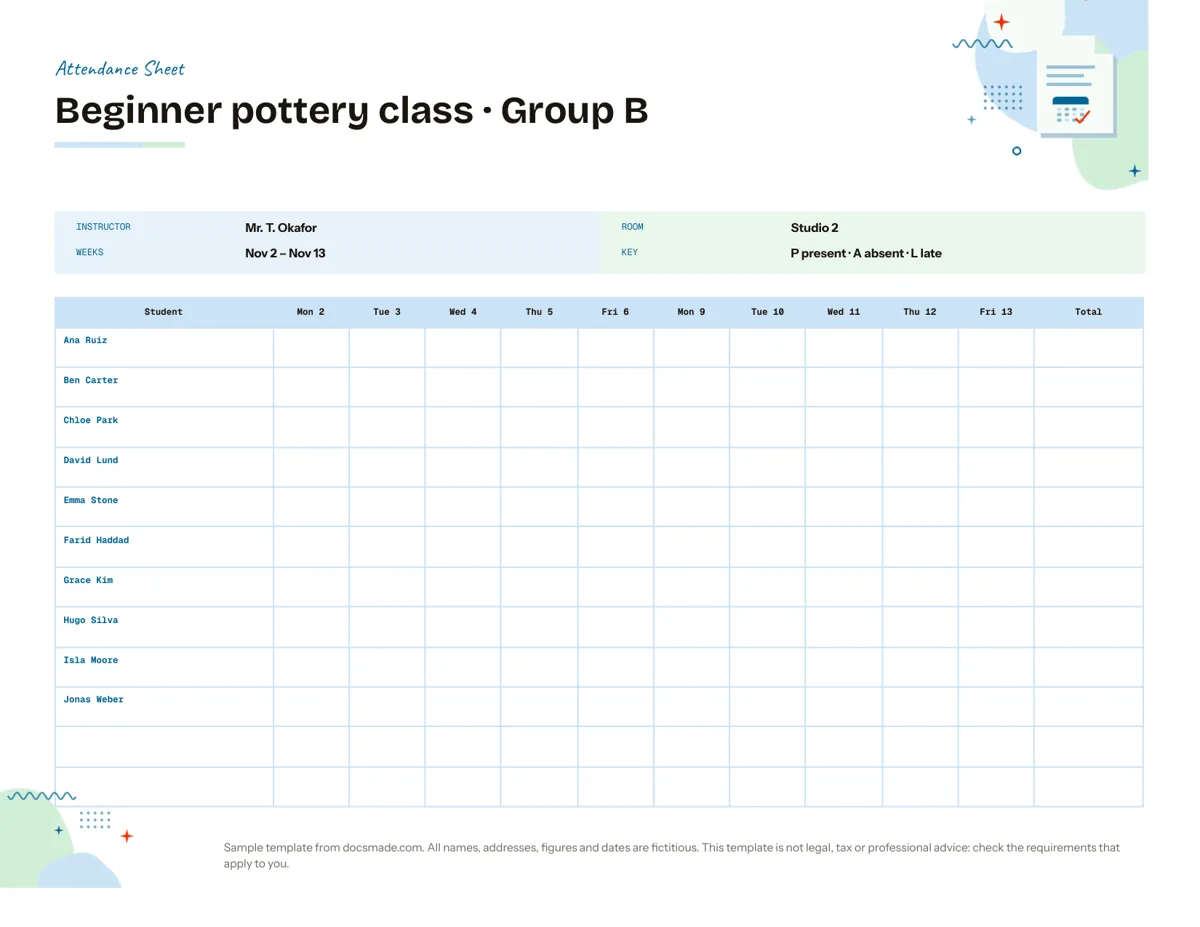 Organization Attendance Sheet Template for Classes and Courses Free printable attendance sheet template: a two-week class register with dates, P/A/L codes and totals. Edit it in Google Docs or download .docx and PDF. View template →
-
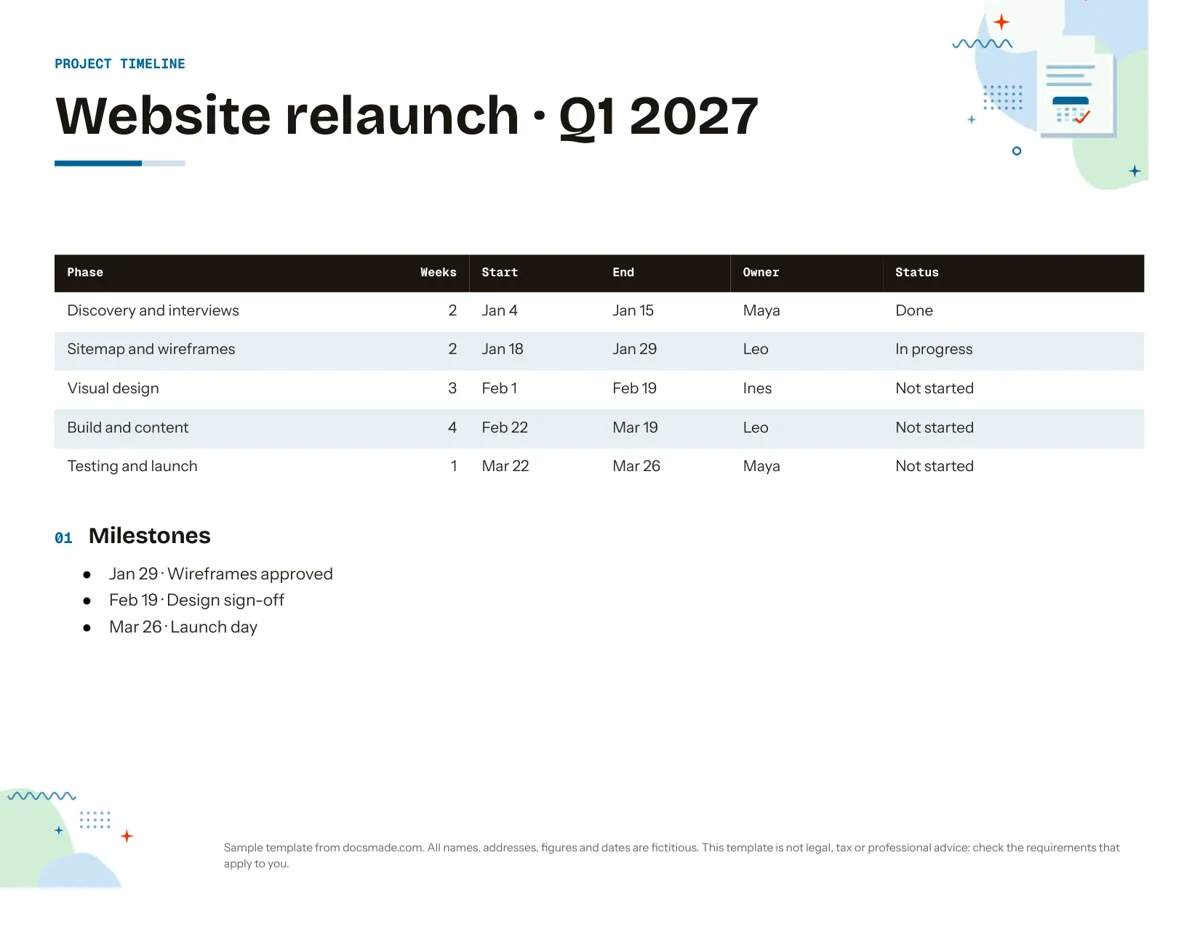 Organization Google Docs Timeline Template for Project Planning Free project timeline template for Google Docs: phases, dates, owners, status and milestones. Preview it, make a copy, or download .docx and PDF. View template →
-
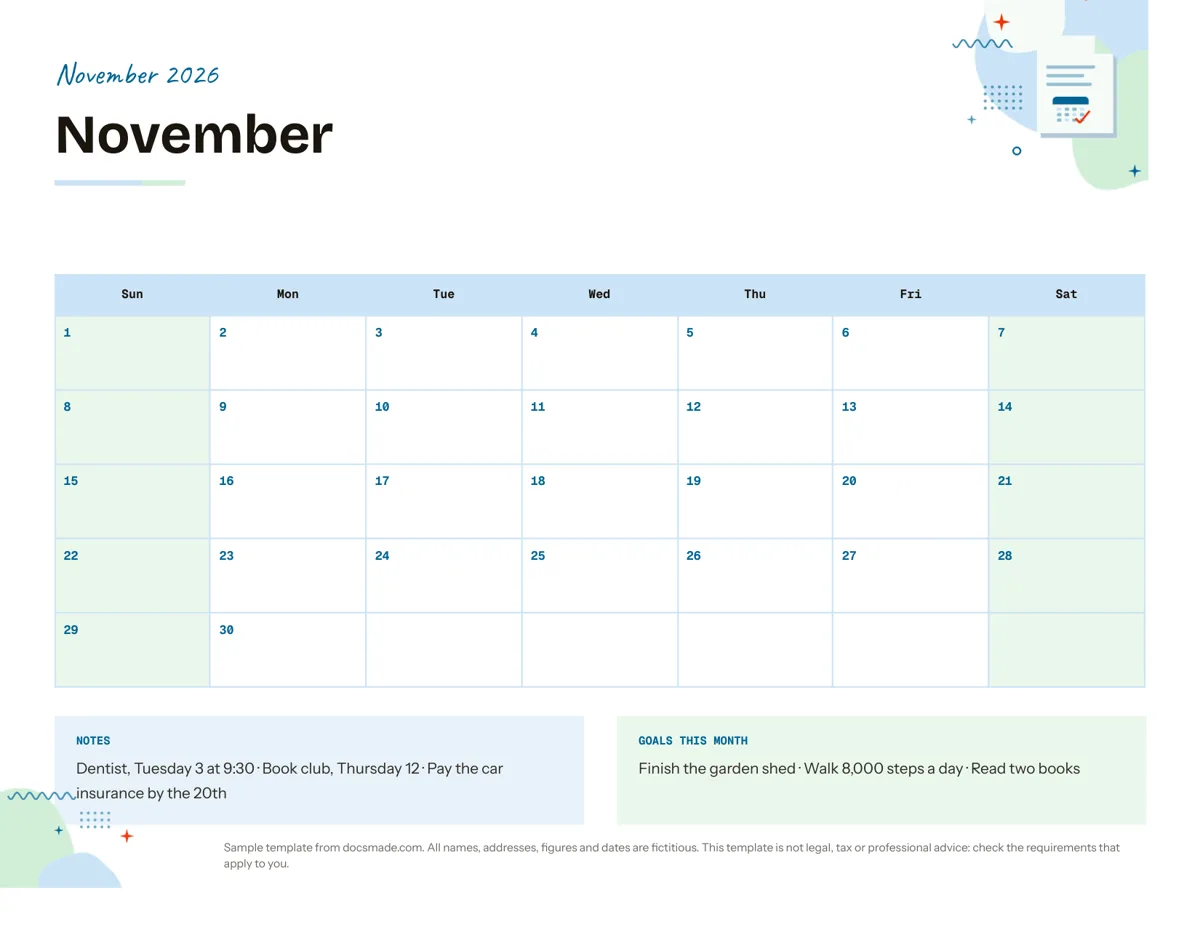 Organization Google Docs Calendar Template: Printable Monthly Planner Free monthly calendar template for Google Docs: a landscape grid with notes and monthly goals. Preview it, make a copy, or get .docx and PDF. View template →
-
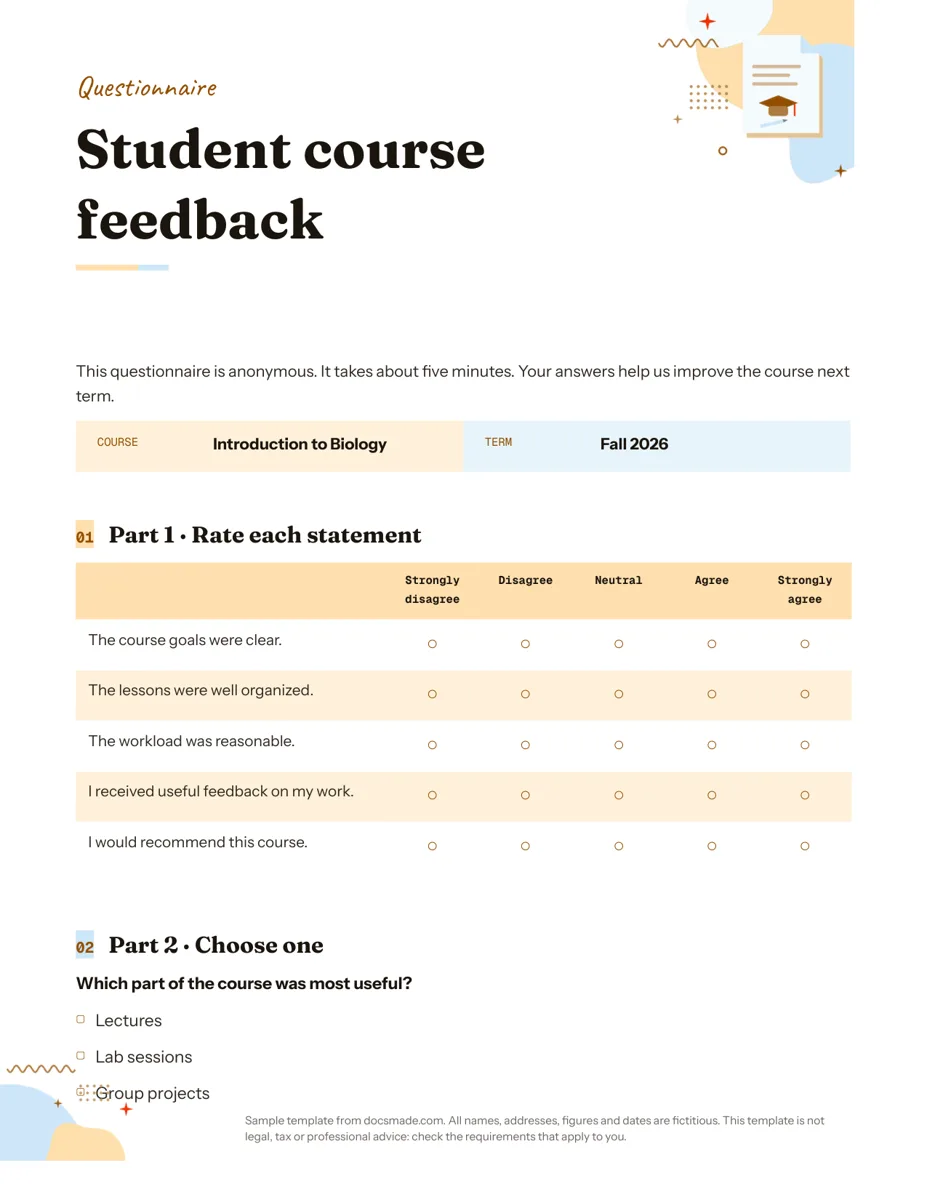 Education Google Docs Questionnaire Template for Printable Feedback Printable survey template for Google Docs with rating scale, multiple choice and open questions. Preview, copy, or download as .docx or PDF. View template →
-
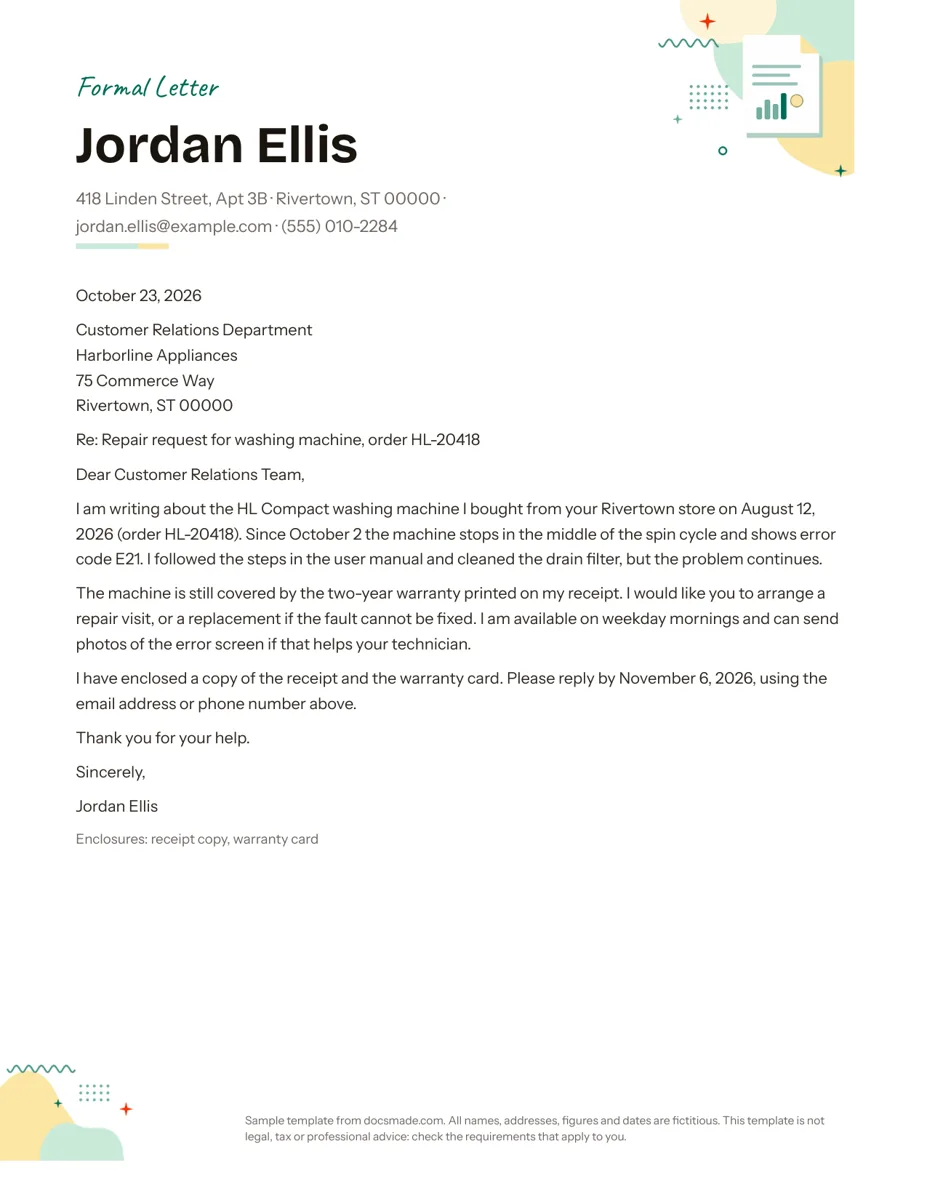 Business & finance Google Docs Letter Template: Formal Letter with a Worked Example Free formal letter template for Google Docs with a complete worked example in block format. Preview it, copy it to your Drive or download .docx and PDF. View template →
-
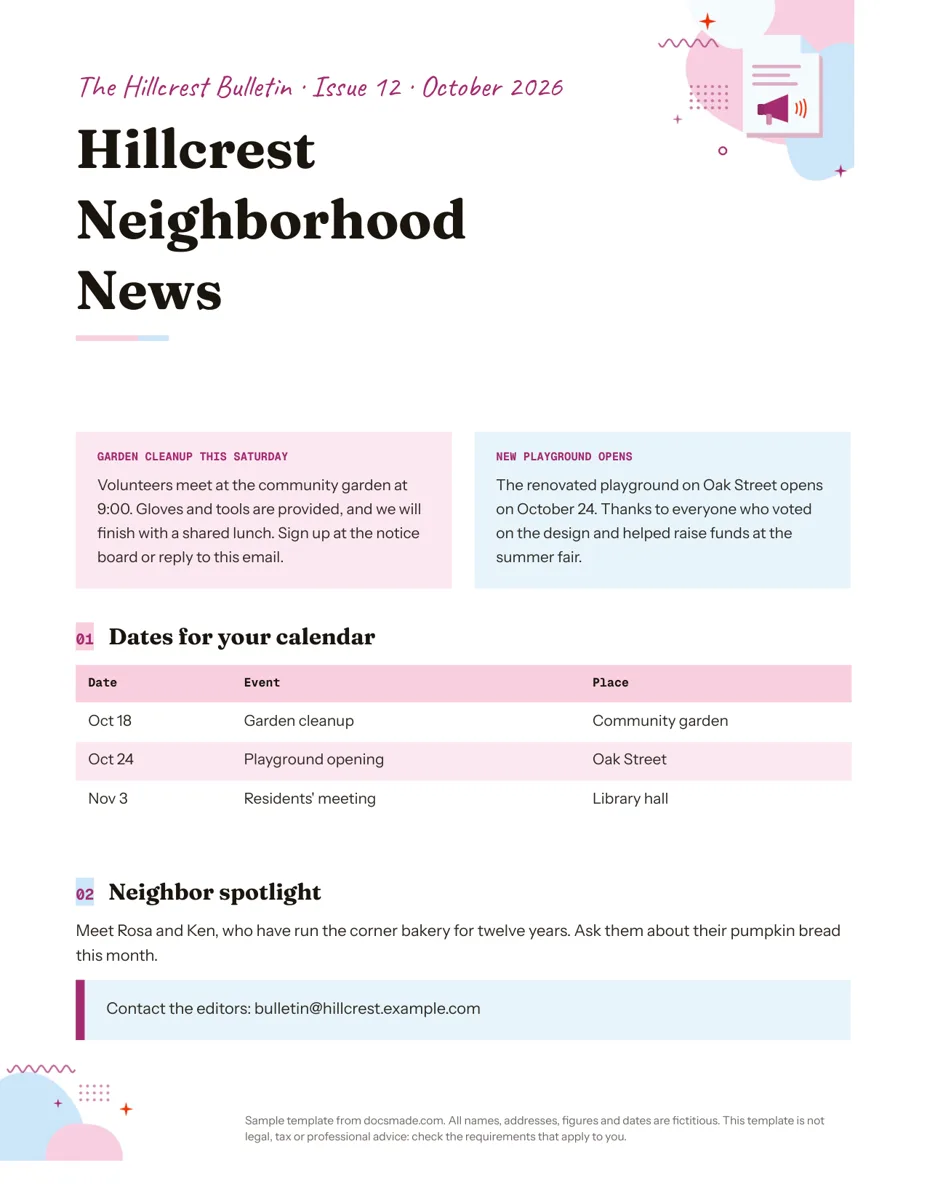 Marketing & print Google Docs Newsletter Template for Community and School News Free newsletter template for Google Docs: one page with two stories, a dates table and a spotlight. Preview, copy, or download .docx or PDF. View template →
-
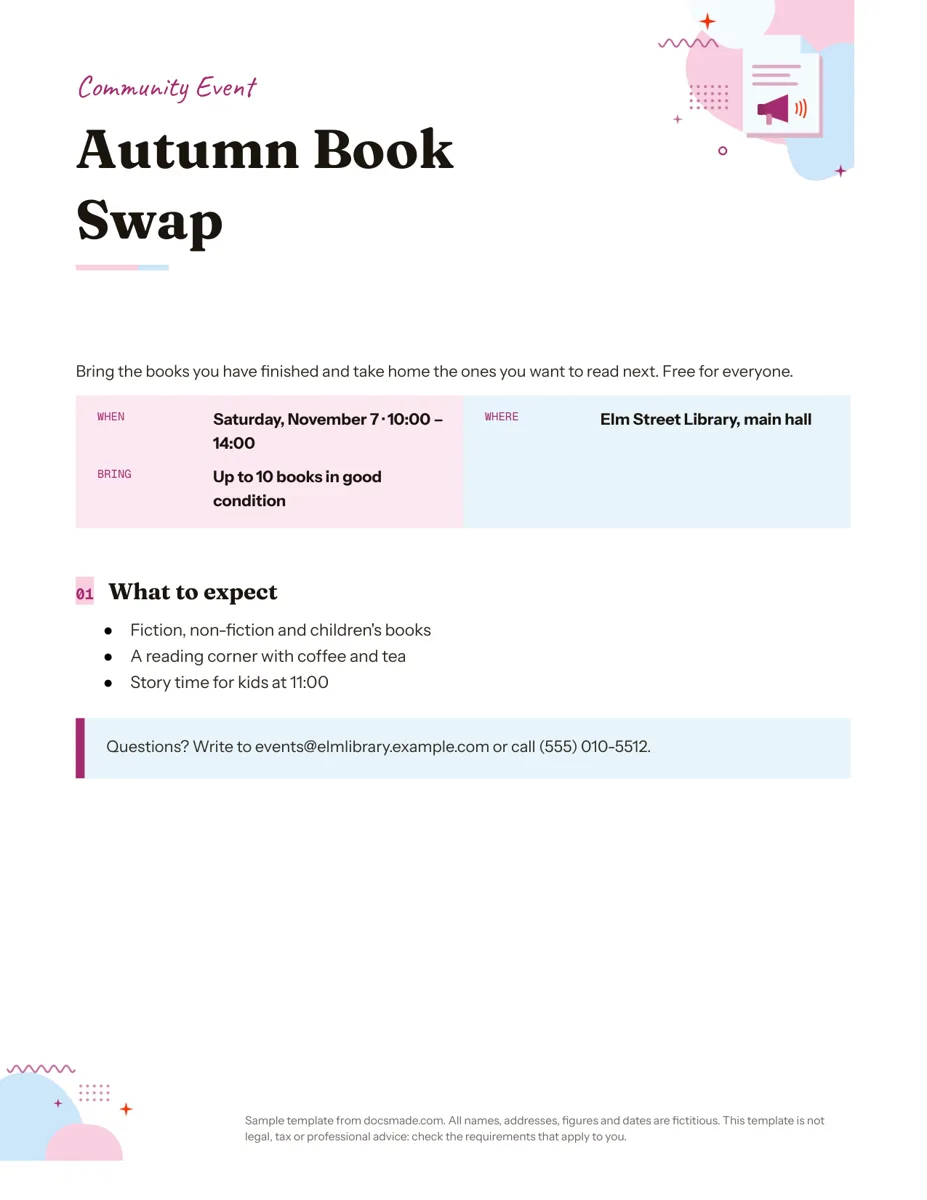 Marketing & print Google Docs Flyer Template for Events and Announcements Free event flyer template for Google Docs: a real Doc with title, when/where box and details. Preview it, copy it, or get it as .docx or PDF. View template →
-
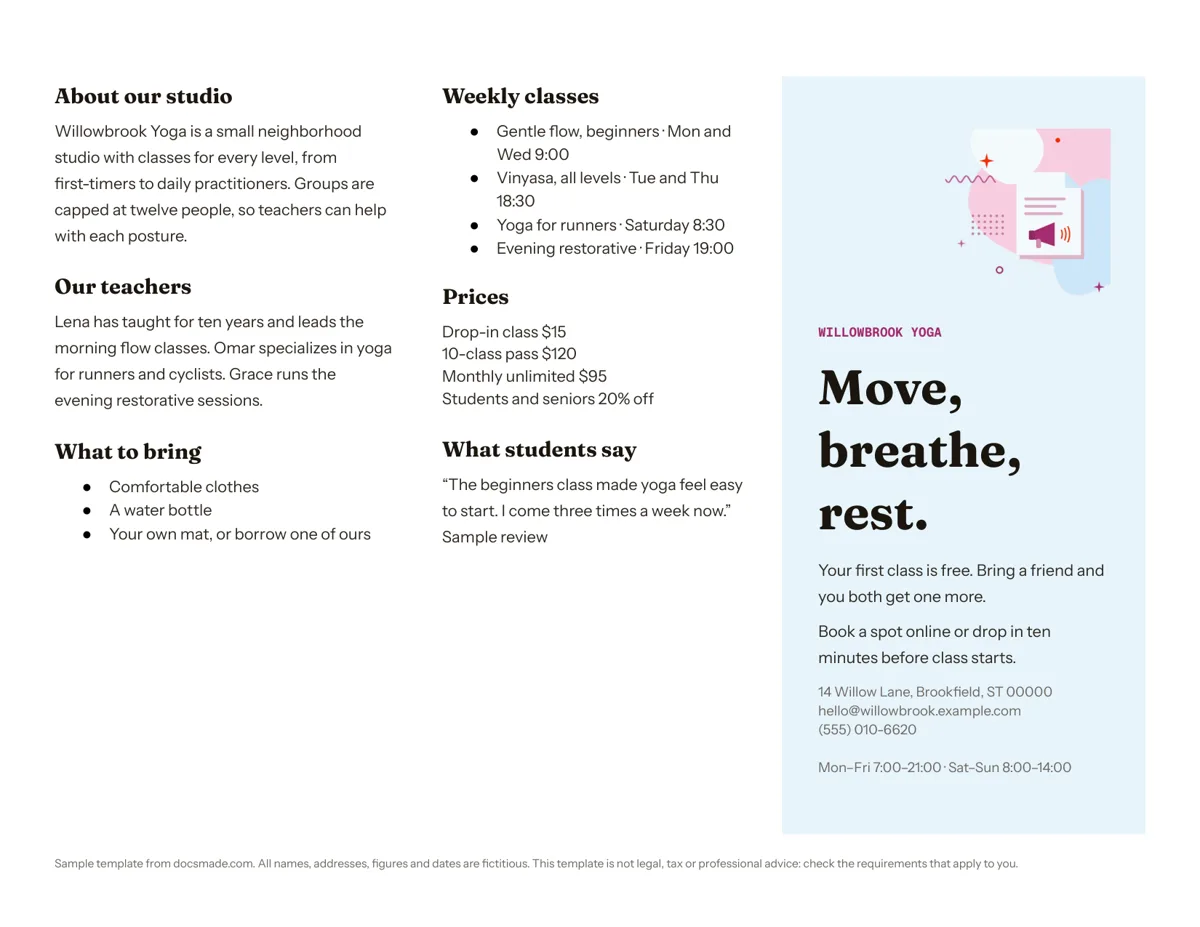 Marketing & print Tri-Fold Brochure Template for Google Docs Free tri-fold brochure template for Google Docs: a real Doc with three panels. Preview it, make a copy, or download it as .docx or PDF. View template →
-
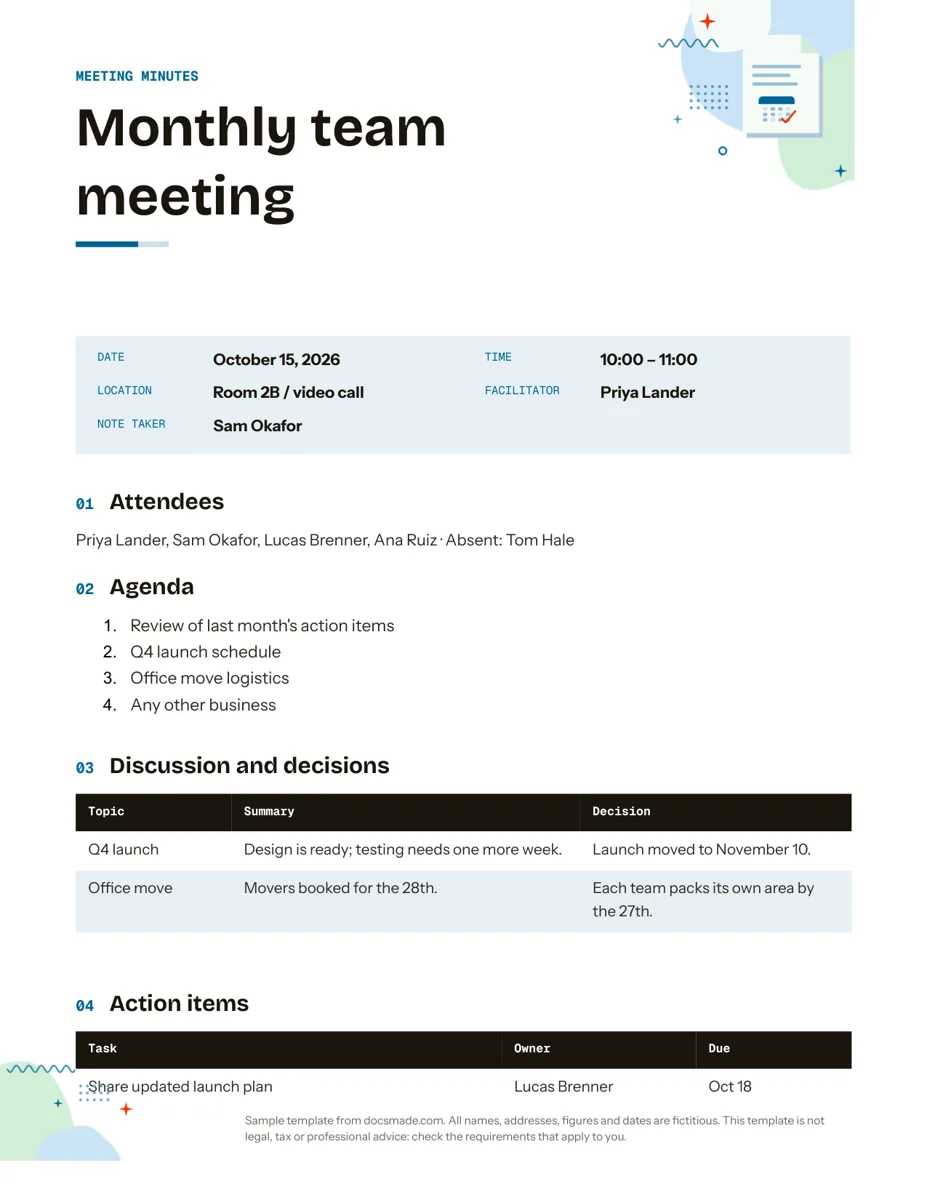 Organization Google Docs Meeting Minutes Template with Action Items Free meeting minutes template for Google Docs with agenda, decisions and an action items table. Preview it, make a copy, or get .docx and PDF. View template →
-
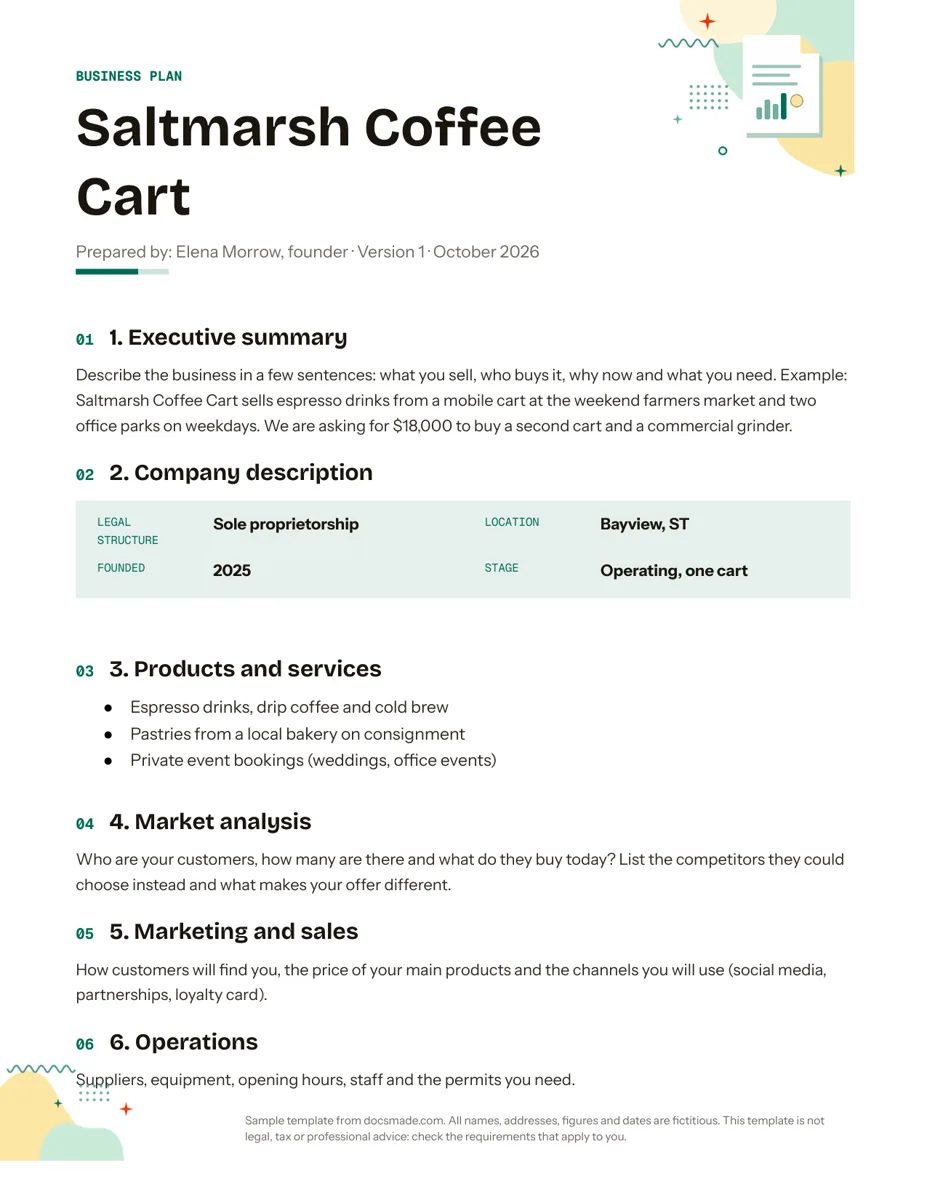 Business & finance Google Docs Business Plan Template with a Worked Example Free simple business plan template for Google Docs: 8 sections, writing prompts and a 3-year table. Preview, copy, or download .docx and PDF. View template →
-
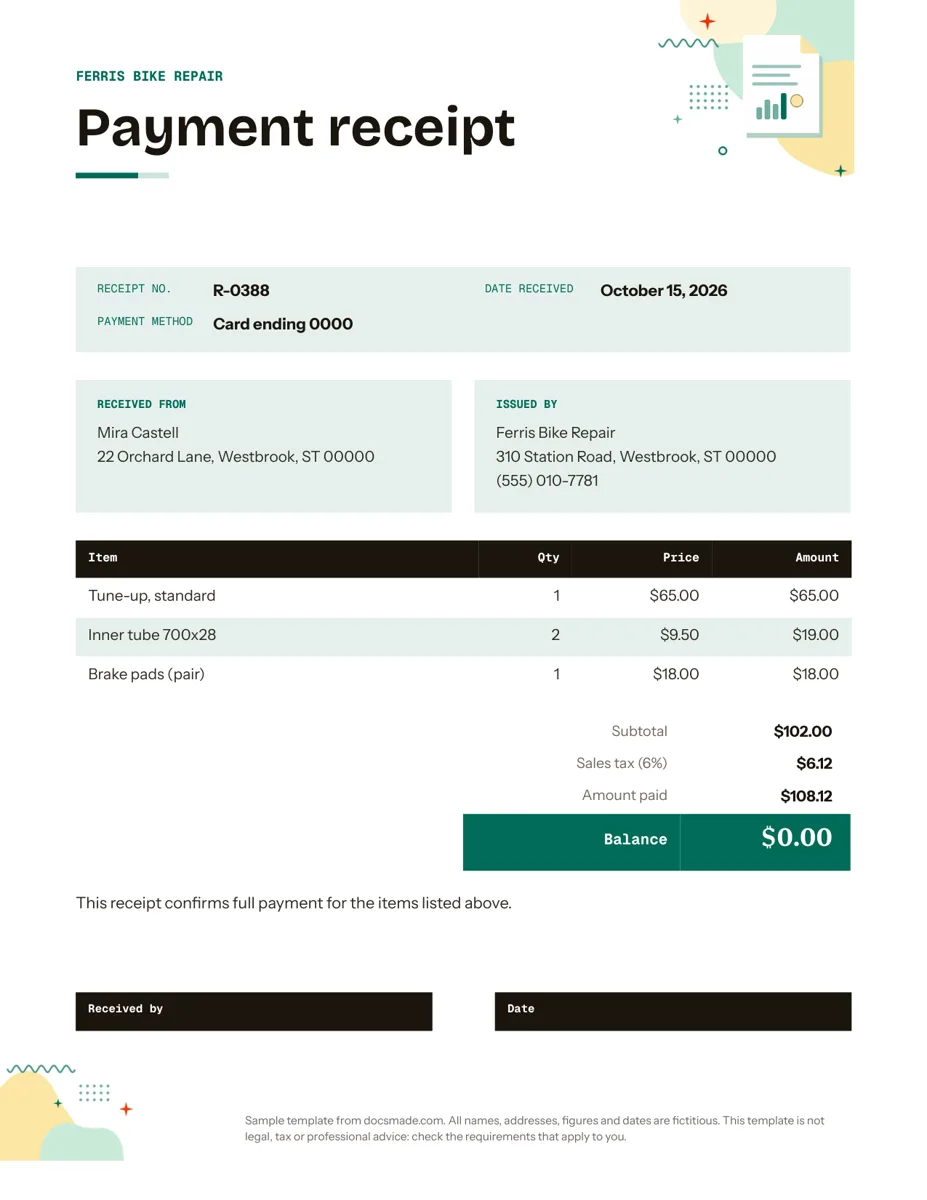 Business & finance Google Docs Receipt Template for Payments Free itemized receipt template for Google Docs: items, sales tax, amount paid and balance. Preview, make a copy, or download .docx and PDF. View template →
-
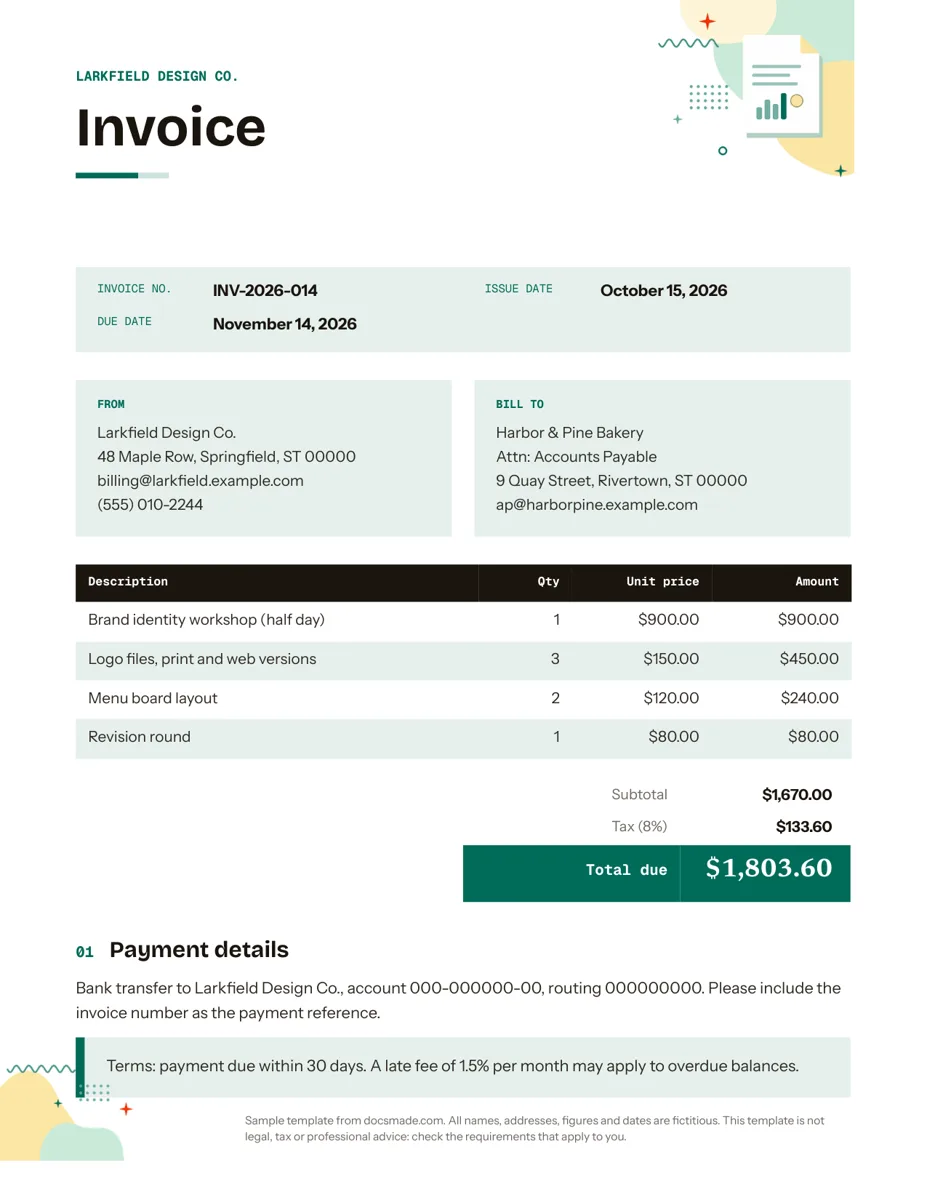 Business & finance Google Docs Invoice Template (Free, Ready to Copy) Free invoice template for Google Docs: a real Doc with line items, tax and payment terms. Preview it, make a copy or download .docx and PDF. View template →
-
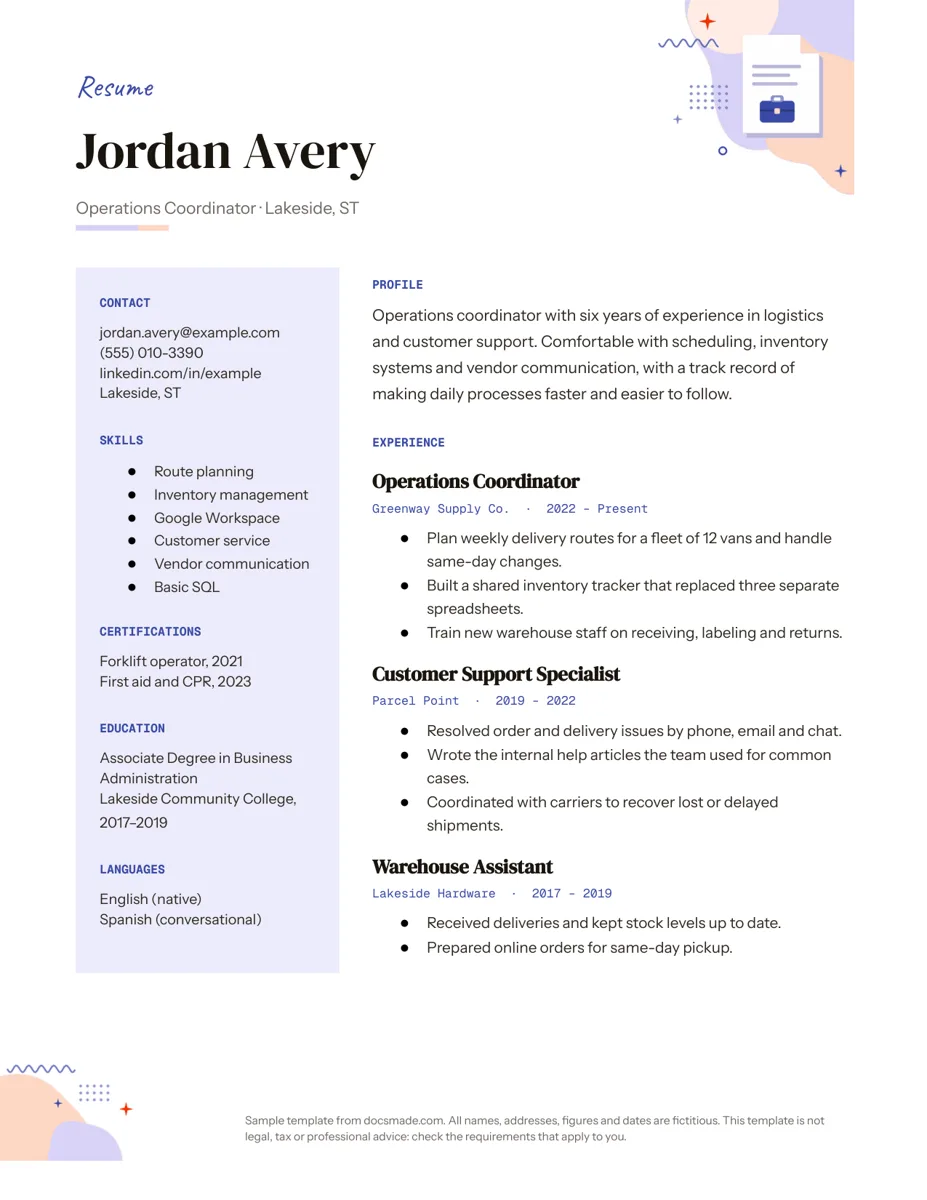 Career Google Docs Resume Template with a Two-Column Layout Free resume template for Google Docs with a skills sidebar and clear experience section. Real Doc: preview, make a copy, or get .docx and PDF. View template →
-
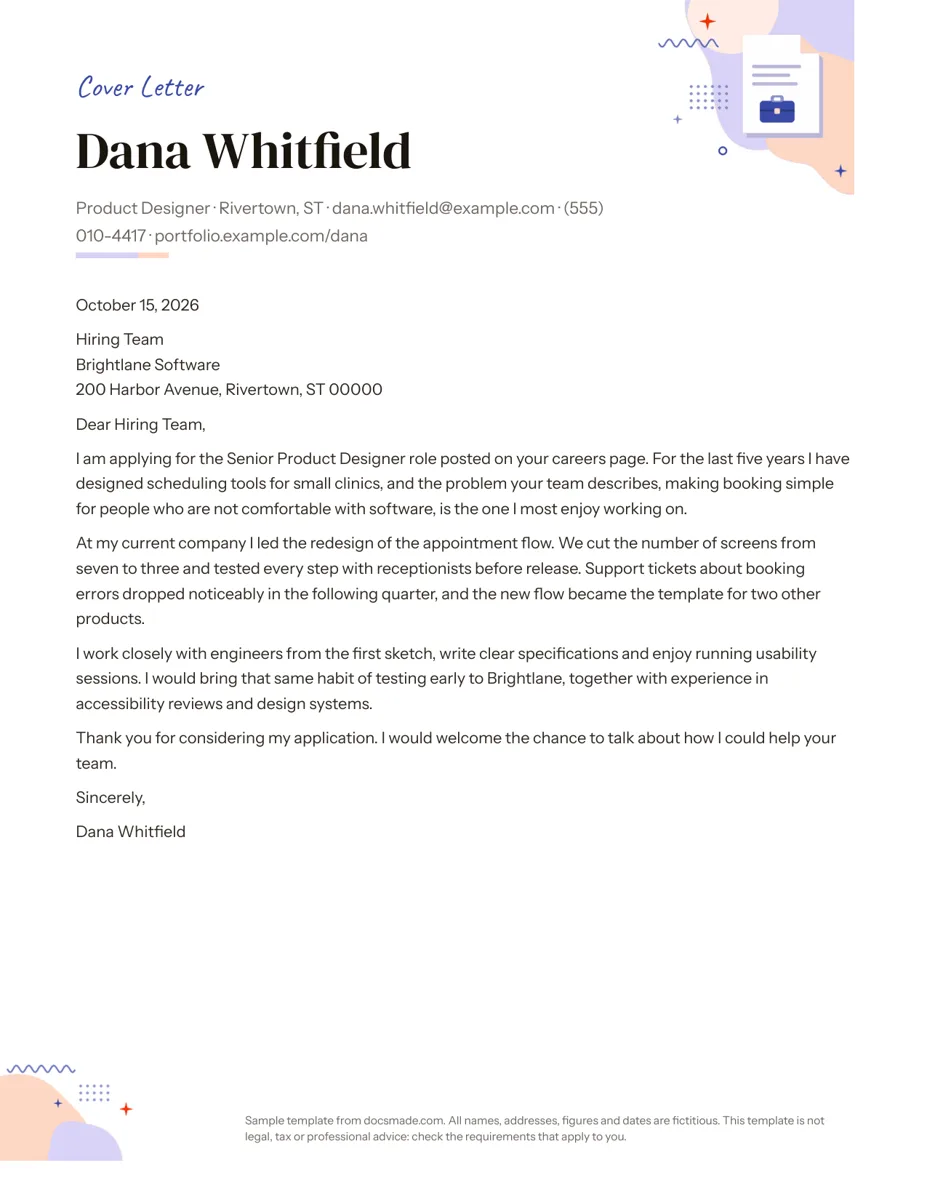 Career Google Docs Cover Letter Template for Job Applications Free cover letter template for Google Docs with a sample letter for a job application. Real Doc: preview it, make a copy, or download .docx and PDF. View template →
- 40 Google Docs templates to copy
- 5 Categories, from business to classroom
- .docx + PDF Downloads on every template
- Free No sign-up and no paid tier
What is a Google Docs template?
A Google Docs template is a finished document you start from instead of a blank page. The layout is done: headings, fonts, colors, tables and spacing are already set, and the text shows the kind of content each part needs. You make your own copy, replace the sample details with yours and the document is ready to send, share or print.
Google Docs has a small template gallery of its own, opened from the Docs home screen or from File > New > From a template. It covers a handful of resumes, letters, reports and proposals. Docsmade adds documents the gallery does not have or does differently: an invoice with line items and totals, a receipt with a signature line, a three-panel brochure, a monthly calendar grid, a volunteer sign-up sheet, meeting minutes with an action-item table, a lesson plan, flashcards to cut out and more.
Each template is built as a native Google Doc rather than a converted Word file, so headings, tables and page breaks behave the way Docs expects. That matters when you edit: adding a row to a price table or a bullet to a checklist keeps the formatting instead of pushing the page out of shape. Documents in this library are set to US Letter size, and you can switch any copy to A4 in File > Page setup.
The sample content is fictitious. Names, addresses, phone numbers, prices and dates are invented placeholders that show where your details go, never real people or businesses. Templates that touch money or employment, such as the invoice, estimate, receipt or resignation letter, are layouts, not legal or tax advice, so check what your state or country requires before relying on one.
Docsmade is free, funded by ads and not affiliated with Google. You do not need an account here: the only sign-in you will see is Google's own, when you copy a template into your Drive.
How to use Google Docs templates from Docsmade
Three steps from choosing a document to having your own editable copy.
-
Find the template and preview it
Browse by category (business, career, marketing, education or organization) or scroll the full list. Open a template page and click Preview to see the real Doc, page by page, before you copy anything.
-
Make a copy in your Google Drive
Click Use this template. Google opens its Copy document screen; sign in if asked, confirm with Make a copy, and the editable Doc lands in your own Drive with the same fonts, colors and tables.
-
Edit, then share, print or download
Replace the sample text, adjust colors in the Format menu, then share the Doc by link or print it. If you work in Word, use the .docx download on the template page instead of copying.
Free Google Docs templates: common questions
-
Are these Google Docs templates really free?
Yes. Previewing, copying and downloading every template is free, with no account on Docsmade and no premium tier. The site is paid for by the ads you see on its pages.
-
Do I need a Google account to use a template?
You need one to make an editable copy, because the copy is saved in your own Google Drive. You can preview any template without signing in, and the .docx and PDF downloads also work without a Google account.
-
Where are templates in Google Docs itself?
On the Google Docs home screen, the Template gallery sits at the top right; inside an open document, go to File > New > From a template. Google's gallery is small, and some of its templates are only shown to work or school accounts. The templates on Docsmade are opened from their own pages here, through the Use this template button.
-
Will my edits change the original template?
No. Use this template always creates a separate copy that belongs to you. The original Doc stays read-only, and nothing you type in your copy is visible to Docsmade or to other visitors.
-
Can I open these templates in Microsoft Word?
Yes. Each template page links a .docx file exported from the same Google Doc, which opens in Word, Pages or LibreOffice. Fonts that are not installed on your computer may be replaced, so check headings and tables after opening the file.
-
How do I change the page size from Letter to A4?
In your copy, open File > Page setup, choose A4 under Paper size and click OK. Check page breaks afterwards: A4 is slightly taller and narrower than Letter, so a table or a column may move.
-
Can I use a template for my business or class?
Yes. You can use your copies for personal, business and classroom documents. What you may not do is resell the templates themselves or republish them as your own template collection; the license page has the details.
-
Is Docsmade part of Google?
No. Docsmade is an independent site. Google Docs and Google Drive are Google products, and the templates here are ordinary Docs built with them.