
Google Docs Cover Letter Template for Job Applications
Prefer a file? Download .docx · Download PDF
How it works: “Use this template” opens Google’s copy screen. Sign in to your Google account and the document is copied to your own Drive, where you can edit every line. Need help copying the document?
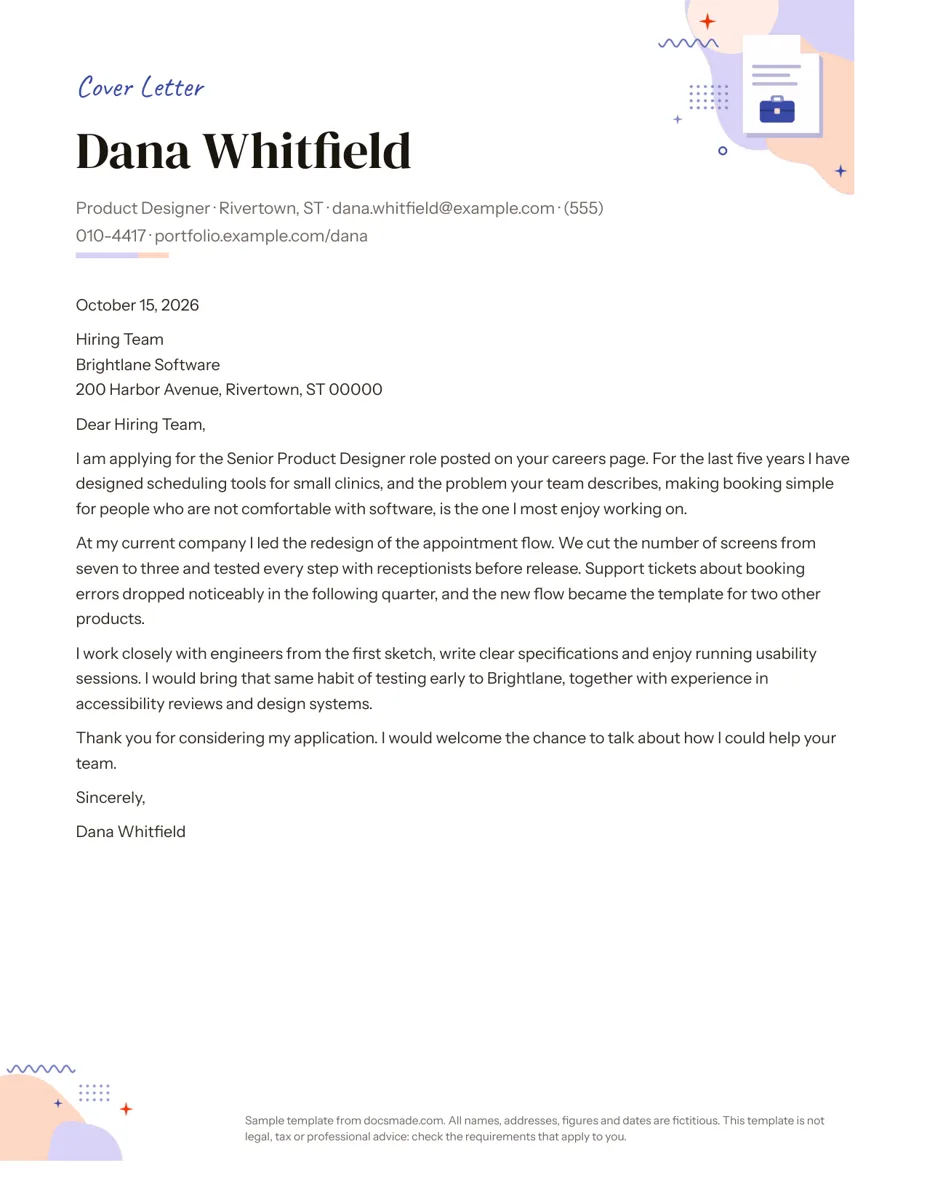
This Google Docs cover letter template gives you a clean name header and a complete sample letter written for a real-sounding job application, so you can see what each paragraph should do before you write your own. It is for anyone applying for a job, internship or promotion who wants a letter that looks professional and reads naturally. It is a real Google Doc: preview it here, make a copy and replace the sample text.
What's in this cover letter template for Google Docs
The sample letter is from a fictional product designer, Dana Whitfield, applying for a senior role at a software company. It is laid out on one US Letter page.
- Name header. Your name in large type, with one line underneath for your job title, city, email, phone and portfolio link, and a short colored rule below.
- Date and employer address. The date in full, then the team or person, company name and street address.
- Greeting. "Dear Hiring Team," which you can swap for a named person.
- Four body paragraphs. The role you are applying for and why it interests you; one specific achievement with a result; how you work and what you would bring; a short thank-you that invites a conversation.
- Sign-off. "Sincerely," and your name.
There is a small illustration in the top corner and a note in the footer. Both can be deleted in your copy.
How to write a cover letter for a job application
A cover letter explains why you want this job and why you fit it, in less than a page. The resume lists what you did; the letter connects it to the employer. Use the template's four paragraphs as a plan:
- Opening. Name the exact role and where you saw it, then give one reason the job interests you. In the sample, Dana links the company's problem (making booking easy for people who are not comfortable with software) to the work she enjoys.
- Proof. Pick one achievement that matches the job ad and tell it briefly: the situation, what you did and what changed. The sample cuts a booking flow from seven screens to three and tests it with real users. One strong example beats a list of five.
- How you work. Mention two or three habits or skills the posting asks for, such as working with engineers or running usability sessions, and say how you would use them at this company.
- Close. Thank the reader and say you would like to talk. Keep it to two sentences.
Common mistakes are repeating the resume line by line, opening with "My name is", using the same letter for every company and getting the company or hiring manager's name wrong. Aim for 250 to 400 words, and read the job posting once more before you send it.
How to customize the cover letter template in Google Docs
Click Use this template on this page, or open the preview and choose File > Make a copy. The copy goes to your Google Drive and stays private until you share it. If the copy screen does not appear, see our guide on how to copy a Google Doc.
- Header. Type your name over the sample and edit the contact line. Remove the portfolio link if you do not have one, or replace it with your LinkedIn URL.
- Fonts and color. Select the name and pick a font from the toolbar, then use the text color button for the accent. Using the same font and color as your resume makes the two documents look like a set.
- Spacing. Format > Line & paragraph spacing controls the gap between paragraphs if your letter runs slightly long.
- Illustration and footer. Click the corner illustration and press Delete for a more formal look, and double-click the footer to remove the sample note.
- Paper size. File > Page setup changes the page from Letter to A4 if you are applying outside the US or Canada.
Keep one clean master copy. For each application, make a copy of the master, rename it with the company name and adjust the opening and proof paragraphs. Tools > Word count is a quick check that you are under one page of text.
Download, email or attach your cover letter
Go to File > Download > PDF Document (.pdf) when you upload the letter to a job portal or attach it to an email; the formatting stays fixed. Choose Microsoft Word (.docx) only when the employer asks for Word. Name the file clearly, for example "Dana-Whitfield-Cover-Letter-Brightlane.pdf".
If the application form only has a text box, copy the body paragraphs from your Doc and paste them in. To get feedback first, click Share, add a friend or mentor as Commenter and ask them to leave notes with Insert > Comment.
Cover letter variations: internship, no experience and career change
- Internship or first job. Use a class project, volunteer role or part-time job as your proof paragraph. Mention the course or program you are in.
- No direct experience. Focus the proof paragraph on a transferable skill (organizing, customer contact, writing) and show where you used it.
- Career change. Say plainly in the opening that you are moving into a new field and why, then use the proof paragraph to show the overlap.
- Internal promotion. Address your manager or HR by name and focus on what you have already delivered in your current role.
Send it with our resume template, which uses a matching name header style. If the employer asks for references, our letter of recommendation template helps the person writing for you. Browse the rest of the career templates for other job-search documents.
Google Docs cover letter template FAQ
Does Google Docs have a built-in cover letter template?
The Template gallery has a Letters section with a few styled letter designs that people use as cover letters. They come with filler text, while this template includes a complete sample letter so you can see how each paragraph should read.
How long should a cover letter be?
One page at most, and usually three or four short paragraphs. Recruiters often read a cover letter quickly, so put the most relevant achievement in the second paragraph.
Who should I address a cover letter to if I don't know the name?
Check the job posting, the company website or LinkedIn for the hiring manager. If you cannot find a name, "Dear Hiring Team," or a team name such as "Dear Marketing Team," is polite and current.
Should I send my cover letter as a PDF or a Google Docs link?
A PDF is the safer choice for job portals and email, because it opens the same way everywhere. Share a Google Docs link only if the employer asks for one, and set it to Viewer access.
Can I use this cover letter template for free?
Yes. Make a copy in your own Google account and edit it as much as you like. The names, company and contact details in the sample are fictional.
More templates
-
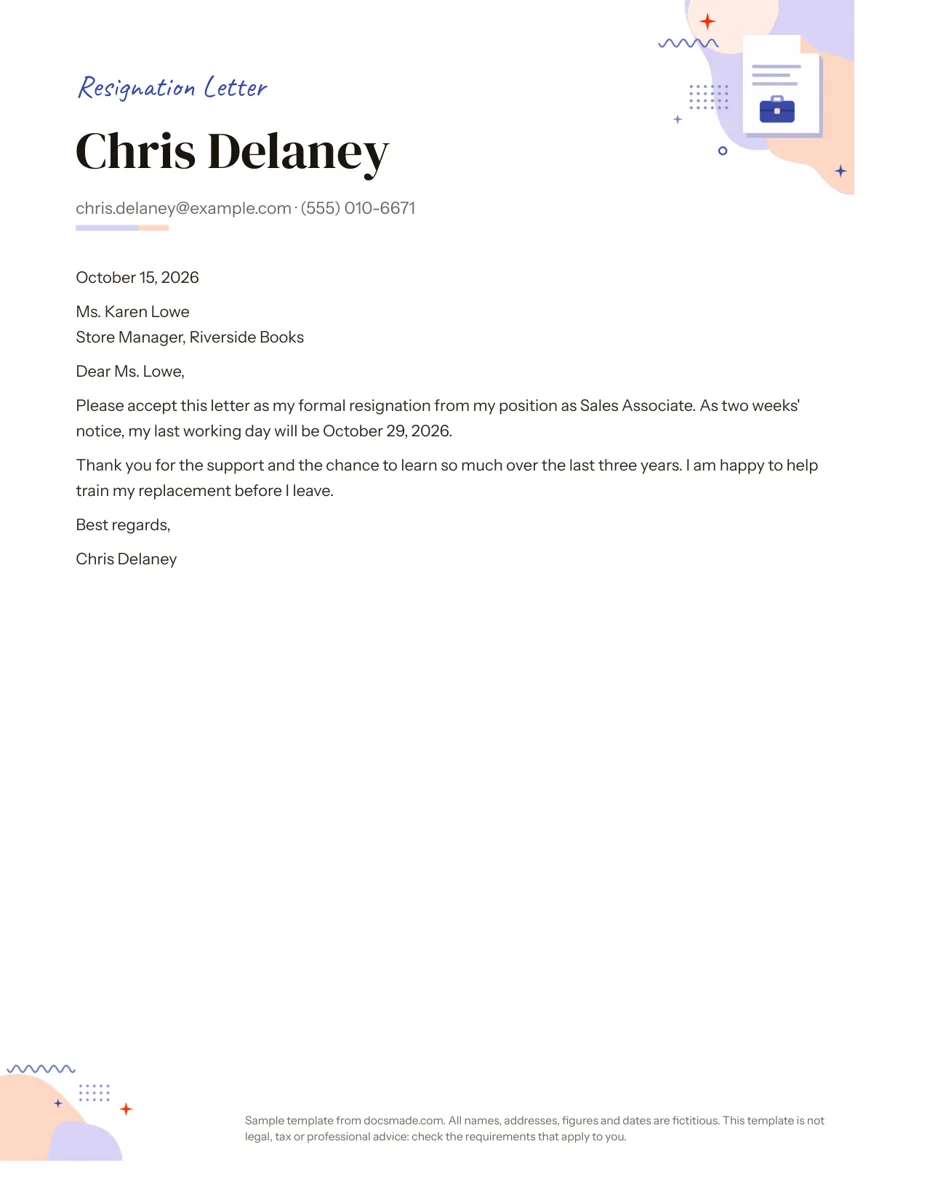 Career Google Docs Resignation Letter Template (Two Weeks Notice) Free two weeks notice letter template for Google Docs with a polite sample letter. Real Doc: preview it, make a copy, or download .docx and PDF. View template →
 -
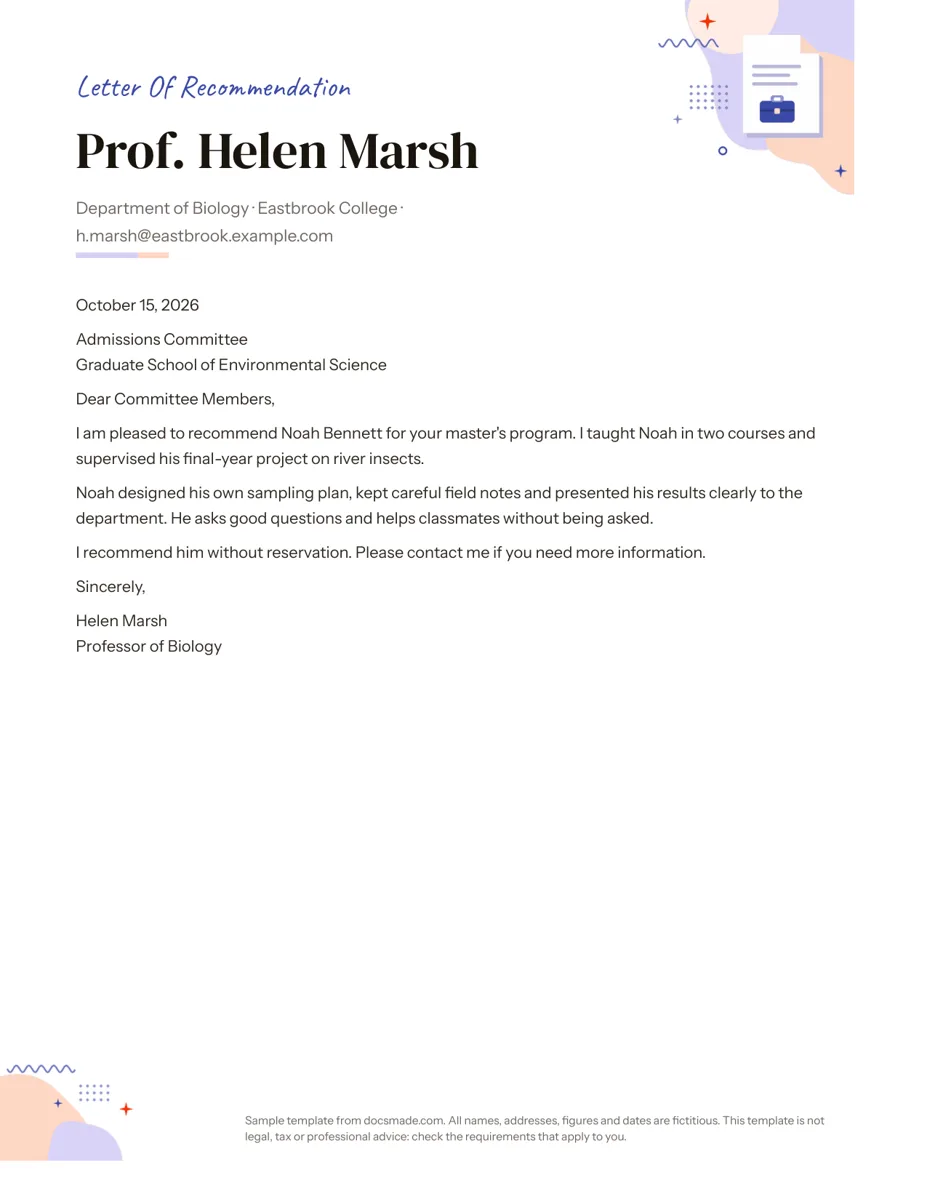 Career Google Docs Letter of Recommendation Template Free recommendation letter template for Google Docs with a complete sample for a graduate program. Real Doc: preview, copy or download .docx/PDF. View template →
 -
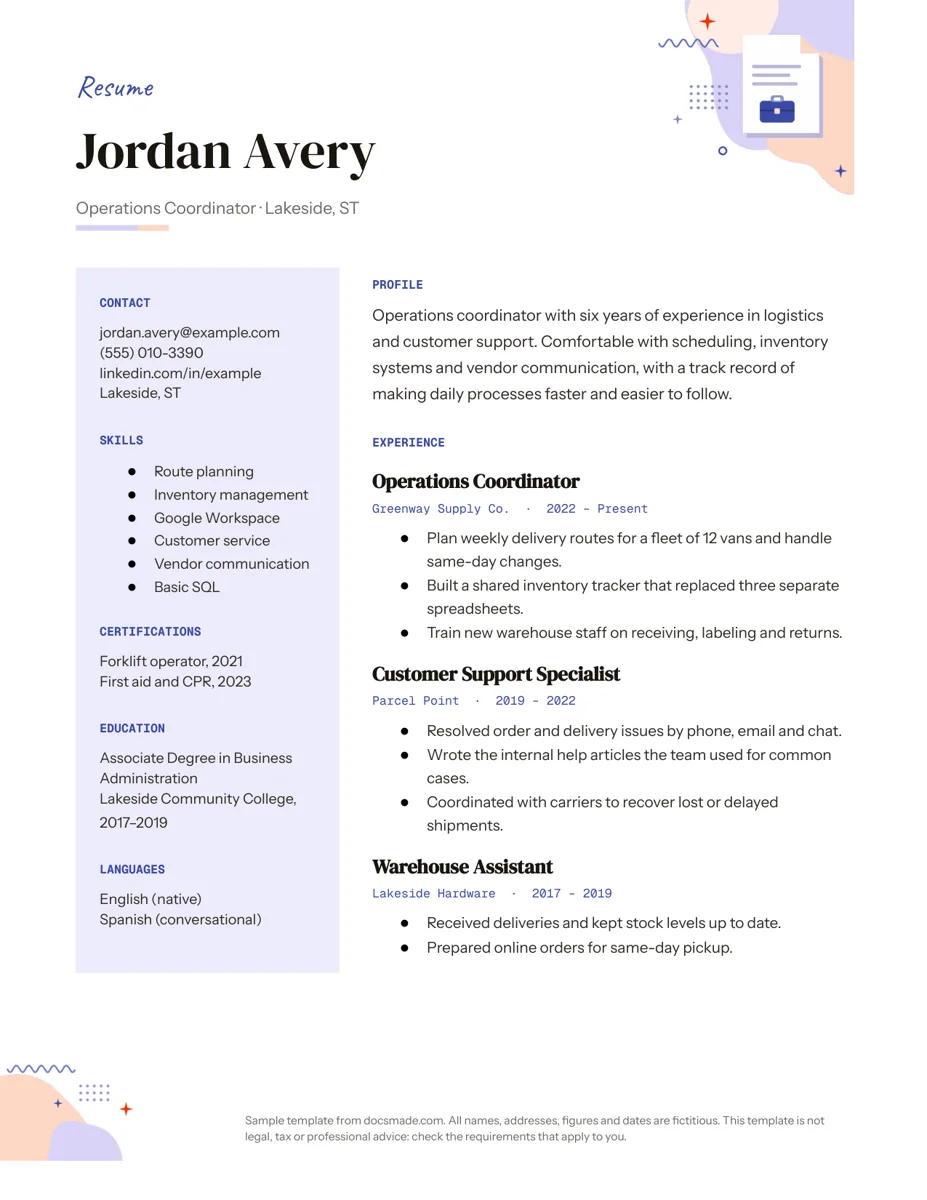 Career Google Docs Resume Template with a Two-Column Layout Free resume template for Google Docs with a skills sidebar and clear experience section. Real Doc: preview, make a copy, or get .docx and PDF. View template →
 -
 Business & finance Google Docs Memo Template for Office Announcements Free business memo template for Google Docs with To, From, Date and Subject lines. Preview it, make a copy, or download as .docx and PDF. View template →