
Google Docs Letterhead Template for Business Letters
Prefer a file? Download .docx · Download PDF
How it works: “Use this template” opens Google’s copy screen. Sign in to your Google account and the document is copied to your own Drive, where you can edit every line. Need help copying the document?
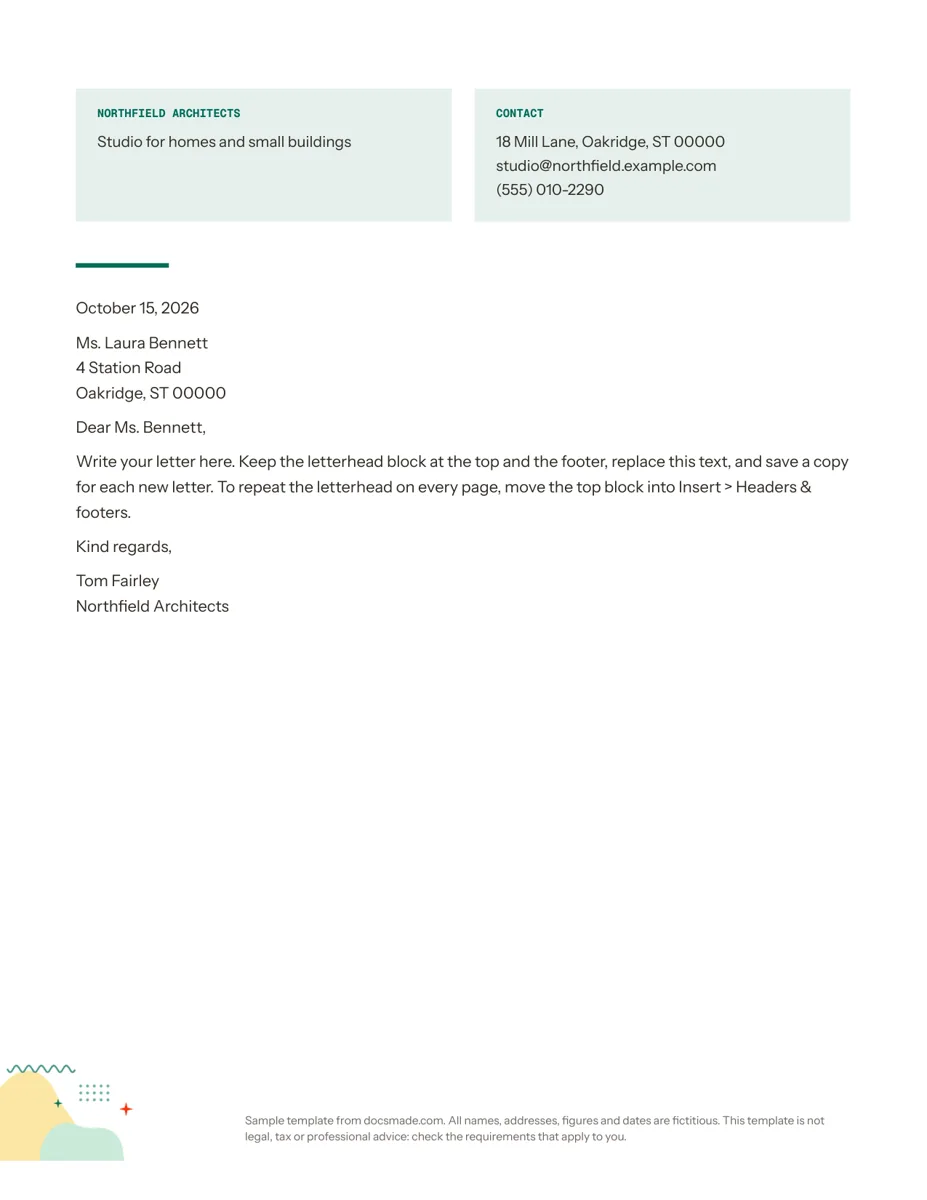
This Google Docs letterhead template puts your business name, a short tagline and your contact details at the top of the page, followed by a ready-made letter layout. It is meant for freelancers, small offices, studios and clubs that want every letter, quote cover note or notice to look like it came from the same organization. It is a real Google Doc: preview it here, then make your own copy and start typing.
What's in this letterhead template for Google Docs
The sample belongs to a fictional practice, Northfield Architects, so you can see how a finished company letterhead reads before you replace the details.
- Company block. A tinted box on the left with the business name in small capitals and a one-line description ("Studio for homes and small buildings").
- Contact block. A matching box on the right labeled "Contact" with a street address, an email address and a phone number on separate lines.
- Accent rule. A short colored line under the header that separates the letterhead from the letter.
- Letter layout. Date, recipient name and address, salutation, a body paragraph, closing ("Kind regards,") and a signature with the sender's name and company.
- Footer. A small decorative illustration and a note line at the bottom of the page, both of which you can edit or delete.
The two boxes at the top sit in a two-column table, which keeps them aligned when you change the text. The page is set to US Letter and the layout leaves plenty of white space for a one-page letter.
How to fill in a business letterhead
A letterhead should tell the reader who sent the letter and how to reply, and nothing more. Keep these points in mind when you replace the sample text:
- Use your legal or trading name exactly as it appears on invoices and your website, so the letter matches the rest of your paperwork.
- Keep the tagline short. One line that says what you do is enough. Leave it out if it makes the box feel crowded.
- Choose the contact details you actually answer. A street address, one email and one phone number are standard. Add a website only if it helps the reader.
- Write the date in full ("October 15, 2026") so there is no confusion between US and international date formats.
- Match the salutation to the recipient. Use a name when you have one ("Dear Ms. Bennett,") and a role when you do not ("Dear Hiring Team,").
A frequent mistake is packing the header with a logo, slogan, social handles and two addresses. The result looks busy and pushes the letter down the page.
How to make a letterhead in Google Docs from this template
Click Use this template on this page, or open the preview and choose File > Make a copy. The copy is yours and saves to your Google Drive. If the copy prompt does not appear, our guide on how to copy a Google Doc explains the fix.
- Edit the boxes. Click inside each box and type over the sample text. To change the tint, click in the cell and use the fill color option, or open Format > Table > Table properties for both cells at once.
- Add a logo. Place the cursor in the company box and use Insert > Image > Upload from computer. Drag the corner handles to keep the logo small, roughly the height of two lines of text.
- Fonts and brand colors. Select the name and pick your brand font from the font menu. Use the text color button for the accent color and recolor the short rule to match.
- Repeat it on every page. The header boxes live in the body of the page, so they appear on page one only, which is how most printed letterheads work. If you want them on every page, cut the table, open Insert > Headers & footers > Header and paste it there. Tick "Different first page" in the header if you only want a shorter version on later pages.
- Footer and paper size. Double-click the footer to replace the note with your registration details or delete it. File > Page setup switches the page between Letter and A4.
Once it looks right, delete the sample letter, leave the date and salutation lines in place and rename the file, for example "Company letterhead master". That file becomes your reusable letterhead template.
Print, export and share your company letterhead
For each new letter, open your master and use File > Make a copy, so the master stays clean. When the letter is ready, go to File > Download > PDF Document (.pdf) to email it with the layout fixed, or Microsoft Word (.docx) if the recipient needs to edit it. File > Print sends it to a printer or to a PDF printer on your computer.
If several people write letters for the same business, share the master as Viewer only and send them a copy link instead of edit access. Each person then gets a private copy and nobody can change the master header by accident. On a Google Workspace account, an administrator can also add the letterhead to your organization's section of the Template gallery.
Letterhead ideas: personal, nonprofit and small business
- Small business letterhead. Use it for quotes, payment reminders and formal notices to suppliers. Pair it with our invoice template and estimate template so your documents look consistent.
- Nonprofit or club letterhead. Replace the tagline with your mission in a few words and add your registration number in the footer if you have one.
- Personal letterhead. Put your full name in the company box and your address and email in the contact box. It works for complaint letters, landlord notices and formal requests.
- Internal notices. For short messages inside a team, a memo template is usually a better fit than a full letter.
More stationery and finance documents are in our business templates section.
Letterhead template for Google Docs: FAQ
Does Google Docs have its own letterhead templates?
The built-in Template gallery has a Letters section with a few styled letters, but they are designed around a personal letter rather than a company header. This template gives you a separate company and contact block that you can reuse for any letter.
Can I stop other people from changing the letterhead?
Google Docs does not lock parts of a document. The practical approach is to keep one master file shared as view-only and have everyone make their own copy from it.
What size should a letterhead logo be in Google Docs?
Keep it small enough that the company block stays the same height as the contact block. Upload a PNG with a transparent background so it sits cleanly on the tinted box.
Can I print the letterhead on pre-printed paper or plain paper?
Plain paper is the simplest, since the header prints with the letter. If you use pre-printed stationery, delete the boxes in your copy and increase the top margin in File > Page setup so the text starts below the printed area.
Is the letterhead template free for commercial use?
Yes. You can use your copy for your own business correspondence. Replace all the sample names, addresses and phone numbers, which are fictional.
More templates
-
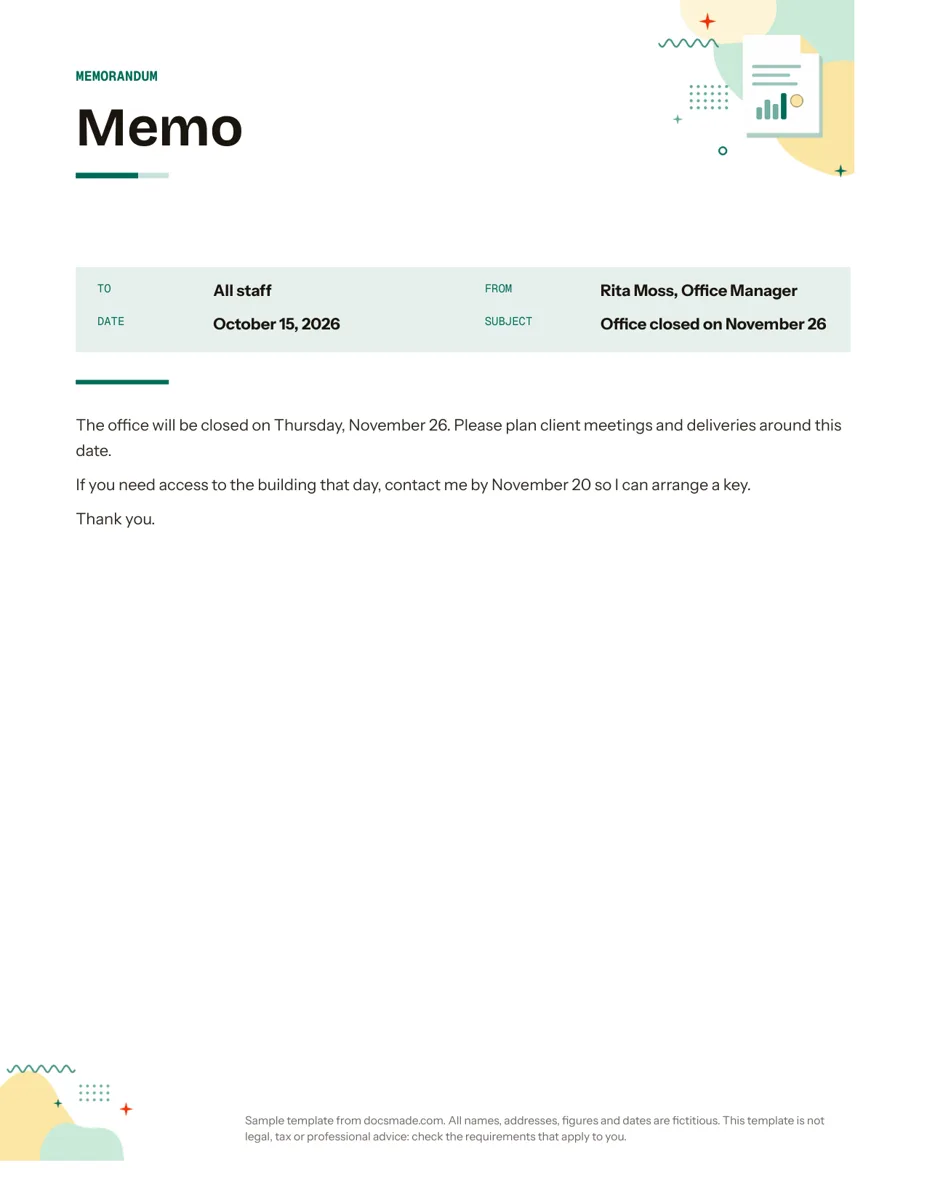 Business & finance Google Docs Memo Template for Office Announcements Free business memo template for Google Docs with To, From, Date and Subject lines. Preview it, make a copy, or download as .docx and PDF. View template →
 -
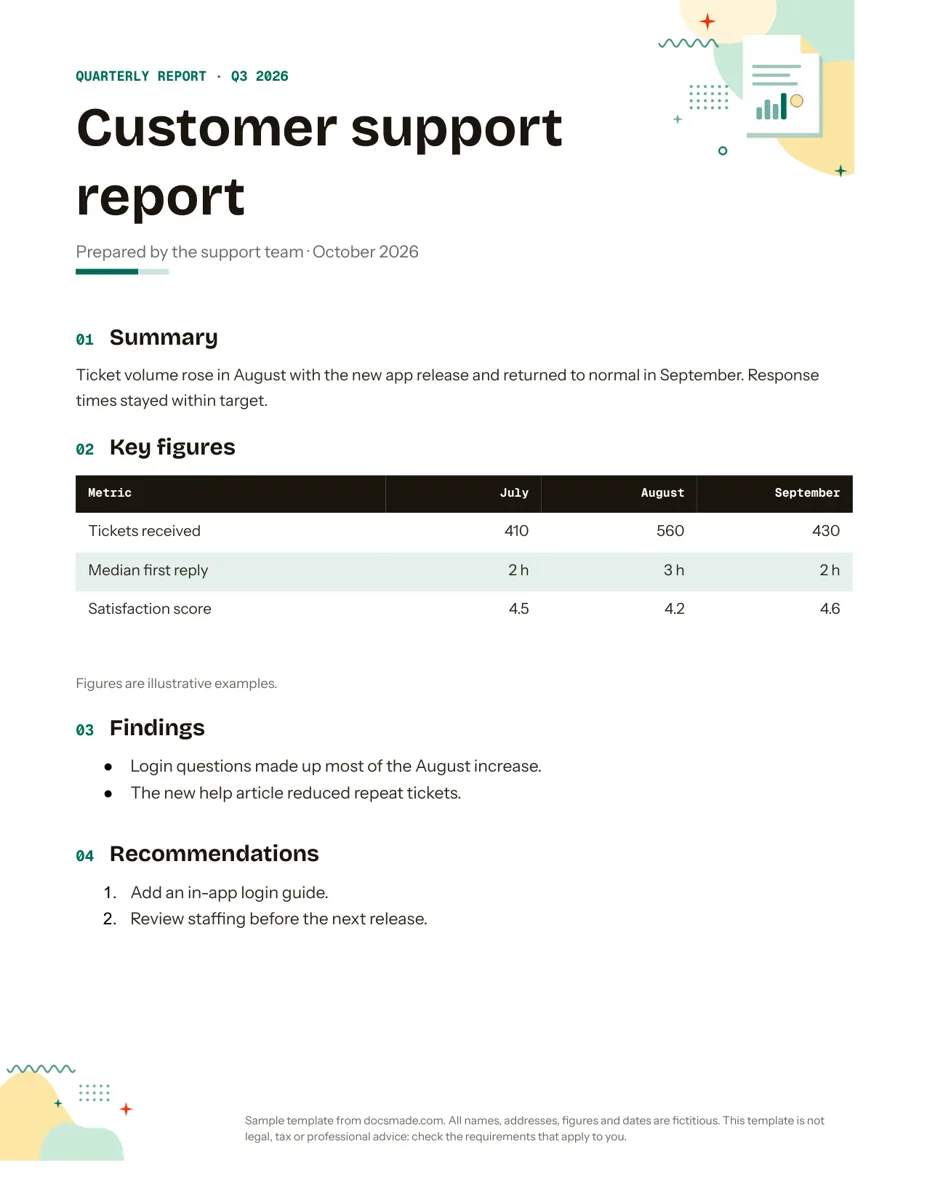 Business & finance Google Docs Report Template for Quarterly and Monthly Reports Free report template for Google Docs: summary, key figures table, findings and recommendations. Real Doc you can preview, copy or get as .docx/PDF. View template →
 -
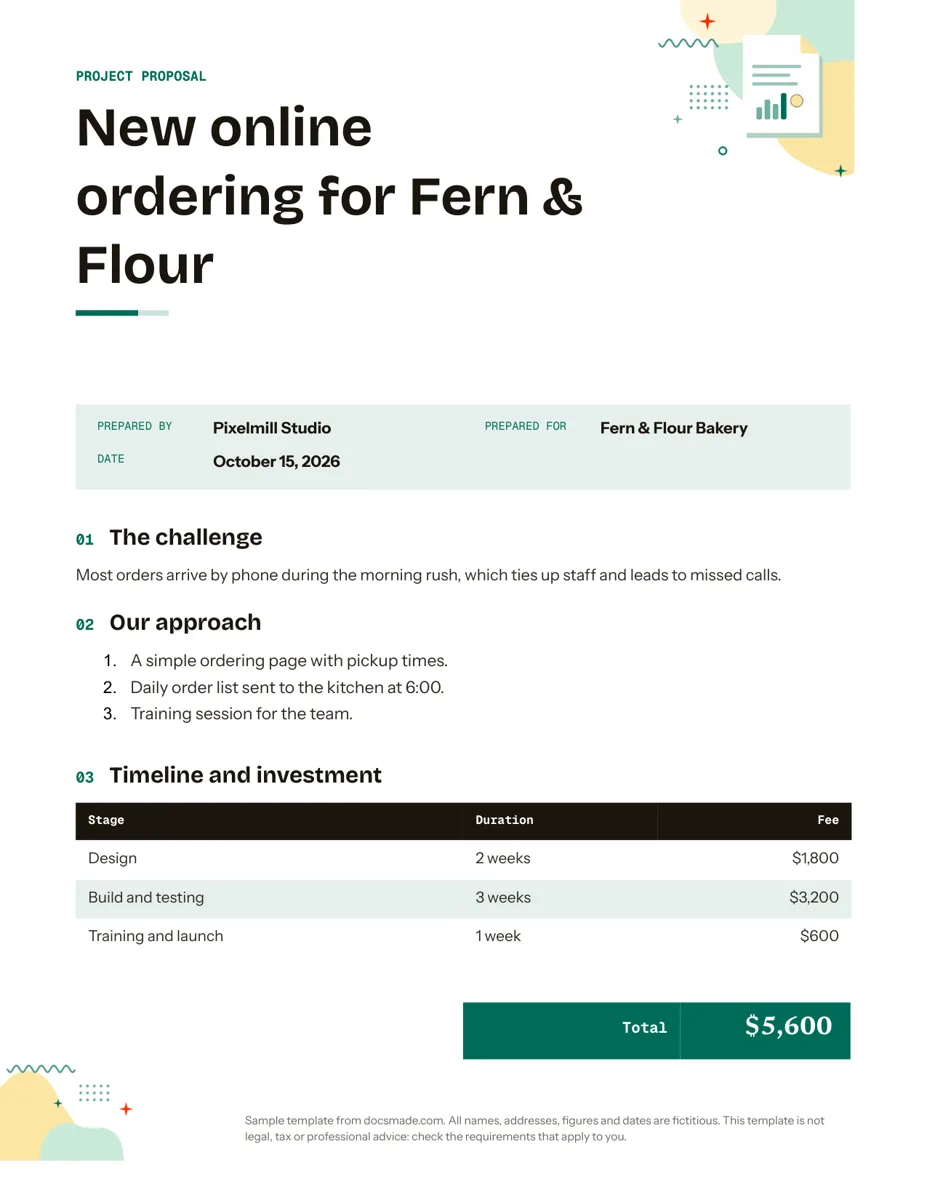 Business & finance Google Docs Proposal Template for Client Projects Free project proposal template for Google Docs: challenge, approach, timeline, fees and next steps. Preview, make a copy, or get .docx and PDF. View template →
 -
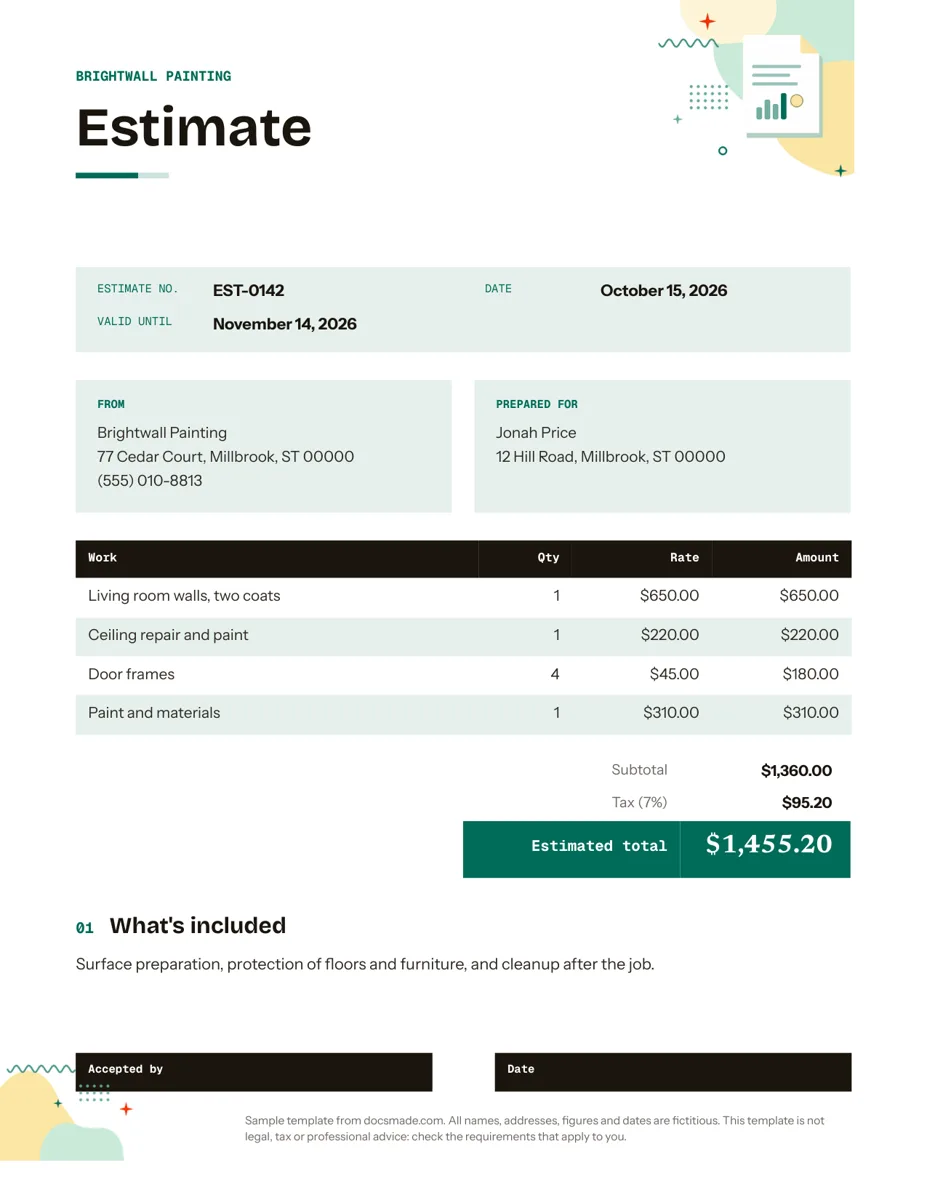 Business & finance Google Docs Estimate Template for Quotes and Jobs Free job estimate template for Google Docs with line items, tax, validity date and a sign-off line. Preview, copy, or download .docx and PDF. View template →