
Google Docs Flyer Template for Events and Announcements
Prefer a file? Download .docx · Download PDF
How it works: “Use this template” opens Google’s copy screen. Sign in to your Google account and the document is copied to your own Drive, where you can edit every line. Need help copying the document?
What's inside the flyer template
-
Details
- When · Where · Bring
-
What to expect
- Fiction, non-fiction and children's books
- A reading corner with coffee and tea
- Story time for kids at 11:00
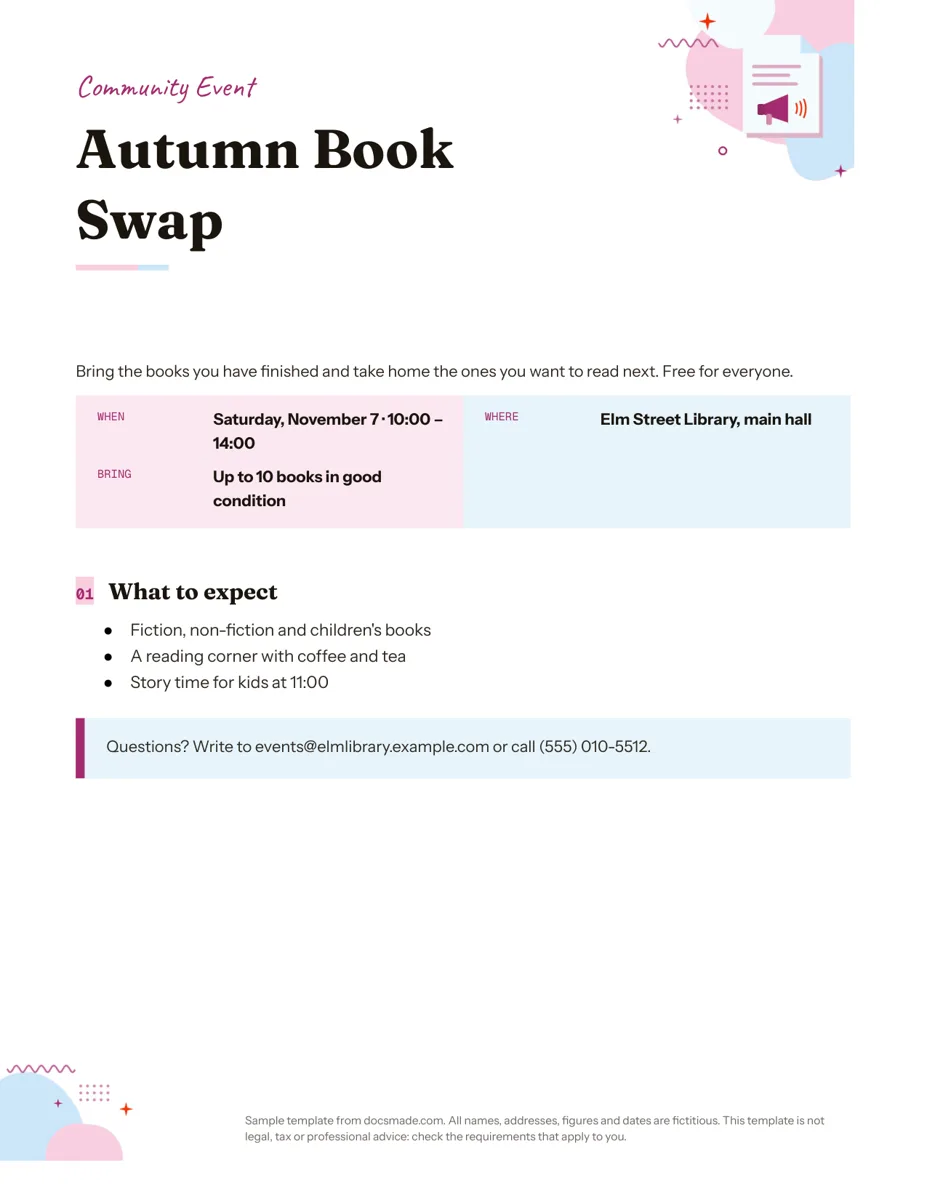
This Google Docs flyer template is a single Letter page built for one job: telling people what is happening, when, where and why they should come. It is a real Google Doc, so you can preview it on this page, copy it into your Drive with one click and have a printable flyer ready in a few minutes. It fits community events, school fundraisers, club meetings, classes, sales and local services.
What's in this event flyer template for Google Docs
The sample advertises a fictitious library event, the Autumn Book Swap, and every block has a clear purpose:
- Kicker line. A short handwritten-style label ("Community Event") above the title that tells readers what kind of notice this is.
- Headline. The event name in a large display font, sized to be read from across a room.
- One-sentence pitch. What the event is and who it is for: "Bring the books you have finished and take home the ones you want to read next. Free for everyone."
- When, Where, Bring box. A colored table that pairs each small label with a bold answer, so the key facts stand out at a glance.
- "What to expect" list. Three bullets with the details that persuade people to come: the type of books, a reading corner with coffee and tea, and story time for kids.
- Contact callout. A highlighted box with an email address and phone number for questions.
An illustration sits in the top corner and a small footer notes that the sample details are fictitious.
How to fill in a free flyer template that people notice
Flyers compete with everything else on a notice board, so the order of information matters more than decoration.
- Name the event in five words or fewer. "Autumn Book Swap" works; "Our Annual Seasonal Community Book Exchange Gathering" does not.
- Write the pitch for a stranger. Say what happens and what the reader gets. Mention if it is free, ticketed or members only.
- Fill in every line of the details box. Day, date, start and end time, the full place name and anything people must bring or book. Add the year only if the flyer will stay up for months.
- Use the list for reasons to attend. Food, activities for kids, a guest speaker, parking. Three bullets is enough.
- Give one way to ask questions. Email or phone, both checked before printing.
Then stand two steps back from your screen. If you cannot read the date and place, make them bigger.
Customizing the flyer template in Google Docs
Click Use this template or open the preview and choose File > Make a copy. If you have not done it before, our guide on how to copy a Google Doc shows each step.
- Fonts and sizes. Select the headline and change the font or size from the toolbar. Keep one display font and one body font so the page stays readable.
- Colors. The details box and the contact callout are table cells. Click inside, right-click, open Table properties and change the cell background color to match your brand or event theme.
- Images. Right-click the illustration and choose Replace image to add your logo or a photo of the venue. To add another picture, use Insert > Image and set it to wrap text from the image toolbar.
- Extra rows. Need a "Price" or "Parking" line in the details box? Right-click a row and choose Insert row below.
- Paper size. The Doc is US Letter in portrait. Switch to A4 or set a custom size in File > Page setup.
Printing and sharing your Google Docs flyer
Print from File > Print at 100% scale. The light backgrounds print well on a home inkjet; if you change them to dark colors, print one test sheet first to check ink coverage.
For a print shop, export with File > Download > PDF document or the PDF button on this page. The .docx download opens in Microsoft Word if someone on your team prefers it. To share it digitally, download the PDF and attach it to an email or post, or click Share, set General access to "Anyone with the link" and send the link. Ask co-organizers to check dates by adding them as commenters.
Flyer ideas: tear-off, babysitting and open house flyers
- Tear-off flyer. Add a one-row table at the bottom with eight narrow cells. For vertical text, insert a drawing (Insert > Drawing > New), add a text box with your name and number, rotate it and place a copy in each cell. Cut between the cells after printing.
- Babysitting or tutoring flyer. Rename the box labels to Ages, Availability and Rate, and use the list for experience and references available on request.
- Open house flyer. Address and times in the details box, three bullets with the main features of the property, the agent's contact in the callout.
- Yard sale, class or club meeting. The same structure works; only the labels change.
When you have more to say than fits on one side, the brochure template gives you three panels. For a formal invite to a private occasion, the invitation template is a better fit. More layouts are in the marketing templates category.
Google Docs flyer template FAQ
Does Google Docs have flyer templates?
The built-in Google Docs template gallery has no section dedicated to flyers, which is why many people borrow a brochure or newsletter design. This template is a flyer from the start, with the event details already structured.
Can I open the Google Docs flyer template in Word?
Yes. Use the .docx download on this page or File > Download > Microsoft Word (.docx) in your copy. Fonts that are not installed on your computer will be swapped for similar ones, so check the headline after opening.
How do I add a photo to a flyer in Google Docs?
Click where you want the photo, choose Insert > Image and upload it or search the web. Then pick a wrap option from the image toolbar so the text flows around it.
How do I put a QR code on my flyer?
Google Docs does not create QR codes itself. Generate the code for your sign-up page with a QR tool you trust, save it as an image and insert it next to the contact callout. Scan the printed version with your phone before making copies.
Is this flyer template free?
Yes. Copying, editing, printing and downloading it as .docx or PDF are all free.
More templates
-
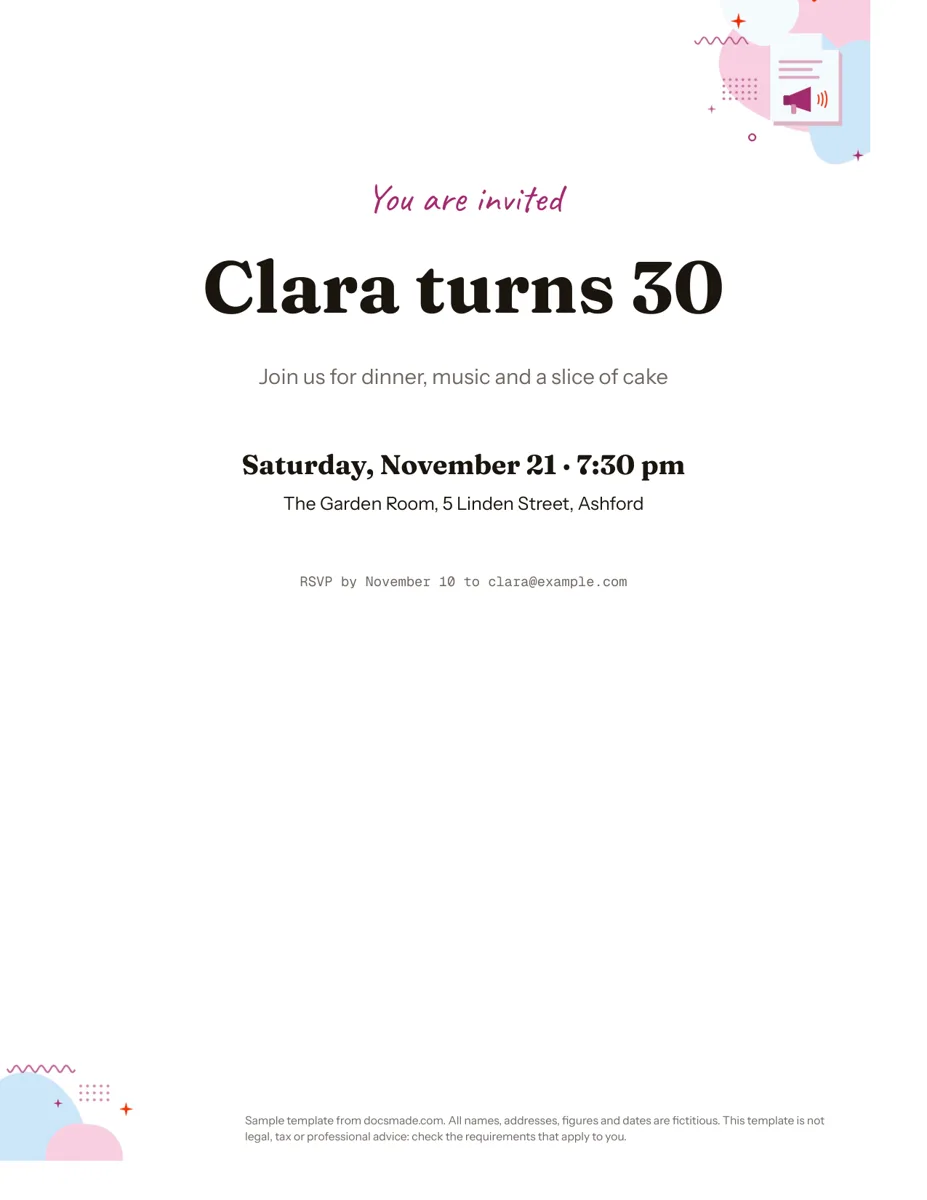 Marketing & print Google Docs Invitation Template: One-Page Party Invite Free invitation template for Google Docs: a one-page party invite you can preview, copy and edit, or download as .docx or PDF. Ready to print. View template →
 -
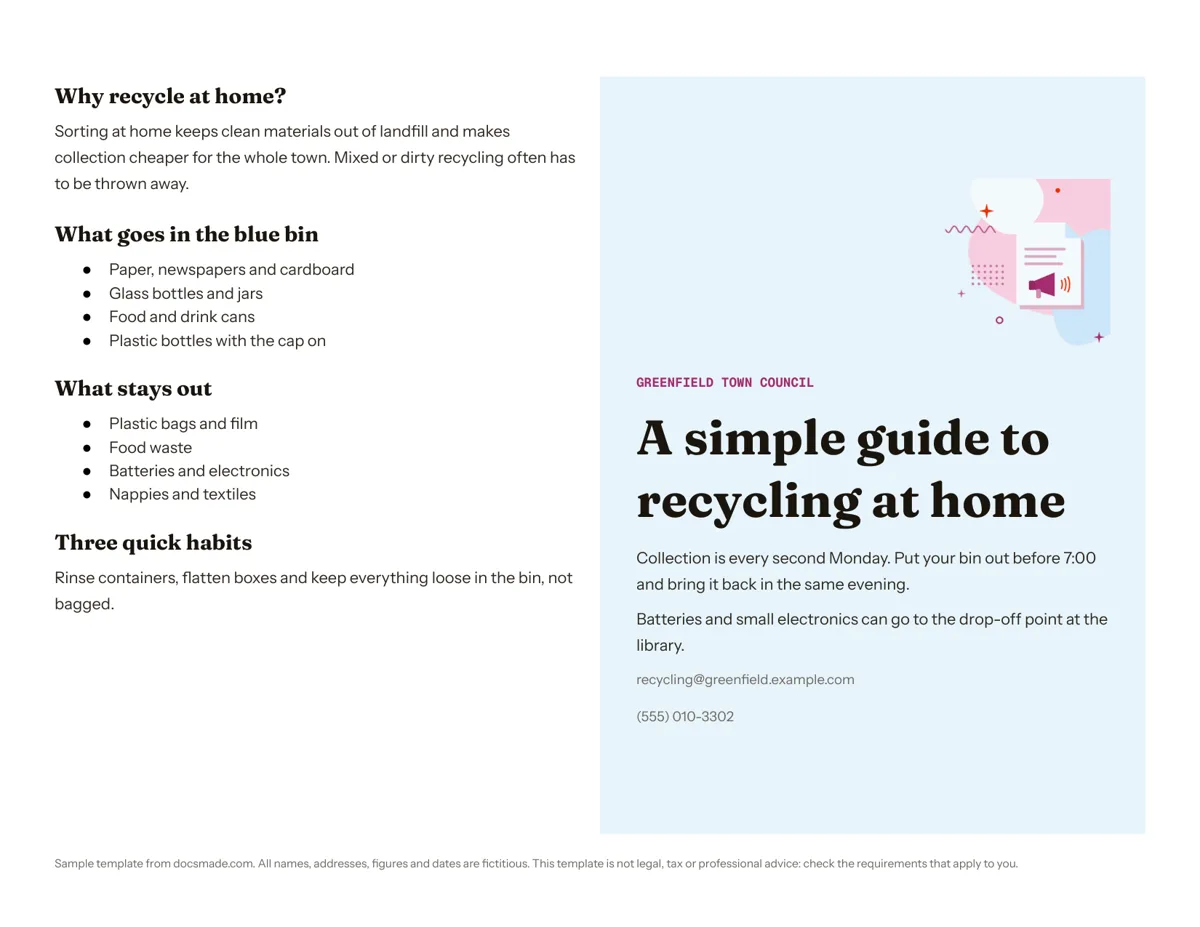 Marketing & print Google Docs Pamphlet Template for Informational Leaflets Free pamphlet template for Google Docs: a folded, two-panel info leaflet as a real Doc. Preview it, make a copy, or download .docx and PDF. View template →
 -
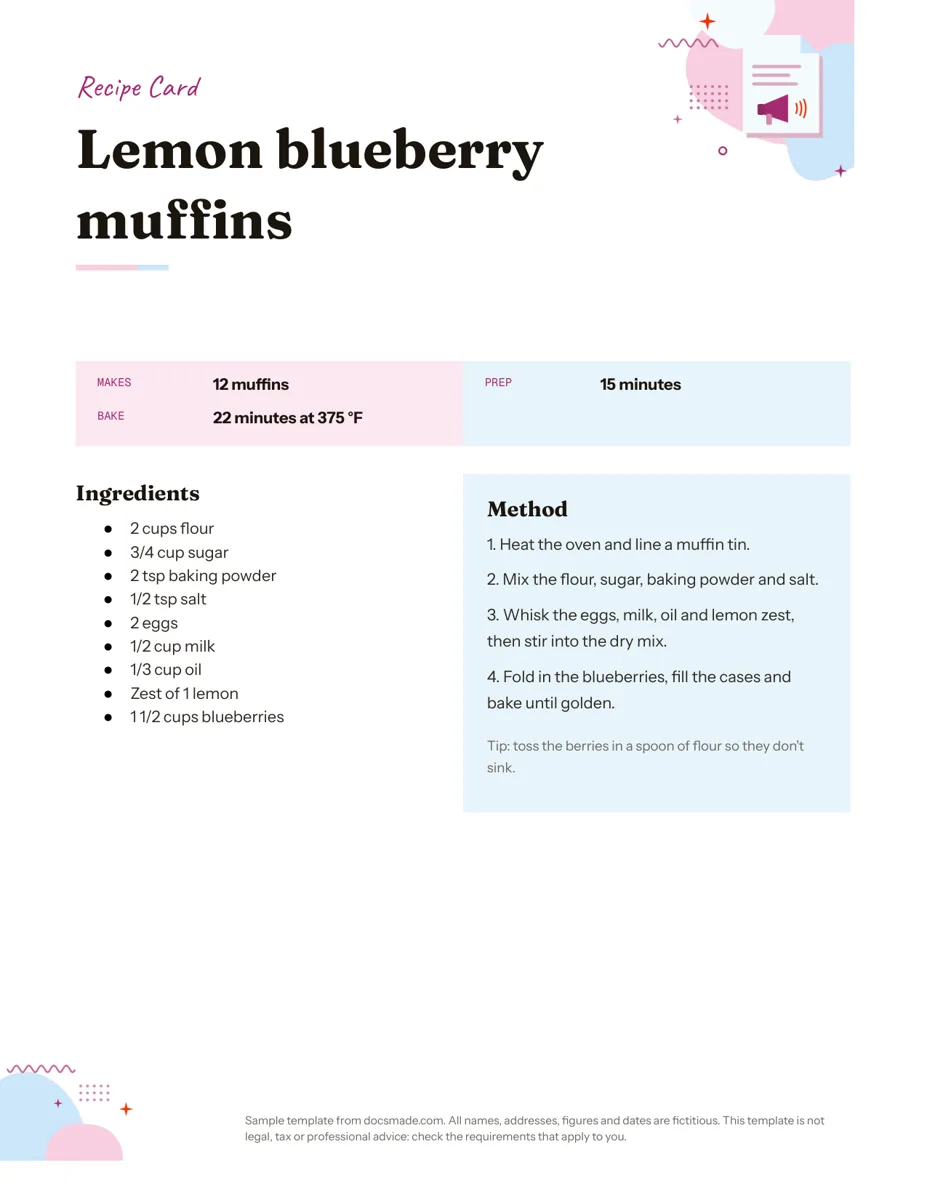 Marketing & print Google Docs Recipe Template: Printable Recipe Card Free recipe card template for Google Docs with ingredients and method side by side. Preview, copy and edit it, or download as .docx or PDF. View template →
 -
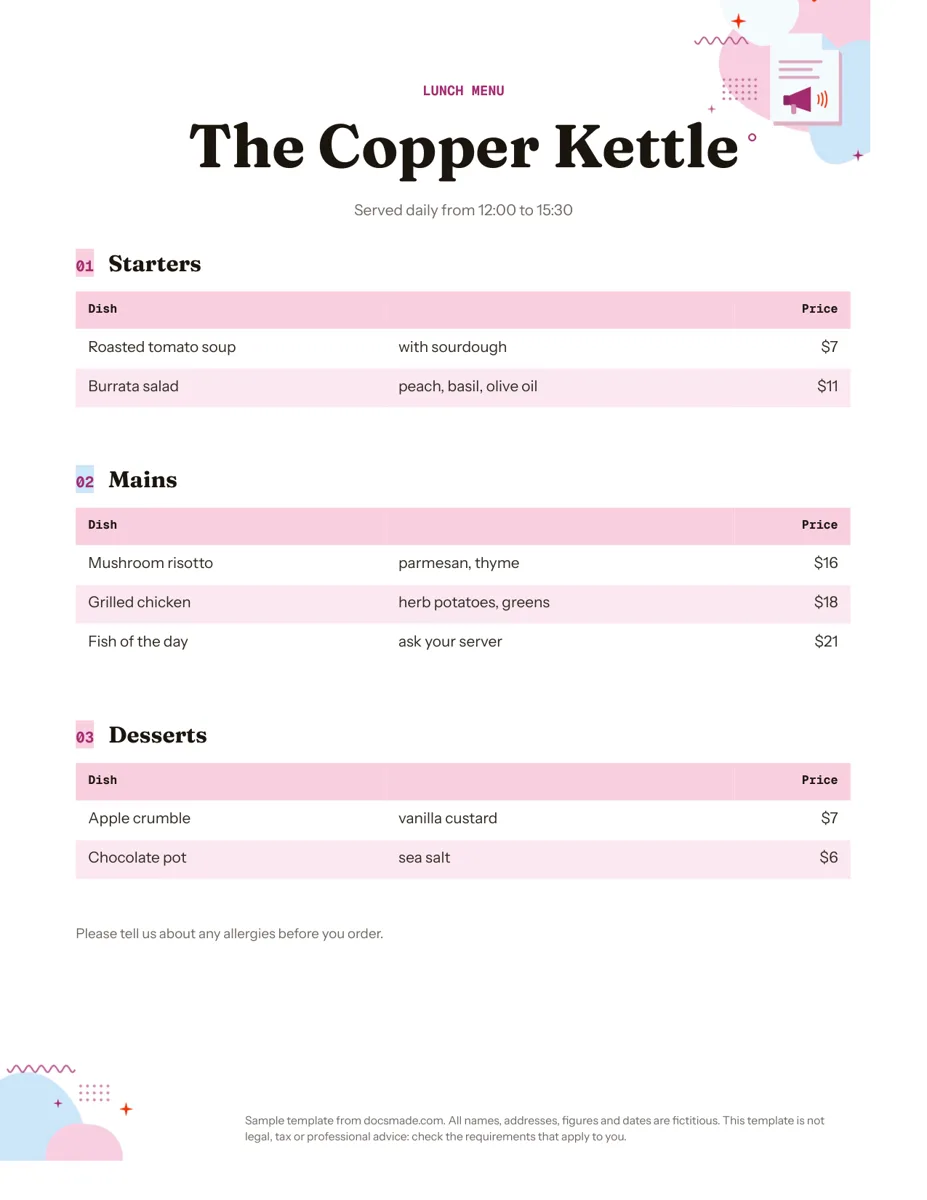 Marketing & print Google Docs Menu Template for Restaurants and Cafes Free restaurant menu template for Google Docs: starters, mains and desserts with prices. Preview it, make a copy, or download .docx or PDF. View template →