
Google Docs Newspaper Template for Class and School Papers
Prefer a file? Download .docx · Download PDF
How it works: “Use this template” opens Google’s copy screen. Sign in to your Google account and the document is copied to your own Drive, where you can edit every line. Need help copying the document?
What's inside the newspaper template
-
Also in this issue
- Interview with our new librarian
- Football team results
- Recipe of the week: pumpkin muffins
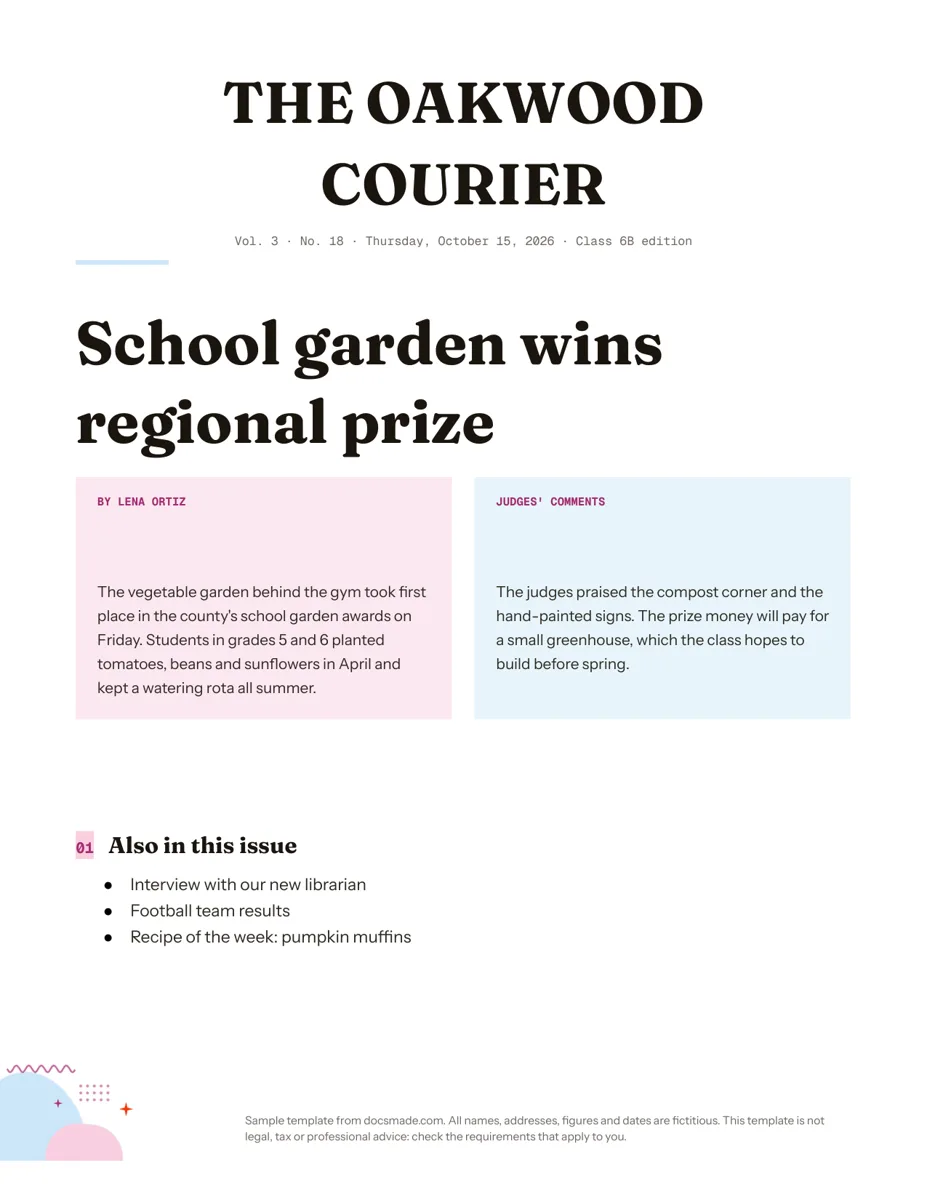
This Google Docs newspaper template gives you a front page in the style of a printed paper: a bold masthead, a dateline, a big headline and a story set in two columns. It is a real Google Doc you can preview here and copy to your Drive in one click, which makes it a practical choice for class newspapers, school journalism projects, history assignments and family or club papers.
What the school newspaper template for Google Docs includes
The sample front page belongs to "The Oakwood Courier", a fictitious class 6B newspaper, and follows the parts of a real front page:
- Masthead. The paper's name in large capital letters, centered at the top.
- Dateline. A small line with volume, issue number, date and edition ("Vol. 3 · No. 18 · Thursday, October 15, 2026 · Class 6B edition").
- Rule and headline. A short colored rule, then the lead headline in a large display font: "School garden wins regional prize".
- Two-column story. Two colored boxes side by side. The left one carries the byline ("By Lena Ortiz") and the opening of the story; the right one adds the judges' comments and what the prize money will pay for.
- "Also in this issue". A short list teasing three other pieces: an interview with the new librarian, football results and a recipe of the week.
Everything in the sample is invented, and a footer line says so.
How to write a newspaper article for a class paper
The template works best when the writing follows the habits of real news reporting. Share these steps with student reporters:
- Write a headline with a verb. "School garden wins regional prize" tells the whole story in five words. Avoid headlines that are just a topic, like "Garden news".
- Answer who, what, when and where in the first paragraph. The sample's opening sentence covers the garden, the prize, the county awards and the day.
- Add the why and how next. The second paragraph explains what students did and what the judges liked.
- Quote real people accurately. Interview the person, write down their words and check the quote with them. Never invent a quote.
- Credit the reporter. Put a byline on every article. It teaches responsibility and makes the paper feel real.
- Fact-check names and numbers. Spelling of names, dates and scores are the errors readers notice first.
Editing the newspaper template in Google Docs: masthead, columns and photos
Click Use this template, or open the preview and choose File > Make a copy. Teachers can also share the copy with a class; our guide on how to copy a Google Doc explains the options.
- Rename the masthead. Click the paper's name and type your own. Keep it short so it fits on one or two lines.
- Update the dateline. Change the volume, number, date and edition for every issue.
- Columns. The two story columns are table cells, which keeps them stable while students type. For classic flowing columns on extra pages, select the text and use Format > Columns to choose two or three.
- Photos. Use Insert > Image to add a photo above or inside a column, then add a caption line under it in a smaller font. Ask permission before using photos of students.
- Colors and fonts. Change the box colors in Table properties (cell background color). For a black-and-white look, set both boxes to white.
- Paper size. The page is US Letter. Switch to A4 or another size in File > Page setup.
Printing and sharing the class newspaper
Print with File > Print at 100% scale. If the paper runs to several pages, print double-sided so it handles like a real newspaper.
To share a finished issue with families, download a PDF with File > Download > PDF document (or the PDF button on this page) and post or email it. For a digital edition, click Share, set General access to "Anyone with the link" as Viewer and send the link. The .docx download lets anyone continue in Microsoft Word.
For group work, add students as editors on the class copy. Each reporter can write in their own section at the same time, and the editor-in-chief can switch to Suggesting mode (the pencil icon at the top right) to propose changes without overwriting their text. File > Version history shows who changed what.
Old, vintage and birthday newspaper ideas
- Old or vintage newspaper. For a history assignment, change the masthead and headline to a serif font, set the boxes to white or a pale cream, and write the dateline for the period you are studying.
- Birthday or anniversary newspaper. Make the person the headline story and use "Also in this issue" for events from the year they were born, checked against reliable sources.
- Book report as a newspaper. Students report the plot of a novel as breaking news, with a byline in a character's name.
- Club or family paper. A front page with the season's big news, plus a short list of other updates.
If you publish regular updates rather than articles, the newsletter template may suit you better. Teachers planning a journalism unit can pair this page with the lesson plan template. More print layouts are in the marketing templates category.
Free newspaper template for Google Docs: questions
How do I make newspaper columns in Google Docs?
Select the text you want in columns and choose Format > Columns, then pick two or three. Use Insert > Break > Column break to push text to the next column. This template uses a table for the front-page story so the layout stays fixed while you type.
Can I make an old newspaper template in Google Docs?
Yes. Copy this template, switch the headings to a classic serif font, remove the colored backgrounds and add an old photo with Insert > Image. Keep the dateline in the style of the period.
Can several students edit the newspaper at once?
Yes. Share your copy with the class as editors. Google Docs saves everyone's changes in real time, and Version history lets you restore an earlier version if something gets deleted.
How do I add more pages to the newspaper?
Click at the end of the page and choose Insert > Break > Page break. Copy the headline and story table onto the new page to keep a consistent style.
Is the newspaper template free?
Yes. Copying, editing and downloading it as .docx or PDF cost nothing.
More templates
-
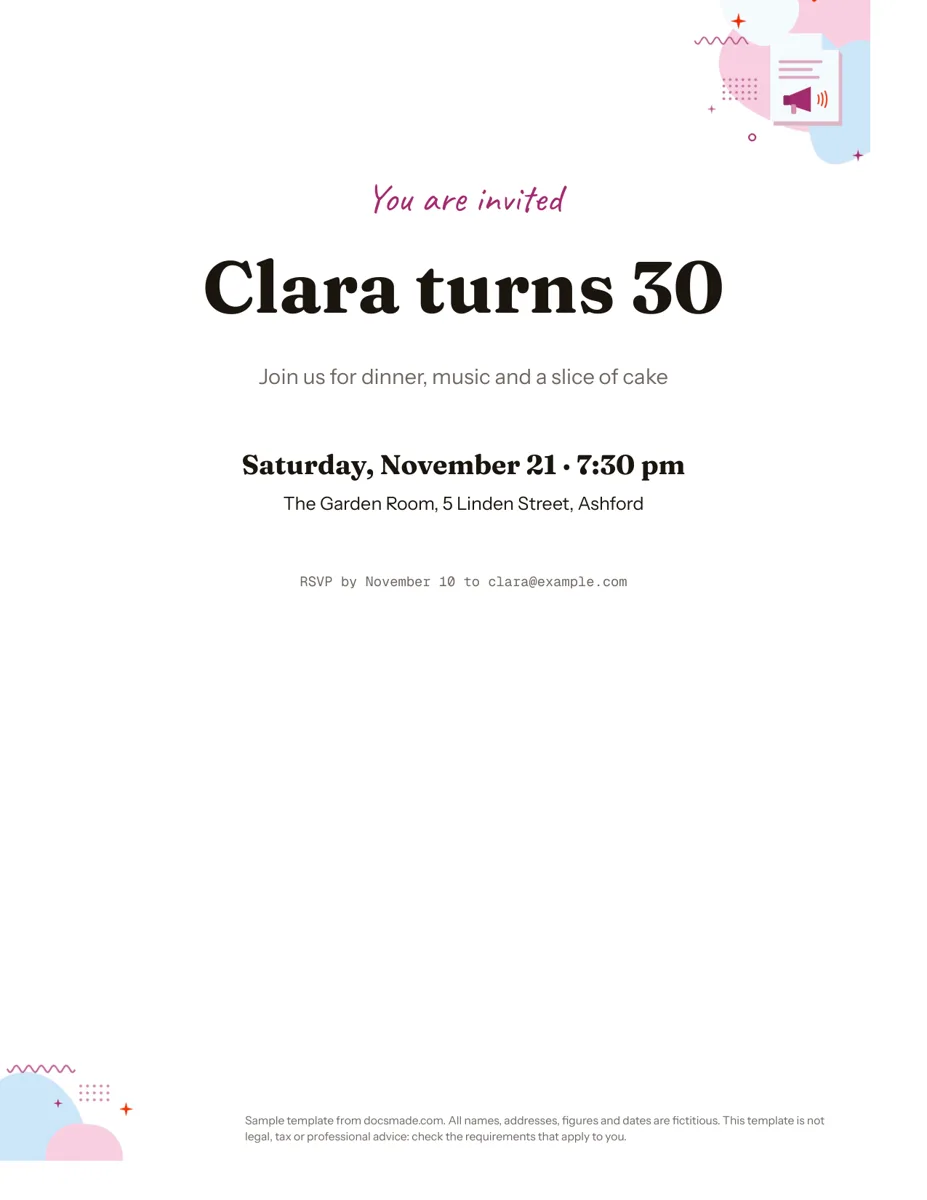 Marketing & print Google Docs Invitation Template: One-Page Party Invite Free invitation template for Google Docs: a one-page party invite you can preview, copy and edit, or download as .docx or PDF. Ready to print. View template →
 -
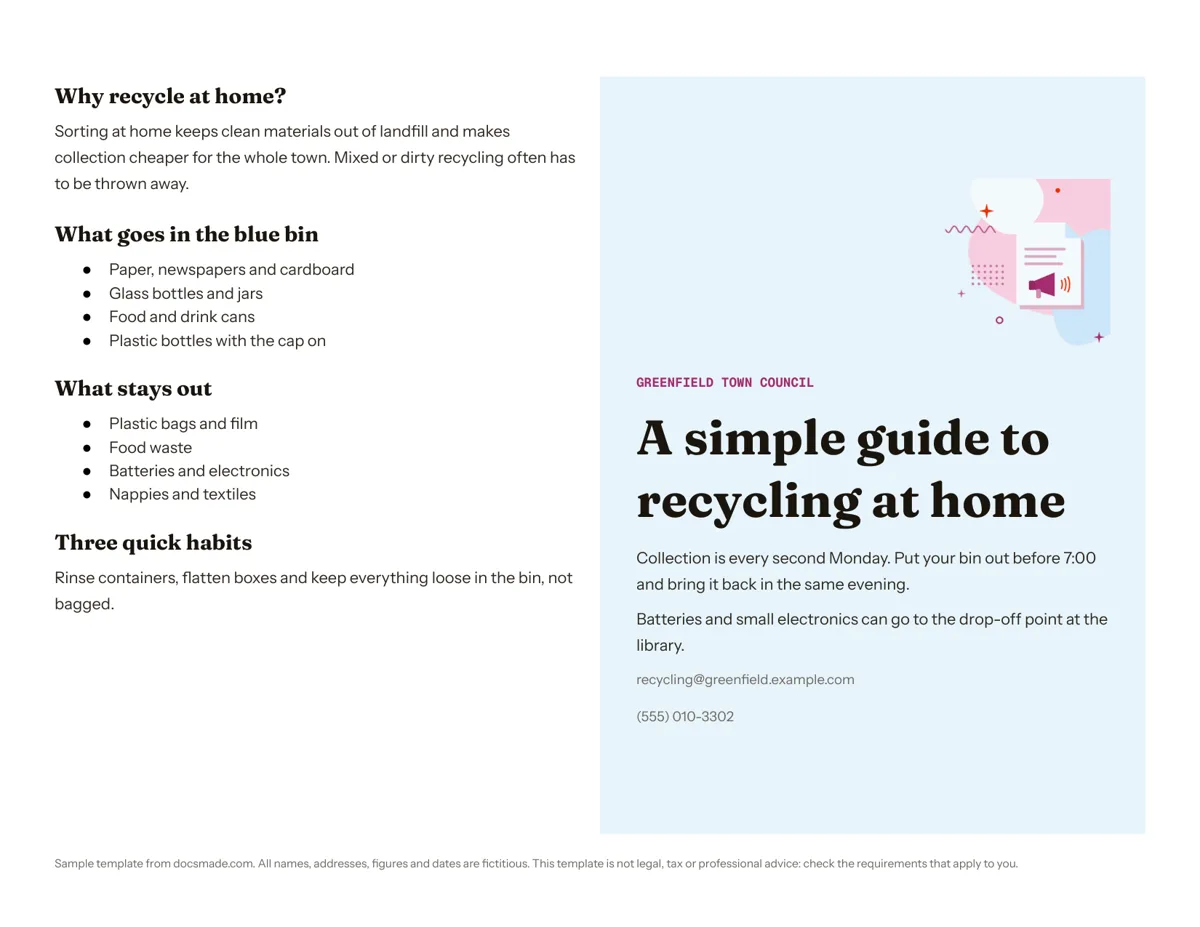 Marketing & print Google Docs Pamphlet Template for Informational Leaflets Free pamphlet template for Google Docs: a folded, two-panel info leaflet as a real Doc. Preview it, make a copy, or download .docx and PDF. View template →
 -
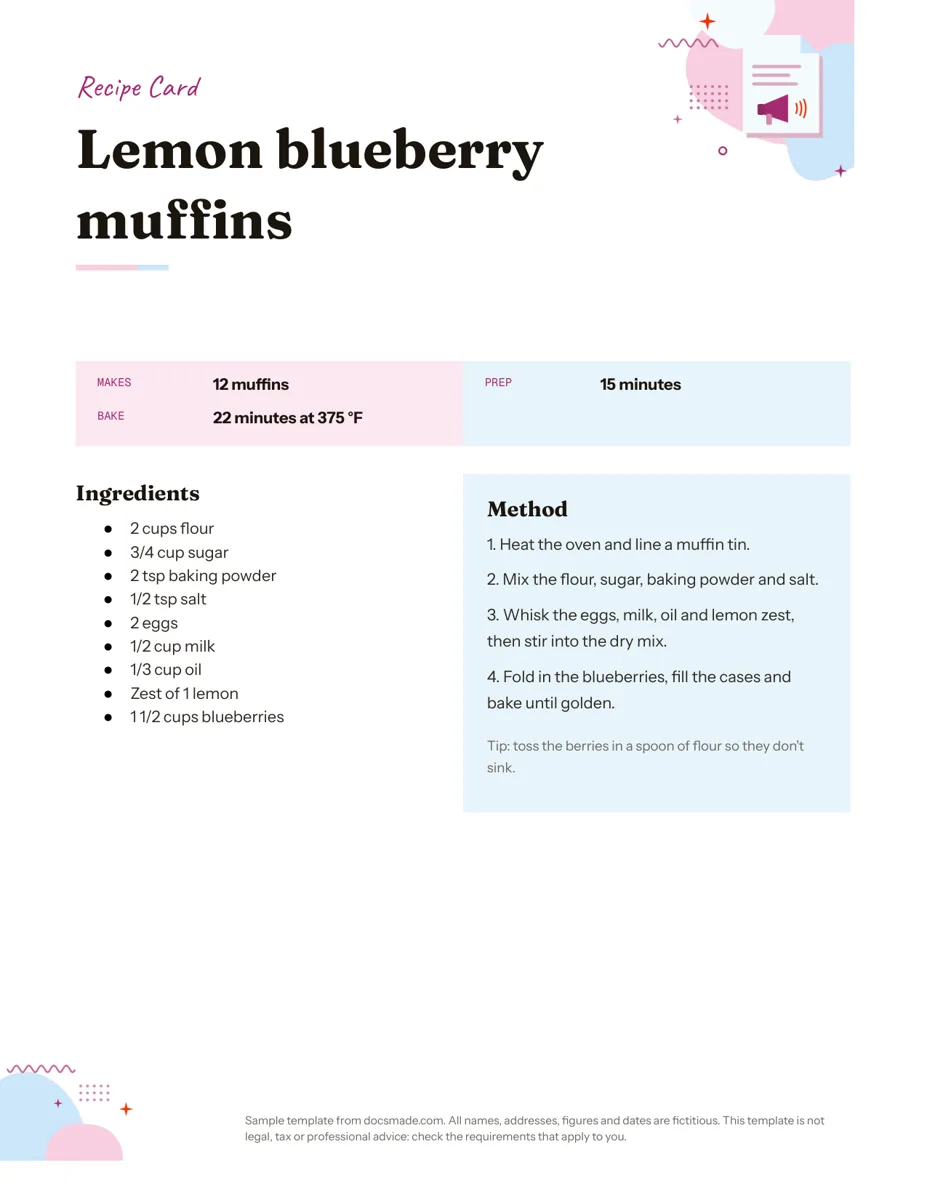 Marketing & print Google Docs Recipe Template: Printable Recipe Card Free recipe card template for Google Docs with ingredients and method side by side. Preview, copy and edit it, or download as .docx or PDF. View template →
 -
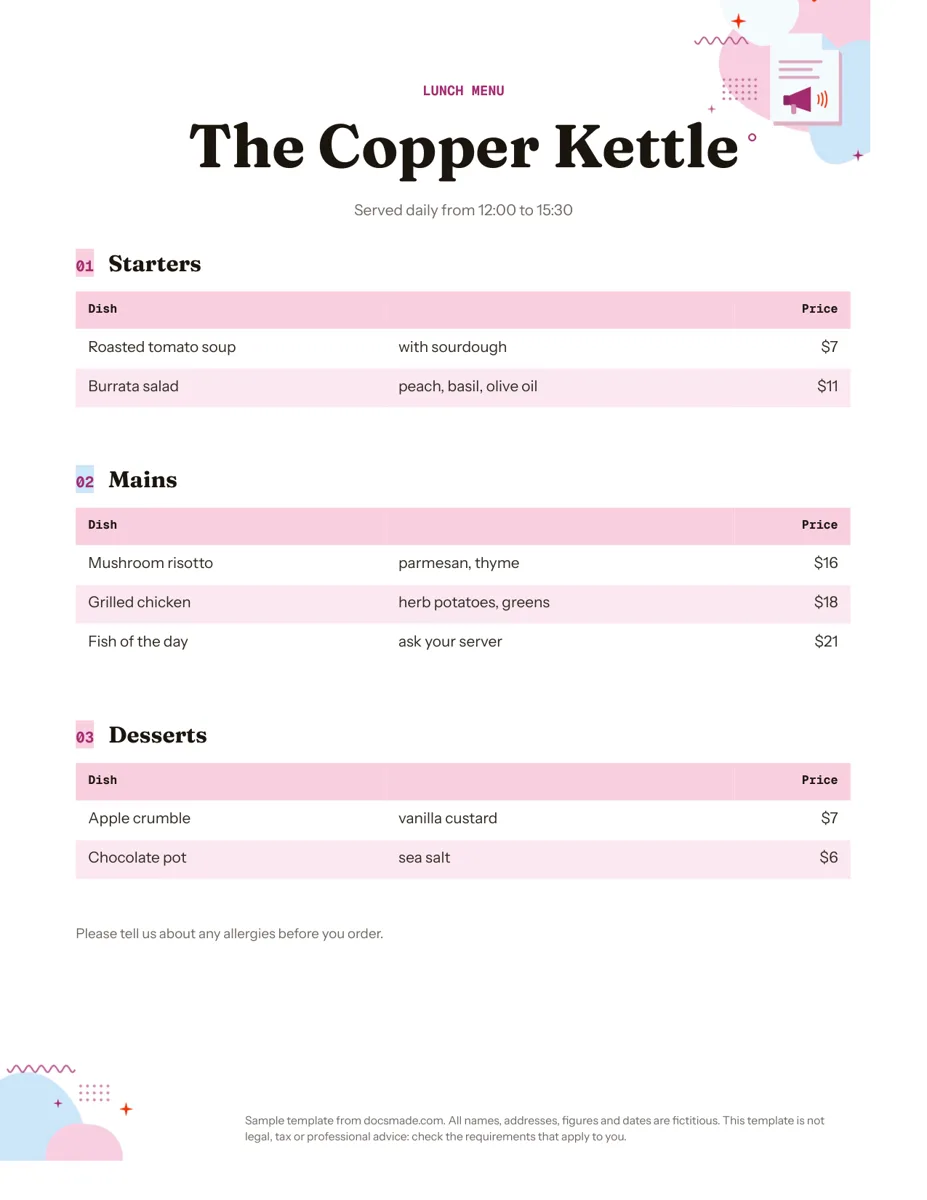 Marketing & print Google Docs Menu Template for Restaurants and Cafes Free restaurant menu template for Google Docs: starters, mains and desserts with prices. Preview it, make a copy, or download .docx or PDF. View template →