
Templates
Google Docs Letter Templates and Resume for Your Job Search
-
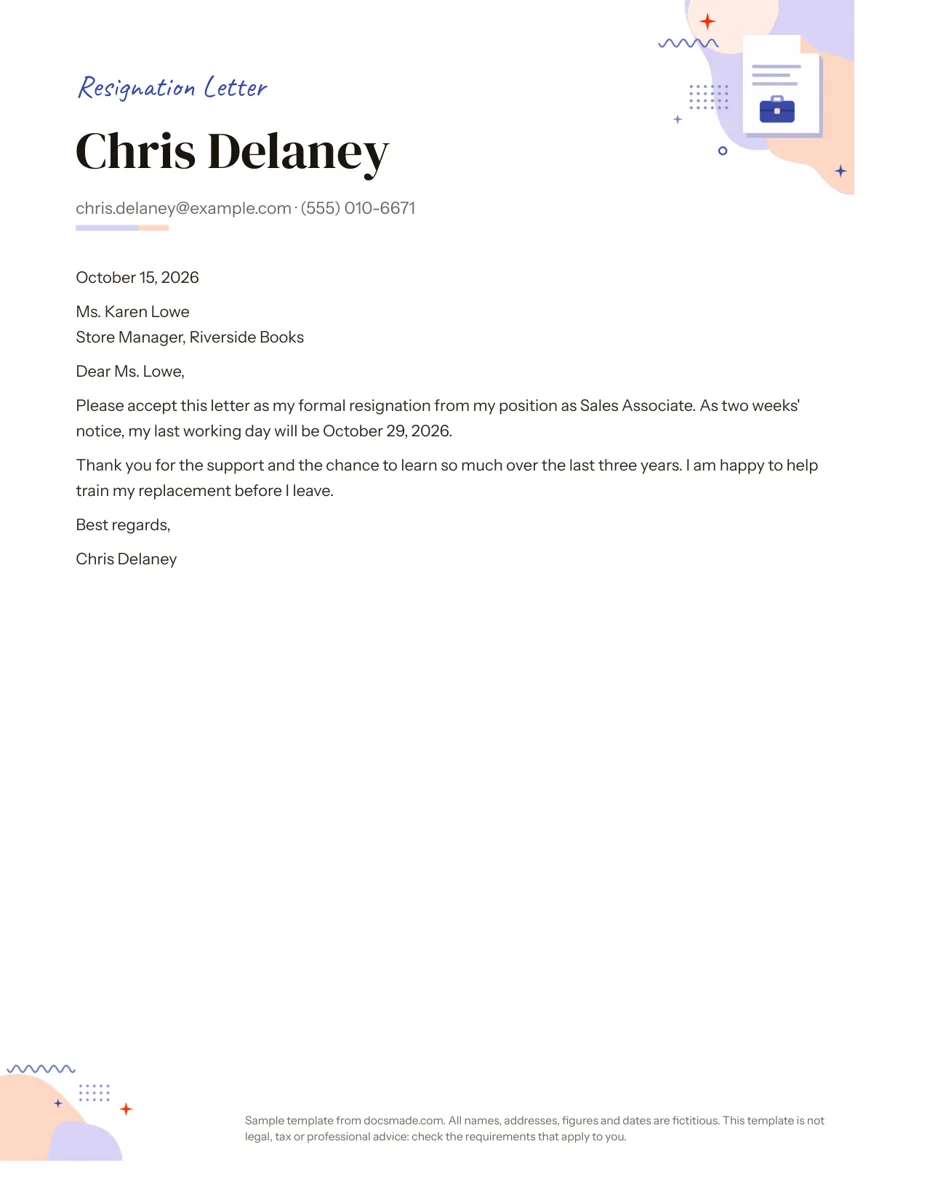 Career Google Docs Resignation Letter Template (Two Weeks Notice) Free two weeks notice letter template for Google Docs with a polite sample letter. Real Doc: preview it, make a copy, or download .docx and PDF. View template →
 -
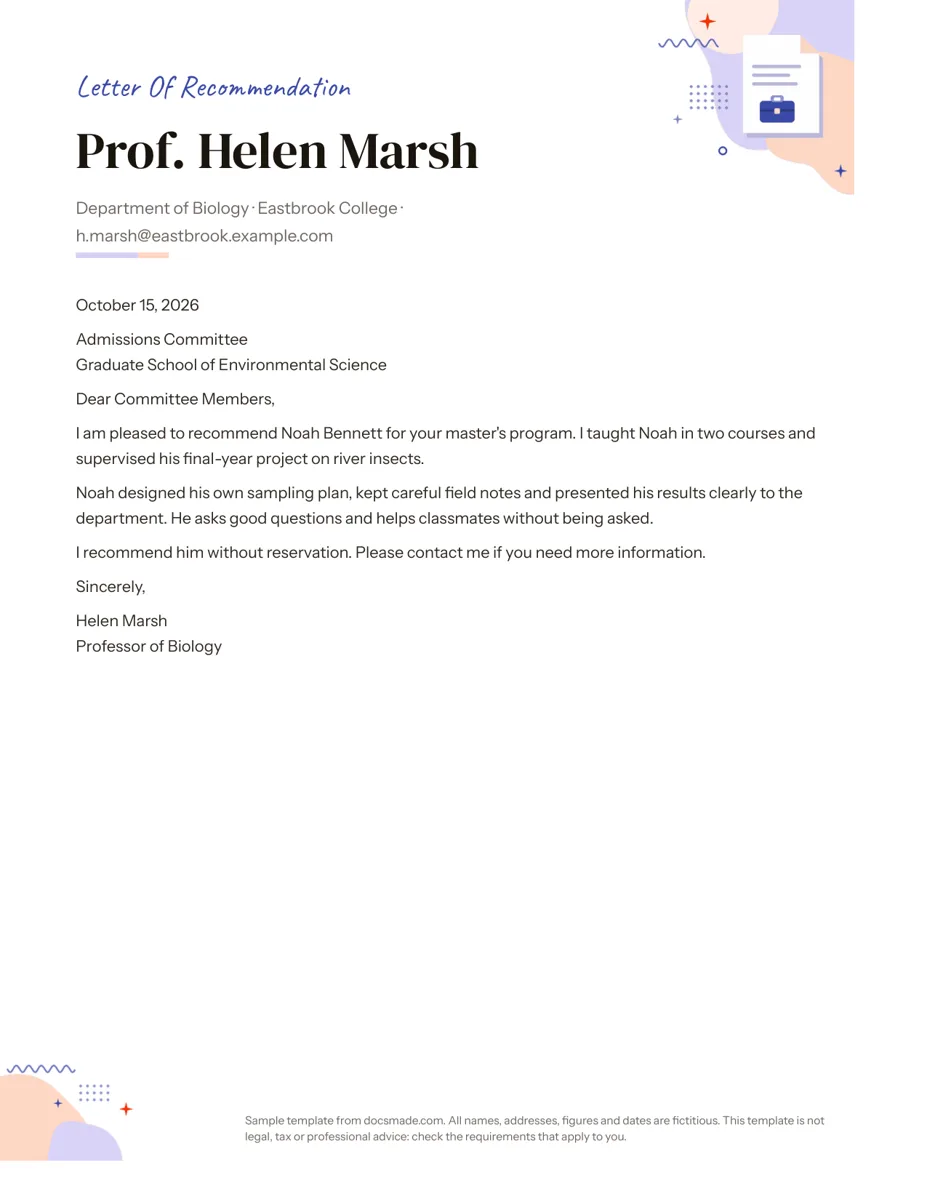 Career Google Docs Letter of Recommendation Template Free recommendation letter template for Google Docs with a complete sample for a graduate program. Real Doc: preview, copy or download .docx/PDF. View template →
 -
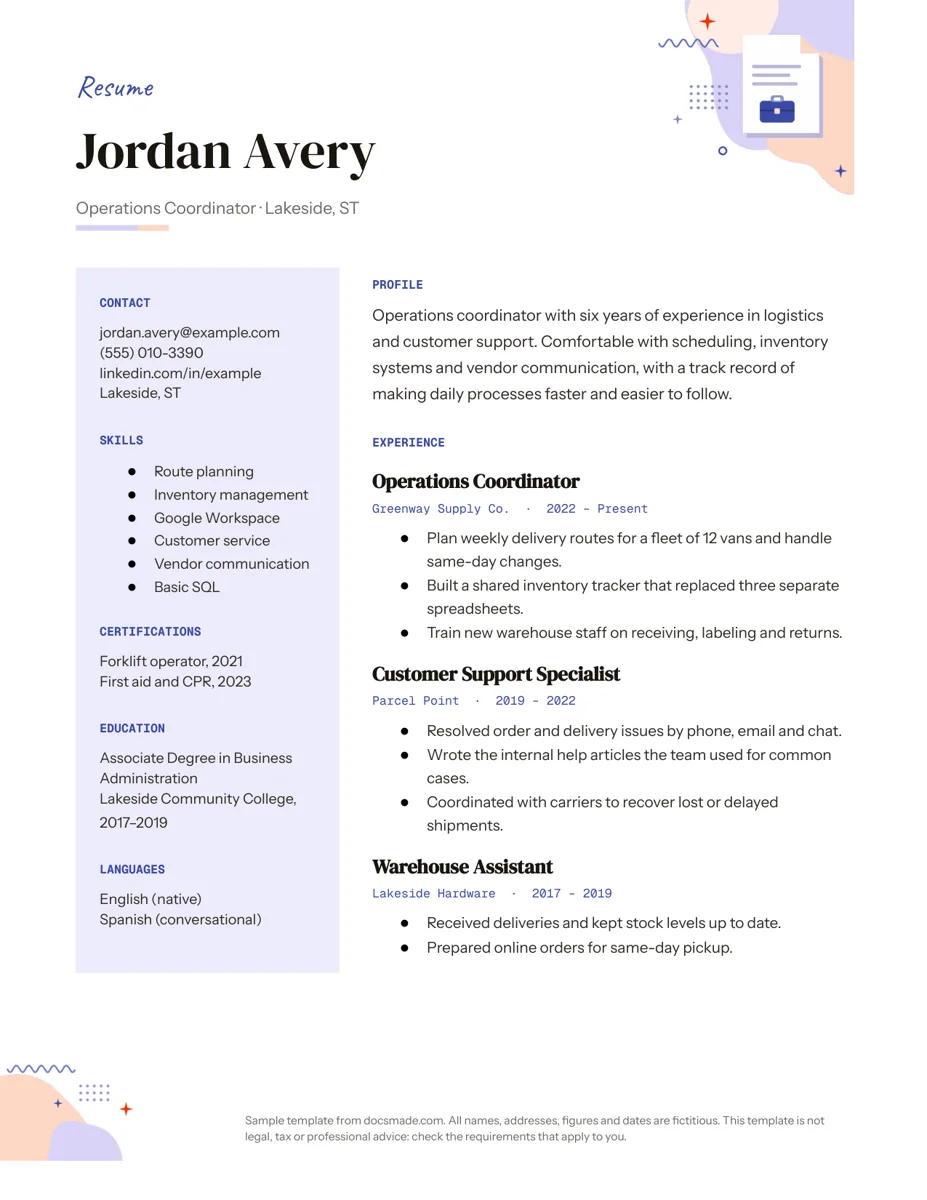 Career Google Docs Resume Template with a Two-Column Layout Free resume template for Google Docs with a skills sidebar and clear experience section. Real Doc: preview, make a copy, or get .docx and PDF. View template →
 -
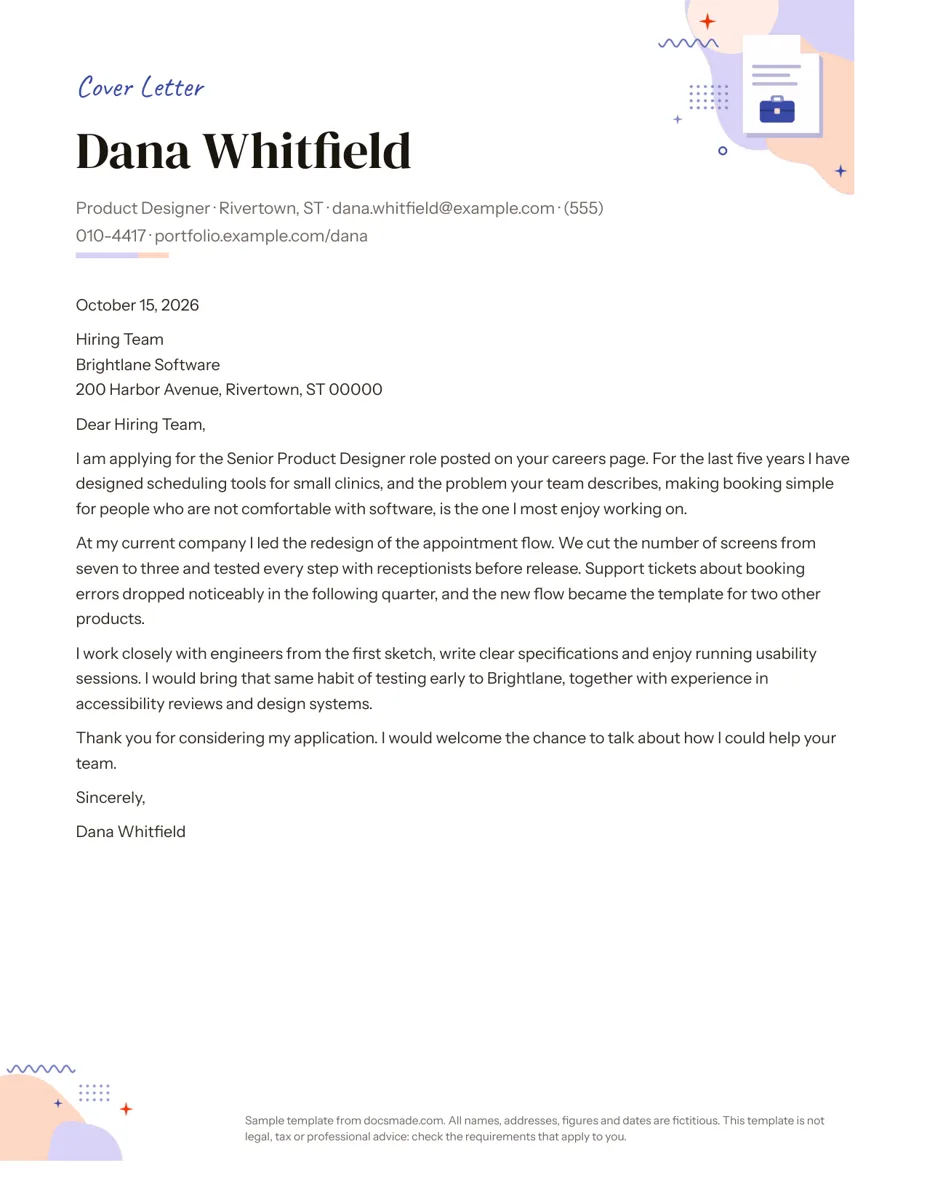 Career Google Docs Cover Letter Template for Job Applications Free cover letter template for Google Docs with a sample letter for a job application. Real Doc: preview it, make a copy, or download .docx and PDF. View template →
Job searches and job changes run on a few documents: a resume, a letter that introduces it, a letter someone writes on your behalf and, eventually, a letter that ends one job before the next. This category collects them as real Google Docs with the same clean typography, so the papers you send to one employer look like they belong together. All names, employers and dates in the samples are fictitious.
Google Docs letter templates for every stage of a job
The three letters follow the standard US business letter shape: sender block, date, recipient, greeting, body paragraphs and sign-off. They differ in who writes them and why.
- Cover letter: you write it to an employer when you apply. It introduces your resume, connects your experience to the role and asks for an interview.
- Letter of recommendation: a manager, teacher or professor writes it about you. It states how they know the candidate, gives concrete examples and ends with a clear endorsement.
- Resignation letter: you write it to your current employer to give notice, confirm your last day and offer help with the handover.
The resume completes the set: a one-page layout with a sidebar for contact details, skills and education next to your work history.
Free letter templates in Google Docs: writing tips that apply to all three
- Keep it to one page. Every letter in this category fits on a single Letter-size page. If yours runs over, cut adjectives before you cut facts.
- Name a real person. A letter addressed to a named hiring manager or HR contact reads as written for that company, not sent to fifty.
- Use specifics. A project, a number you are allowed to share, a skill applied to a result. Recommenders should do the same for the person they recommend.
- Match the resume. Use the same name, phone and email format in the letter header and on the resume, and the same font if you change it.
Notice periods and what a resignation must include depend on your contract and on local law. The resignation template is a polite, standard format, not legal advice.
How to send a letter template from Google Docs
Most employers and applicant tracking systems accept PDF or Word files, not links to a Doc. After editing your copy, use File > Download > PDF Document to send a letter that looks the same on every screen, or Microsoft Word (.docx) when a portal asks for an editable file. Name the file with your name and the document type, for example a surname followed by "cover letter", so a recruiter can find it later. A recommender who sends a letter directly can share the PDF by email or upload it to the school or employer portal.
Letter formatting in Google Docs: small fixes that help
Turn on View > Show print layout to see real page margins while you write. If the sign-off spills onto a second page, reduce the space between paragraphs in Format > Line & paragraph spacing rather than shrinking the font. Applying in a country that uses A4 paper? Change the size in File > Page setup and check the page break before you export. For a branded company letter rather than a personal one, start from the letterhead template in the business category instead.
New to copying templates? The guide how to copy a Google Doc shows each step, from the copy screen to downloading Word and PDF files.