
Google Docs Memo Template for Office Announcements
Prefer a file? Download .docx · Download PDF
How it works: “Use this template” opens Google’s copy screen. Sign in to your Google account and the document is copied to your own Drive, where you can edit every line. Need help copying the document?
What's inside the memo template
-
Details
- To · From · Date · Subject
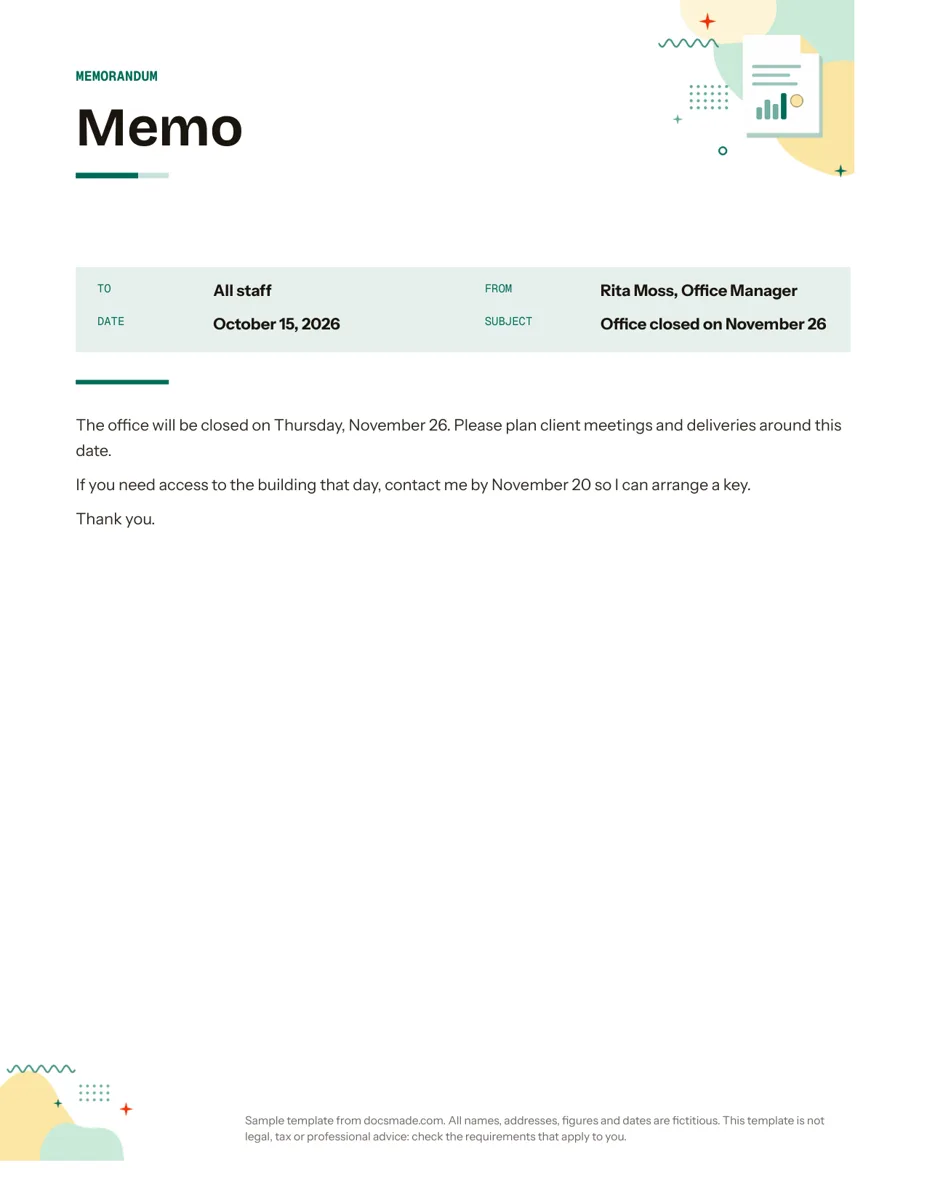
This memo template is a real Google Doc in the classic memorandum format: a header block with To, From, Date and Subject, a rule, then a short message. Office managers, team leads, school staff and small business owners can preview it here, copy it to Google Drive and send a clear internal announcement in a few minutes.
What this business memo template for Google Docs includes
The template is one Letter page and comes with a filled-in example, a notice from a fictitious office manager telling all staff that the office will be closed on a given day.
- Memorandum band. "MEMORANDUM" in a header strip at the top, so the document type is obvious at a glance, on screen or pinned to a noticeboard.
- Header block. Four labeled lines: To (All staff), From (name and job title), Date and Subject ("Office closed on November 26").
- Divider rule that separates the header from the message.
- Body. Three short paragraphs: the news and what readers should do about it, how to ask for an exception and by when, and a brief thank-you.
There is no greeting and no signature block, which is standard for a memo: the From line already says who wrote it.
How to write a memo people read to the end
Memos fail when the main point is buried. The sample is short on purpose, and these habits keep yours the same way.
- Make the subject line do the work. "Office closed on November 26" tells readers everything before they open the memo. "Update" or "Important information" tells them nothing.
- Lead with the news. Put the decision, change or request in the first sentence, followed by what you need readers to do.
- One memo, one topic. If you have three unrelated announcements, send three memos. Readers file and search by subject.
- Give a deadline and a contact. The sample asks staff to get in touch by a set date if they need building access. Concrete dates prevent last-minute requests.
- Keep the tone neutral. A memo goes to many people and is often forwarded. Write it so it reads well to someone outside the team.
- Use lists for steps. If readers must do several things, a numbered list is easier to follow than a long paragraph.
For sensitive topics such as performance or discipline, a memo is rarely the right channel. Talk to the person first and follow your organization's HR process.
How to edit the memo template in Google Docs
Click Use this template on this page, or open the preview and choose File > Make a copy. Your copy is private and fully editable. The guide to copying a Google Doc explains the steps if you need them.
- Fill the header. Replace the To, From, Date and Subject values. Add a CC line under From if other teams need a copy; copy an existing line so the formatting matches.
- Brand the band. Change the band color and font with the toolbar, or restyle headings at once with Format > Paragraph styles. To place your logo, use Insert > Image, or start from the matching letterhead template if you want a full company header.
- Keep a reusable master. Fill in your name and title, clear the body and save the copy as "Memo master". Duplicate it each time with File > Make a copy.
- Change paper size. The memo is set to US Letter; switch to A4 under File > Page setup.
Share the memo by link, email or PDF
Most memos are read on screen. You have three practical options in Google Docs:
- Share a view-only link. Click Share, set general access to people in your organization or anyone with the link, and choose Viewer. Readers always see the latest version, which helps if details change.
- Email it as an attachment.File > Email > Email this file sends the memo as a PDF from inside Docs. A PDF is a fixed record of what was announced and when.
- Print it. For a staff room or shop floor, use File > Print. The single-page layout fits a noticeboard.
If a manager approves memos before they go out, share the draft with comment access so they can leave notes with Insert > Comment. To keep an archive, download each final memo with File > Download > PDF Document (.pdf), or Microsoft Word (.docx) if your office uses Word, and store it in a shared Drive folder named by date.
Internal memo and office memo examples
- Closures and schedule changes. Holidays, office moves, maintenance days, as in the sample.
- Policy updates. A short summary of what changed, the date it applies from and a link to the full policy.
- Reminders and deadlines. Expense report cut-offs, training sign-ups, parking changes.
- School and club notices. Staff memos about events, room changes or new procedures.
A memo announces; it does not record a discussion. To capture decisions from a meeting, use the meeting minutes template, and for longer findings with data, the report template. All of them are in the business documents for Google Docs collection.
Memo template for Google Docs: FAQ
What is the correct memo format?
A standard business memo has a header with To, From, Date and Subject, a line separating the header from the body, and a short message without a greeting or sign-off. This template follows that layout.
How long should a memo be?
As short as the message allows, usually one page. If it runs longer, consider attaching the details as a separate document and keeping the memo to the main point and the action needed.
Can I send this memo template to people who do not use Google Docs?
Yes. Download it as a PDF or .docx and attach it to an email, or share a view-only link, which opens in any web browser.
What is the difference between a memo and a business letter?
A memo is mostly internal and uses a header block instead of a greeting and signature. A business letter goes to someone outside the organization and usually sits on letterhead with an address, greeting and signature.
Is this memo template free?
Yes. Preview it, copy it to your Drive or download it as .docx and PDF at no cost.
More templates
-
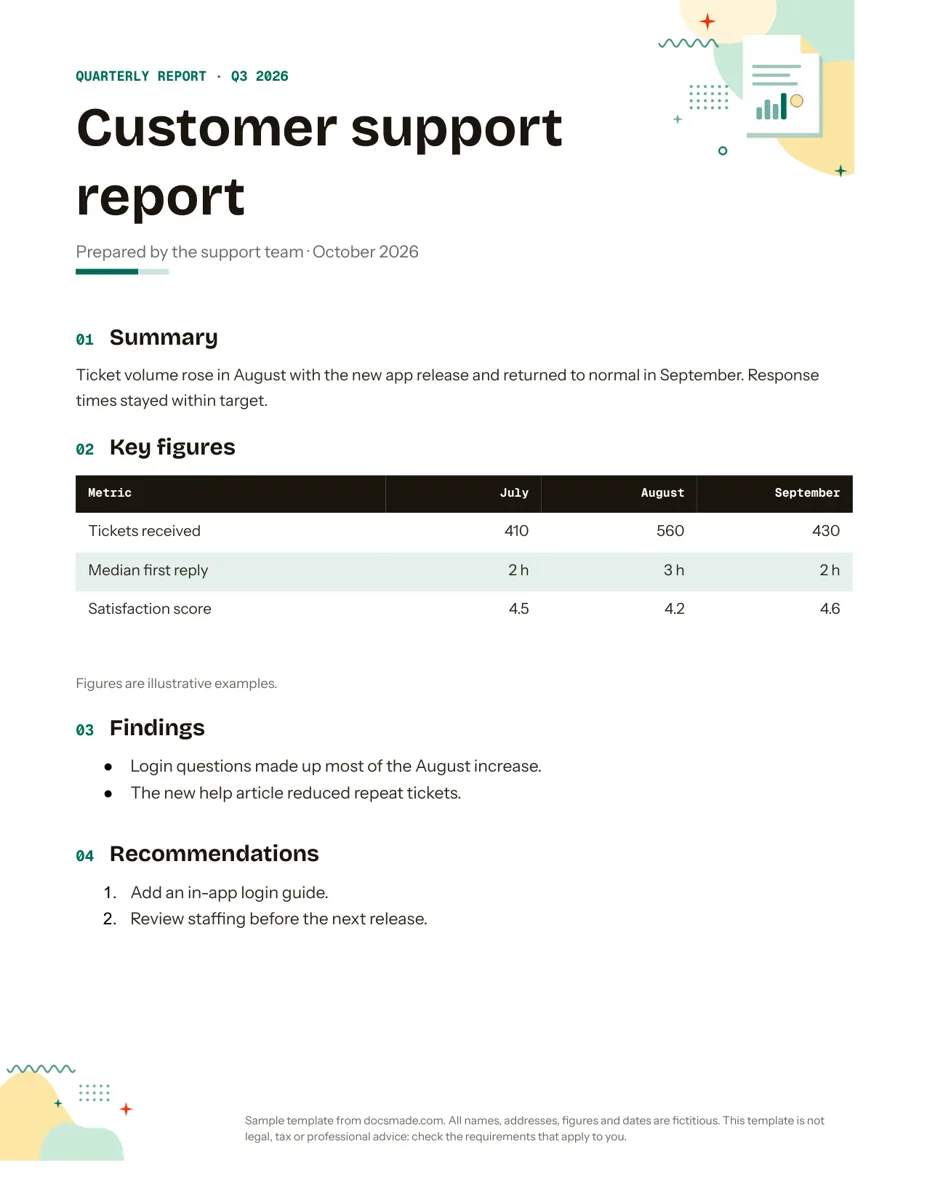 Business & finance Google Docs Report Template for Quarterly and Monthly Reports Free report template for Google Docs: summary, key figures table, findings and recommendations. Real Doc you can preview, copy or get as .docx/PDF. View template →
 -
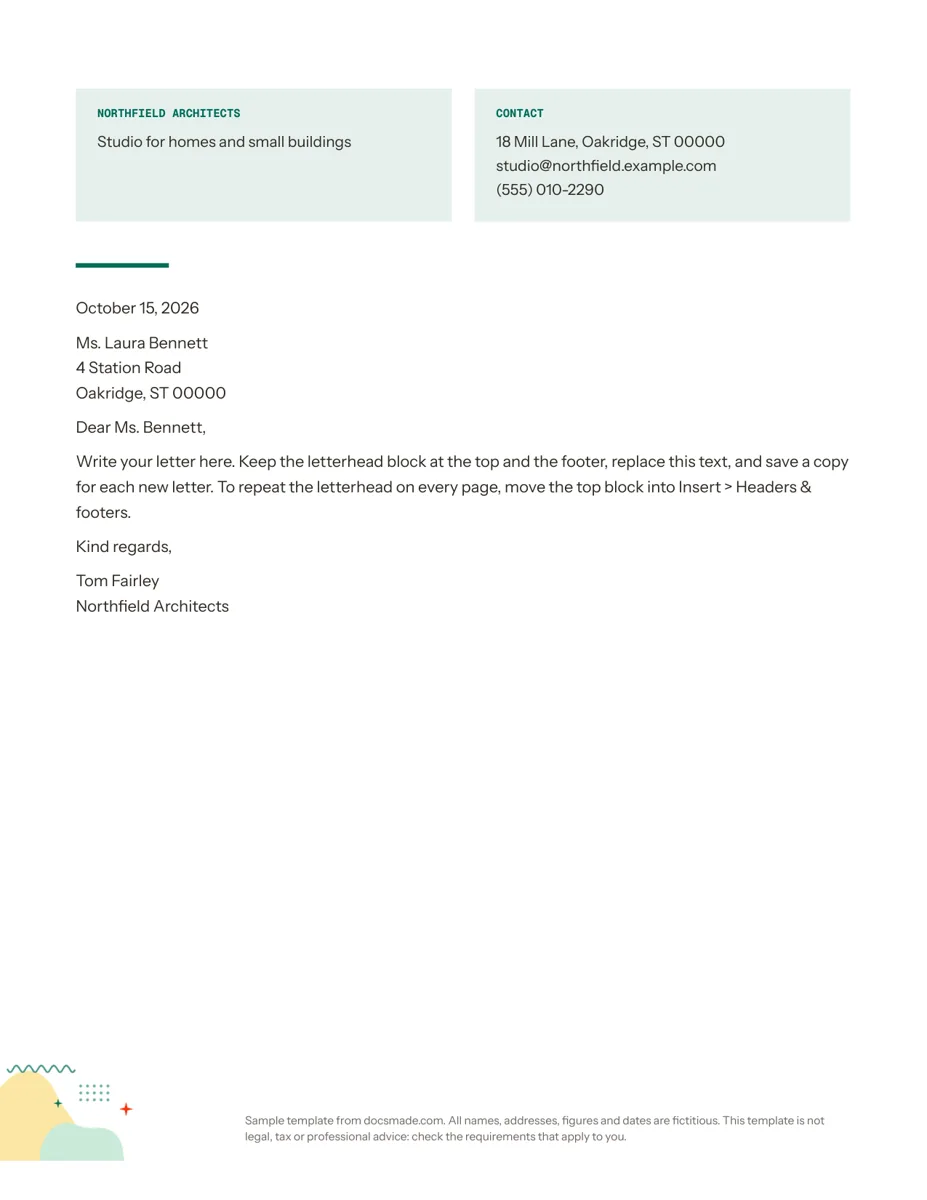 Business & finance Google Docs Letterhead Template for Business Letters Free business letterhead template for Google Docs with company and contact block. Real Doc: preview it, make a copy, or download .docx and PDF. View template →
 -
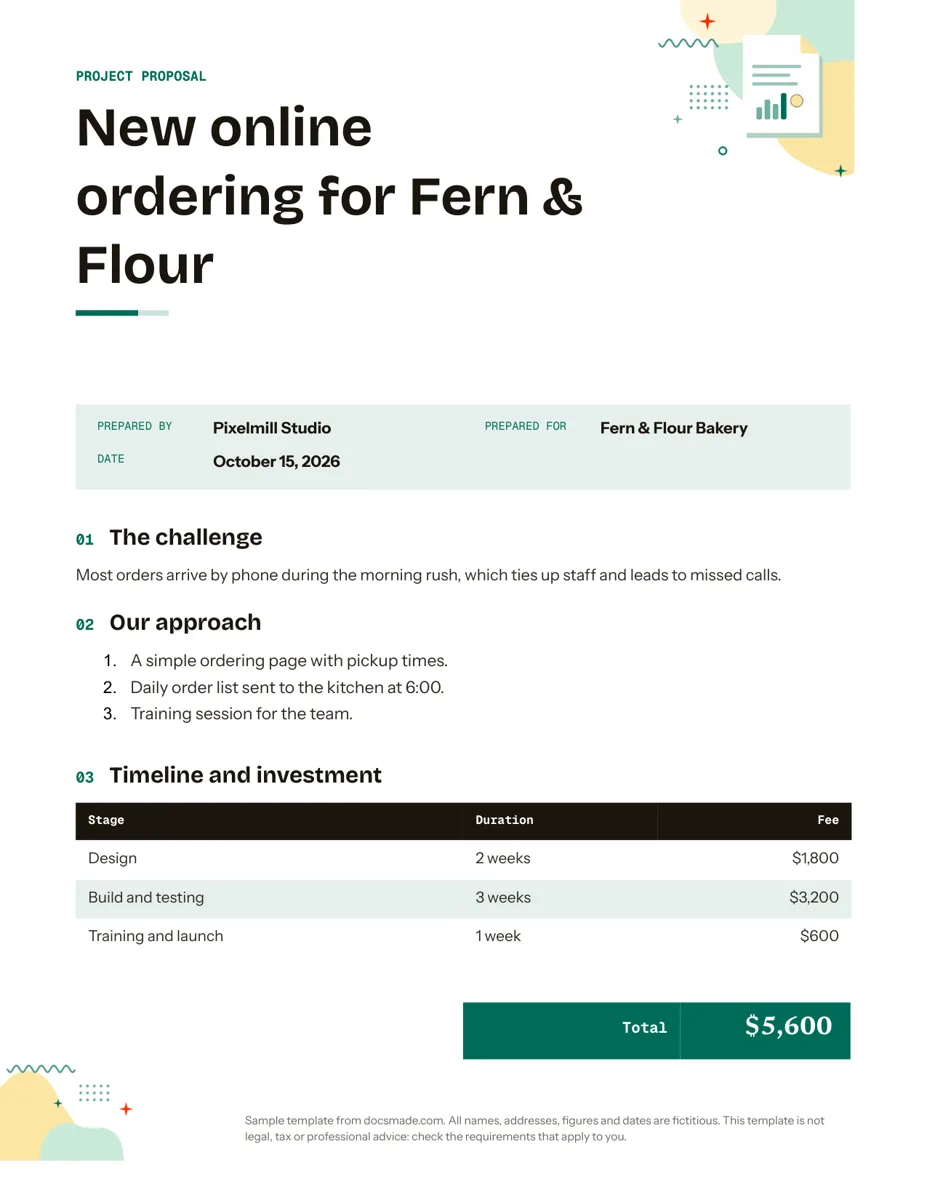 Business & finance Google Docs Proposal Template for Client Projects Free project proposal template for Google Docs: challenge, approach, timeline, fees and next steps. Preview, make a copy, or get .docx and PDF. View template →
 -
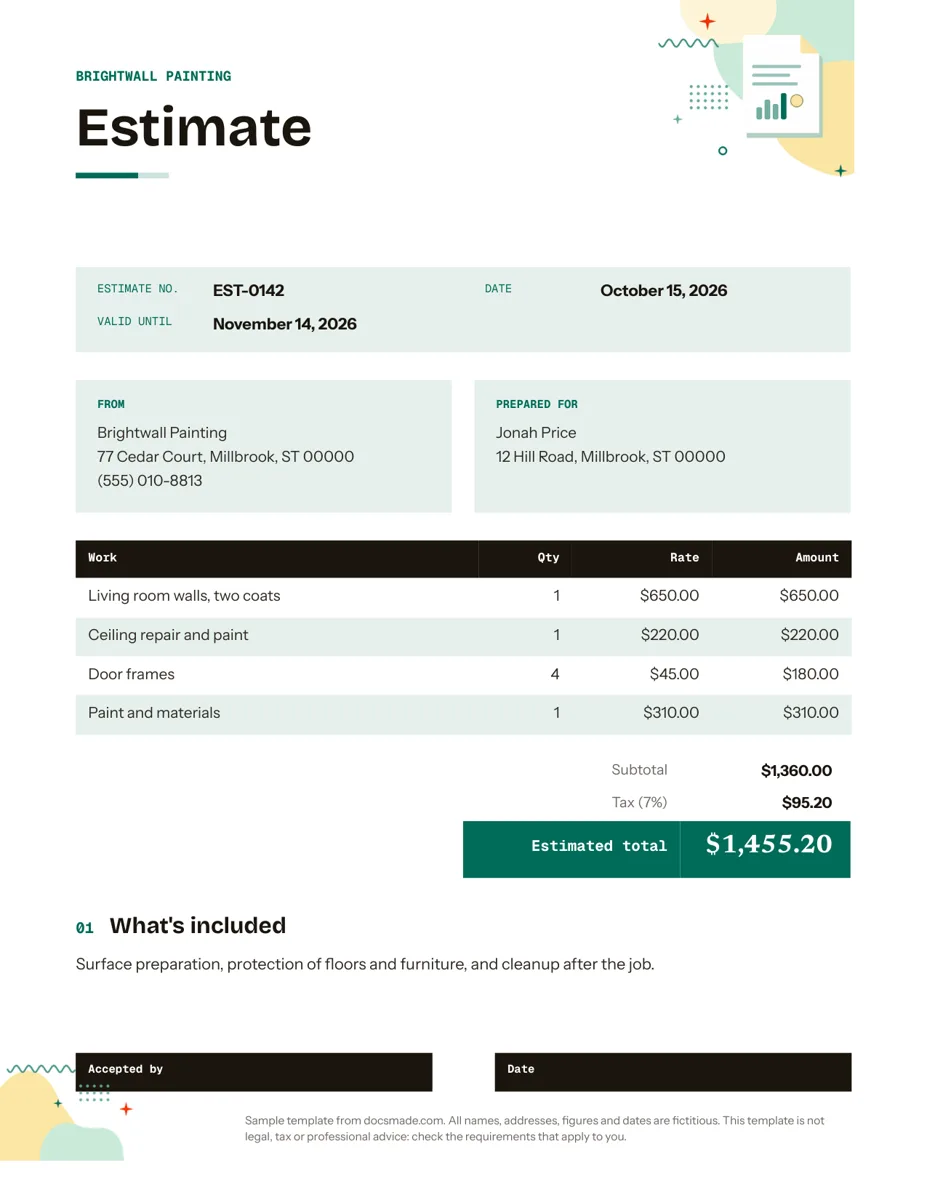 Business & finance Google Docs Estimate Template for Quotes and Jobs Free job estimate template for Google Docs with line items, tax, validity date and a sign-off line. Preview, copy, or download .docx and PDF. View template →