
Certificate Template for Google Docs: Certificate of Achievement
Prefer a file? Download .docx · Download PDF
How it works: “Use this template” opens Google’s copy screen. Sign in to your Google account and the document is copied to your own Drive, where you can edit every line. Need help copying the document?
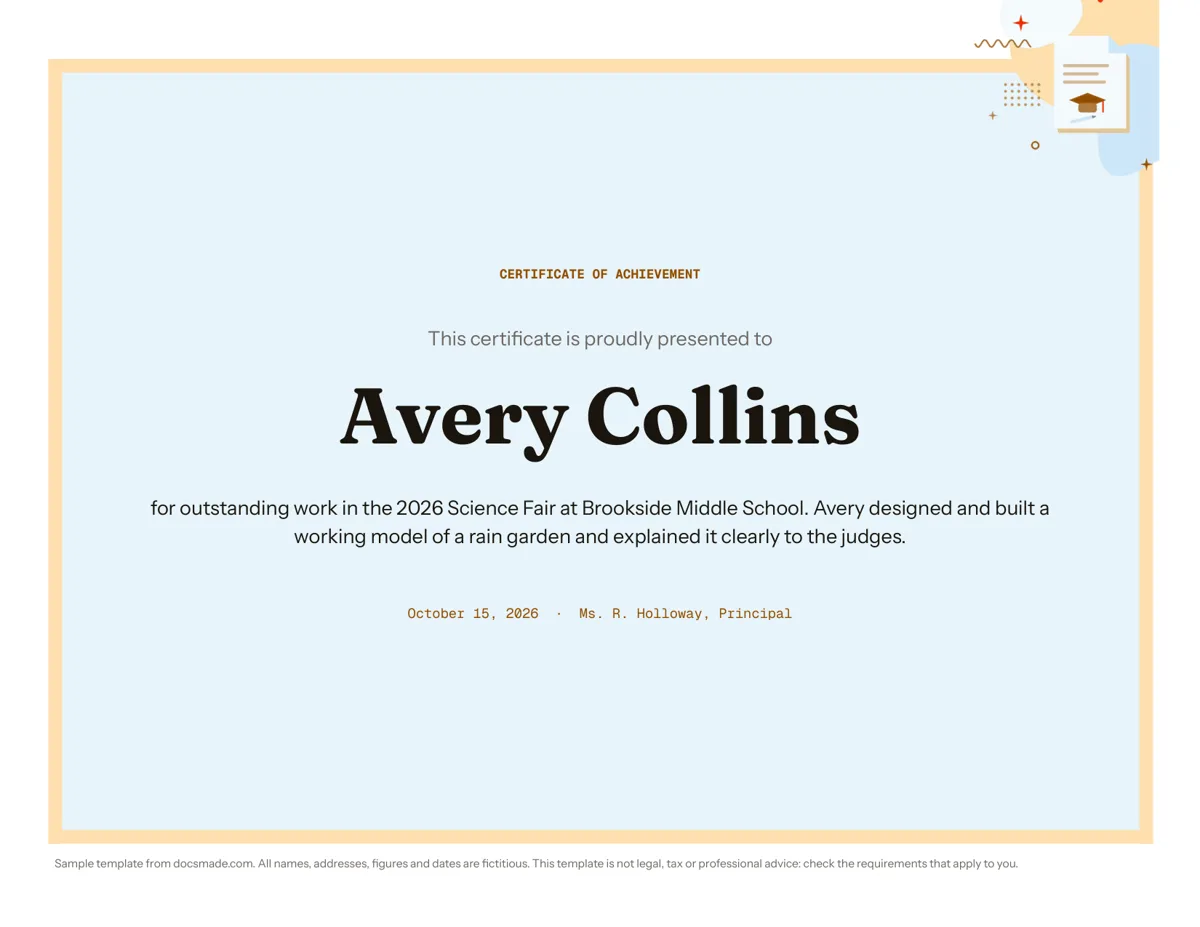
This certificate template is a real Google Doc set up as a landscape certificate of achievement on US Letter paper. A colored frame surrounds a centered layout with the title, the recipient's name in large type, a short citation and the date and signer. Preview it here, copy it to your Google Drive, change the name and the reason, and print as many as you need.
What's in this Google Docs certificate template
The sample honors a fictional student, Avery Collins, for a science fair project at a fictional middle school. Every line is centered inside a single bordered frame, so the layout stays balanced when you change the wording.
- Frame: a thick colored border around the whole page with generous inner padding, built as a one-cell table. It prints reliably on home printers because it is part of the document, not a background image.
- Title: "CERTIFICATE OF ACHIEVEMENT" in small spaced capitals at the top.
- Presentation line: "This certificate is proudly presented to" in a softer gray.
- Recipient name: "Avery Collins" in a large bold display font. This is the line people photograph, so check the spelling twice.
- Citation: two sentences that say what the person did and why it mattered: outstanding work in the 2026 Science Fair, a working model of a rain garden, explained clearly to the judges.
- Date and signer: one small line with the date and the name and title of the person presenting it ("Ms. R. Holloway, Principal").
How to word an award certificate that means something
Most certificates say "for excellence" and stop. The ones people keep say what the person actually did. Use the citation line for that:
- Name the achievement specifically. "For outstanding work in the 2026 Science Fair" is better than "for excellence in science", and adding the project ("a working model of a rain garden") makes it personal.
- Add one detail that shows effort or skill. In the sample, it is that Avery explained the model clearly to the judges. For an employee, it might be the project they led; for a volunteer, the hours or the event they ran.
- Keep it to one or two sentences. Longer text gets small and dense inside the frame. If you have more to say, write it in a card that goes with the certificate.
- Write the name as the person uses it. Ask, if you are unsure, whether they prefer a nickname, a middle initial or a full name.
- Date and sign it. A real signature in ink above the printed signer name makes the certificate feel official. Leave a little space above that line if you plan to sign by hand.
A certificate like this recognizes achievement; it is not an official credential. For diplomas, licenses or accredited course certificates, follow the requirements of the issuing institution.
Customize the certificate in Google Docs
Click Use this template, or open the preview and go to File > Make a copy. Your copy is saved in your Google Drive. The guide on how to copy a Google Doc explains the steps in more detail.
- Change the title: replace "Certificate of Achievement" with Completion, Appreciation, Recognition or Participation. Keep it in capitals so it matches the rest of the design.
- Change the frame color: click inside the frame, open Format > Table > Table properties, and change the border color and width. School colors or a company accent color work well.
- Change fonts: select the recipient name and choose another display font from the toolbar; More fonts opens the Google Fonts library. Keep one decorative font at most.
- Add a logo or seal: place the cursor on the title line and use Insert > Image. Set the image to "In line" so it stays centered and inside the frame.
- Orientation and paper: the document is landscape. File > Page setup switches between Letter and A4 or to portrait; if you change orientation, adjust the frame height so it still fills the page.
Print, download or share your printable certificate
Use File > Print and make sure the printer is set to landscape. Print one copy on plain paper first to check that the frame is not cut off at the edges, then switch to card stock or certificate paper. For a print shop, download a PDF with File > Download > PDF document (.pdf), which keeps the layout fixed. For Word, use File > Download > Microsoft Word (.docx).
Certificates can also go out digitally. Export the PDF and attach it to an email, or post it on a class page. For a colleague who needs to approve the wording, click Share and give comment access so they can leave notes with Insert > Comment.
Making certificates for a whole class or team? Duplicate the page for each person, or keep one master copy and use File > Make a copy for each name. Add-ons in the Google Workspace Marketplace can also generate certificates in bulk from a spreadsheet of names.
Certificate of completion, appreciation and other award certificate ideas
- Certificate of completion: change the title and write the course or workshop name and the date it finished in the citation.
- Certificate of appreciation: for volunteers, coaches or guest speakers. Name the event they helped with and what they did.
- Classroom awards: end-of-year awards, reading challenges, perfect attendance or most improved.
- Workplace recognition: employee of the month or project milestones, signed by a manager.
- Sports and clubs: season awards or tournament places, with the team name in the citation.
For school events, combine the certificate with an invitation template for the award ceremony and a lesson plan template for the session where awards are presented. If you are documenting a science project as well, the lab report template fits alongside it. More classroom documents are in education templates.
Certificate template Google Docs FAQ
Is this Google Docs certificate template free?
Yes. You can preview it, copy it into your Google Drive and download it as .docx or PDF at no cost. A Google account is needed to make an editable copy.
How do I make a certificate in Google Docs?
Copy this template, replace the title, name, citation, date and signer, then print or download it. If you want to start from scratch, set the page to landscape in File > Page setup, insert a one-cell table with a thick border as the frame, and center your text inside it.
Can I use this as a gift certificate template in Google Docs?
You can adapt it, but a gift certificate needs different information: the value or service, a code or number, an expiry date and terms of use. Replace the citation with those details and check any rules that apply to gift cards where you are.
Why is my certificate printing on two pages?
Usually because the citation got longer or the paper size changed. Shorten the text, reduce the space above the name, or check that File > Page setup matches the paper in your printer.
Can I add a signature image to the certificate?
Yes. Scan or photograph the signature on white paper, insert it with Insert > Image above the signer line, and set it to "In line". Only use a signature with the signer's permission.
More templates
-
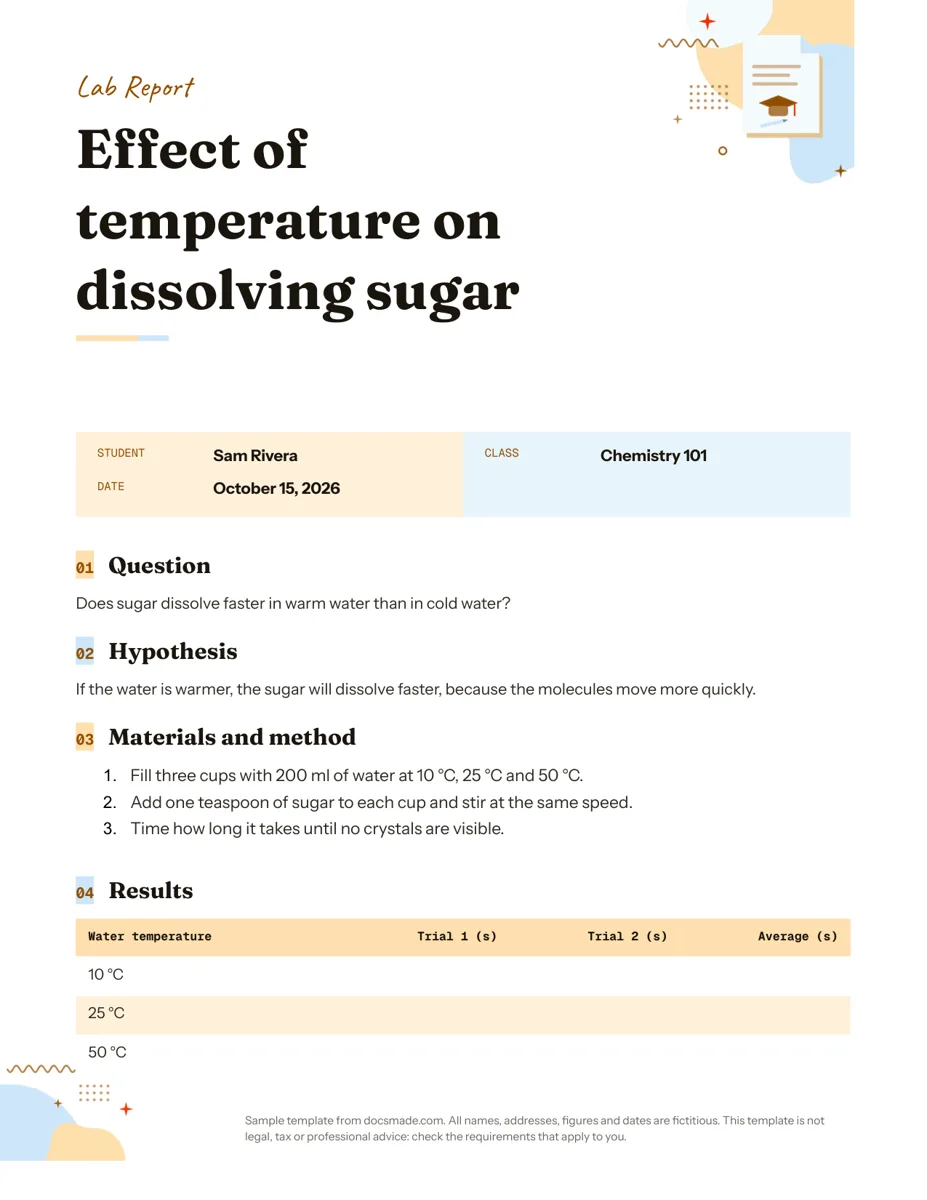 Education Google Docs Lab Report Template for Science Classes Free lab report template for Google Docs: question, hypothesis, method, results table and conclusion. Preview it, copy it, or get .docx and PDF. View template →
 -
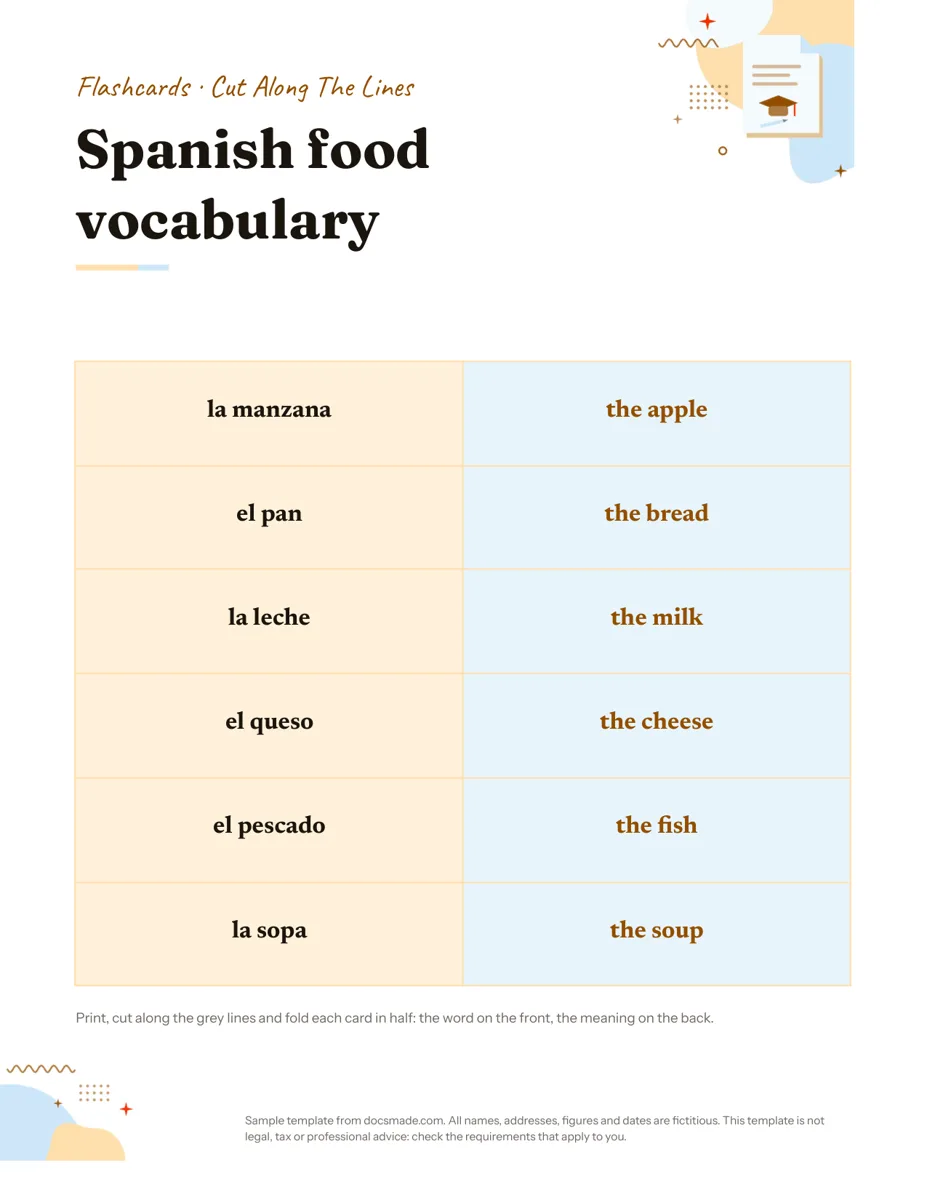 Education Google Docs Flashcard Template: Printable Cut-and-Fold Cards Printable flashcard template for Google Docs: a cut-and-fold grid with the word on the front and meaning on the back. Copy it, or get .docx or PDF. View template →
 -
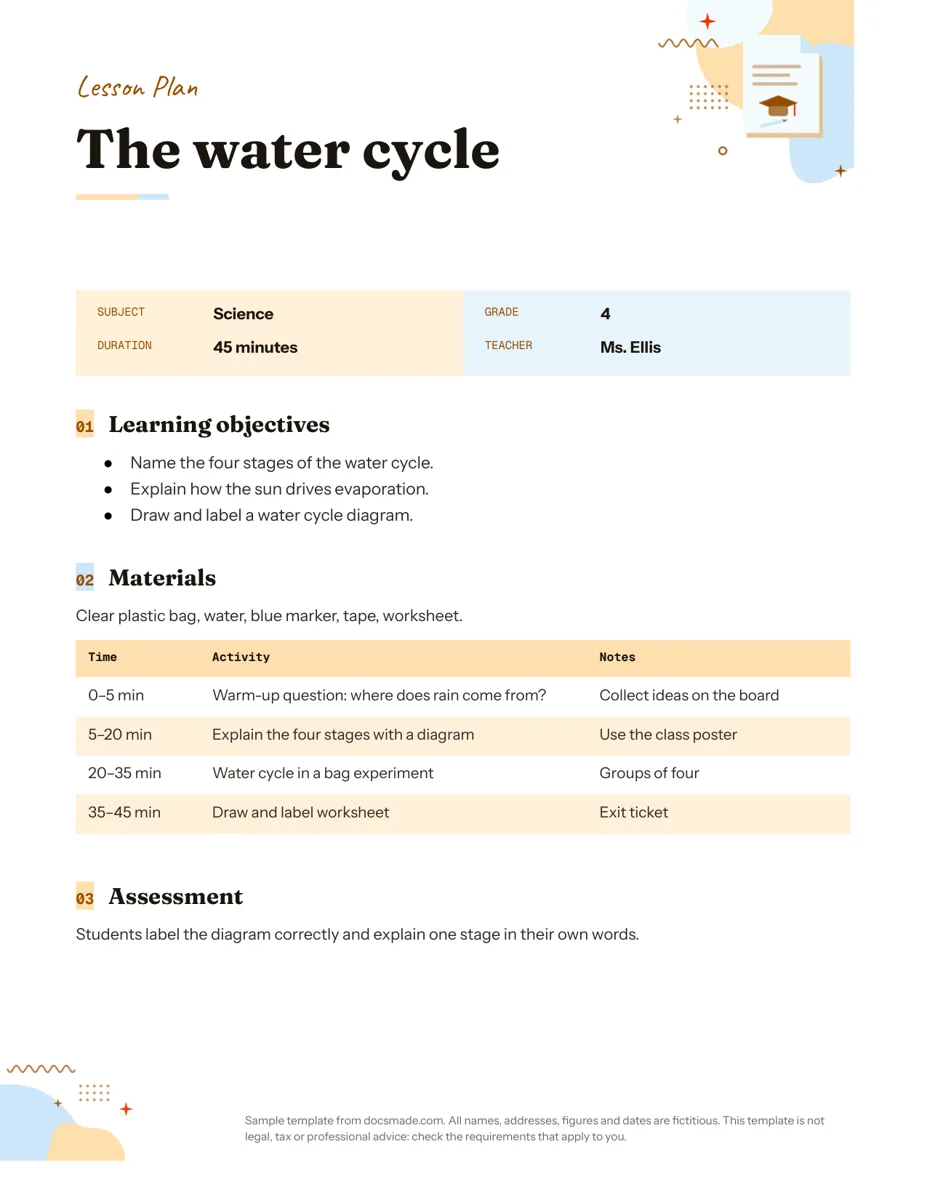 Education Google Docs Lesson Plan Template for a Single Lesson Simple lesson plan template for Google Docs: objectives, materials, timed activities and assessment. Preview, copy, or download as .docx or PDF. View template →
 -
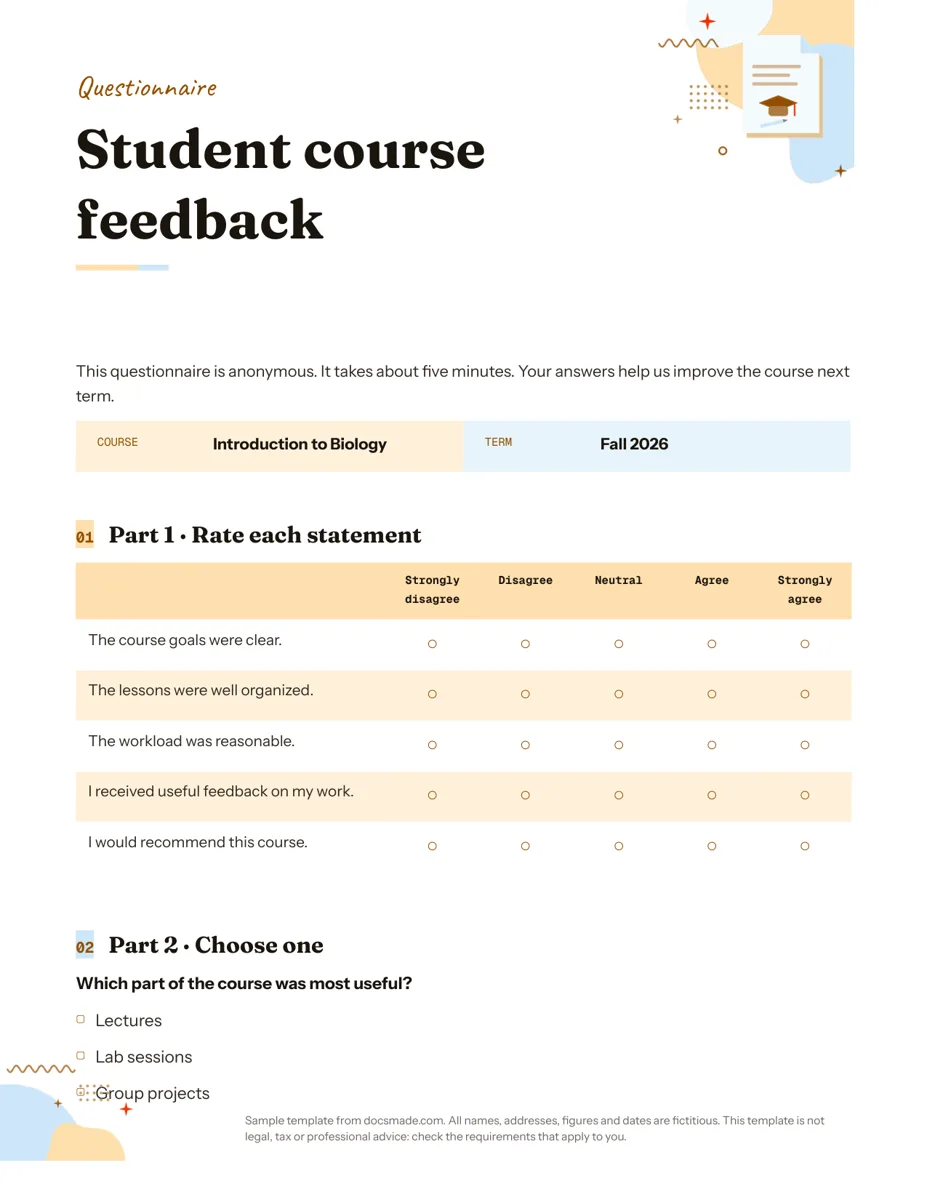 Education Google Docs Questionnaire Template for Printable Feedback Printable survey template for Google Docs with rating scale, multiple choice and open questions. Preview, copy, or download as .docx or PDF. View template →