
Google Docs Sign Up Sheet Template for Volunteers and Events
Prefer a file? Download .docx · Download PDF
How it works: “Use this template” opens Google’s copy screen. Sign in to your Google account and the document is copied to your own Drive, where you can edit every line. Need help copying the document?
What's inside the sign-up sheet template
-
Details
- Event · Date · Contact
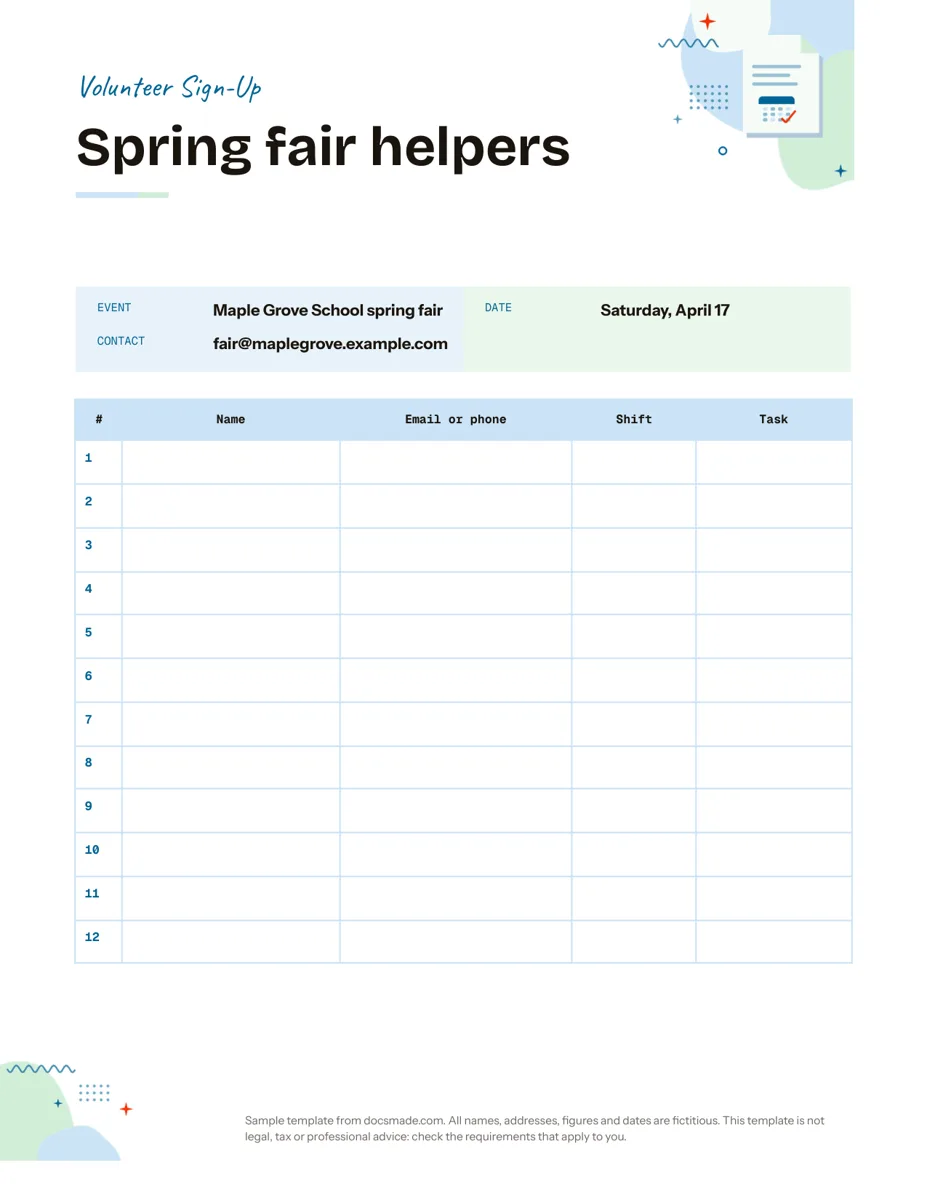
This Google Docs sign up sheet template gives you a clean page for collecting names for an event: the event details at the top and a numbered table where people write their name, contact, shift and task. Use it on a clipboard at a meeting or share it online so volunteers can add themselves. It is a real Google Doc, so you can preview it here, make your own copy in one click, or download .docx and PDF versions.
What's in this volunteer sign up sheet template
The sample is set up for a fictional school spring fair, so you can see exactly what goes where.
- Header. A colored band reading "Volunteer sign-up" and a large title for the activity ("Spring fair helpers").
- Event details. Three labeled lines: Event, Date and Contact, the email address people can write to with questions.
- Sign-up table. Twelve numbered rows with five columns: #, Name, Email or phone, Shift and Task. The rows are tall enough to write in by hand, and the numbering shows at a glance how many places are filled.
The page is US Letter in portrait and fits on a single sheet, which matters if you print several copies for different tables or rooms.
How to set up a sign up sheet people actually fill in
Most sign-up sheets fail for the same reasons: vague tasks, unclear times or too many blank columns. Set it up with these points in mind:
- Fill in the event details first. Date, place and a contact answer the questions people would otherwise ask before committing.
- Define shifts before you share the sheet. "9:00–11:00" or "Setup" is easier to choose than an empty box. Write the options in the event details or at the top of the Shift column so everyone uses the same wording.
- Name the tasks. "Bake sale table" or "Parking" gets more volunteers than "Help out". If a task needs several people, write it on several rows.
- Ask only for the contact you need. One way to reach each person is enough. A printed sheet left on a table shows everyone's details to the next person, so consider asking for an email only, or keep the sheet with an organizer.
- Add a deadline. A line like "Sign up by April 10" in the event details gives you time to fill gaps.
Once the list is full, send a short reminder a few days before the event and keep the sheet as your attendance list on the day.
How to edit the sign up sheet template in Google Docs
- Click Use this template, or open the preview and choose File > Make a copy. For school or work accounts that limit copying, our guide to copying a Google Doc has the steps.
- Replace the title and the Event, Date and Contact lines with your own.
- Rename the columns to suit your event. For a potluck, change Shift and Task to Dish and Serves; for a class, use Time slot and Topic.
- Need more places? Click in the last row, right-click and choose Insert row below. To keep the page to one sheet, reduce the row height in Table properties.
- Pre-fill the Shift and Task cells with the options you want, so people only add their name.
- Change the header color with the fill color button and the font with Format > Text. Switch to A4 in File > Page setup.
Printable sign up sheet or online sheet: how to share it
For a paper sheet, use File > Print or File > Download > PDF document (.pdf) and print as many copies as you need; the PDF keeps the table layout exactly. The Microsoft Word (.docx) download is useful if someone else prints it from Word.
To collect names online, click Share. Adding volunteers by email with Editor access is the safest option. If you switch general access to "Anyone with the link" as Editor, anyone who receives the link can change or delete other entries, so check File > Version history if something goes missing. When you need answers that stay private or a sheet for a large group, an online form that writes to a spreadsheet is a better fit than a shared document.
Sign up sheet ideas: potluck, time slots, classes and clubs
- Potluck sign up sheet: columns for Name, Dish, Main or dessert, and Allergens, so you avoid five pasta salads.
- Time slot sign up sheet: write the slots in the Shift column in advance (for example parent-teacher meetings every 15 minutes) and let people add their names.
- Club or class sign-up: use Name, Grade or year, Email and a column for T-shirt size or experience level.
- Snack or carpool rota: list dates down the Shift column and one family per row.
Pair the sheet with a printable checklist for the tasks you assign, and a monthly calendar to show the dates. If the event needs an invitation, see the invitation template. More planning tools are in the organization templates section.
Google Docs sign up sheet template FAQ
Is this sign up sheet template free?
Yes. Make a copy to your Google Drive or download the PDF and print it, at no cost and without a sign-up beyond your Google account.
Can people fill in the sign up sheet online?
Yes. Share the Doc with Editor access and each person types their details into an empty row. Several people can edit at the same time, and you see changes as they happen.
Can I use it as a volunteer sign up sheet template in Word?
Yes. Download the .docx file from this page or choose File > Download > Microsoft Word (.docx) in your copy. The table carries over, though Word may change the font if it is not installed.
Should I use Google Docs or Google Forms for a sign-up sheet?
A Google Doc is quick to set up, easy to print and lets everyone see which slots are taken. A form suits large groups or cases where people should not see each other's contact details.
How many people fit on one page?
The template has twelve numbered rows on one Letter page. Add rows for more people, or print several copies and number them 1 to 12, 13 to 24, and so on.
More templates
-
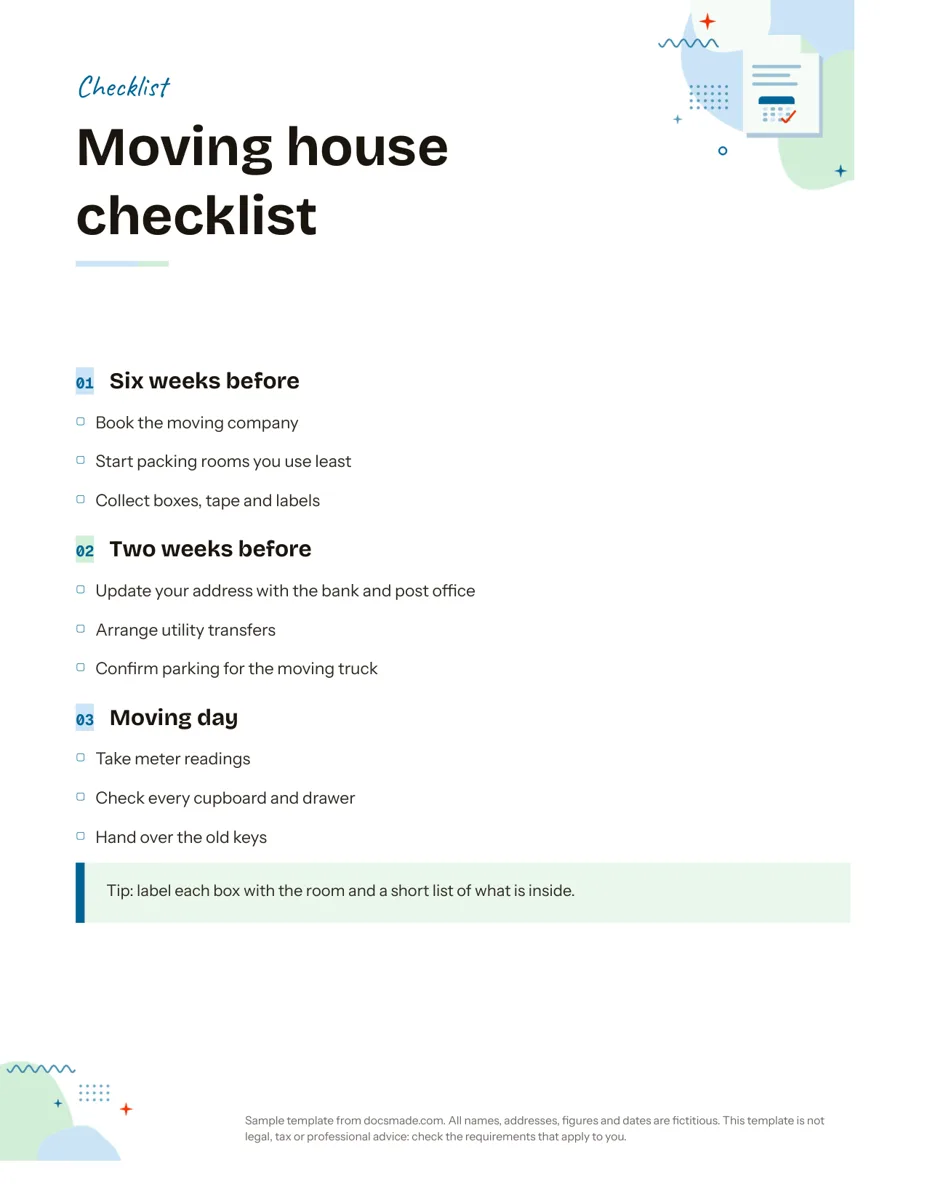 Organization Google Docs Checklist Template, Printable and Editable Free printable checklist template for Google Docs, grouped by stage with tick boxes and a tip box. Preview it, copy it, or download .docx and PDF. View template →
 -
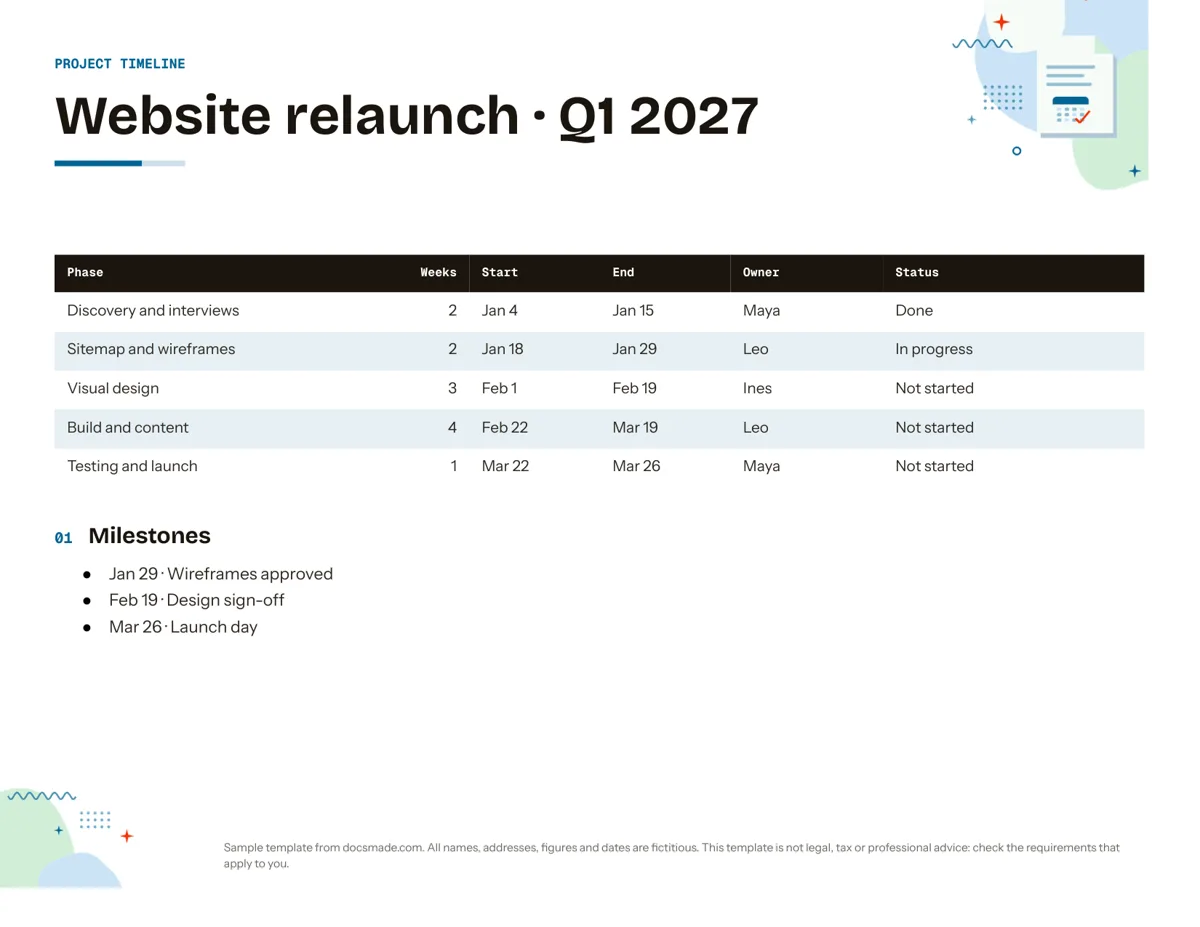 Organization Google Docs Timeline Template for Project Planning Free project timeline template for Google Docs: phases, dates, owners, status and milestones. Preview it, make a copy, or download .docx and PDF. View template →
 -
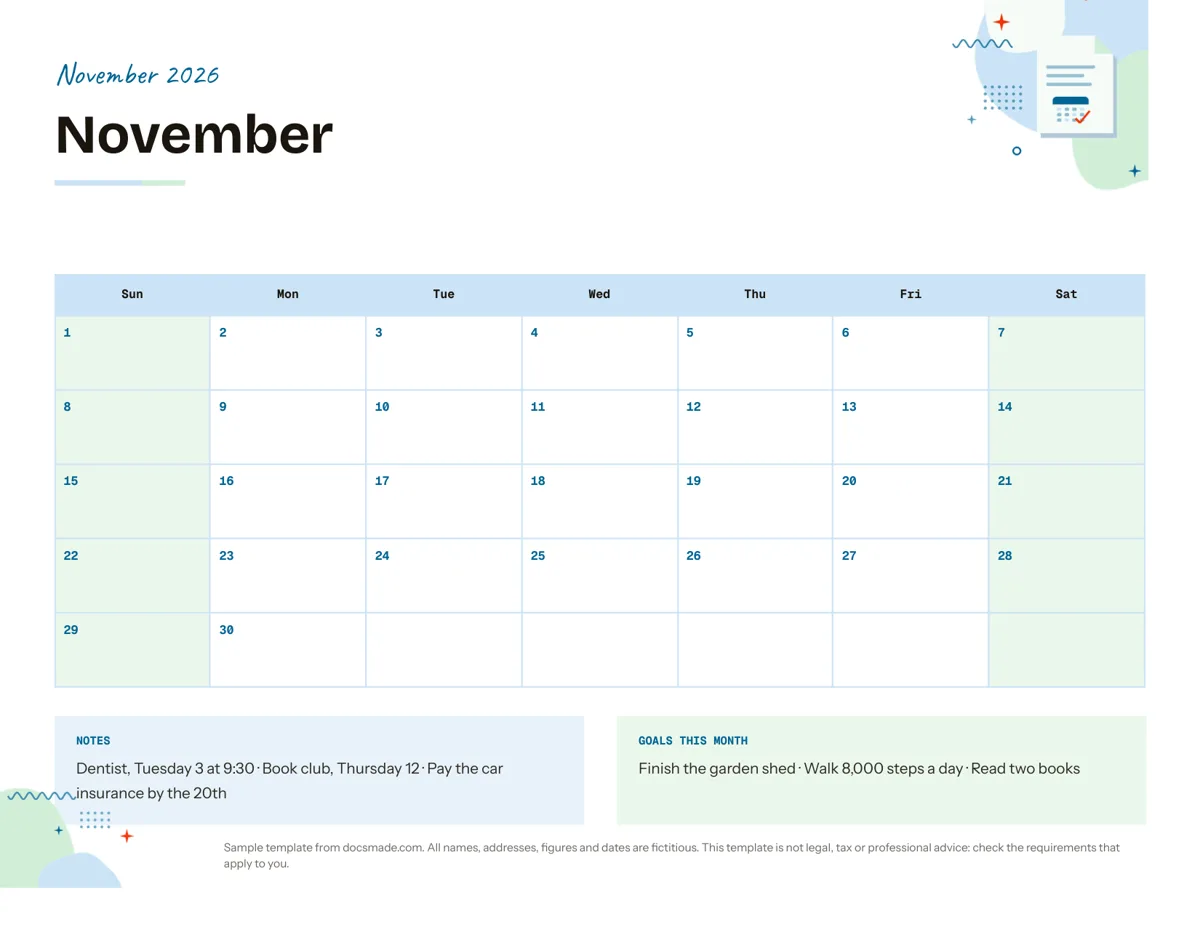 Organization Google Docs Calendar Template: Printable Monthly Planner Free monthly calendar template for Google Docs: a landscape grid with notes and monthly goals. Preview it, make a copy, or get .docx and PDF. View template →
 -
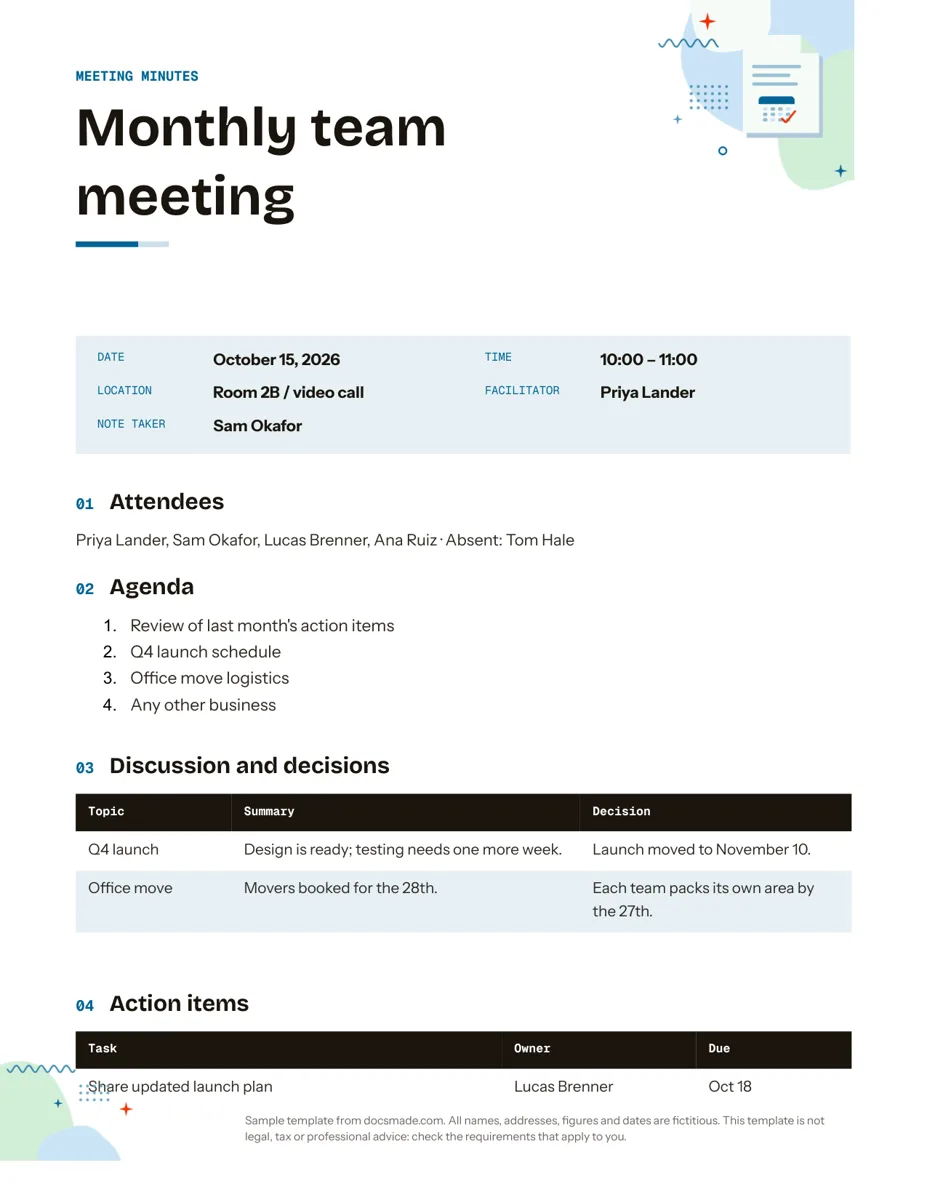 Organization Google Docs Meeting Minutes Template with Action Items Free meeting minutes template for Google Docs with agenda, decisions and an action items table. Preview it, make a copy, or get .docx and PDF. View template →