
Templates
Google Docs Business Templates
-
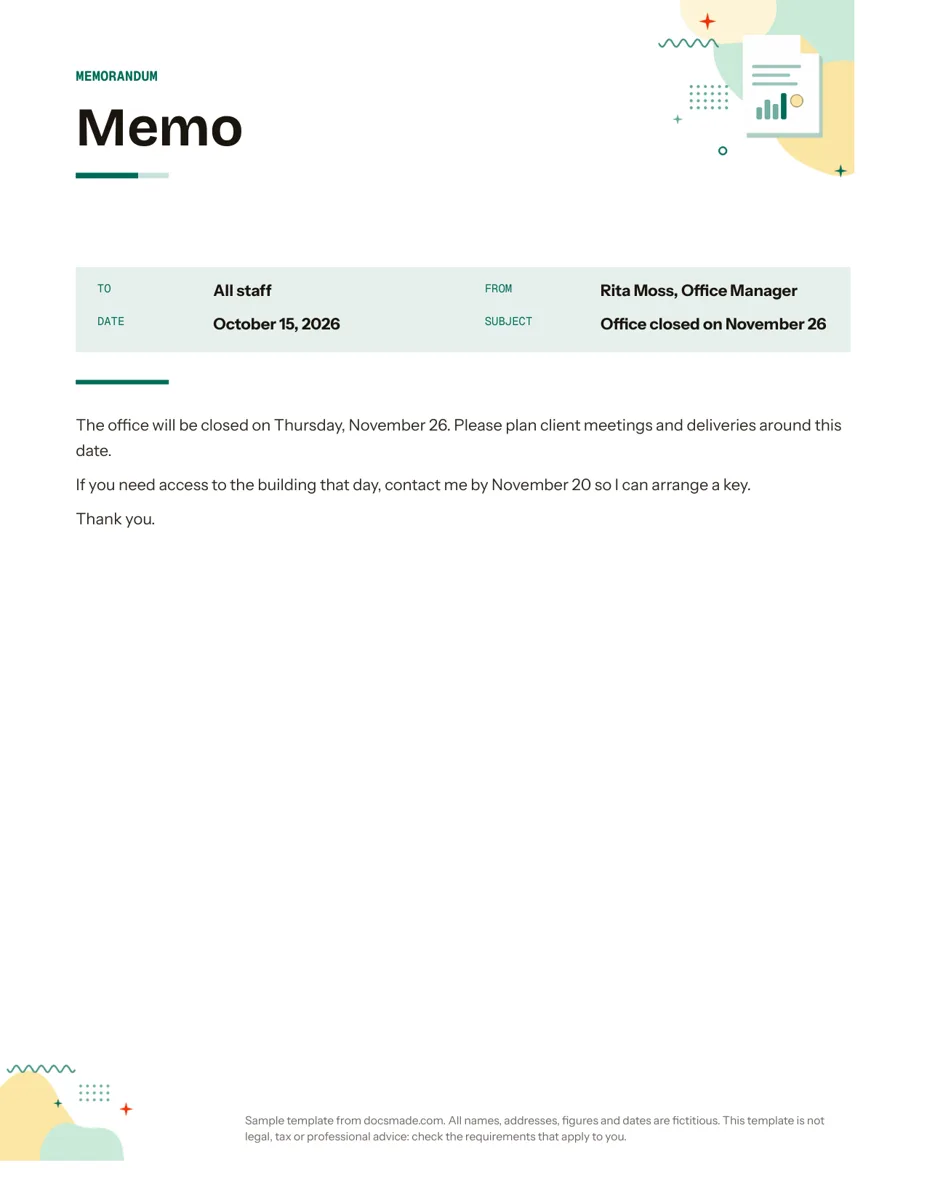 Business & finance Google Docs Memo Template for Office Announcements Free business memo template for Google Docs with To, From, Date and Subject lines. Preview it, make a copy, or download as .docx and PDF. View template →
 -
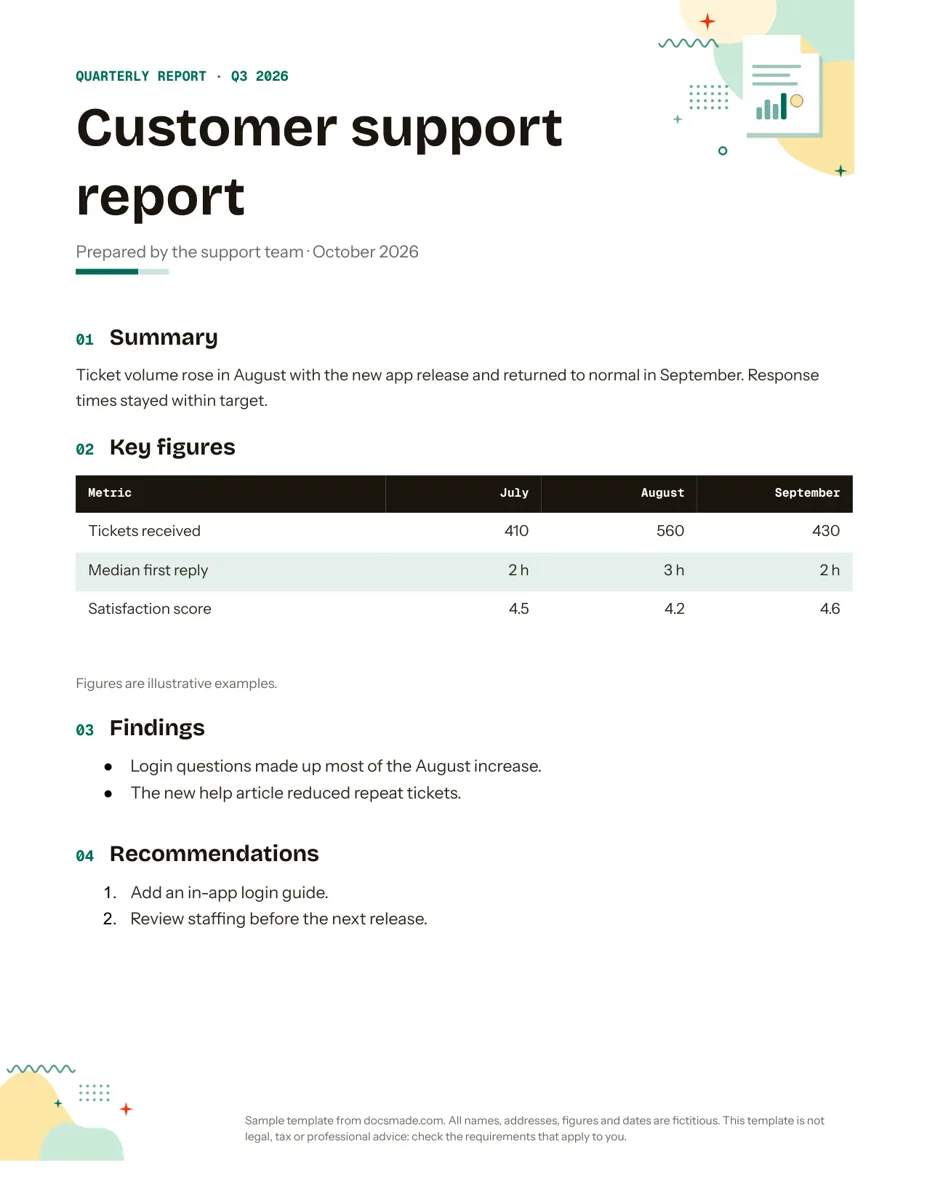 Business & finance Google Docs Report Template for Quarterly and Monthly Reports Free report template for Google Docs: summary, key figures table, findings and recommendations. Real Doc you can preview, copy or get as .docx/PDF. View template →
 -
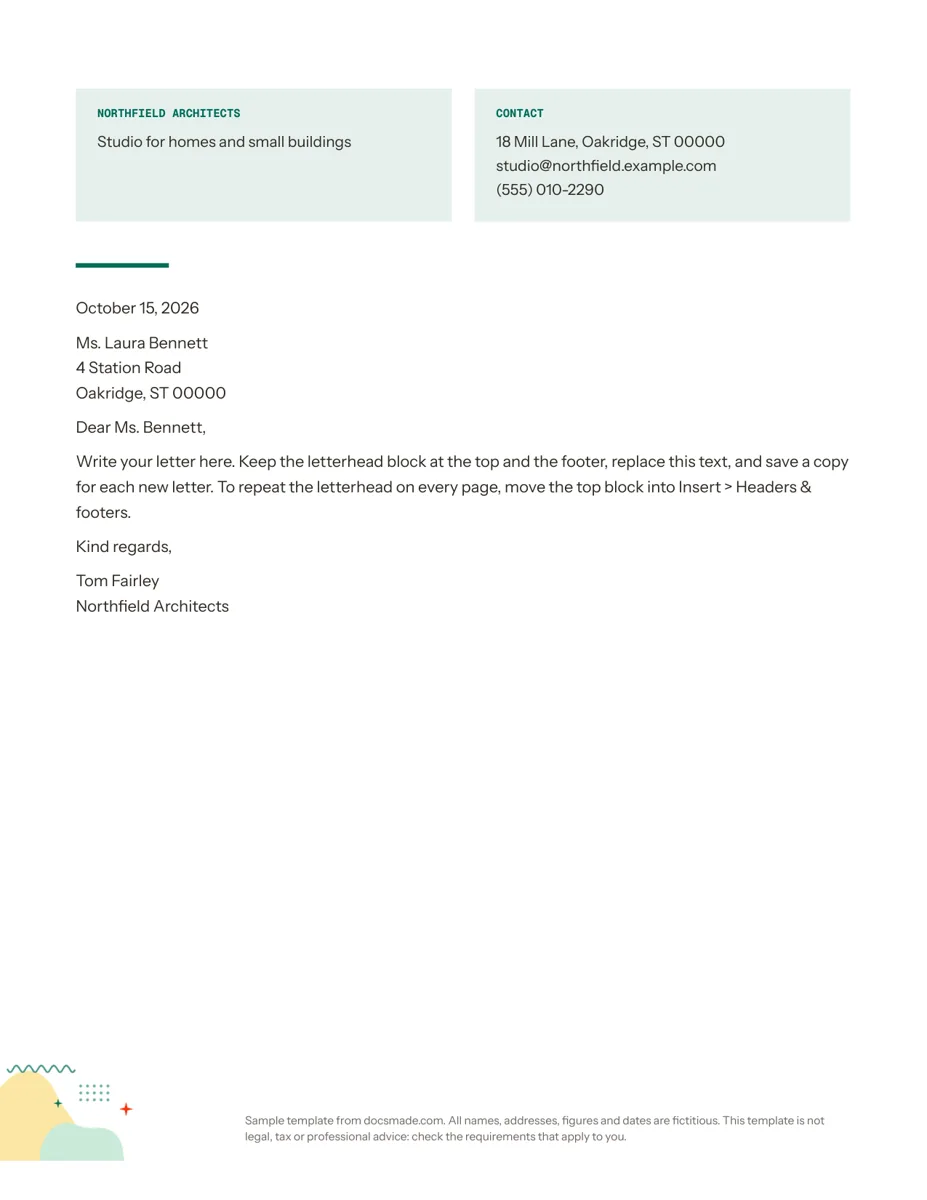 Business & finance Google Docs Letterhead Template for Business Letters Free business letterhead template for Google Docs with company and contact block. Real Doc: preview it, make a copy, or download .docx and PDF. View template →
 -
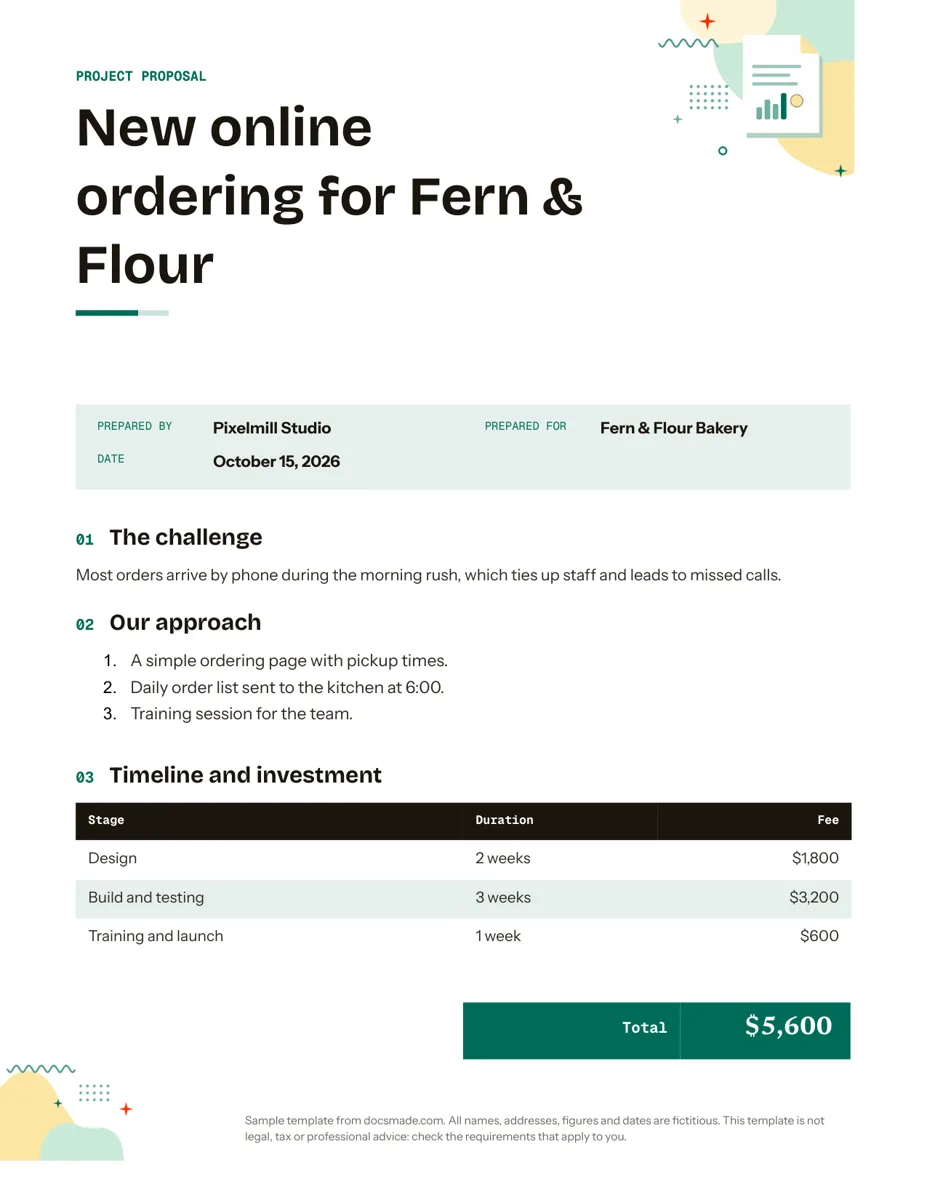 Business & finance Google Docs Proposal Template for Client Projects Free project proposal template for Google Docs: challenge, approach, timeline, fees and next steps. Preview, make a copy, or get .docx and PDF. View template →
 -
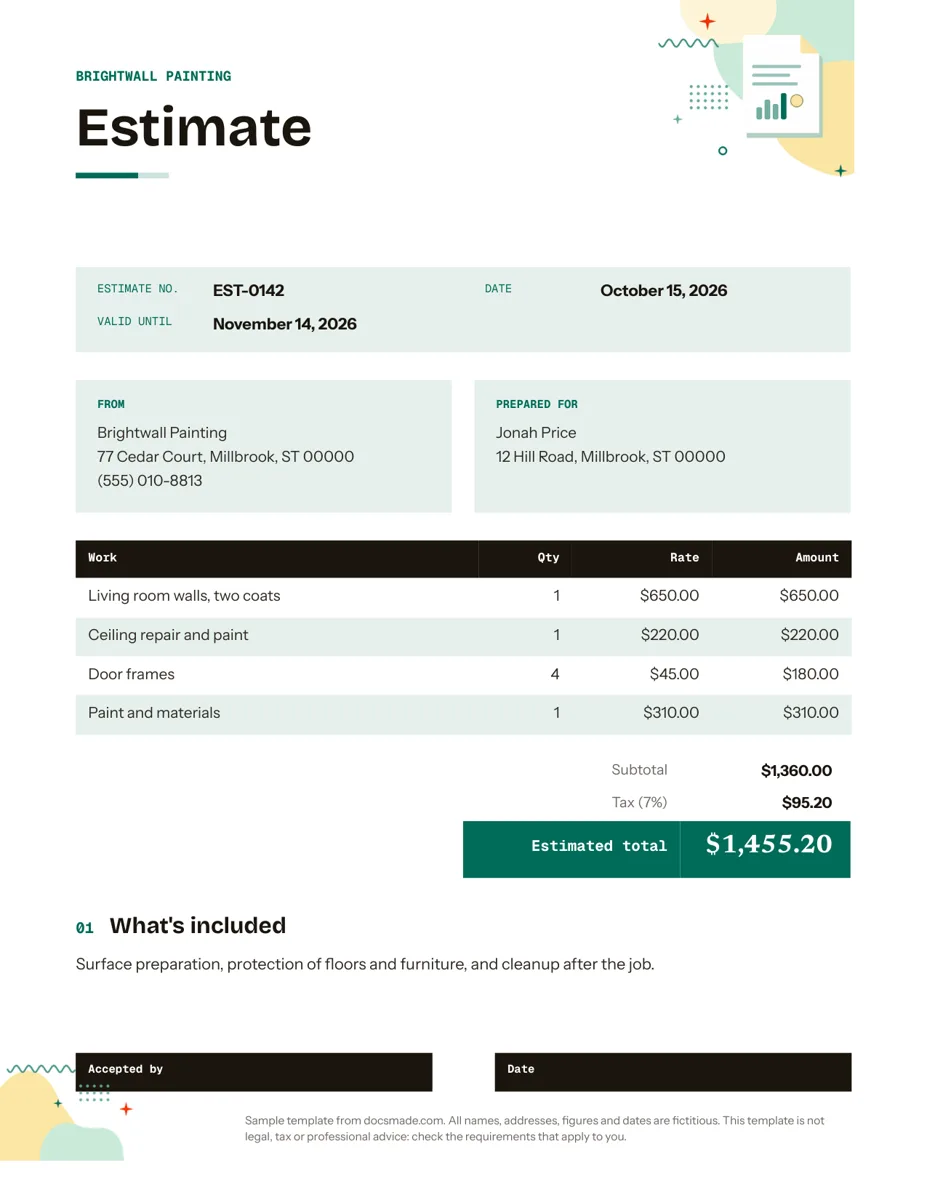 Business & finance Google Docs Estimate Template for Quotes and Jobs Free job estimate template for Google Docs with line items, tax, validity date and a sign-off line. Preview, copy, or download .docx and PDF. View template →
 -
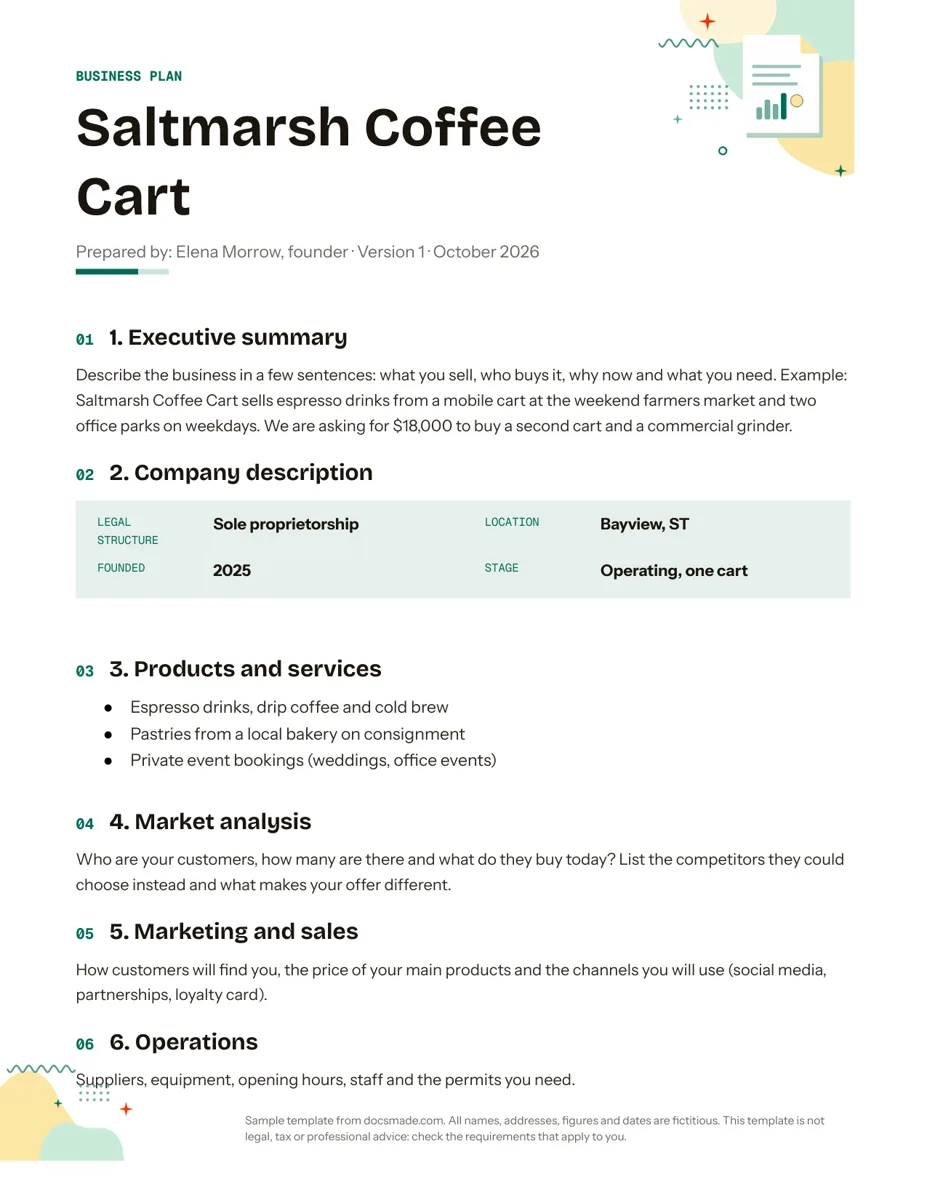 Business & finance Google Docs Business Plan Template with a Worked Example Free simple business plan template for Google Docs: 8 sections, writing prompts and a 3-year table. Preview, copy, or download .docx and PDF. View template →
 -
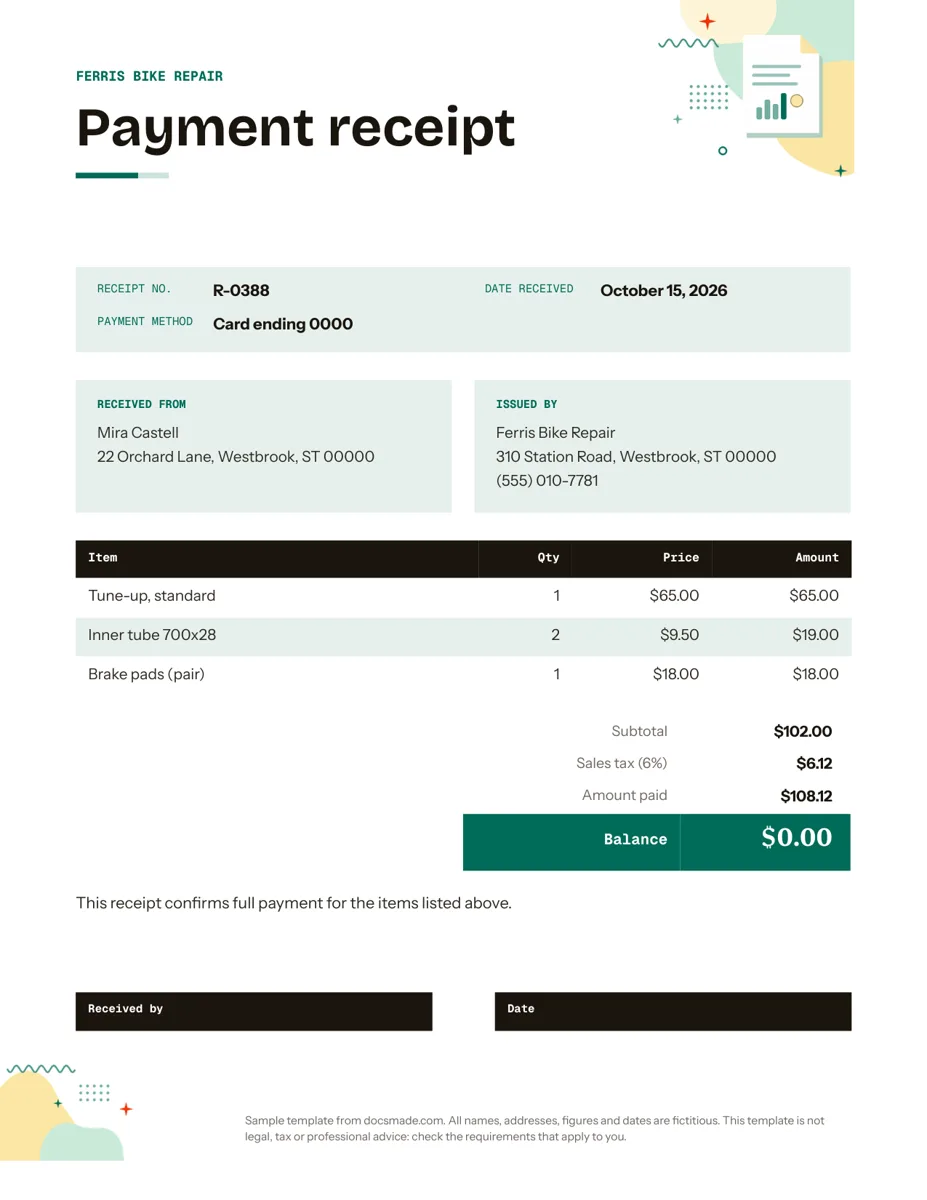 Business & finance Google Docs Receipt Template for Payments Free itemized receipt template for Google Docs: items, sales tax, amount paid and balance. Preview, make a copy, or download .docx and PDF. View template →
 -
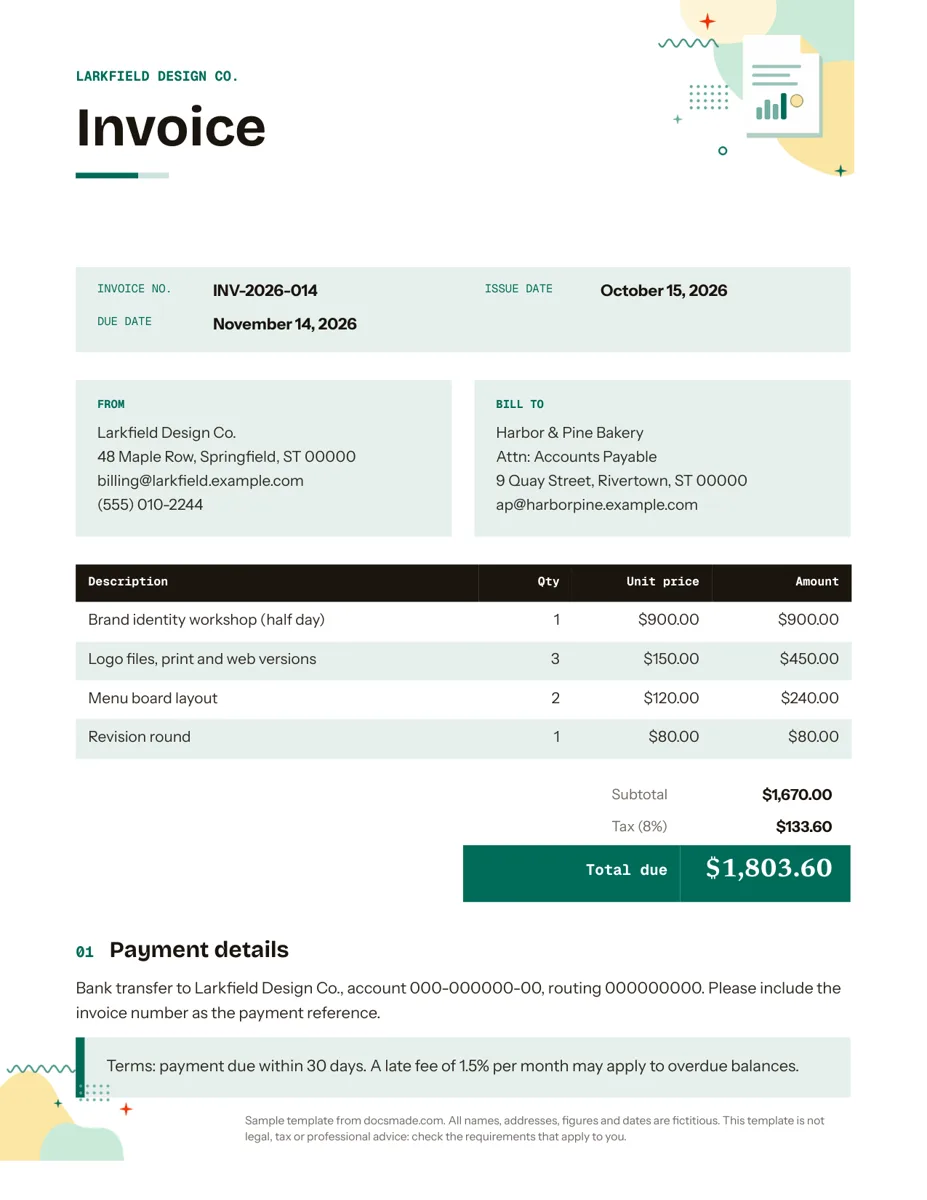 Business & finance Google Docs Invoice Template (Free, Ready to Copy) Free invoice template for Google Docs: a real Doc with line items, tax and payment terms. Preview it, make a copy or download .docx and PDF. View template →
These Google Docs business templates cover the paperwork a small company or freelancer produces every week: documents that ask for money, documents that record it, and documents that plan, pitch or report. Each one is a real Google Doc with fictitious sample details, so you can preview it, copy it to your Drive and replace the placeholders with your own business name, prices and terms.
Free business templates for Google Docs: billing and payments
Three of the documents follow the life of a job from quote to payment. The estimate sets out the work, a line-item table, totals and a signature line for the client to accept. The invoice reuses the same table structure with an invoice number, issue and due dates, and a payment details block. The receipt confirms that money arrived, with the items paid, the totals and a signature line.
Because the three share a layout, a client who receives all of them sees one consistent brand. Fill in your header band once in the estimate, then copy the same name, address and colors into the invoice and receipt. Tax rules, numbering requirements and what a valid invoice must show vary by state and country, so check them locally: these Docs are layouts, not tax or legal advice.
Business plan, proposal and report templates in Google Docs
When the job is persuading someone, structure matters more than design. The business plan walks through eight numbered sections, from executive summary to funding request, with a small financial table you replace with your own forecast. The proposal moves from the client's challenge to your approach, a timeline and investment table, and clear next steps. The report opens with a summary and key figures, then lists findings and numbered recommendations, a format that works for quarterly updates or project reviews.
Office documents: memo and letterhead
For internal and outgoing correspondence, the memo uses the classic To, From, Date and Subject block above a short body, and the letterhead gives every letter you write the same branded header with your contact details. Keep a copy of the letterhead in a shared Drive folder and colleagues can start each letter from it instead of rebuilding the header.
How to set up business templates in Google Docs for your company
- Copy one template first. Start with the document you send most often, usually the invoice or estimate, and click Use this template on its page.
- Set your brand once. Replace the business name in the header band, then change the band color with the fill tool and the heading font in Format > Text. Use the same choices in every copy.
- Save a master in a shared folder. Rename the edited copy as a master, store it in a shared Drive folder and make new documents from it with File > Make a copy, so the original never gets overwritten.
- Export to send. Clients outside Google Workspace usually prefer a PDF: File > Download > PDF Document. If someone needs to edit in Word, download a .docx instead.
The guide how to copy a Google Doc covers copying, downloading and sharing step by step.
Google Docs business templates or dedicated software?
A document template is the simplest tool for a business that sends a few invoices or proposals a month: no subscription, nothing to learn and full control of the wording. Accounting or invoicing software makes more sense once you need automatic numbering, payment reminders, online payments or tax reports, because a Doc does not calculate or track anything on its own. Many small businesses use both, keeping the Google Docs versions for one-off quotes, proposals and reports.