
Google Docs Timeline Template for Project Planning
Prefer a file? Download .docx · Download PDF
How it works: “Use this template” opens Google’s copy screen. Sign in to your Google account and the document is copied to your own Drive, where you can edit every line. Need help copying the document?
What's inside the timeline template
-
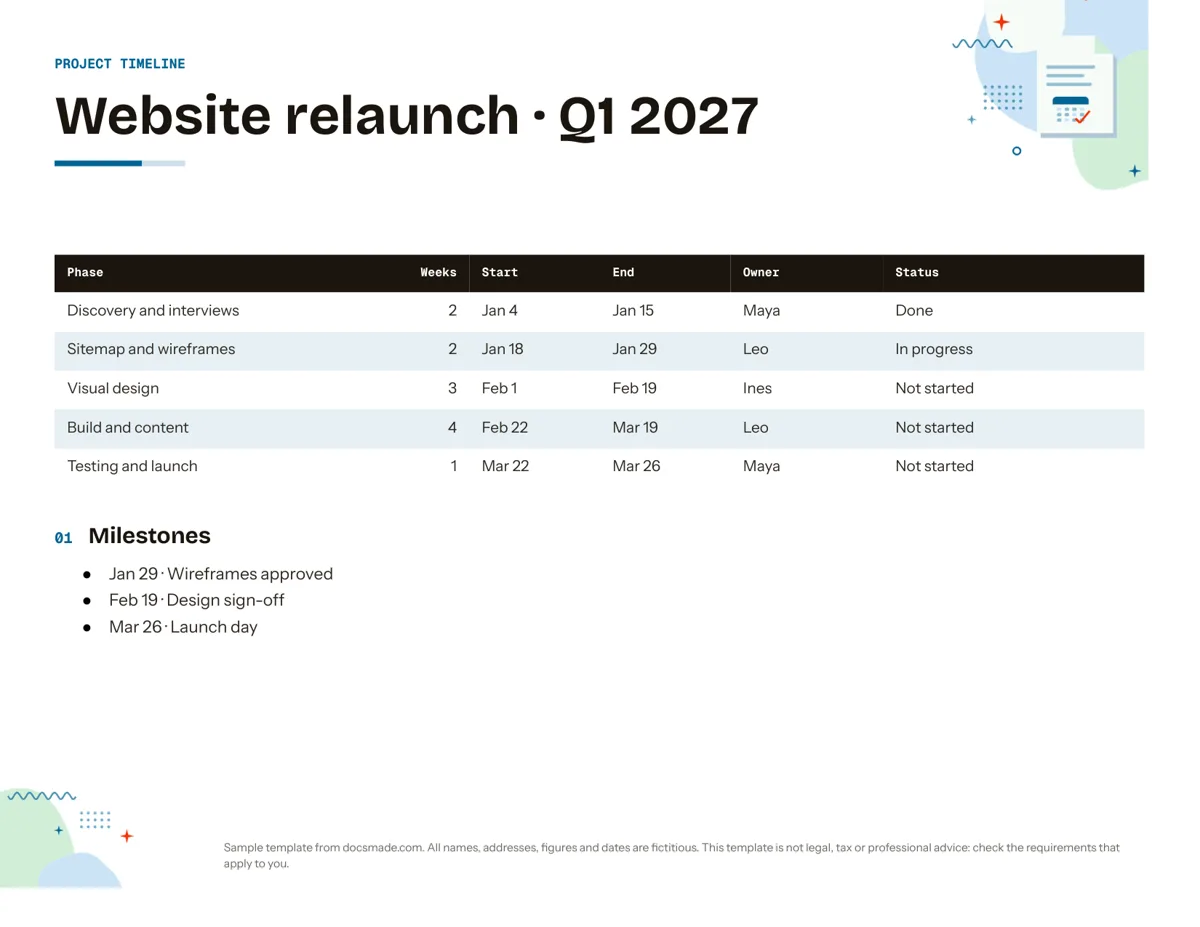
Table
- Table: Phase, Weeks, Start, End, Owner, Status
-
Milestones
- Jan 29 · Wireframes approved
- Feb 19 · Design sign-off
- Mar 26 · Launch day
This Google Docs timeline template lays out a project as a clear table of phases, dates, owners and status, followed by a short list of milestones. It suits small teams, freelancers and students who need a one-page plan that everyone can read and update. It is a real Google Doc: preview it here, make your own copy in one click, or download it as .docx or PDF.
What's in this project timeline template for Google Docs
The example plans a fictional website relaunch for the first quarter of 2027, so every column already shows realistic content.
- Header. A colored band reading "Project timeline" with the project name and period below it ("Website relaunch · Q1 2027").
- Phase table. Six columns: Phase, Weeks, Start, End, Owner and Status. Five rows take the project from discovery and interviews through sitemap and wireframes, visual design, build and content, to testing and launch.
- Status column. Each phase is marked Done, In progress or Not started, so the table doubles as a progress report.
- Milestones. A bulleted list of the dates that matter to stakeholders: wireframes approved, design sign-off and launch day.
The document is in landscape US Letter, which gives the six columns enough width for full phase names without wrapping.
How to plan a simple project timeline
A timeline is only useful if the dates are believable. Work through it in this order:
- Start from the deadline. Write the launch or delivery date in the last row, then work backwards phase by phase.
- Split the work into four to seven phases. Fewer and the table hides problems; many more and it becomes a task list. Detailed tasks belong in a separate checklist.
- Give each phase a duration in weeks. The Weeks column makes it easy to spot a phase that has been squeezed. In the example, visual design gets three weeks and build gets four.
- Name one owner per phase. Shared ownership usually means nobody chases the work. The owner can delegate, but answers for the dates.
- Leave room between phases. Feedback and approvals take time. If a phase ends on a Friday, start the next one the following Monday, as the sample does.
- Pick milestones people can check. "Design sign-off" is a decision someone makes on a date; "design progress" is not.
Review the Status column at each team meeting and record decisions that move dates in your meeting minutes, so the timeline and the minutes tell the same story.
How to customize the timeline template in Google Docs
- Click Use this template, or open the preview and choose File > Make a copy. Our guide to copying a Google Doc covers shared drives and school or work accounts.
- Edit the project name and period in the header. Change the header color by selecting the cell and using the fill color button.
- Rename the phases and type your own dates. To add a phase, right-click a row and choose Insert row below; to remove one, choose Delete row.
- Turn the Status cells into dropdowns: select the text, go to Insert > Dropdown and pick the project status preset or create your own options with colors.
- Replace owner names with people chips by typing @ and a colleague's name, so their contact card appears on hover.
- Highlight late phases with a cell background color, and keep milestone dates bold so they stand out when printed.
- For A4 or portrait, use File > Page setup and then check the column widths by dragging the table borders.
Print, export and share your timeline
Use File > Download > PDF document (.pdf) to attach the timeline to an email or a project brief; the PDF keeps the landscape layout. Choose Microsoft Word (.docx) if a client works in Word. For a timeline that stays current, share the Doc instead: click Share, give the team Editor access and ask stakeholders to use Insert > Comment for questions about dates. File > Version history lets you name versions such as "Plan approved" and compare later changes against them.
Timeline template ideas beyond project planning
- Event timeline: phases such as venue booking, invitations, catering and rehearsal, with the event date as the final milestone. Pair it with an event sign-up sheet for helpers.
- Wedding timeline: use the rows for months before the wedding and the Owner column for who handles each task, or rewrite the phases as the hours of the wedding day.
- History timeline for school: rename the columns to Date, Event, Place and Significance and list events in order. Students can copy it through Google Classroom.
- Personal or career timeline: map study, job applications and start dates over a year.
For day-by-day planning, a monthly calendar works better than a phase table. More planning documents are in the organization templates section.
Google Docs timeline template FAQ
Is there a free timeline template in Google Docs?
Yes. This one is free to copy and edit, and it opens as a normal Google Doc in your Drive. You only need a Google account to make the copy.
Can I make a Gantt chart in Google Docs?
Google Docs has no built-in Gantt chart. Keep the table here for a readable one-page plan, or build bars in Google Sheets, which offers a timeline view under Insert > Timeline on supported accounts, and link the chart into this Doc if you need both.
How do I make a vertical timeline in Google Docs?
The table already reads top to bottom, which is a vertical timeline in practice. For a more visual version, add a narrow first column with a colored fill for each phase, or draw one with Insert > Drawing > New.
Can I use this as a project timeline template in Word?
Yes. Download the .docx file from this page or from File > Download in your copy. The table, headings and bullets transfer to Word; check the column widths after opening.
How often should I update a project timeline?
Update the Status column whenever a phase starts or finishes, and review dates at each team check-in. A timeline that is a few weeks out of date tends to be ignored.
More templates
-
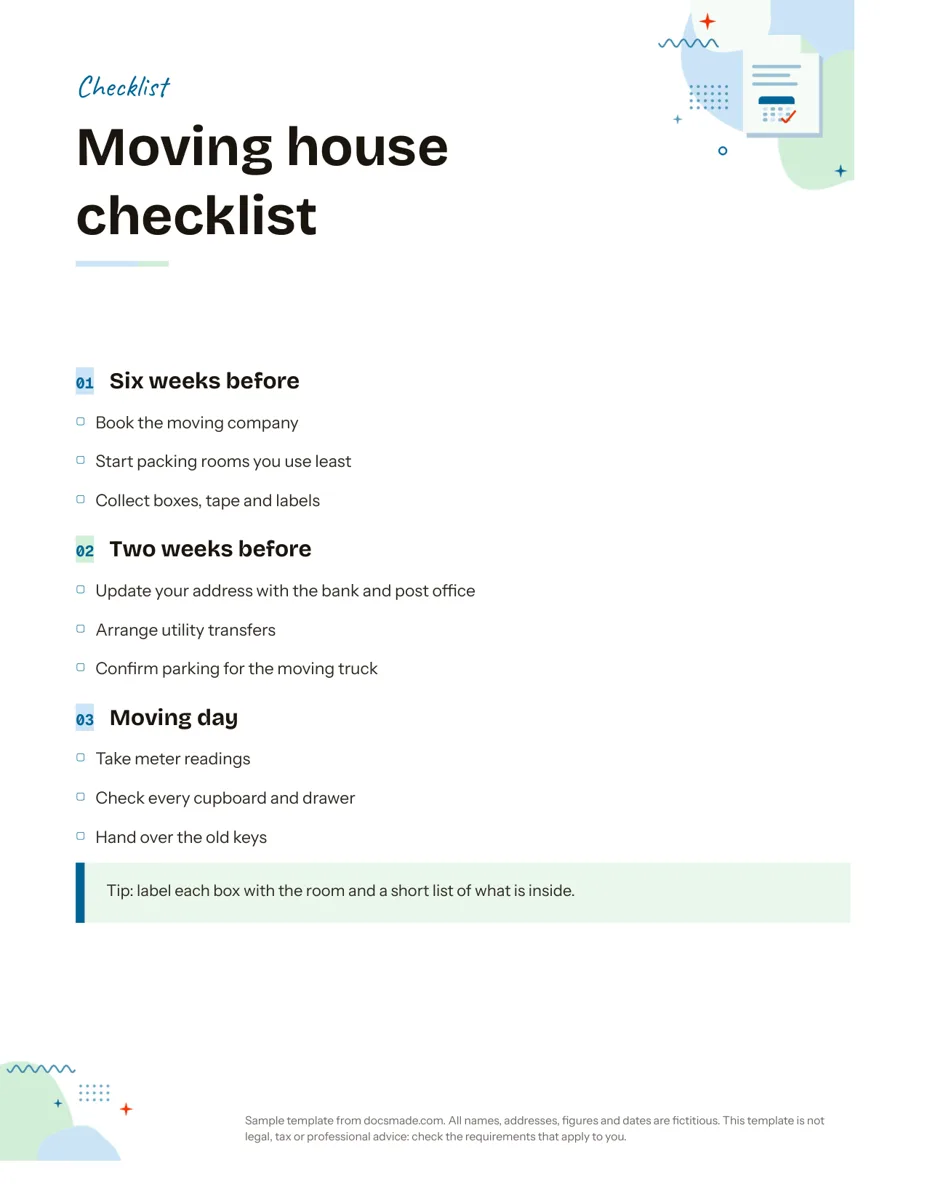 Organization Google Docs Checklist Template, Printable and Editable Free printable checklist template for Google Docs, grouped by stage with tick boxes and a tip box. Preview it, copy it, or download .docx and PDF. View template →
 -
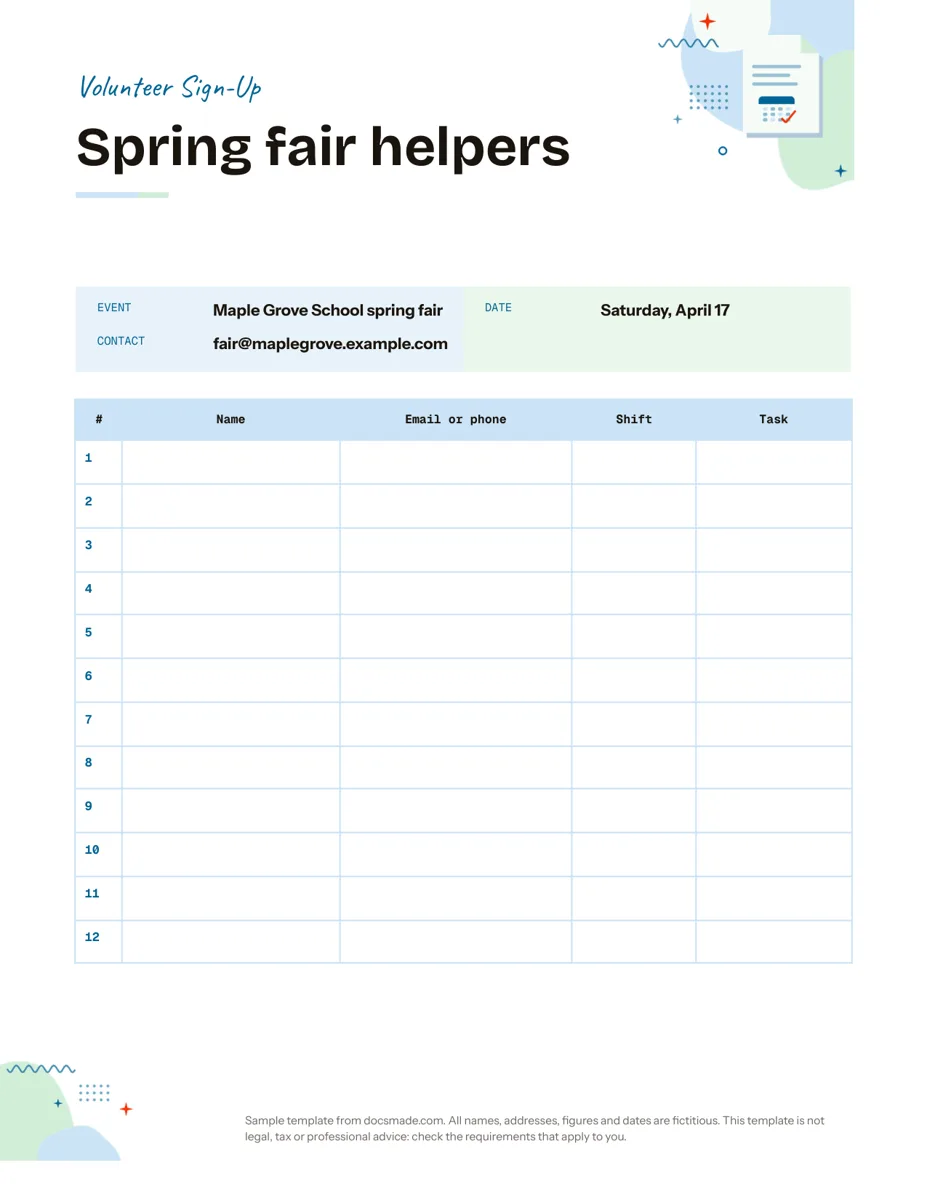 Organization Google Docs Sign Up Sheet Template for Volunteers and Events Free volunteer sign up sheet template for Google Docs with name, contact, shift and task columns. Preview it, copy it, or print the PDF. View template →
 -
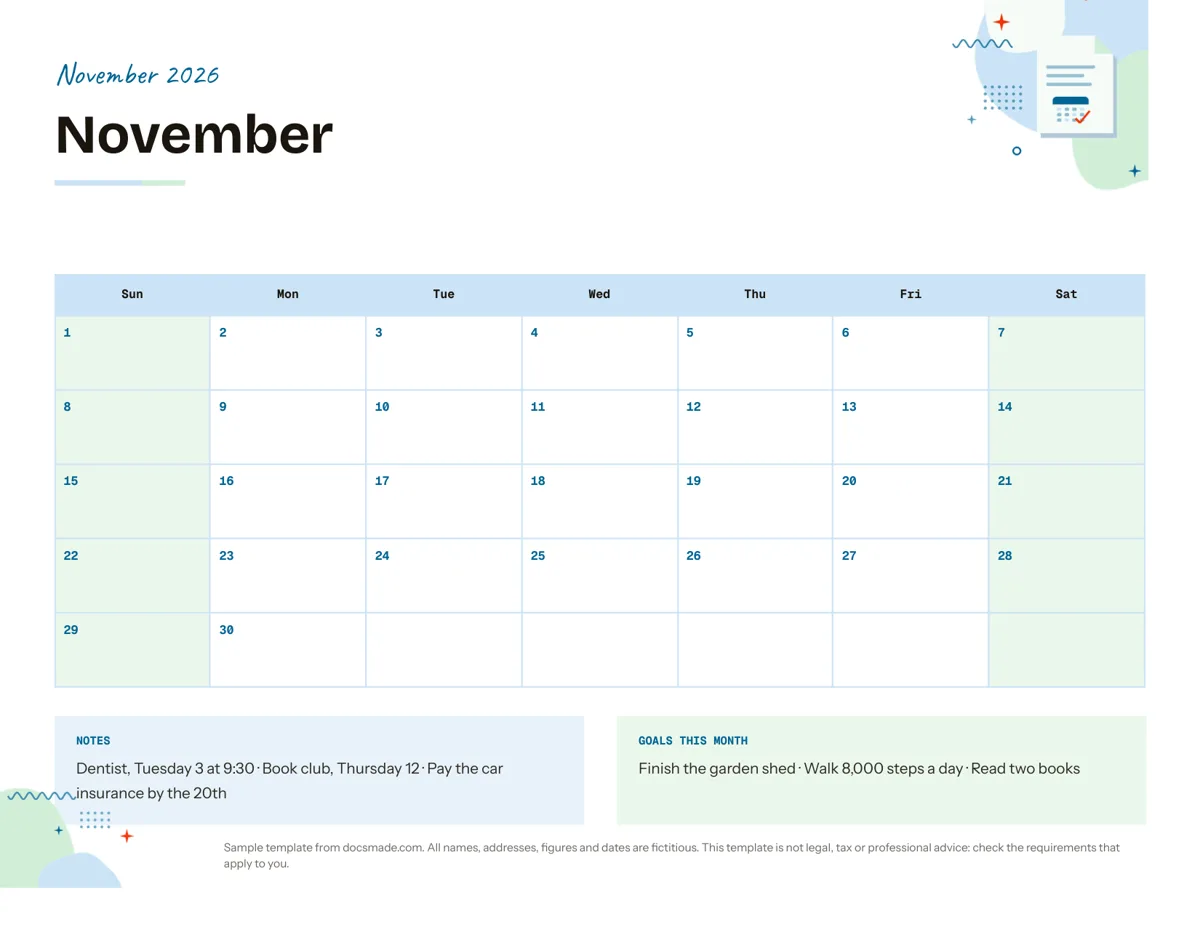 Organization Google Docs Calendar Template: Printable Monthly Planner Free monthly calendar template for Google Docs: a landscape grid with notes and monthly goals. Preview it, make a copy, or get .docx and PDF. View template →
 -
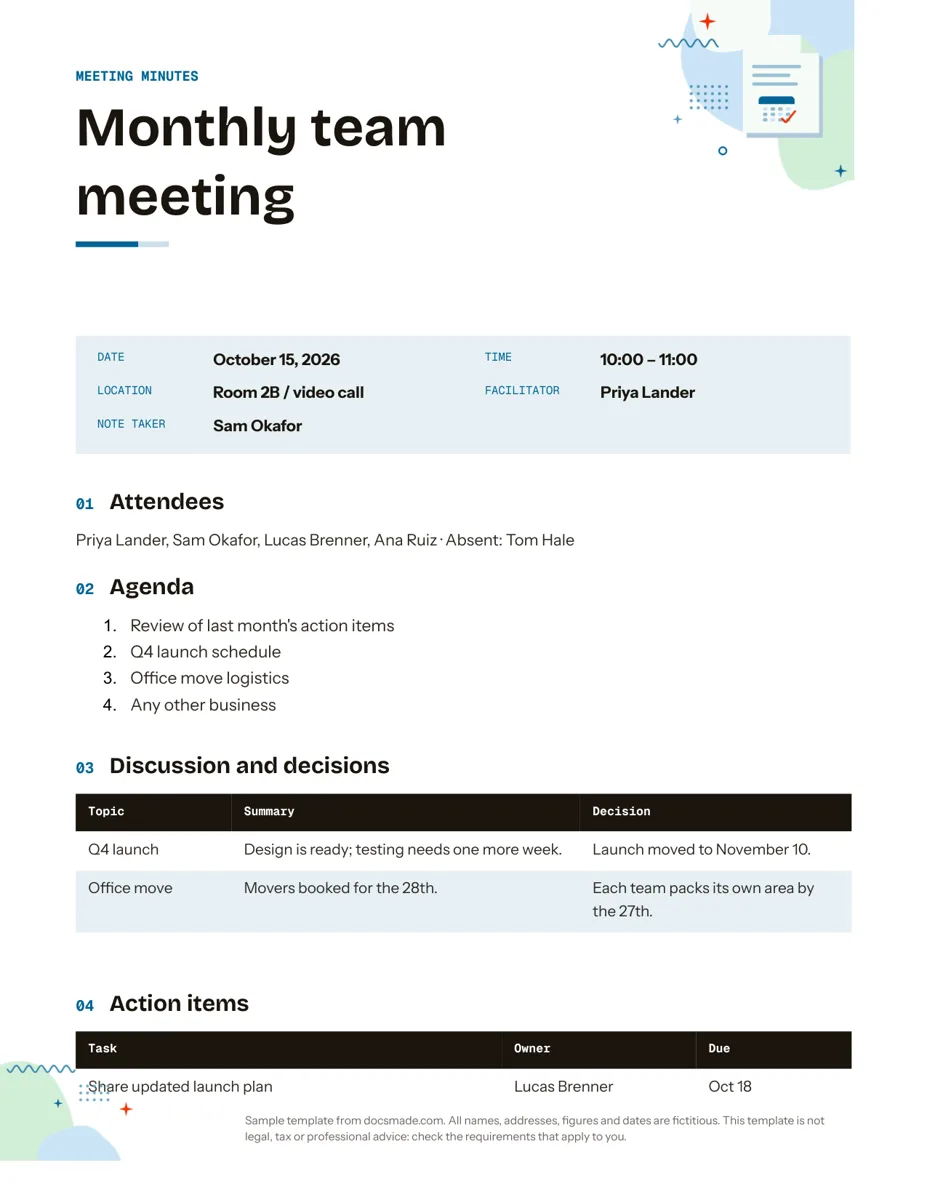 Organization Google Docs Meeting Minutes Template with Action Items Free meeting minutes template for Google Docs with agenda, decisions and an action items table. Preview it, make a copy, or get .docx and PDF. View template →