
Templates
Google Docs Templates for Teachers
-
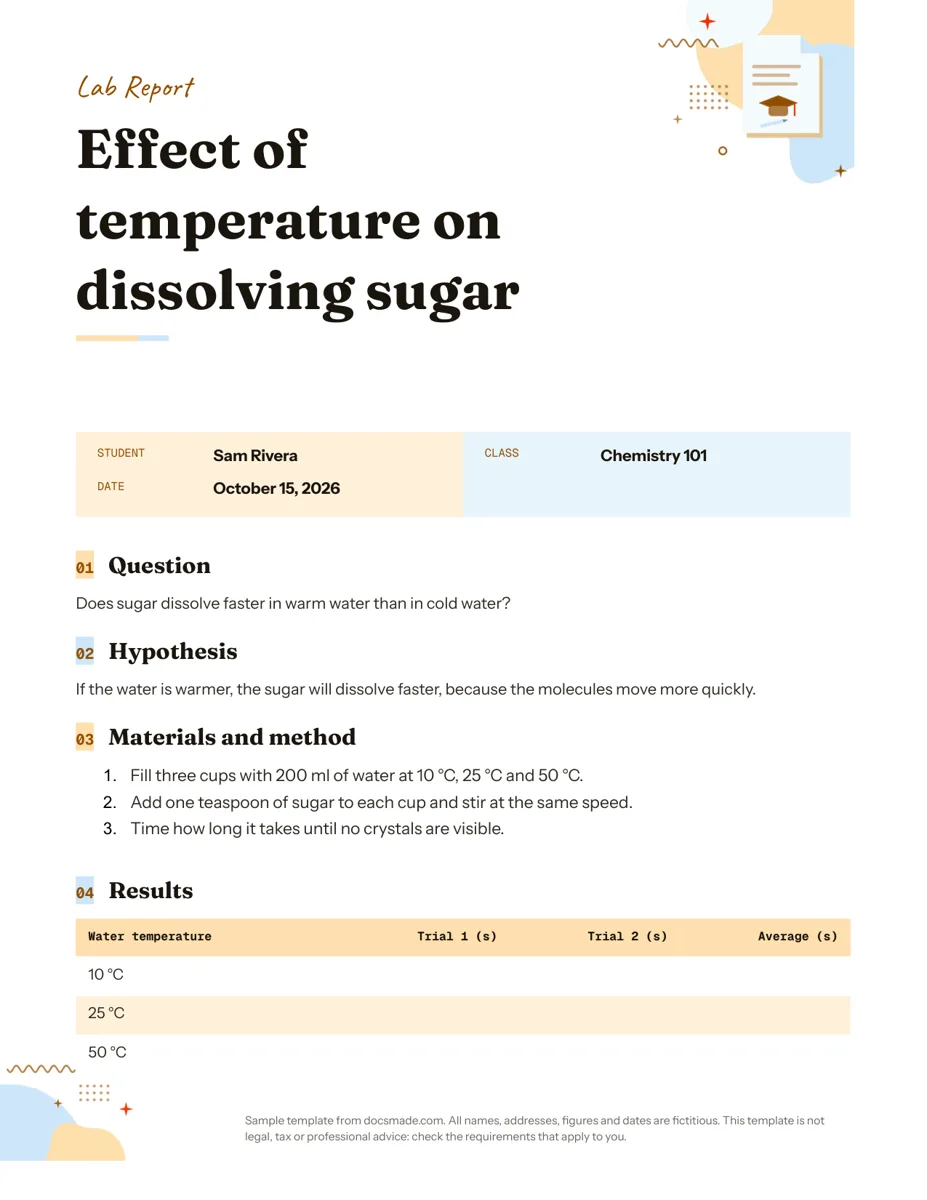 Education Google Docs Lab Report Template for Science Classes Free lab report template for Google Docs: question, hypothesis, method, results table and conclusion. Preview it, copy it, or get .docx and PDF. View template →
 -
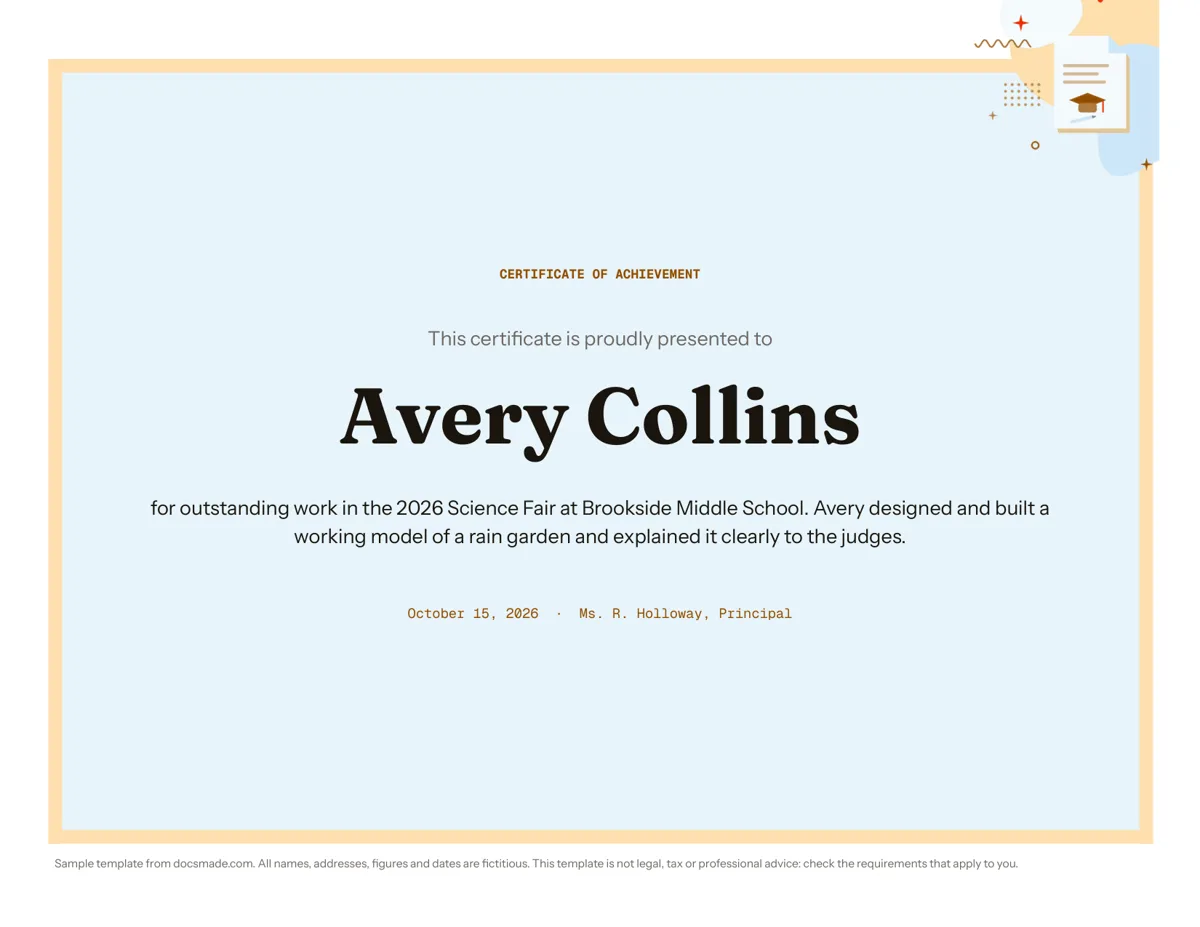 Education Certificate Template for Google Docs: Certificate of Achievement Free award certificate template for Google Docs: a framed landscape certificate of achievement. Preview, copy and edit, or download .docx or PDF. View template →
 -
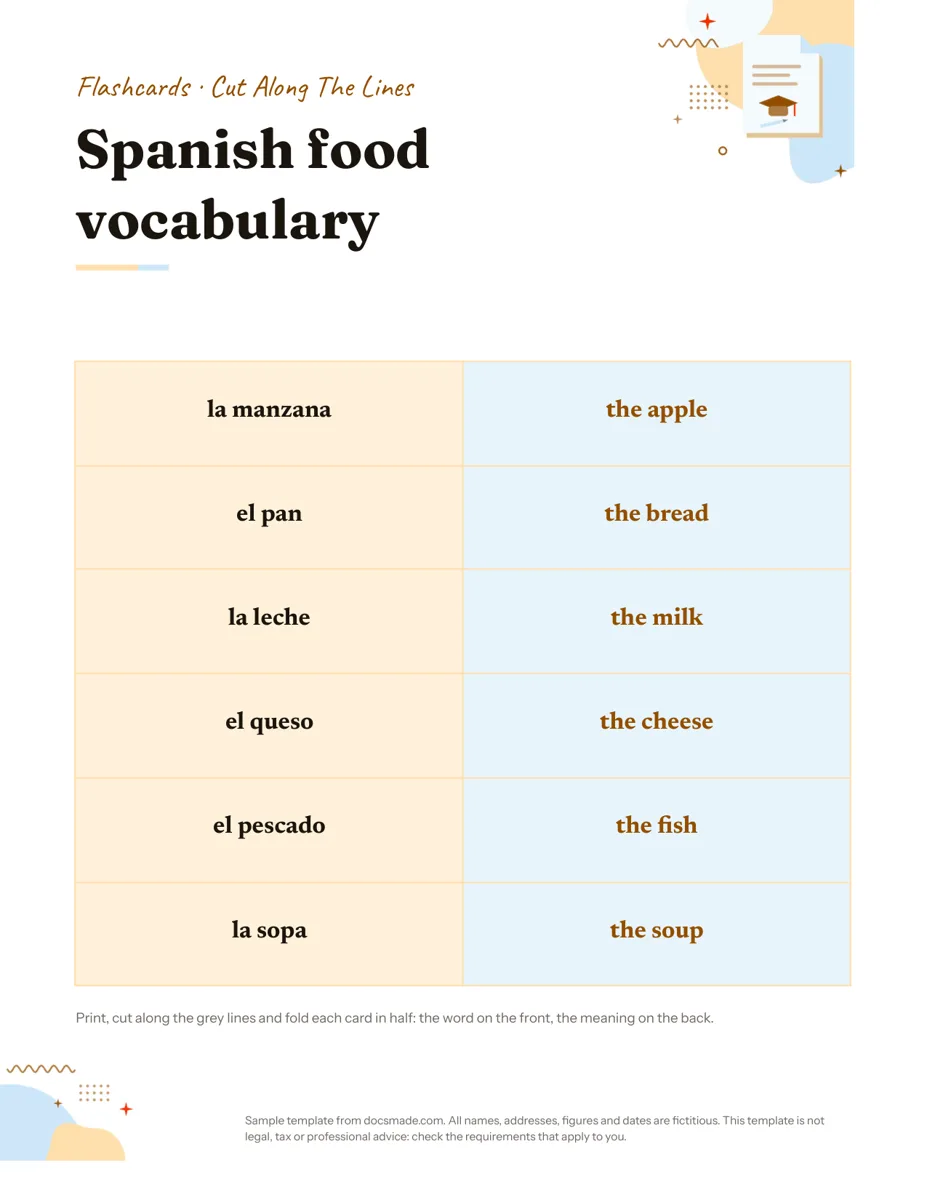 Education Google Docs Flashcard Template: Printable Cut-and-Fold Cards Printable flashcard template for Google Docs: a cut-and-fold grid with the word on the front and meaning on the back. Copy it, or get .docx or PDF. View template →
 -
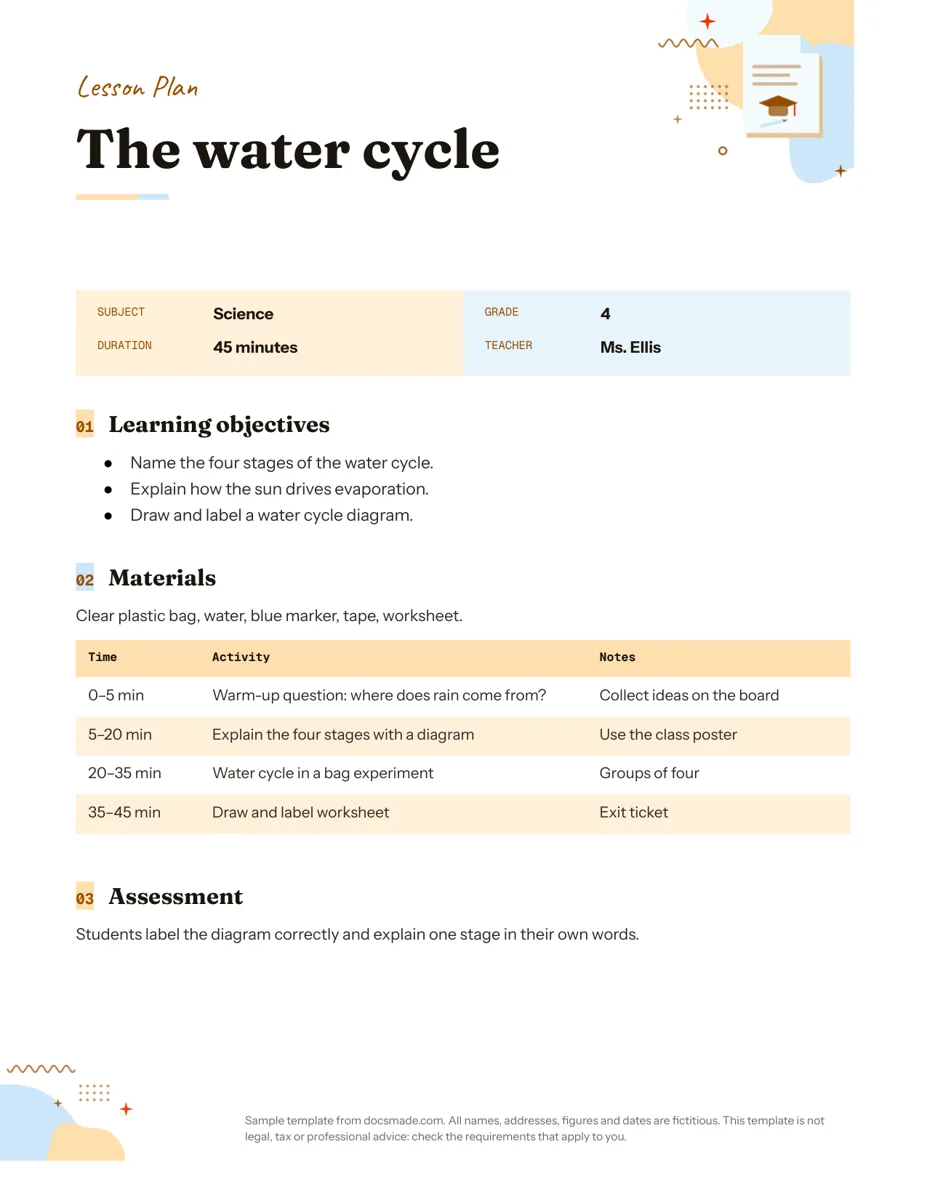 Education Google Docs Lesson Plan Template for a Single Lesson Simple lesson plan template for Google Docs: objectives, materials, timed activities and assessment. Preview, copy, or download as .docx or PDF. View template →
 -
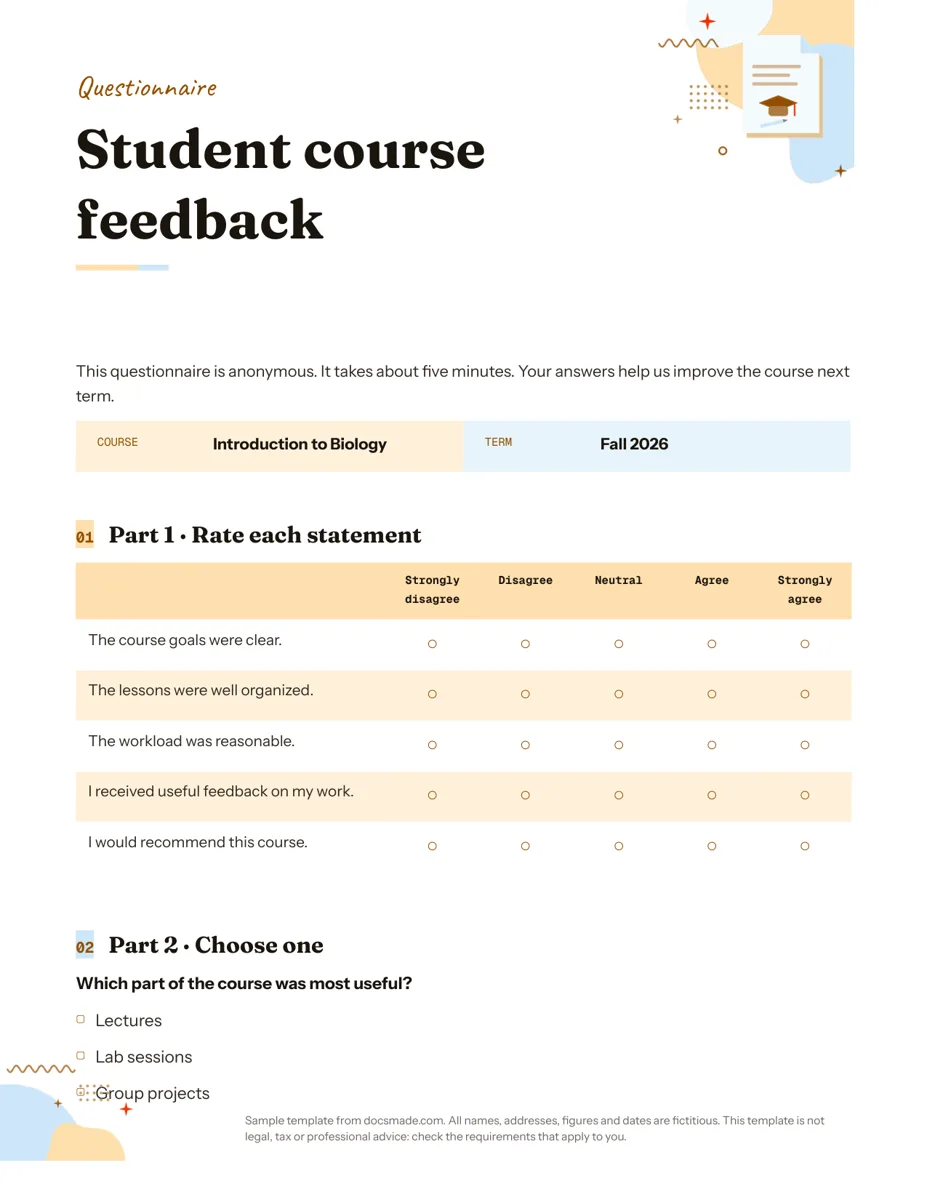 Education Google Docs Questionnaire Template for Printable Feedback Printable survey template for Google Docs with rating scale, multiple choice and open questions. Preview, copy, or download as .docx or PDF. View template →
These Google Docs templates for teachers cover the documents a classroom uses week after week: planning a lesson, collecting feedback, practicing vocabulary, recognizing achievement and writing up an experiment. They are real Google Docs, so you can copy one into your school Drive, adapt it for your grade and share it with students or colleagues the way you already share other files. Every name and school detail in the samples is fictitious.
Free Google Docs templates for teachers in this category
- Lesson plan: subject, grade, duration and teacher at the top, then learning objectives, materials, a timed activity table and an assessment note.
- Questionnaire: a printable feedback form in three parts: rating statements on a scale, single-choice questions and open questions.
- Flashcards: a sheet of cards to print, cut along the grey lines and fold, with the word on the front and the meaning on the back.
- Certificate: a landscape award inside a decorative frame, with the recipient's name in large type, the reason and a date and presenter line.
- Lab report: question, hypothesis, numbered method, a results table and a conclusion.
Google Docs templates for students: copying and sharing in class
Teachers usually want each student to get their own copy, not edit the same file. In Google Classroom, attach your edited Doc to an assignment and choose "Make a copy for each student". Outside Classroom, share a copy link: replace the end of the Doc's address, the part from /edit onwards, with /copy, and anyone who opens it is asked to make their own copy first. The lab report and flashcards work well this way; the lesson plan and certificate are documents you keep for yourself.
Students without a Google account can still use the printed version. Download a PDF from File > Download and print as many as you need.
Adapting classroom templates in Google Docs
- Change the subject, not the structure. The lesson plan sample is a science lesson on the water cycle, but the objectives, materials and timed table work for any subject.
- Edit tables in place. Right-click a table row and choose Insert row below to add an activity or a trial to the results table. The formatting follows.
- Make flashcards for any topic. Replace the sample Spanish vocabulary with your own terms and answers. Each card folds in half, so there is no need to line up double-sided printing.
- Personalize certificates quickly. Keep one master copy and make a copy per student, changing only the name and reason.
School documents in Google Docs: privacy and accessibility
When you share documents with students, avoid putting personal details such as grades, addresses or health information in files that the whole class can open. Use the Share settings to limit access to your school domain when your account allows it. For accessibility, keep the built-in heading styles when you edit, since screen readers use them to navigate, and add alt text to any image with right-click > Alt text.
Printing classroom templates
All the templates are set to US Letter. If your school uses A4, change it in File > Page setup before printing a class set. Print one test copy first, especially for the flashcards, where the cutting guides must match the page.
For the full copy, download and share steps, see how to copy a Google Doc. The organization templates, such as the sign-up sheet and calendar, also work well for parent volunteers and class events.