
Google Docs Meeting Minutes Template with Action Items
Prefer a file? Download .docx · Download PDF
How it works: “Use this template” opens Google’s copy screen. Sign in to your Google account and the document is copied to your own Drive, where you can edit every line. Need help copying the document?
What's inside the meeting minutes template
-
Details
- Date · Time · Location · Facilitator · Note taker
-
Attendees
-
Agenda
- Review of last month's action items
- Q4 launch schedule
- Office move logistics
- Any other business
-
Discussion and decisions
- Table: Topic, Summary, Decision
-
Action items
- Table: Task, Owner, Due
-
Next meeting
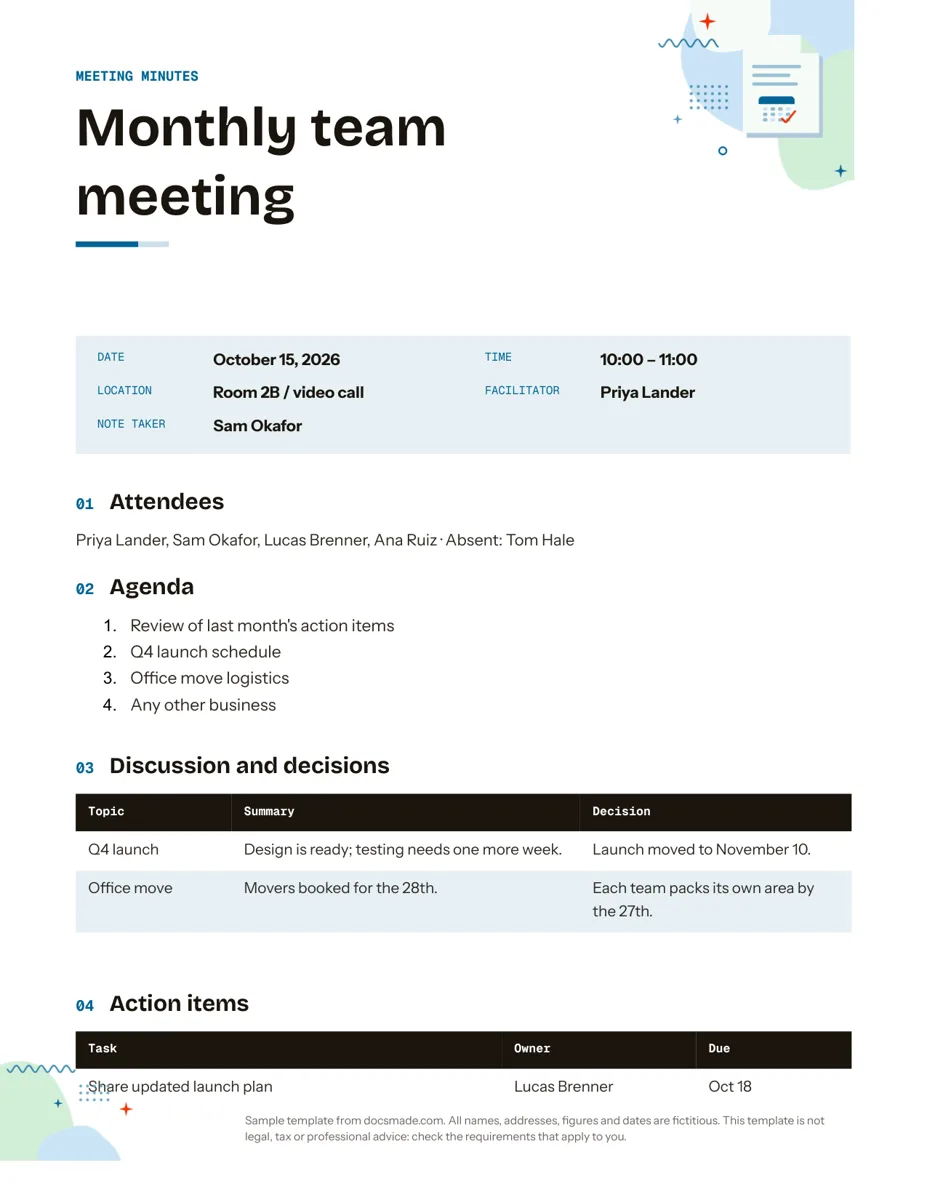
This Google Docs meeting minutes template gives you a ready structure for recording what a meeting decided and who does what next: details, attendees, agenda, a decisions table, action items and the date of the next meeting. It works for team meetings, committees, clubs and parent groups. It is a real Google Doc, so you can preview it here, copy it in one click and share it with attendees, or download it as .docx or PDF.
What's in this meeting minutes template for Google Docs
The sample records a fictional monthly team meeting, so every section shows the level of detail that works in practice.
- Header. A colored band reading "Meeting minutes" and the meeting name in large type.
- Meeting details. Five labeled lines: Date, Time, Location (a room, a video call or both), Facilitator and Note taker.
- Attendees. A single line listing who was present, followed by who was absent.
- Agenda. A numbered list of the items discussed, starting with a review of last month's action items and ending with any other business.
- Discussion and decisions. A three-column table (Topic, Summary, Decision) so each agenda item ends with a clear outcome, for example "Launch moved to November 10".
- Action items. A second table with Task, Owner and Due, one row per commitment.
- Next meeting. The date, time and place of the follow-up.
It fits on one US Letter page in portrait for a typical one-hour meeting.
How to take meeting minutes that people read
Minutes are a record of decisions, not a transcript. These habits keep them short and useful:
- Prepare before the meeting. Copy the template, fill in the details and paste the agenda, so during the meeting you only write outcomes.
- Record decisions, not every comment. One sentence of summary per topic is usually enough. Put the agreed result in the Decision column in plain words.
- Give every action an owner and a date. "Share updated launch plan, Lucas, Oct 18" is an action; "look into the launch plan" is not. If nobody takes it, write it down as unassigned and raise it at the end.
- Start the next meeting with the old action items. That is why the agenda opens with a review of last month's items.
- Separate the facilitator from the note taker. Running a meeting and writing minutes at the same time leads to gaps.
- Send the minutes within a day. People remember corrections while the meeting is fresh.
How to customize the meeting minutes template in Google Docs
- Click Use this template, or open the preview and choose File > Make a copy. Our guide to copying a Google Doc explains how to save it to a shared drive.
- Edit the meeting name and details. Type @ followed by a date to insert a date chip, and @ followed by a name to turn attendees into people chips.
- Add agenda items by pressing Enter at the end of the numbered list.
- Add rows to either table with a right-click and Insert row below. For board or committee minutes, add a column for votes (for, against, abstain).
- Assign action items inside Docs: select a task, choose Insert > Comment, type + and the owner's email, and tick the assign box. The owner gets an email and the task appears in their list.
- Change colors with the fill color button and fonts with Format > Text; switch to A4 under File > Page setup.
- Keep a series in one file: add Insert > Break > Page break and paste a fresh copy of the template for each meeting, newest at the top.
Share, export and file your meeting notes
The quickest way to circulate minutes is to click Share, add attendees and give them Commenter access, so they can suggest corrections with Insert > Comment without editing the record. For a formal copy, use File > Download > PDF document (.pdf) and attach it to an email or store it in your records folder. Choose Microsoft Word (.docx) if your organization archives Word files. File > Version history lets you name the approved version, which is useful when minutes are approved at the following meeting.
Google Docs also has a built-in meeting notes building block: type @, choose Meeting notes and pick a Google Calendar event, and it fills in the date, title and attendees with space for notes and action items. That is handy for quick notes; this template adds the decisions table, roles and next meeting for minutes that serve as a record.
Meeting minutes template variations: board, staff and project meetings
- Board meeting minutes: add a line for quorum, list motions with who proposed and seconded them, and record the vote. Formal boards, nonprofits and companies may have specific requirements for minutes, so check your bylaws and local rules; this template is not legal advice.
- Staff meeting minutes: keep the agenda short and use the action items table as the team's weekly to-do list.
- Project meeting minutes: link each decision to the phase it affects in your project timeline, and update dates there after the meeting.
- PTA, club or HOA meetings: add a treasurer's report line under the agenda and keep the minutes in a shared folder for members.
For a written follow-up to a decision, a memo template works well, and a checklist helps when one action breaks into many steps. More planning documents are in the organization templates section.
Google Docs meeting minutes template FAQ
Is there a meeting minutes template in Google Docs?
Yes. This page links to a free Google Doc set up for minutes; make a copy and it is yours to edit. Docs also offers a meeting notes building block for quick notes linked to Calendar events.
What should meeting minutes include?
At minimum: date, time and place, who attended and who was absent, the agenda, the decision on each item, action items with owners and due dates, and the next meeting. The template has a section for each.
How do I add action items in Google Docs minutes?
Write each task in the Action items table with an owner and a due date. To notify the owner, add a comment on the task and assign it to them with + and their email.
Can I use this as a meeting minutes template in Word?
Yes. Download the .docx file from this page, or use File > Download > Microsoft Word (.docx) in your copy. The tables and lists carry over; fonts may differ if they are not installed.
Who should take the meeting minutes?
Pick one note taker who is not running the meeting, and write their name in the details so attendees know whom to contact with corrections. Many groups rotate the role each meeting.
More templates
-
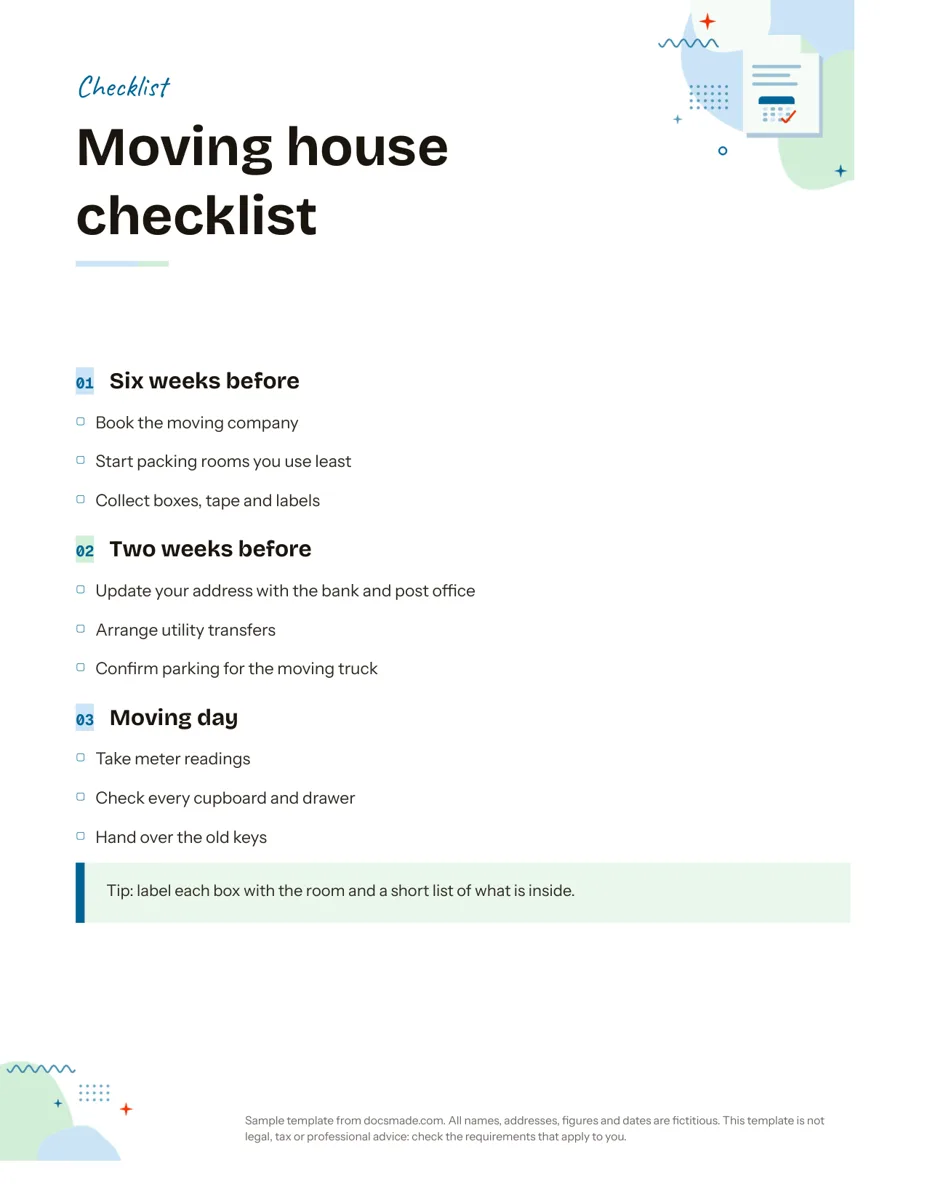 Organization Google Docs Checklist Template, Printable and Editable Free printable checklist template for Google Docs, grouped by stage with tick boxes and a tip box. Preview it, copy it, or download .docx and PDF. View template →
 -
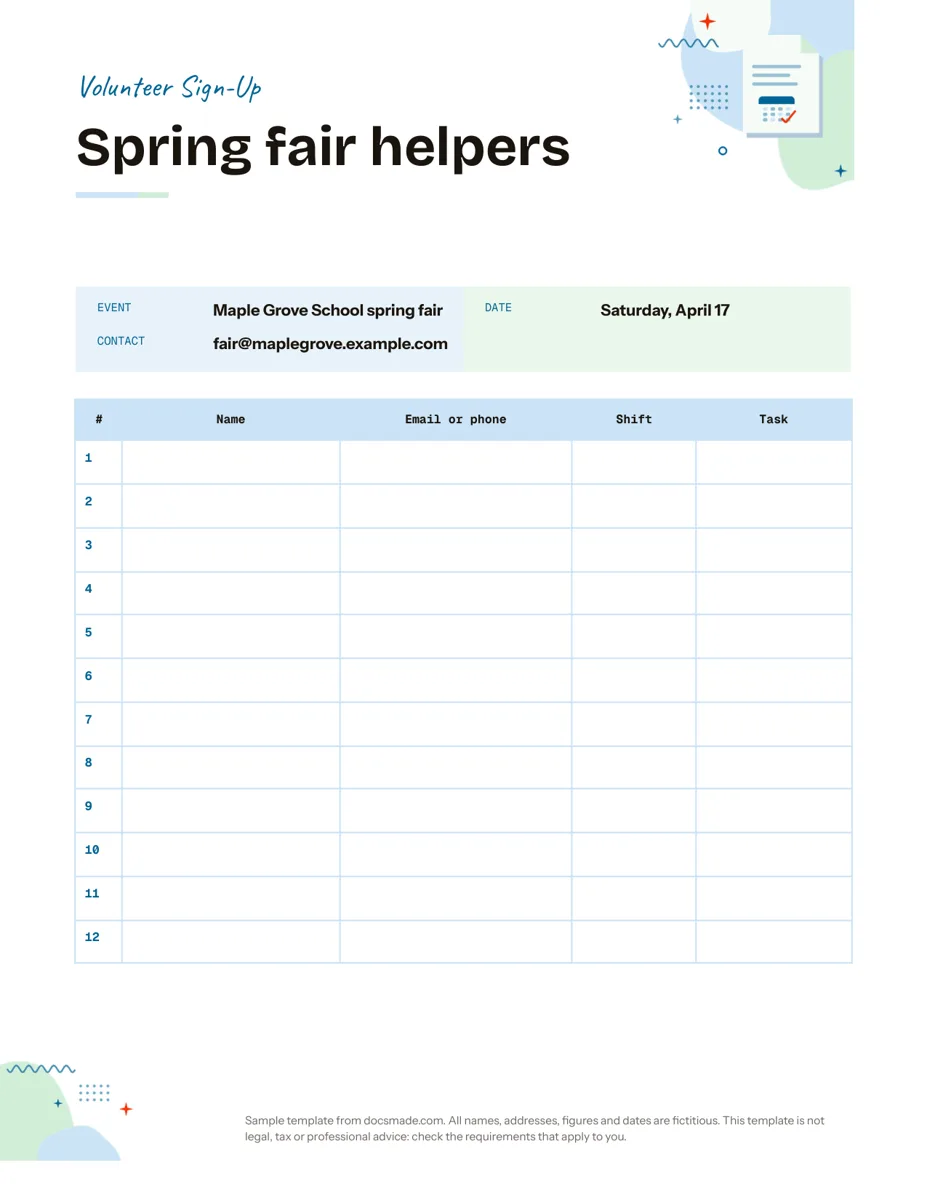 Organization Google Docs Sign Up Sheet Template for Volunteers and Events Free volunteer sign up sheet template for Google Docs with name, contact, shift and task columns. Preview it, copy it, or print the PDF. View template →
 -
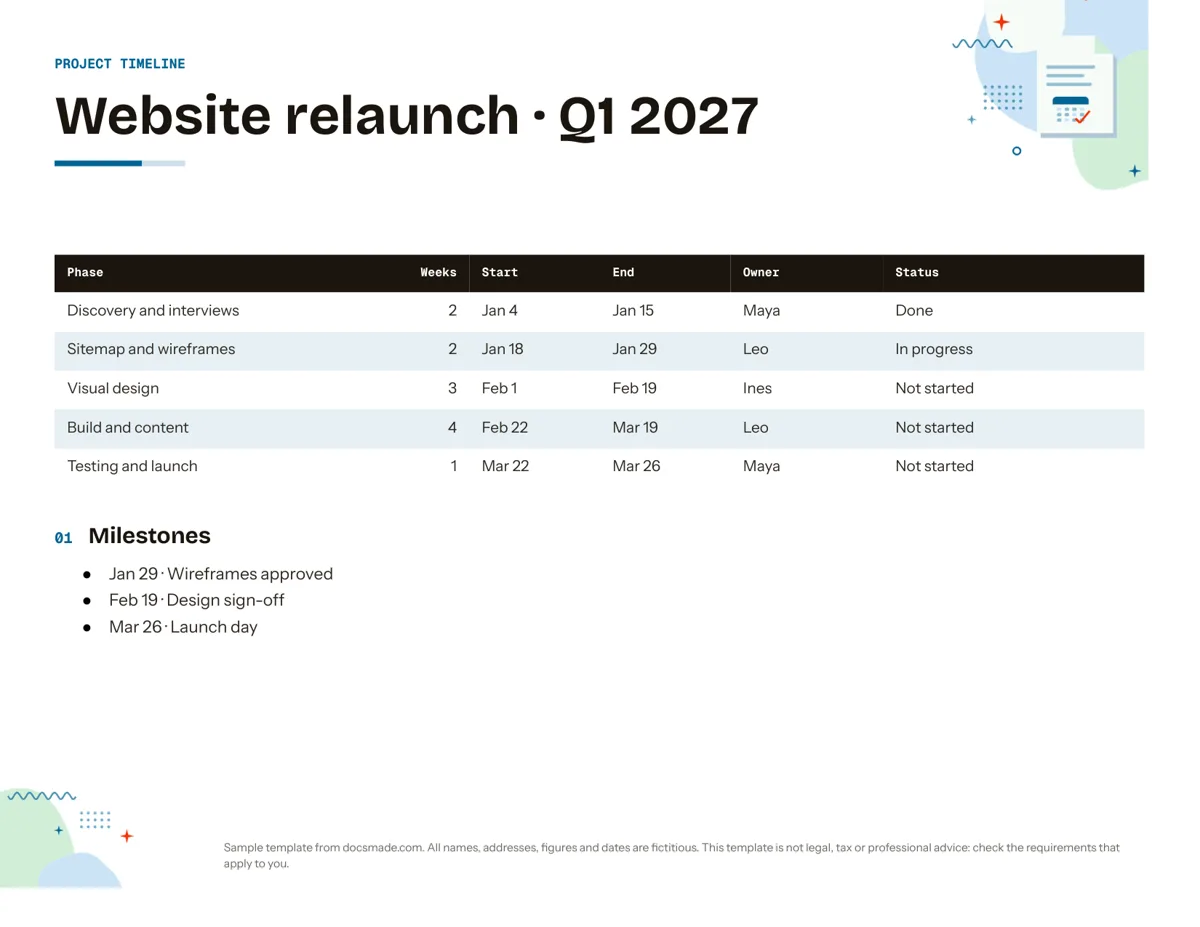 Organization Google Docs Timeline Template for Project Planning Free project timeline template for Google Docs: phases, dates, owners, status and milestones. Preview it, make a copy, or download .docx and PDF. View template →
 -
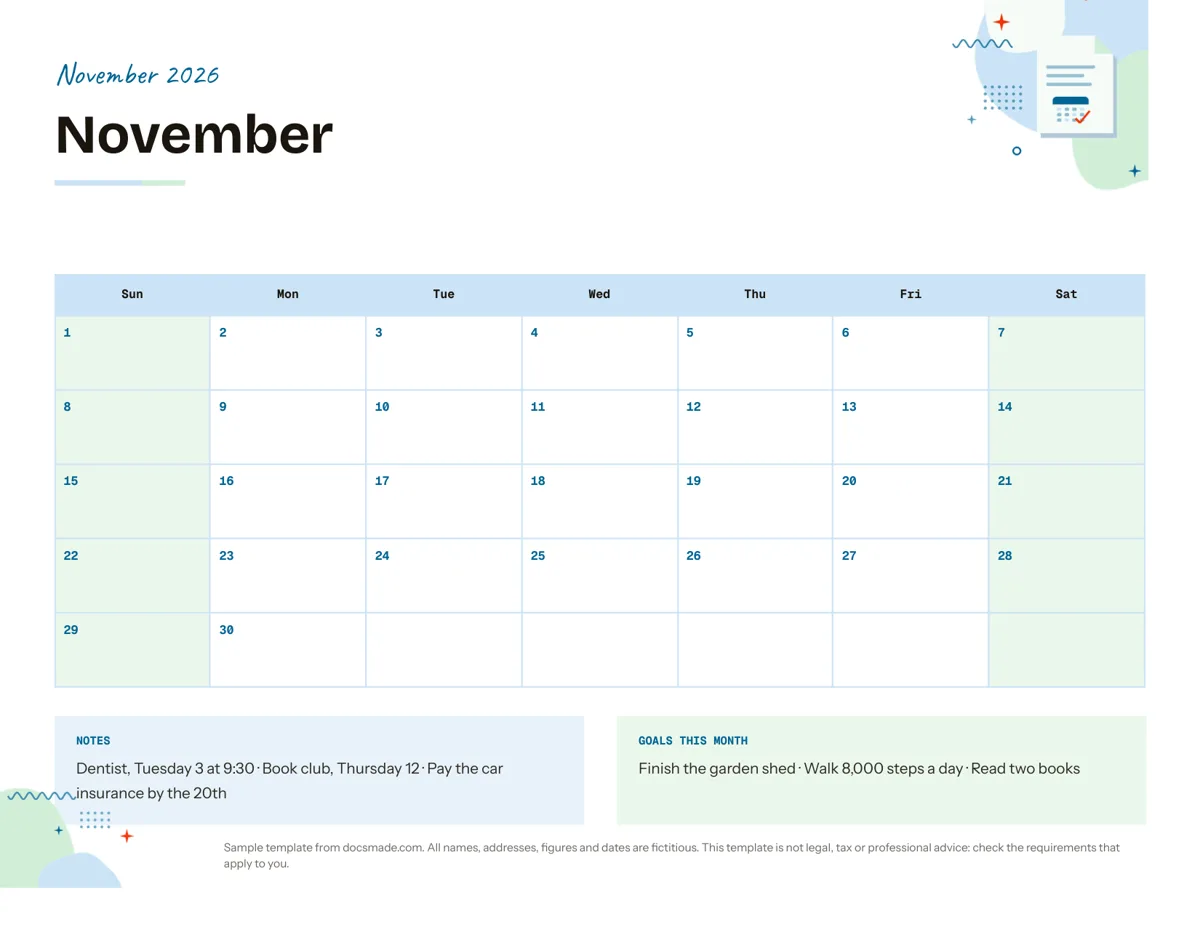 Organization Google Docs Calendar Template: Printable Monthly Planner Free monthly calendar template for Google Docs: a landscape grid with notes and monthly goals. Preview it, make a copy, or get .docx and PDF. View template →