
Google Docs Invitation Template: One-Page Party Invite
Prefer a file? Download .docx · Download PDF
How it works: “Use this template” opens Google’s copy screen. Sign in to your Google account and the document is copied to your own Drive, where you can edit every line. Need help copying the document?
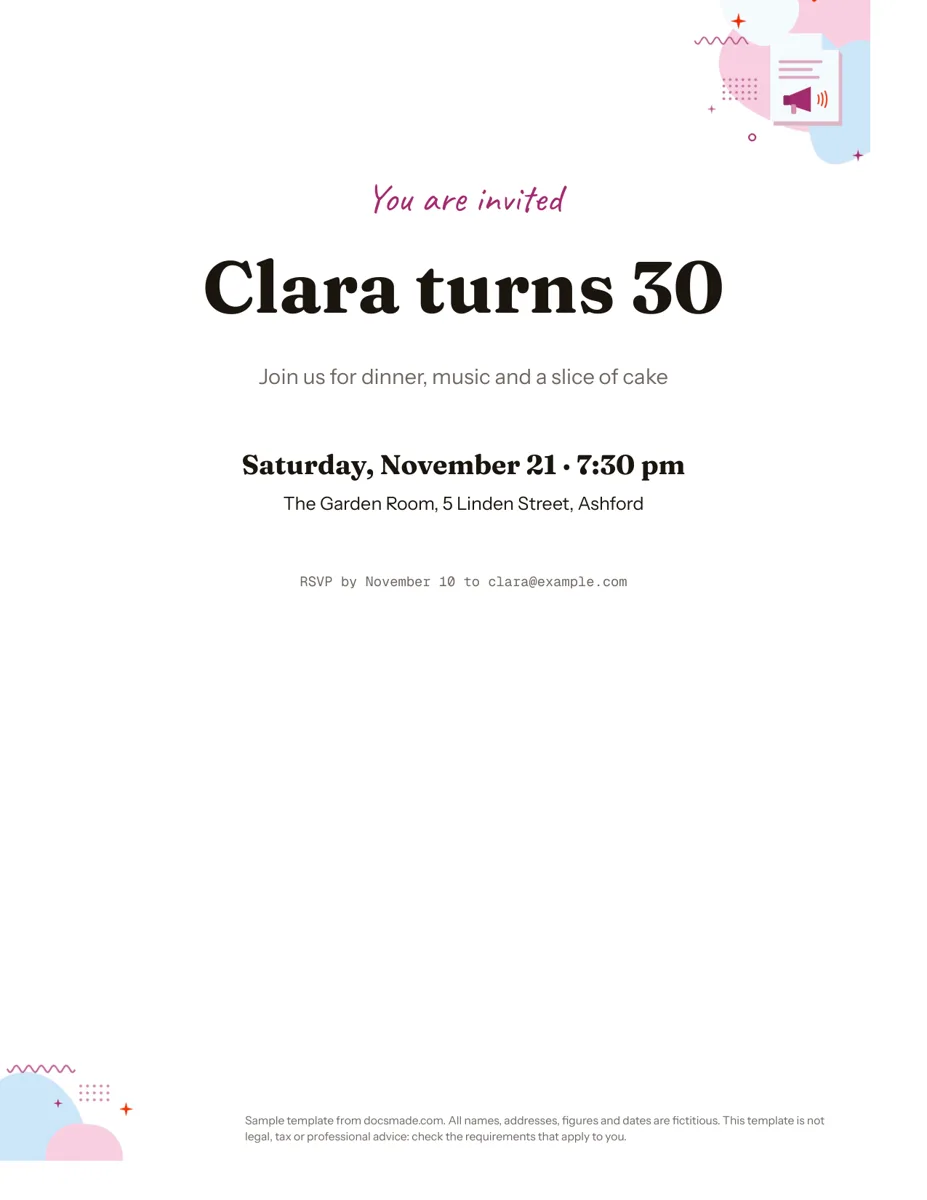
This invitation template is a real Google Doc, not a picture of one. It lays out a one-page party invite on US Letter paper with a script greeting, a large headline, the date, the venue and an RSVP line. You can preview it here, make your own copy in one click and change every word, then print it at home or send it as a PDF.
What's in this Google Docs invitation template
The sample is set up as a 30th birthday dinner, but every line is plain text you can rewrite for any event. Everything is centered on the page and arranged from the most eye-catching line to the practical details, which is the order guests read an invitation in.
- Greeting line: "You are invited" in a small script font and an accent color, so it sets the tone without competing with the headline.
- Headline: "Clara turns 30" in a large bold display font. This is the line people see from across the room, so keep it short: a name and the occasion.
- Event line: one sentence in a softer gray that says what will happen ("Join us for dinner, music and a slice of cake").
- Date and time: "Saturday, November 21 · 7:30 pm" in bold, set apart with extra space below the event line.
- Venue: the place name and street address on one line.
- RSVP line: a small monospaced line with the reply-by date and an email address.
There are no text boxes, tables or floating images to fight with. Each line is a normal paragraph with its own font size and spacing, which makes the layout hard to break when you edit it.
How to word a party invitation template so guests can act on it
A good invitation answers five questions before anyone has to ask: who is hosting, what the occasion is, when it starts, where it is, and how to reply. The template has one line for each, so the easiest approach is to fill them top to bottom and delete nothing until every answer is in place.
- Write the headline first. Use the honoree's name and the occasion: "Sam's graduation party", "Lena and Theo are getting married", "Baby shower for Priya". If it runs to two lines, shorten it rather than shrinking the font.
- Say what happens. The event line tells guests whether to expect a sit-down dinner, a backyard barbecue or drinks after work. Mention a dress code or "kids welcome" here if it matters.
- Give the full date. Include the weekday and the time.
- Write the address the way a map app reads it. Street, number and town. If parking or the entrance is tricky, add a short second line rather than a paragraph.
- Set the RSVP date before the date you need numbers. Caterers and restaurants usually ask for a headcount ahead of time, so pick a reply-by date that leaves you room to chase late answers.
Common mistakes: forgetting the year on a save-the-date sent far in advance, listing a phone number nobody answers, and cramming gift or registry notes onto the main card. Put extras like directions or a registry link in a follow-up message instead.
Customize the invitation in Google Docs
Click Use this template on this page, or open the preview and choose File > Make a copy. The copy lands in your own Google Drive and you can edit it freely. Our guide on how to copy a Google Doc covers the steps if the button asks you to sign in.
- Change the fonts: select a line and pick a new font from the toolbar. Under More fonts you can add script and display faces from the Google Fonts library. Keep one decorative font for the greeting and headline and a simple one for the details.
- Change the colors: select the text and use the text color button. Match the accent to the party theme: gold for an anniversary, pastel for a baby shower, deep green for a winter dinner.
- Adjust spacing: use Format > Line & paragraph spacing > Custom spacing to move lines closer or further apart without adding empty paragraphs.
- Add a photo or graphic: use Insert > Image and set it to "In line" so it stays centered above the headline. A small image works better than a full-page one for home printing.
- Background color: File > Page setup lets you set a page color, switch between Letter and A4, and change the margins.
Print, download or share your invitation
To print, go to File > Print and check the preview before sending it to the printer. For a print shop, download a PDF with File > Download > PDF document (.pdf), which keeps fonts and spacing fixed. If someone prefers Word, File > Download > Microsoft Word (.docx) exports an editable file, though decorative Google Fonts may need to be installed on their computer to look the same.
Many hosts skip paper altogether. Export the PDF and attach it to an email or group chat, or click Share and send a view-only link. If a co-host is helping, give them comment access so they can suggest changes with Insert > Comment without overwriting your text.
Birthday, wedding and other invitation templates for Google Docs
Because the layout is just centered text, the same document adapts to most occasions with a few edits:
- Birthday party invitation: keep the sample structure and swap the name and age. For a child's party, add a pickup time to the date line.
- Wedding invitation or save-the-date: replace the greeting with "Together with their families" and the headline with both names. Change the page size to a custom card size under File > Page setup if you plan to print 5x7 cards, and test one copy first.
- Baby or bridal shower: set the event line to the theme and add the registry in the follow-up email.
- Office or community event: use the headline for the event name ("Year-end team lunch") and the event line for the agenda in one sentence.
Planning more than the invite? A menu template pairs well with a dinner party, a flyer template suits public events where you post the details rather than send them, and a sign-up sheet helps collect volunteers or potluck dishes. More print designs are in our marketing and print templates.
Google Docs invitation template FAQ
Is this Google Docs invitation template free?
Yes. You can preview it, copy it into your Google Drive and download it as .docx or PDF at no cost. You only need a Google account to make an editable copy.
Can I make a birthday invitation in Google Docs without design software?
Yes. This template uses only text formatting that Google Docs already has: fonts, sizes, colors and paragraph spacing. Change the headline to the birthday person's name and age, update the date and venue, and it is ready to print or share.
How do I print two invitations on one page?
Google Docs does not have a built-in "two per sheet" layout for documents. The simplest option is to download the PDF and choose "2 pages per sheet" or a similar setting in your printer dialog, then trim the sheet in half.
Is the invitation template editable after I download it?
The .docx download stays fully editable in Microsoft Word and other word processors. The PDF is meant for printing and sharing, so make your text changes in Google Docs before you export it.
Can guests RSVP through Google Docs?
Not directly. The RSVP line in the template points to an email address, and you can replace it with a phone number or a link to a form. Keep the reply method to one option so answers do not end up scattered across channels.
More templates
-
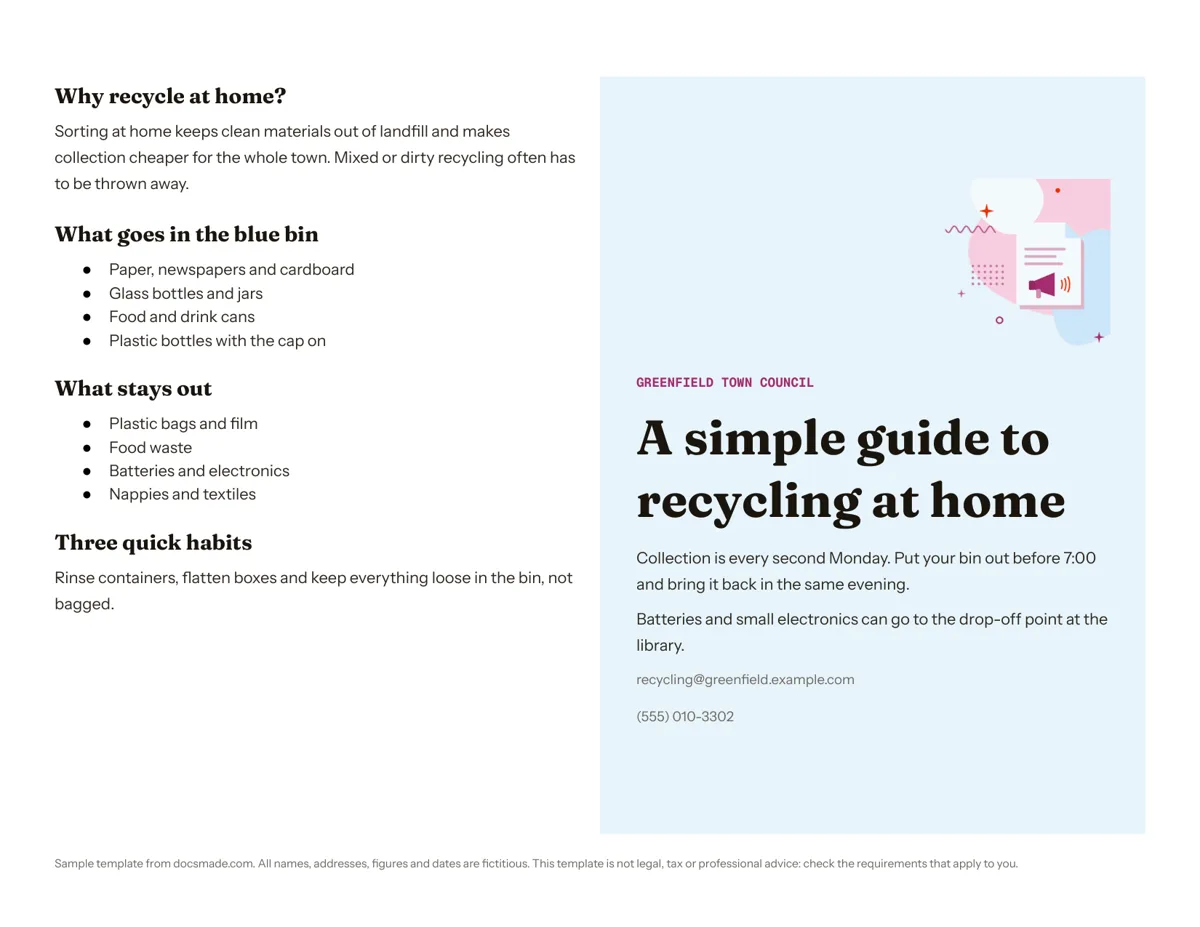 Marketing & print Google Docs Pamphlet Template for Informational Leaflets Free pamphlet template for Google Docs: a folded, two-panel info leaflet as a real Doc. Preview it, make a copy, or download .docx and PDF. View template →
 -
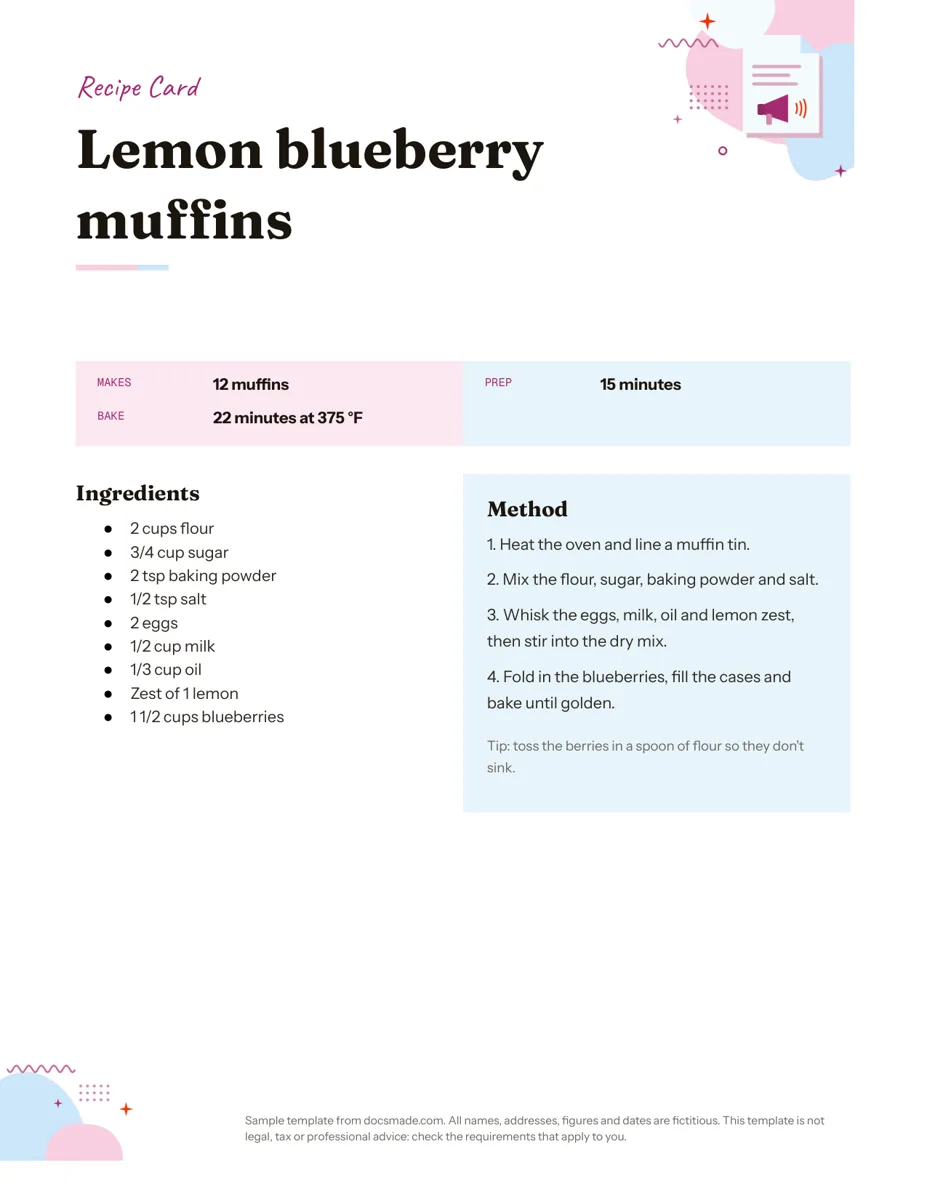 Marketing & print Google Docs Recipe Template: Printable Recipe Card Free recipe card template for Google Docs with ingredients and method side by side. Preview, copy and edit it, or download as .docx or PDF. View template →
 -
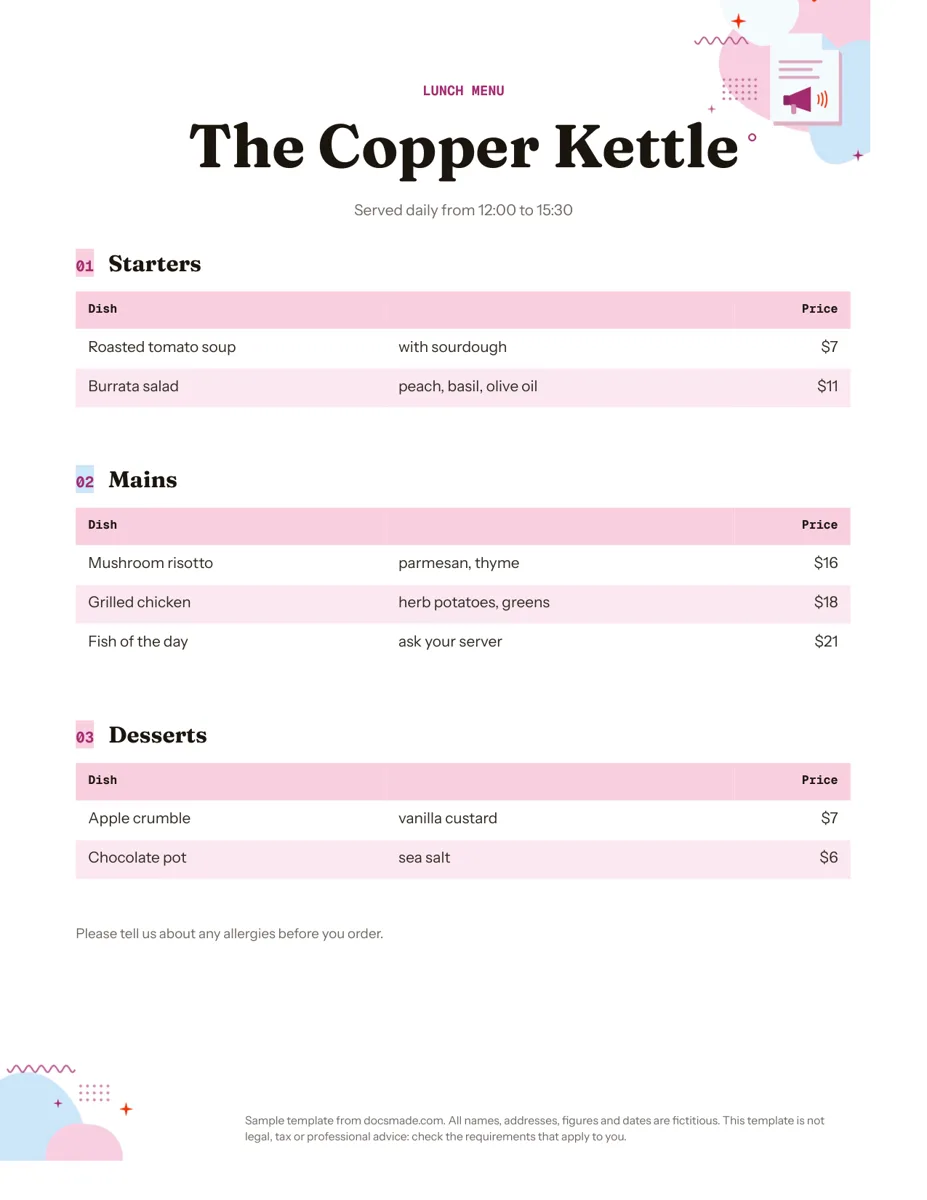 Marketing & print Google Docs Menu Template for Restaurants and Cafes Free restaurant menu template for Google Docs: starters, mains and desserts with prices. Preview it, make a copy, or download .docx or PDF. View template →
 -
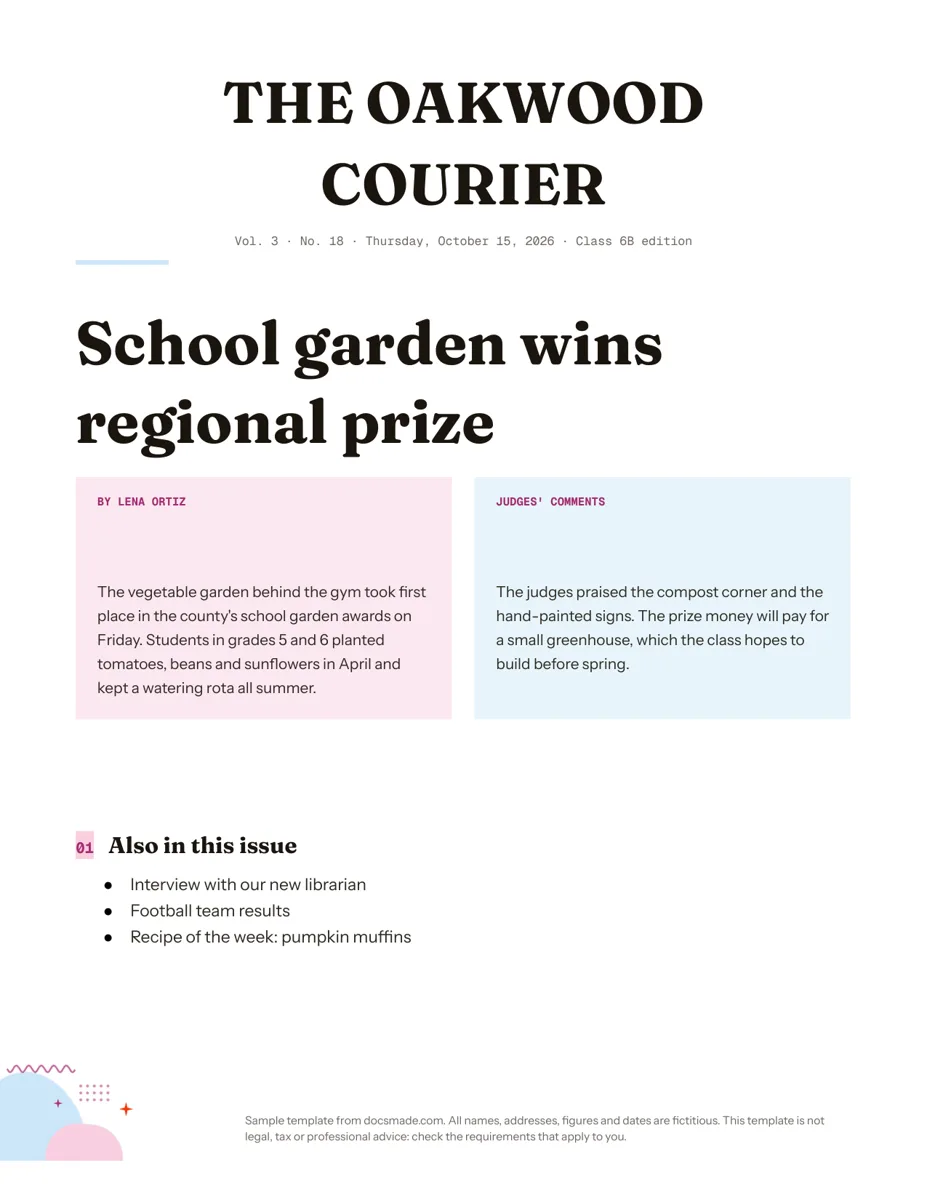 Marketing & print Google Docs Newspaper Template for Class and School Papers Free newspaper template for Google Docs: masthead, headline and two-column story. A real Doc to preview, copy, or download as .docx or PDF. View template →