
Google Docs Recipe Template: Printable Recipe Card
Prefer a file? Download .docx · Download PDF
How it works: “Use this template” opens Google’s copy screen. Sign in to your Google account and the document is copied to your own Drive, where you can edit every line. Need help copying the document?
What's inside the recipe template
-
Details
- Makes · Prep · Bake
-
Ingredients
- 2 cups flour
- 3/4 cup sugar
- 2 tsp baking powder
- 1/2 tsp salt
- 2 eggs
-
Method
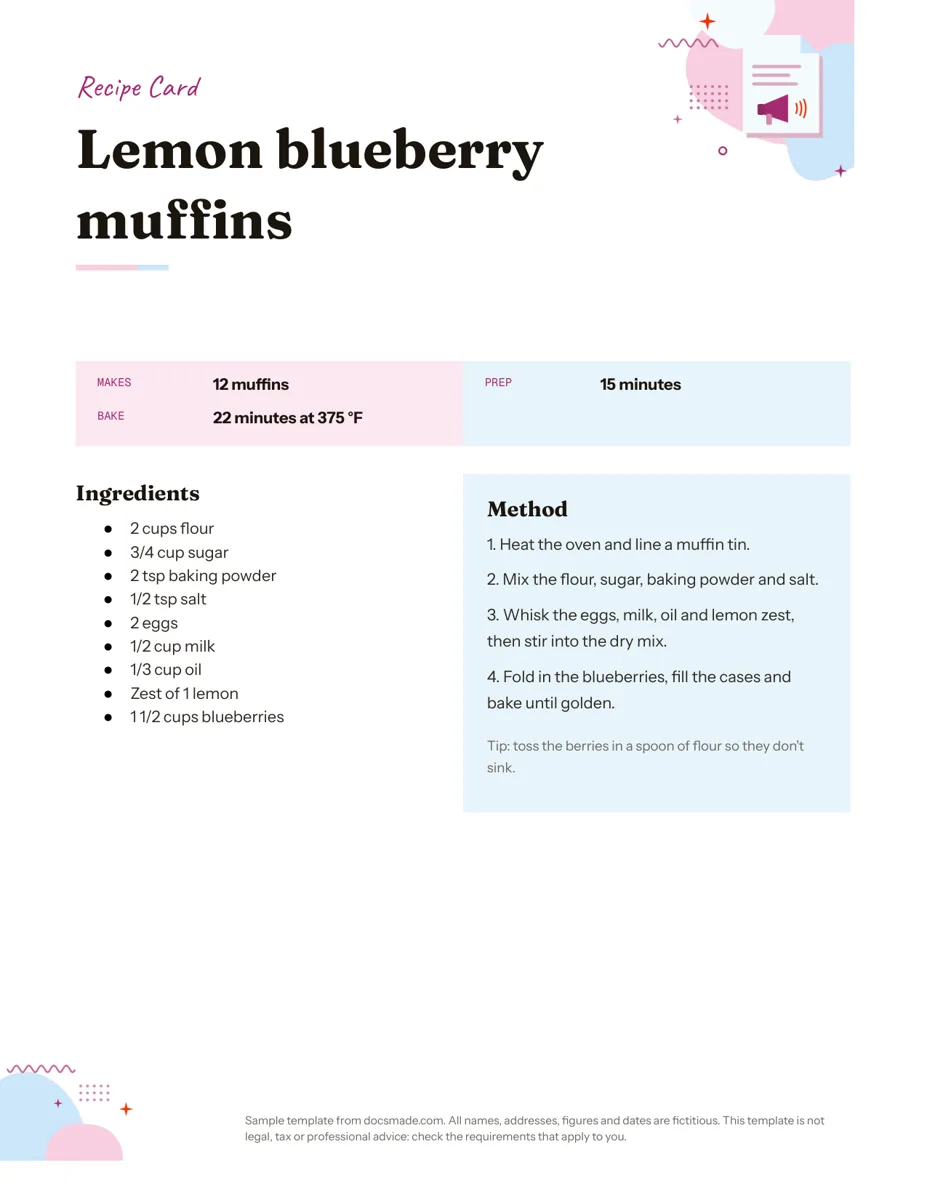
This recipe template is a real Google Doc you can preview, copy and fill in with your own dish. It gives each recipe a full page on US Letter paper: a header band, the recipe name, a strip for servings and timing, then ingredients and method side by side so you can follow it at the counter. Keep one for a family favorite or copy it many times to build a recipe book.
What's in this Google Docs recipe card template
The sample recipe is lemon blueberry muffins, chosen because it has enough ingredients and steps to show how the layout handles a real recipe.
- Header band: a colored strip that reads "RECIPE CARD". Rename it to a category such as "Breakfast", "Weeknight dinners" or "Grandma's baking" if you are filing several recipes.
- Recipe name: a large bold title on its own line.
- Quick facts strip: a small label and value table with Makes (12 muffins), Prep (15 minutes) and Bake (22 minutes at 375 °F). These are the details people check before deciding whether they have time to cook.
- Ingredients column: a bulleted list with the amount first ("2 cups flour", "3/4 cup sugar"), so you can scan quantities while measuring.
- Method column: four numbered steps, from heating the oven to baking until golden.
- Tip line: a short note under the method ("toss the berries in a spoon of flour so they don't sink"). Use it for the one trick that makes your version work.
The two columns are a single-row table, so the ingredients and method stay aligned on screen and on paper without any text boxes.
How to write a recipe that other people can follow
A recipe card works when someone who has never made the dish can cook it without calling you. A few habits get you there:
- List ingredients in the order you use them. The reader works down the list and never has to hunt for the next item.
- Put the amount and unit first. "1/2 cup milk" scans faster than "milk, half a cup". Stick to one measuring system per card, either cups and spoons or grams.
- Name the prep in the ingredient line. "1 onion, finely chopped" tells the cook to chop before starting, so the method stays short.
- One action per step. Start each step with a verb (heat, mix, whisk, fold) and keep it to one or two sentences. If a step needs a wait, say how long and what to look for: "bake until golden and a toothpick comes out clean".
- Fill in the timing strip honestly. Prep time is the hands-on part; bake or cook time is the oven or stove part. Add a "Rest" or "Chill" row if the dish needs it.
Common gaps: an oven temperature that appears only in step 1, a pan size that is never mentioned, and "a pinch" or "some" where the amount actually matters. If you copied a recipe from a relative or a cookbook, note the source in the tip line so you remember where it came from.
Customize the recipe template in Google Docs
Click Use this template or open the preview and go to File > Make a copy to save your own editable version in Google Drive. If you have not done this before, the guide on how to copy a Google Doc walks through it.
- Edit the columns: click inside the ingredients or method cell and type. Press Enter in the ingredient list to add a new bullet. For a three-part recipe (dough, filling, glaze), add a bold mini heading inside the ingredients column for each part.
- Add a row to the facts strip: right-click the table and choose Insert row below for extra fields like Serves, Diet or Equipment.
- Change fonts and colors: select text and use the toolbar. To recolor the header band or a table cell, click it and use the background color option in Format > Table > Table properties.
- Add a photo of the dish: place the cursor under the recipe name and use Insert > Image. Set it to "In line" and resize it so the columns still fit on one page.
- Paper size: File > Page setup switches between Letter and A4 and lets you change margins.
Print, download or share your recipe card
Use File > Print for a full-page card you can slip into a sheet protector or a binder. For a print shop or for sending to family, download a fixed copy with File > Download > PDF document (.pdf). If someone wants to edit it in Word, choose File > Download > Microsoft Word (.docx).
Sharing the Google Doc itself is often easier than sending files. Click Share, set the link to "Viewer" and send it to anyone who asks for the recipe. Give a relative "Commenter" access if you want them to check quantities or add their own notes with Insert > Comment before you print the final version.
Ideas for a Google Docs recipe book and other uses
- Family recipe book: make one copy of the template per recipe, or duplicate the page inside one document and separate recipes with Insert > Break > Page break. Format each recipe name as a heading and Google Docs will list them in the document outline, which acts as a clickable table of contents while you cook from a tablet.
- Bake sale or potluck labels: print the card next to the dish so guests can see the ingredients. Add a line about common allergens in the tip area.
- Cooking class handout: add a "You will need" row to the facts strip for equipment and give each student a copy.
- Meal prep binder: rename the band to the day of the week and keep a card for each planned meal.
Hosting a dinner? Pair the recipe card with a menu template for the table and an invitation template for the guests. For a printed family cookbook with stories and photos, the newsletter template layout is a good starting point for the cover pages. Find more print-ready layouts in marketing and print templates.
Recipe template Google Docs FAQ
Is this recipe template for Google Docs free?
Yes. You can preview it, copy it to your Google Drive, and download it as .docx or PDF without paying. A Google account is needed to make the editable copy.
Does Google Docs have its own recipe template?
The Google Docs template gallery has offered a recipe layout in its Personal section. Ours is a separate design with a timing strip and a two-column ingredients and method layout, and you can use whichever suits your recipes.
Can I print this as a 4x6 or 3x5 recipe card?
The template is set to a full Letter page. You can set a custom page size in File > Page setup, but you will need to shorten the text and reduce font sizes so it fits. Print one test copy on plain paper before using card stock.
How do I keep the recipe on one page?
Shorten the method steps first, then reduce the space above and below paragraphs in Format > Line & paragraph spacing. Moving long notes to a second page is better than shrinking the ingredients to a size nobody can read at the stove.
Can I make an editable recipe card template for my whole family?
Yes. Make one master copy, share it with edit access, and ask each person to use File > Make a copy for their own recipes. That way the original layout stays clean.
More templates
-
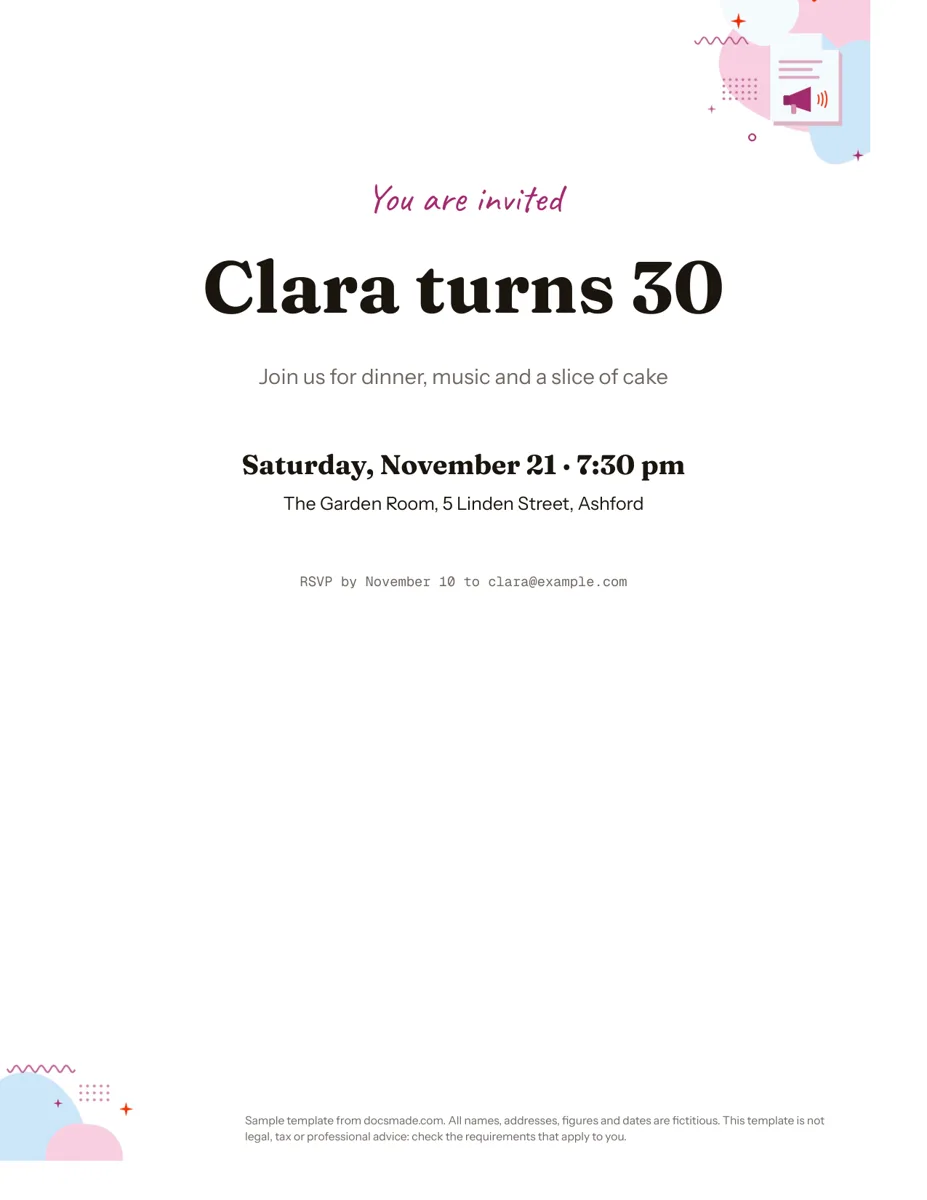 Marketing & print Google Docs Invitation Template: One-Page Party Invite Free invitation template for Google Docs: a one-page party invite you can preview, copy and edit, or download as .docx or PDF. Ready to print. View template →
 -
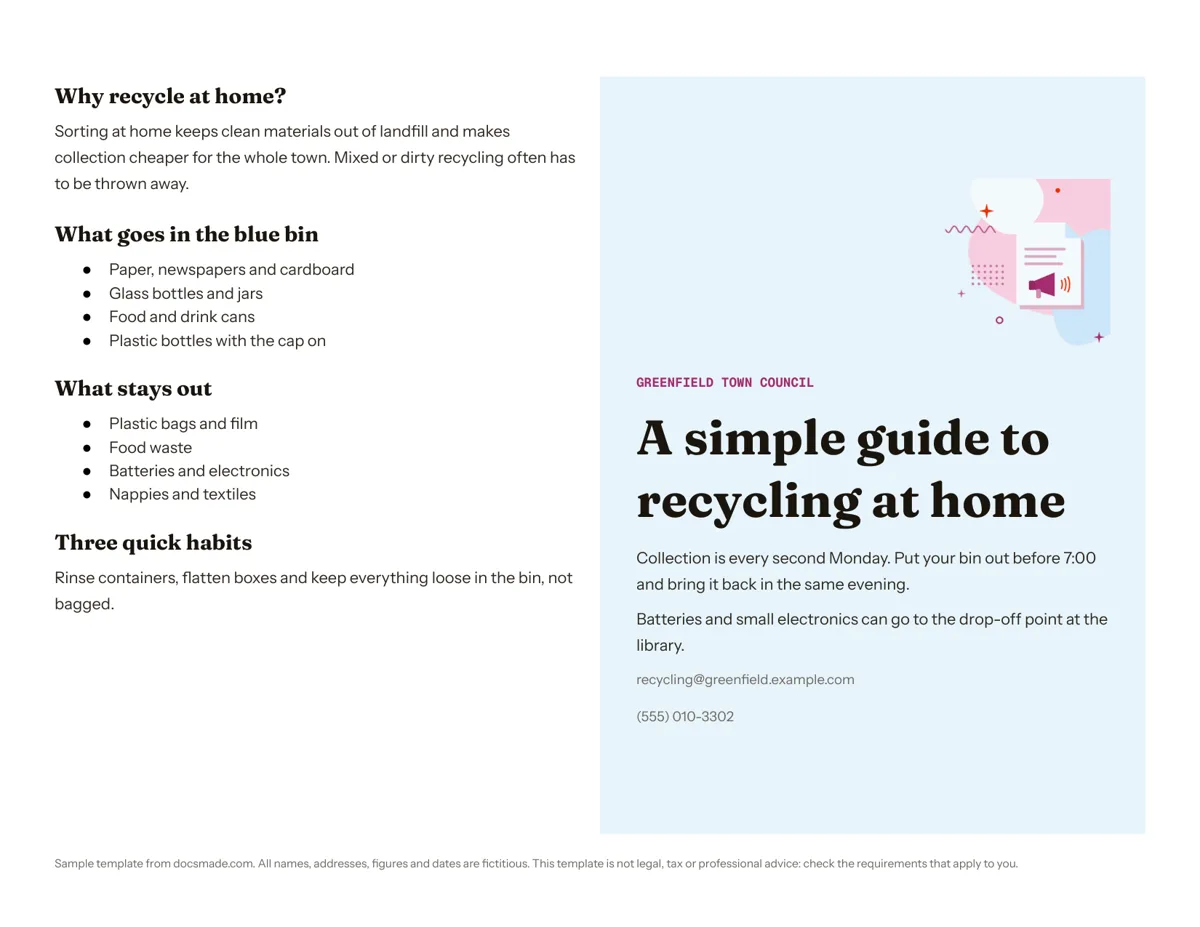 Marketing & print Google Docs Pamphlet Template for Informational Leaflets Free pamphlet template for Google Docs: a folded, two-panel info leaflet as a real Doc. Preview it, make a copy, or download .docx and PDF. View template →
 -
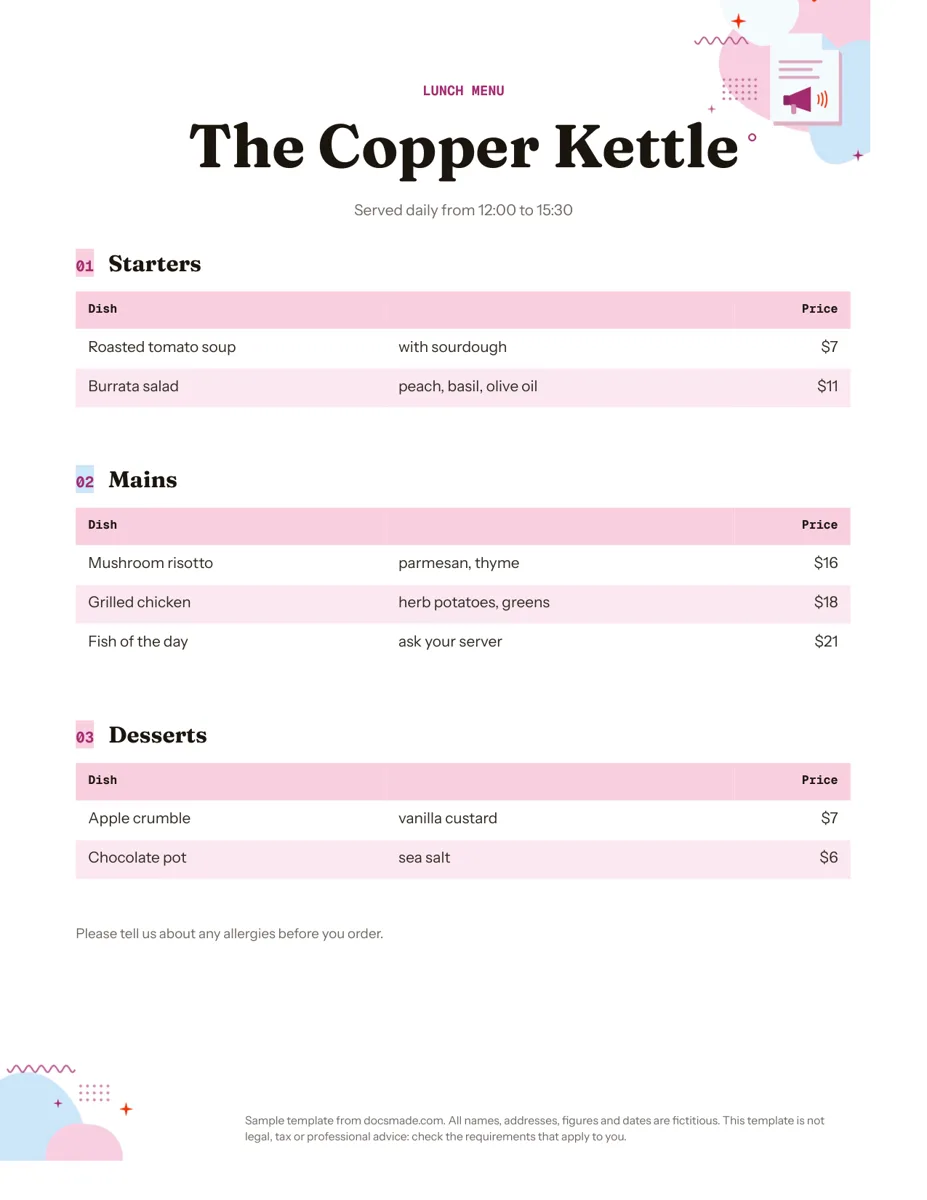 Marketing & print Google Docs Menu Template for Restaurants and Cafes Free restaurant menu template for Google Docs: starters, mains and desserts with prices. Preview it, make a copy, or download .docx or PDF. View template →
 -
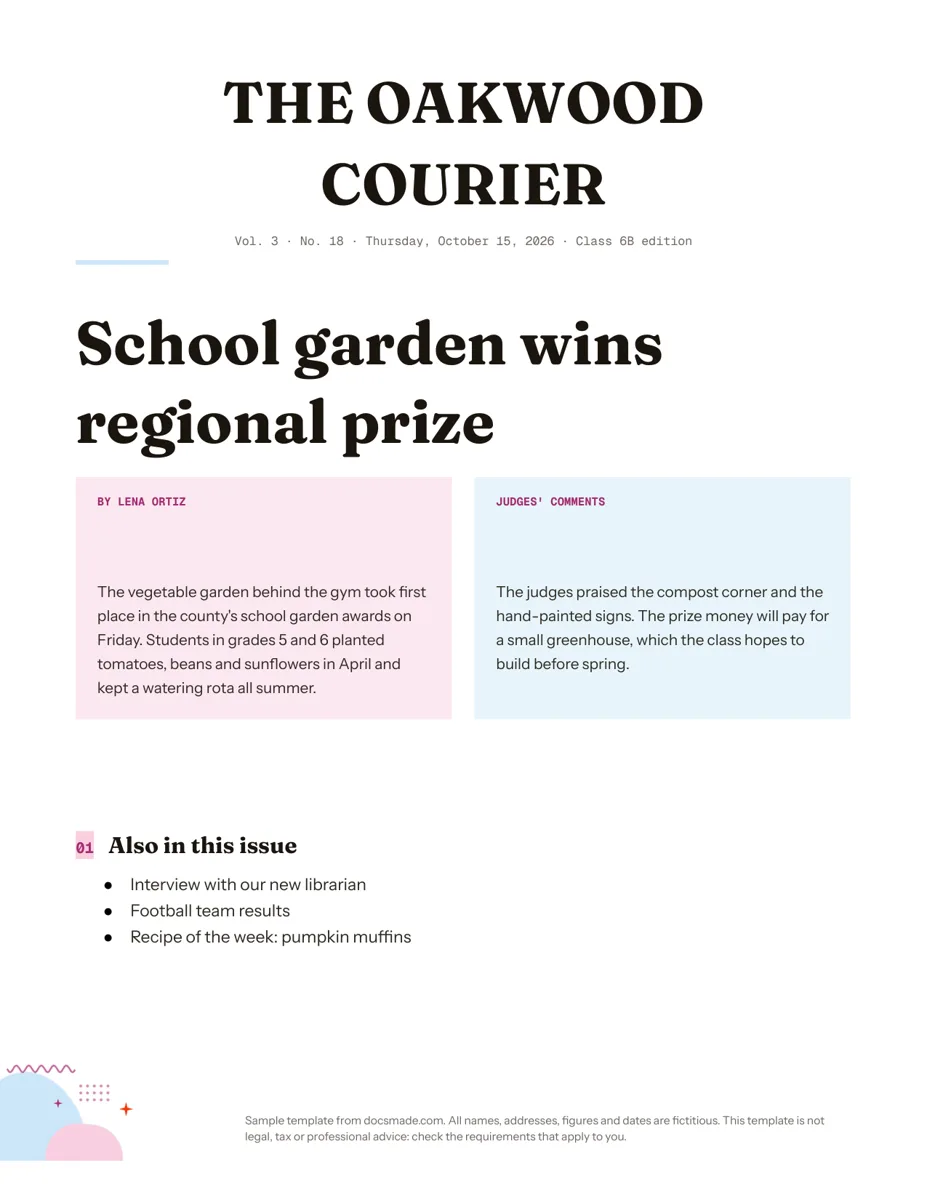 Marketing & print Google Docs Newspaper Template for Class and School Papers Free newspaper template for Google Docs: masthead, headline and two-column story. A real Doc to preview, copy, or download as .docx or PDF. View template →