
Google Docs Letter of Recommendation Template
Prefer a file? Download .docx · Download PDF
How it works: “Use this template” opens Google’s copy screen. Sign in to your Google account and the document is copied to your own Drive, where you can edit every line. Need help copying the document?
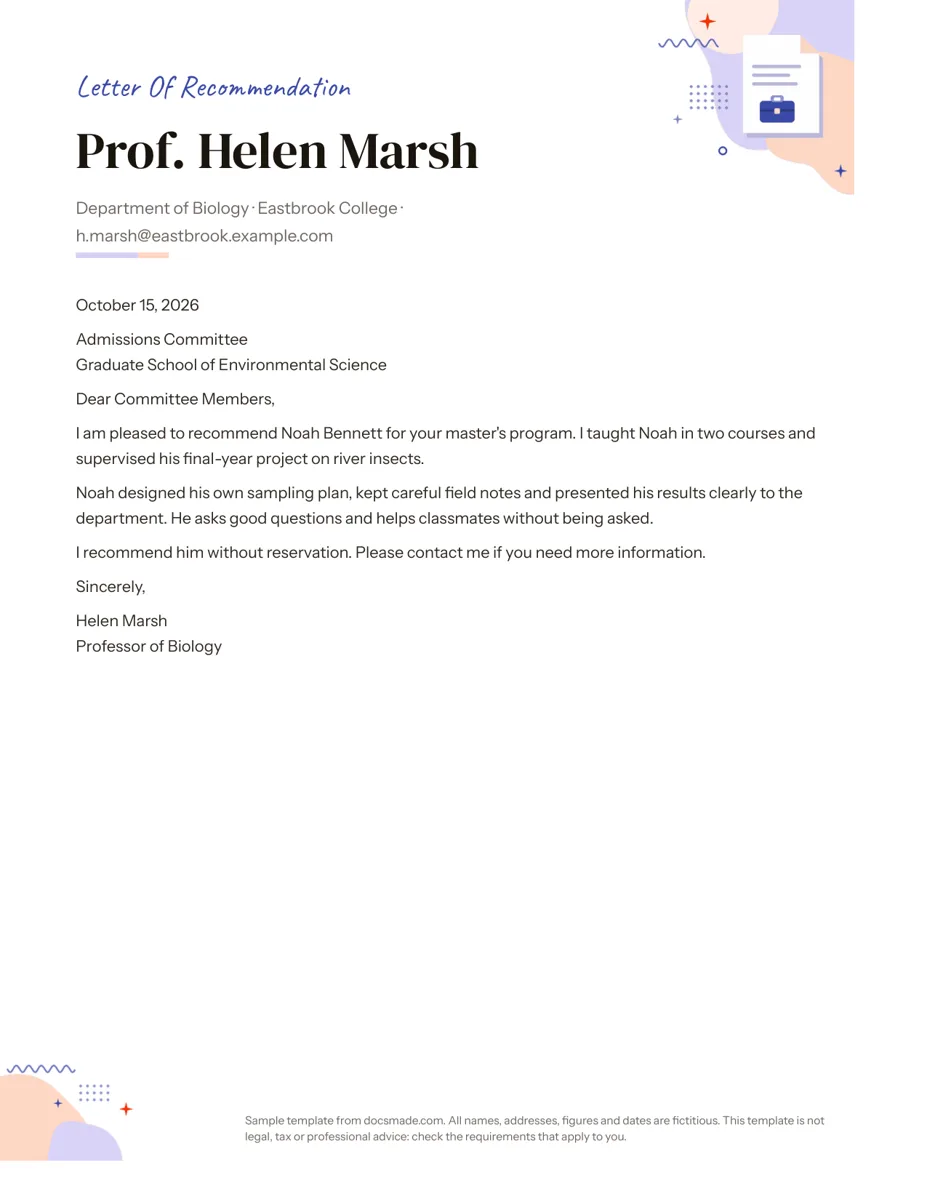
This Google Docs letter of recommendation template is for the person writing the letter: a teacher, professor, manager or mentor who has agreed to support someone's application. It includes a header with your name and position and a full sample letter for a graduate program, so you can see the right tone and length before writing your own. It is a real Google Doc that you can preview, copy and edit.
What's in this letter of recommendation template for Google Docs
The sample is written by a fictional biology professor, Prof. Helen Marsh, recommending a former student for a master's program in environmental science. It fits on one US Letter page.
- Writer header. Your name in large type, then your department, institution and email on one line, with a short colored rule underneath.
- Date and recipient. The date in full, followed by the committee or person and the program or organization.
- Greeting. "Dear Committee Members," which you can change to a named person.
- Three body paragraphs. Who you are recommending and how you know them; two or three specific qualities backed by examples; a clear endorsement with an offer to answer questions.
- Sign-off. "Sincerely," your name and your title.
A small illustration sits in the top corner and a note in the footer. Delete both for a more formal letter.
How to write a strong recommendation letter
Admissions committees and employers read many letters, and the ones that help are specific. Use the three paragraphs of the template as a plan:
- Explain the relationship. Say how long you have known the person and in what role. "I taught Noah in two courses and supervised his final-year project" tells the reader why your opinion counts.
- Give evidence, not adjectives. Choose two or three qualities that matter for the program or job, and attach a short example to each. In the sample, "designed his own sampling plan, kept careful field notes and presented his results" shows independence and communication without using those words.
- Endorse clearly. End with a plain statement such as "I recommend him without reservation" and an offer to be contacted.
Before you start, ask the applicant for their resume, the program or job description and a short list of things they would like you to mention. Many students prepare a "brag sheet" with projects and grades for exactly this purpose.
Common mistakes: writing a generic letter that could fit anyone, repeating the resume, mentioning personal details the applicant did not share for this purpose, and sending it after the deadline. If you do not know the person well enough to be specific, it is kinder to say so and suggest someone else.
How to edit the recommendation letter template in Google Docs
Click Use this template on this page, or open the preview and go to File > Make a copy. The copy saves to your Google Drive. If you get stuck, our guide on how to copy a Google Doc covers the usual issues.
- Header. Replace the name, department, institution and email with your own. If your school or company has official letterhead, you can paste its logo into the header area with Insert > Image.
- Recipient. Use the exact committee or program name from the application. If the letter goes to several places, keep the recipient general, for example "Admissions Committee".
- Fonts and accent color. Select the name and change the font from the toolbar menu. Use the text color button for the rule and accent.
- Decorations. Click the corner illustration and press Delete, and double-click the footer to remove the sample note.
- Paper size. File > Page setup switches between Letter and A4.
To sign the letter, you can upload a scan of your signature with Insert > Image, or draw one with Insert > Drawing > New and the scribble line tool. Place it between "Sincerely," and your typed name.
Sign, export and send your recommendation letter
Most application portals ask for a PDF. Go to File > Download > PDF Document (.pdf), check that the signature and header look right, and upload the file. Choose Microsoft Word (.docx) only if the organization asks for an editable file.
Recommendation letters are often confidential, so do not share the Doc with the applicant unless the program allows it. If a colleague needs to review your draft, click Share, add them as Commenter and ask for feedback with Insert > Comment. Name the PDF clearly, for example "Recommendation-Noah-Bennett-Marsh.pdf".
Recommendation letters for students, employees and scholarships
- Graduate school or master's program. Focus on research skills, independence and how the student handles feedback, as in the sample.
- Student letter from a teacher. For college or a summer program, describe effort, growth over the year and how the student works with classmates.
- Employee or job recommendation. Replace the course details with the role, the dates you worked together and one or two results the person delivered.
- Scholarship letter. Connect the applicant's record to the goals of the scholarship and mention any service or leadership the committee values.
The applicant will usually send a cover letter and a resume with your letter, so reading those helps you avoid repeating them. If you write letters often, set up an official header with our letterhead template. More job and school documents are in our career templates section.
Letter of recommendation template FAQ
How long should a letter of recommendation be?
One page is usually right: three to five short paragraphs. A letter that is specific and clear carries more weight than a long one.
Is a reference letter the same as a recommendation letter?
They are close. A recommendation letter usually supports one specific application, while a reference letter is more general and can be reused. You can use this template for both by keeping the recipient general.
How do I ask someone to write a letter of recommendation?
Ask in person or by email at least a few weeks before the deadline. Send your resume, the program or job details, the deadline and a short list of what you hope they can mention, and offer to share this template to save them time.
Does a recommendation letter need a signature?
A signed letter looks more official, and some programs require one. Add an image of your signature above your typed name, then export to PDF so it stays in place.
Can I use this letter of recommendation template for free?
Yes. Make a copy in your Google account and edit it freely. The people, college and program in the sample are fictional.
More templates
-
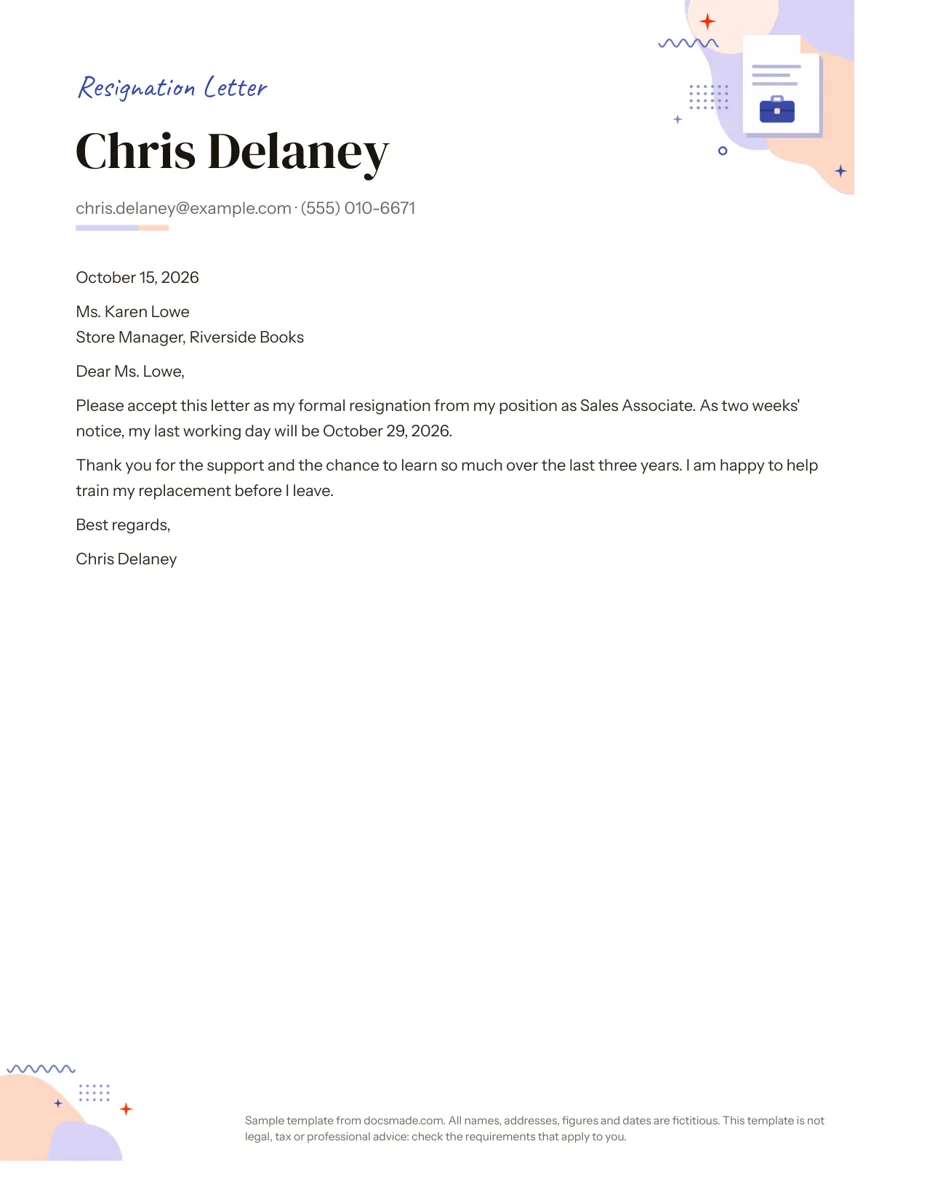 Career Google Docs Resignation Letter Template (Two Weeks Notice) Free two weeks notice letter template for Google Docs with a polite sample letter. Real Doc: preview it, make a copy, or download .docx and PDF. View template →
 -
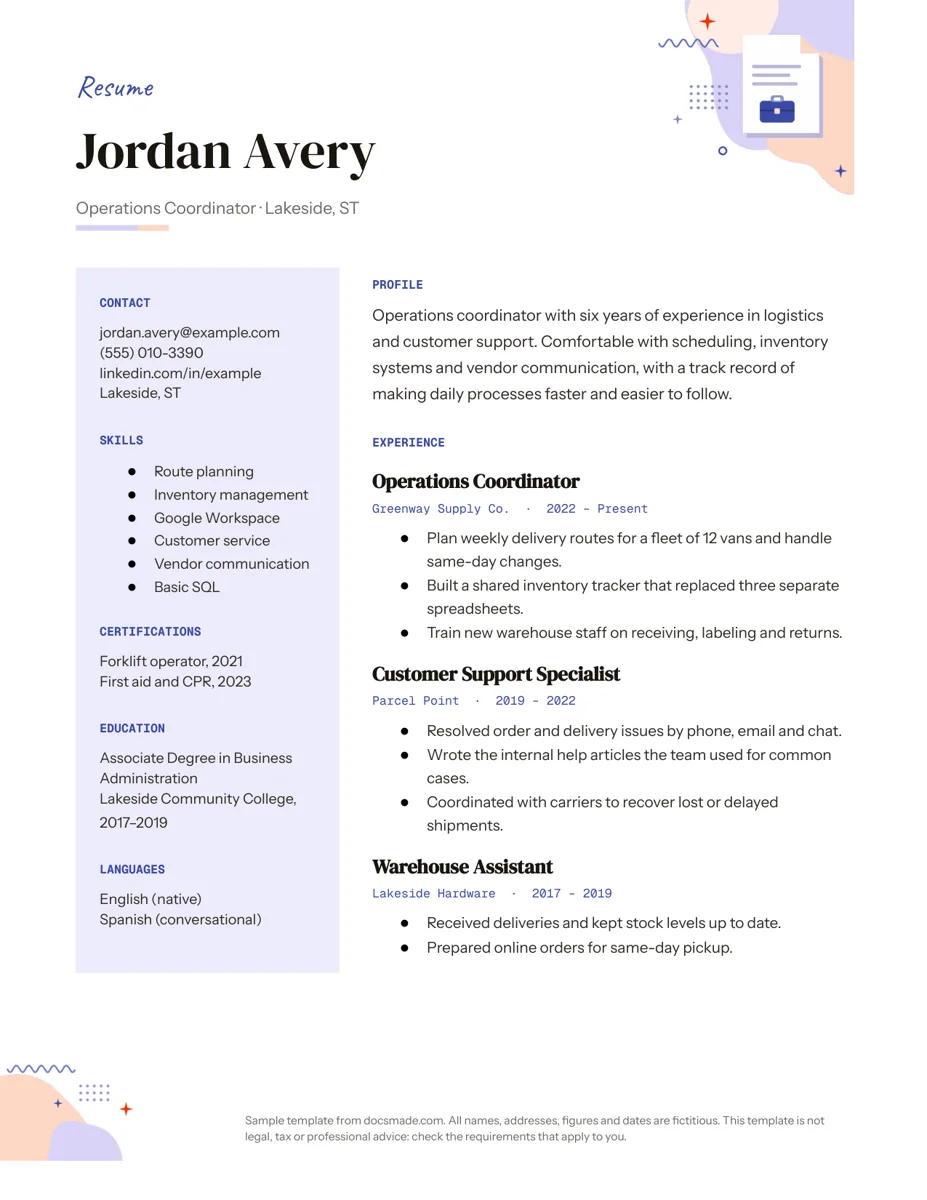 Career Google Docs Resume Template with a Two-Column Layout Free resume template for Google Docs with a skills sidebar and clear experience section. Real Doc: preview, make a copy, or get .docx and PDF. View template →
 -
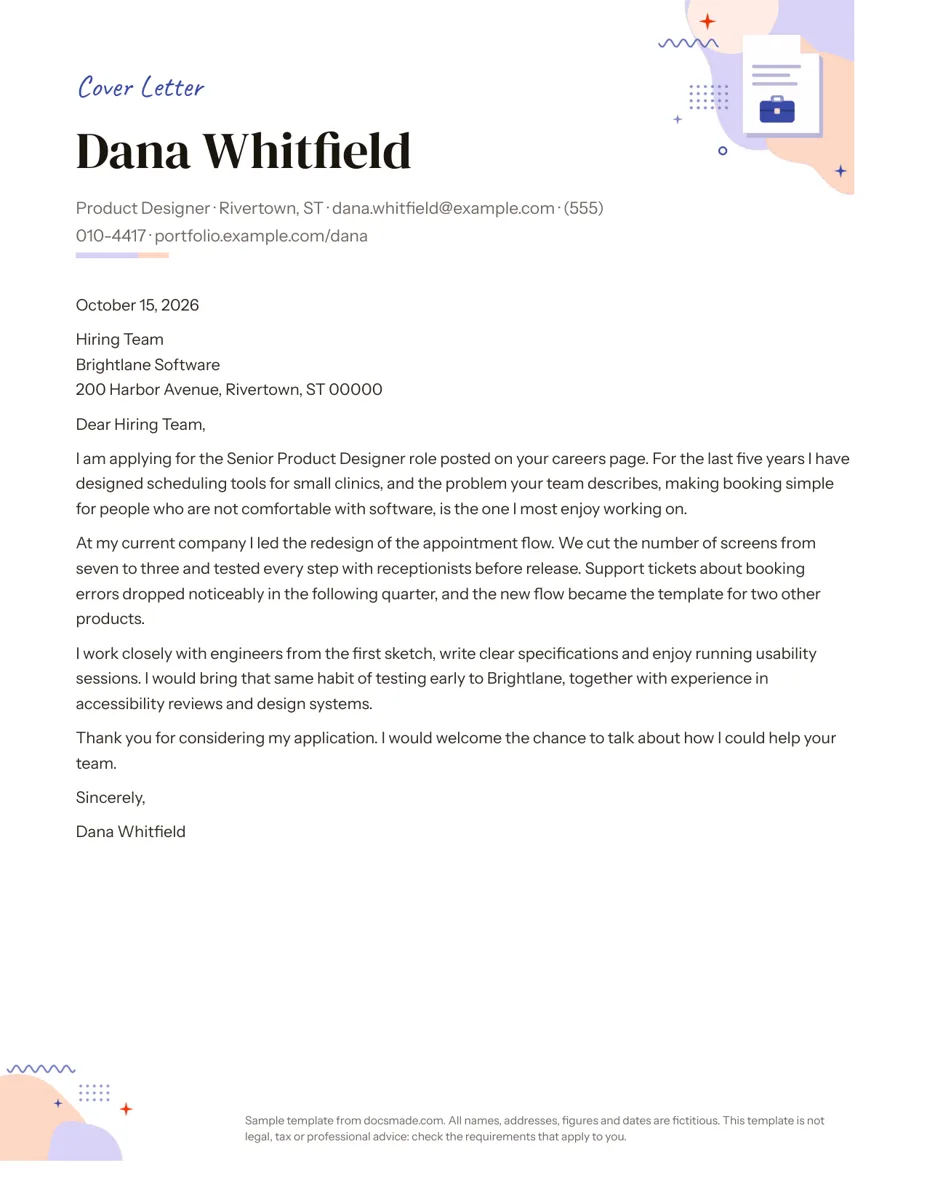 Career Google Docs Cover Letter Template for Job Applications Free cover letter template for Google Docs with a sample letter for a job application. Real Doc: preview it, make a copy, or download .docx and PDF. View template →
 -
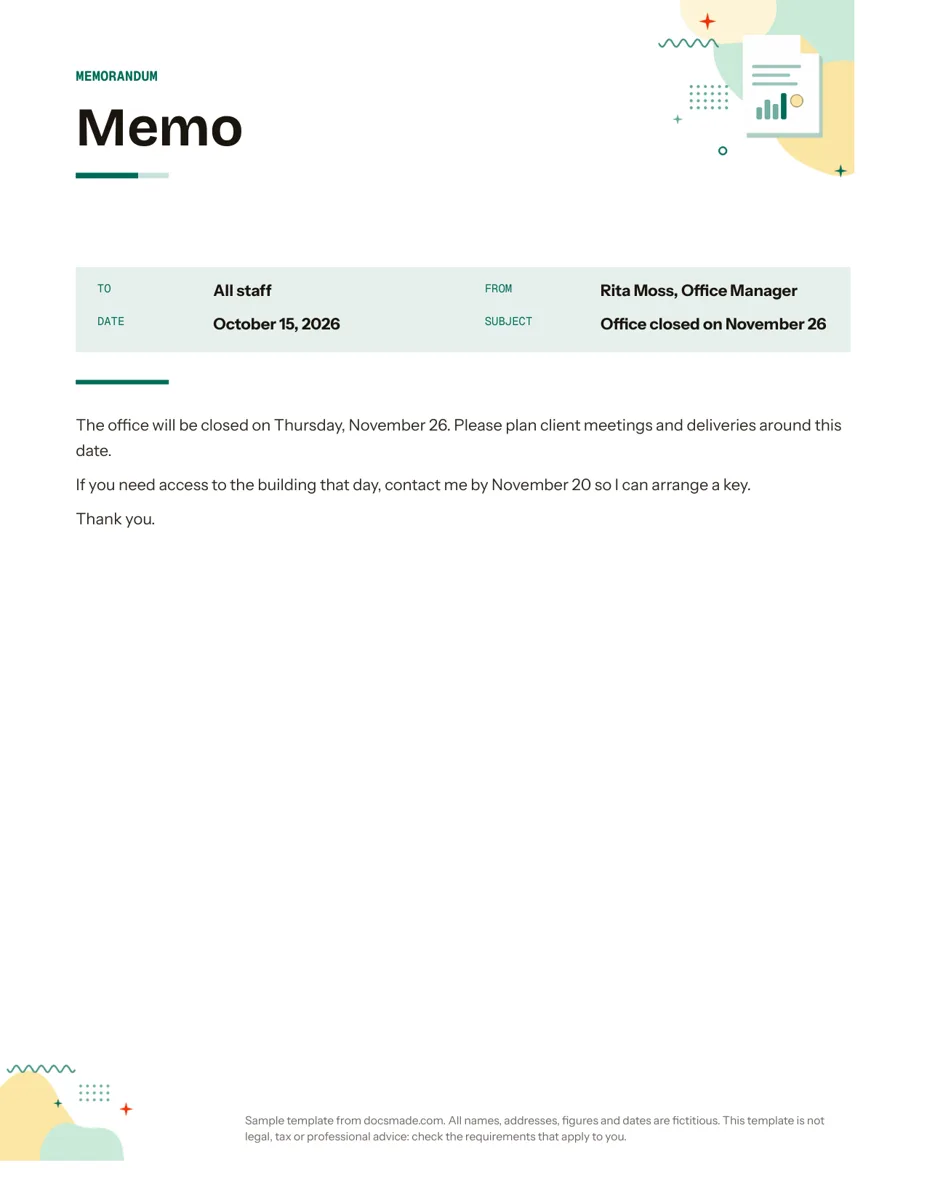 Business & finance Google Docs Memo Template for Office Announcements Free business memo template for Google Docs with To, From, Date and Subject lines. Preview it, make a copy, or download as .docx and PDF. View template →