
Google Docs Proposal Template for Client Projects
Prefer a file? Download .docx · Download PDF
How it works: “Use this template” opens Google’s copy screen. Sign in to your Google account and the document is copied to your own Drive, where you can edit every line. Need help copying the document?
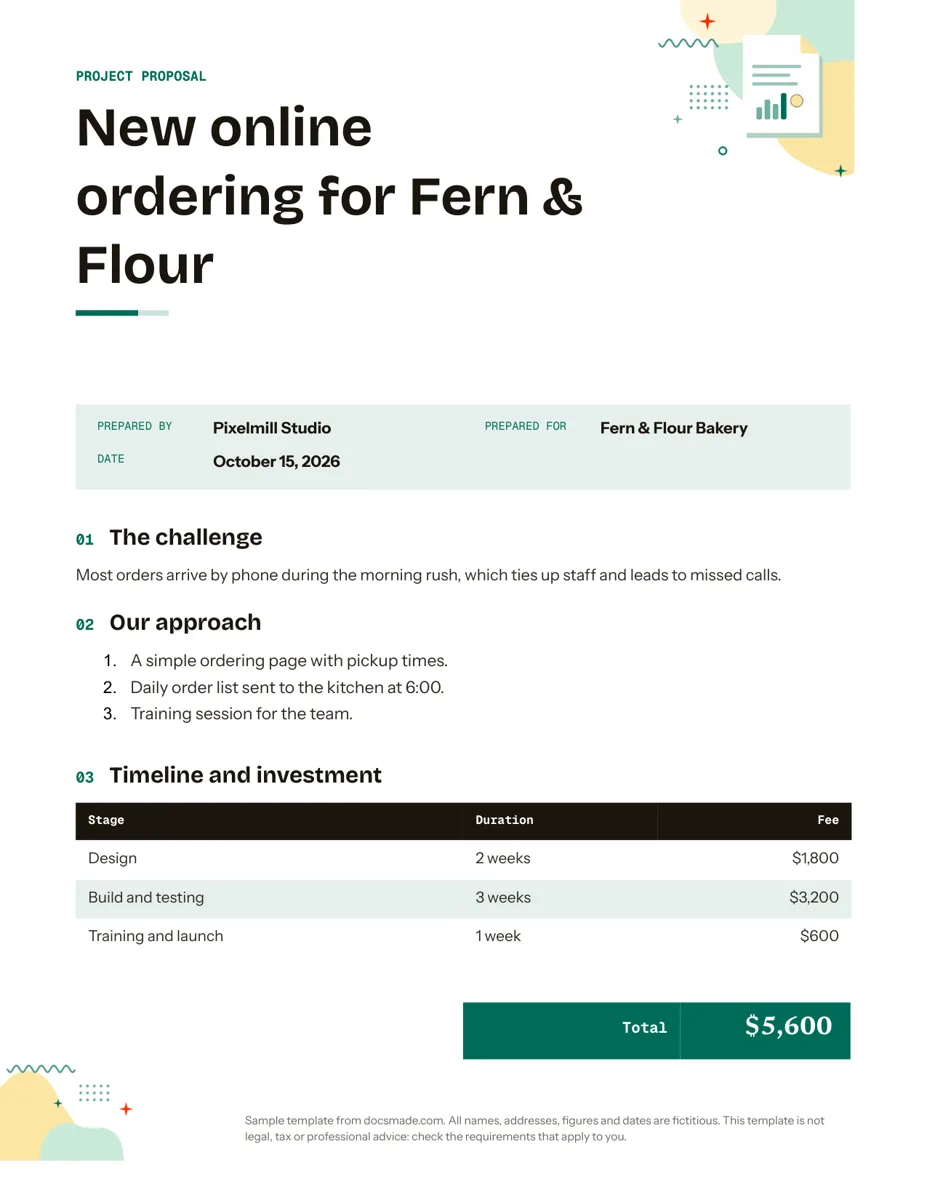
What's inside the proposal template
-
Details
- Prepared by · Prepared for · Date
-
The challenge
-
Our approach
- A simple ordering page with pickup times.
- Daily order list sent to the kitchen at 6:00.
- Training session for the team.
-
Timeline and investment
- Table: Stage, Duration, Fee
-
Next steps
This proposal template is a real Google Doc for pitching a project to a client in one or two pages. Freelancers, studios, consultants and small agencies can preview it on this page, copy it into Google Drive and rewrite the sample in their own words before sending it as a PDF or a shared link.
What this project proposal template for Google Docs includes
The sample is written for a fictitious web studio, Pixelmill Studio, pitching online ordering to a bakery called Fern & Flour. It follows the order a busy client wants to read: what is wrong, what you will do, when, for how much, and what happens next.
- Cover band and project title. "Project proposal" in the header band, then a title that names the result, not the service: "New online ordering for Fern & Flour".
- Proposal details. Prepared by, Prepared for and Date, so the document stands on its own if it is forwarded.
- The challenge. One or two sentences that describe the client's problem in their terms. In the sample: phone orders during the morning rush tie up staff and calls get missed.
- Our approach. A numbered list of concrete steps, here an ordering page with pickup times, a daily order list sent to the kitchen and a training session.
- Timeline and investment. A table with Stage, Duration and Fee for each phase (design, build and testing, training and launch), followed by a total.
- Next steps. A closing paragraph that tells the client exactly what to do to go ahead.
The structure is deliberately short. A focused proposal is easier to approve than a long brochure, and you can always attach detail as an appendix.
How to write a business proposal that gets approved
- Start from the client's problem. Use what they told you in the first call. If you quote their own words back in "The challenge", they know you listened.
- Name the outcome in the title. "New online ordering" says more than "Website development proposal". Put the client's name in it as well.
- Keep the approach to three to five steps. Each step should be something the client can picture. Avoid internal jargon; the person who signs may not be the person you met.
- Price by stage. A fee per stage shows where the money goes and gives the client room to trim scope instead of walking away. Google Docs tables do not calculate, so check that the stage fees add up to the total.
- State what is out of scope. Add a sentence under the approach for anything the client might assume is included, such as content writing or hosting.
- End with one clear action. "Reply to confirm the scope" or "Sign and return this page" works better than a vague offer to discuss.
A proposal describes intent; if the work needs binding terms, use a separate written agreement. Check what applies to your business and location, as this template is not legal advice.
How to customize the proposal in Google Docs
Select Use this template on this page, or open the preview and choose File > Make a copy. The copy goes into your Drive and is fully editable. Our guide to copying a Google Doc shows each step.
- Match your brand. Change the band color and fonts with the toolbar, or update every heading at once through Format > Paragraph styles. Add your logo with Insert > Image.
- Add sections when needed. Copy an existing heading and paragraph to add blocks such as "About us", "Case study" or "Terms". Keep the heading style so the outline stays tidy.
- Edit the pricing table. Right-click a row to insert or remove stages. Rename "Duration" to "Dates" if you prefer calendar dates.
- Use the outline. Open View > Show outline to jump between sections while you write.
- Check paper size. The Doc is set to US Letter; switch to A4 under File > Page setup for international clients.
Share, comment on and export the proposal
Proposals often go through a round of feedback. Share your copy with the client using the Share button and give them comment access; they can highlight a line and add a note with Insert > Comment, and you can reply and resolve each one. Turn on Suggesting mode (the pencil menu at the top right) if you want edits to show as proposals you accept or reject.
For the final version, send a PDF: File > Download > PDF Document (.pdf). If the client works in Microsoft Word, choose File > Download > Microsoft Word (.docx), or use the download buttons on this page for the blank template. File > Version history keeps a record of what changed between drafts.
Event, grant and service proposal variations
- Service and agency proposals. The layout as it stands: problem, approach, staged fees. Once approved, the stages become lines on your invoice.
- Event proposals. Rename the challenge to "The event", list the plan as run-of-show steps and price venue, catering and staffing as stages.
- Grant and internal funding requests. Replace "Our approach" with goals and activities, and the pricing table with a budget by item. Funders usually set their own format, so follow it where one exists.
- Trade jobs. For a straightforward priced job with no pitch, an estimate template is faster for the client to read.
Planning a whole company rather than a single project? The business plan template covers market, operations and finances. More business documents for Google Docs sit in the same collection.
Proposal template for Google Docs: FAQ
Does Google Docs have a proposal template?
Google's template gallery (File > New > From template gallery) includes a few proposal layouts. This one is a separate, free Doc you copy from this page, with a sample written out so you can see a finished proposal.
How long should a project proposal be?
Long enough to cover the problem, the plan, the price and the next step. For most small projects that is one or two pages. Put case studies or technical detail in an appendix.
What is the difference between a proposal and an estimate?
An estimate is mainly a priced list of work. A proposal also explains the client's problem and why your approach solves it, which matters when you are competing for the job.
Can a client sign the proposal in Google Docs?
You can add a signature line and ask the client to print, sign and scan it, or to confirm by email. For formal agreements, use a separate contract or an e-signature tool.
Is this proposal template free to use?
Yes. Preview it, copy it to your Drive or download .docx and PDF at no cost, and use it for your own client work.
More templates
-
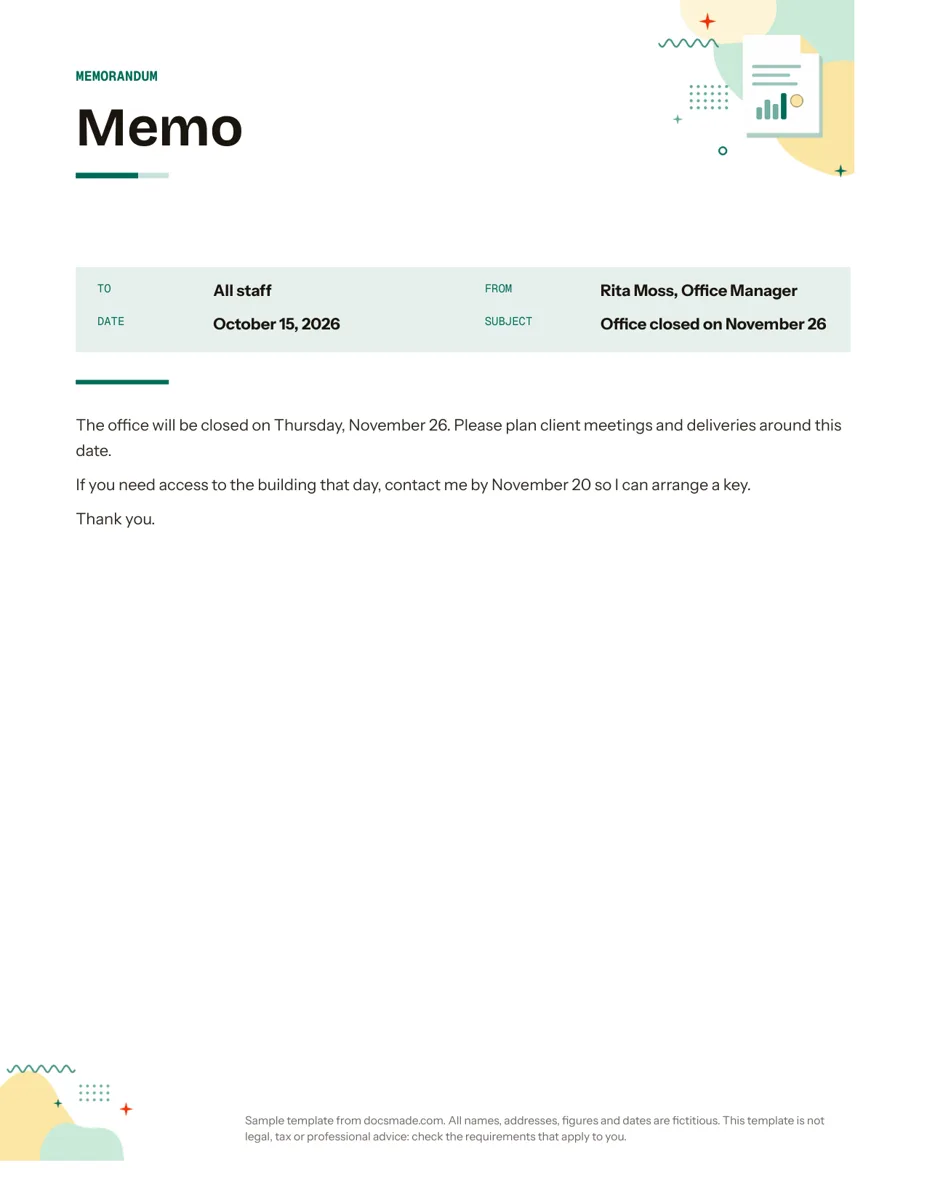 Business & finance Google Docs Memo Template for Office Announcements Free business memo template for Google Docs with To, From, Date and Subject lines. Preview it, make a copy, or download as .docx and PDF. View template →
 -
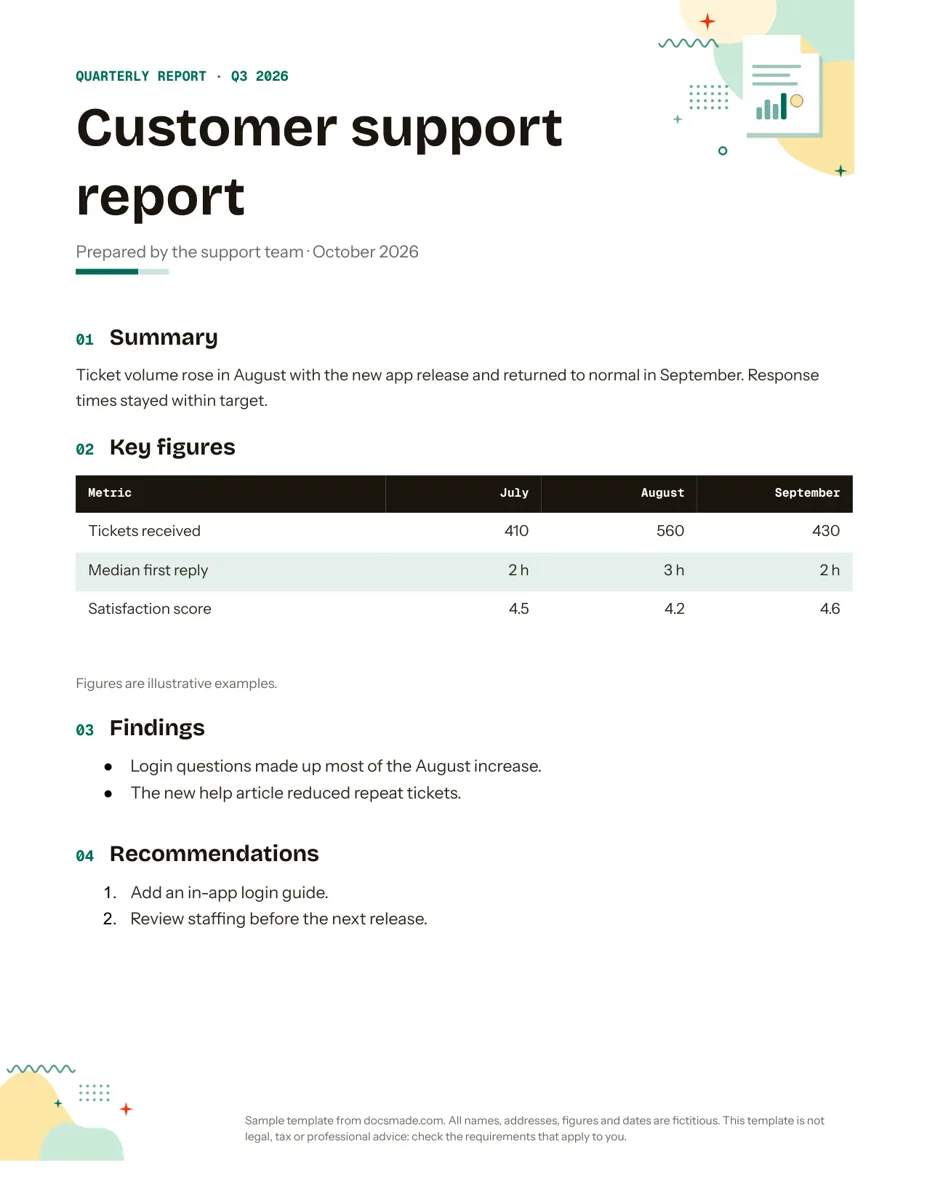 Business & finance Google Docs Report Template for Quarterly and Monthly Reports Free report template for Google Docs: summary, key figures table, findings and recommendations. Real Doc you can preview, copy or get as .docx/PDF. View template →
 -
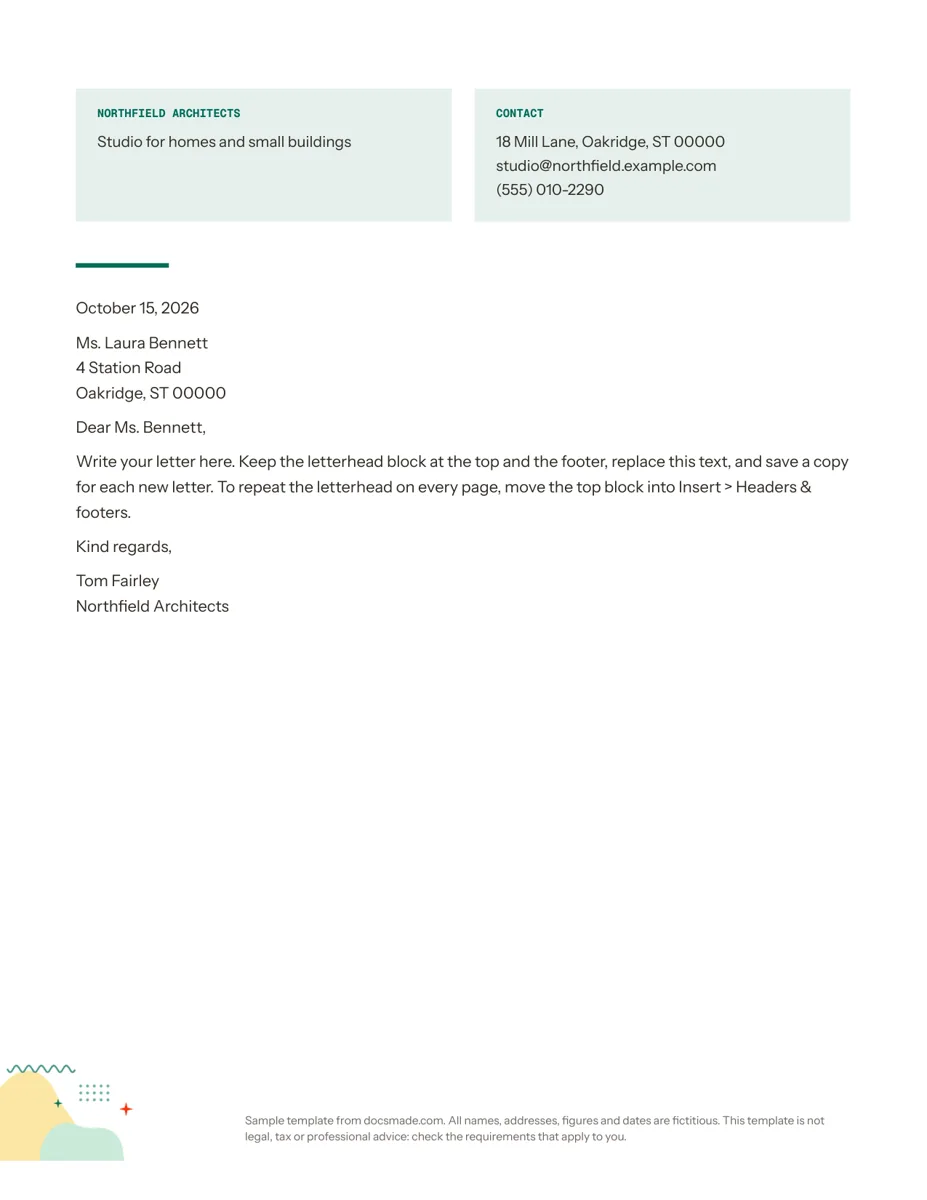 Business & finance Google Docs Letterhead Template for Business Letters Free business letterhead template for Google Docs with company and contact block. Real Doc: preview it, make a copy, or download .docx and PDF. View template →
 -
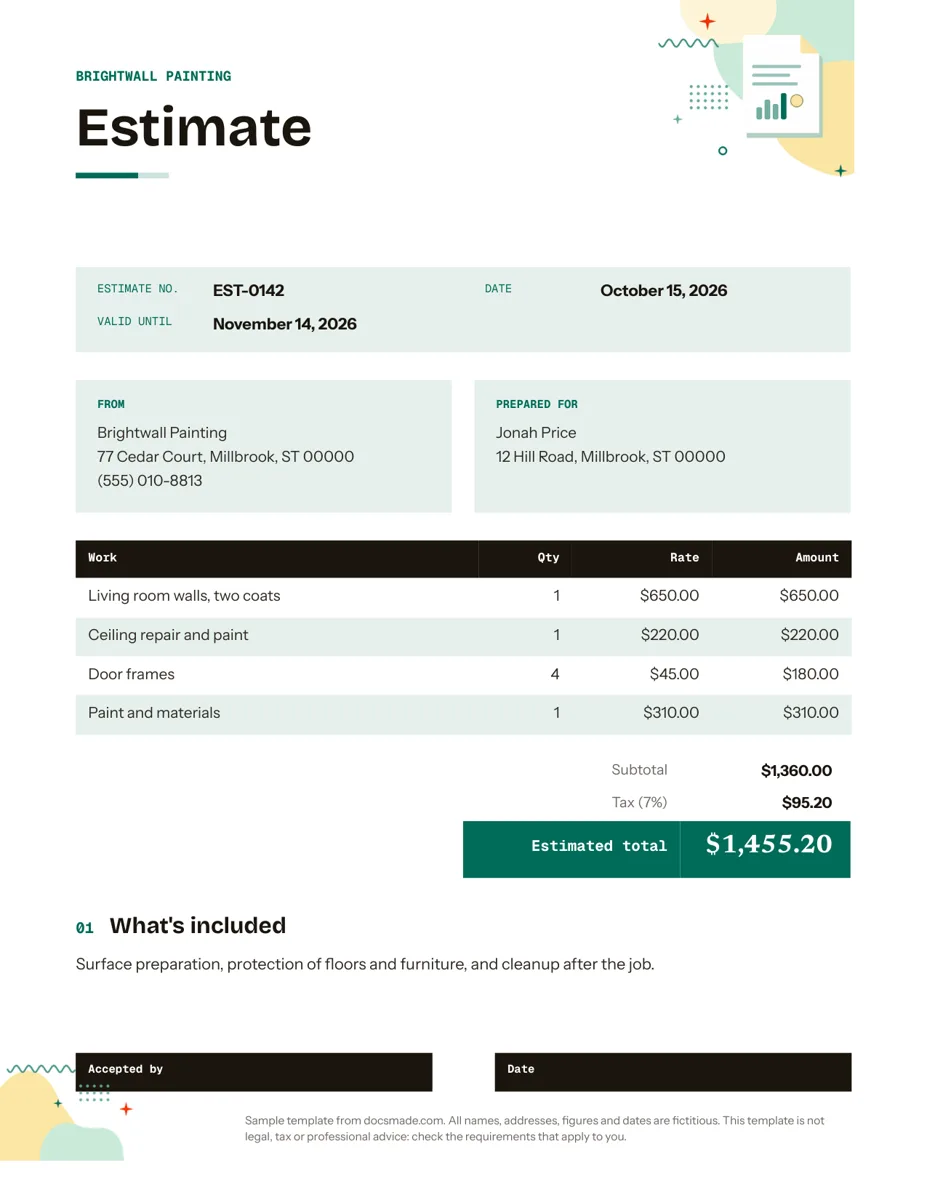 Business & finance Google Docs Estimate Template for Quotes and Jobs Free job estimate template for Google Docs with line items, tax, validity date and a sign-off line. Preview, copy, or download .docx and PDF. View template →