
Google Docs Questionnaire Template for Printable Feedback
Prefer a file? Download .docx · Download PDF
How it works: “Use this template” opens Google’s copy screen. Sign in to your Google account and the document is copied to your own Drive, where you can edit every line. Need help copying the document?
What's inside the questionnaire template
-
Details
- Course · Term
-
Part 1 · Rate each statement
-
Part 2 · Choose one
-
Part 3 · Open questions
This questionnaire template is a real Google Doc laid out as a one-page paper survey. It combines a five-point rating scale, a multiple-choice question and two open-answer boxes, which covers most feedback forms you will ever need. Preview it here, copy it to your Google Drive, then print it for a class, a meeting or an event where handing out paper is easier than sending a link.
What's in this Google Docs questionnaire template
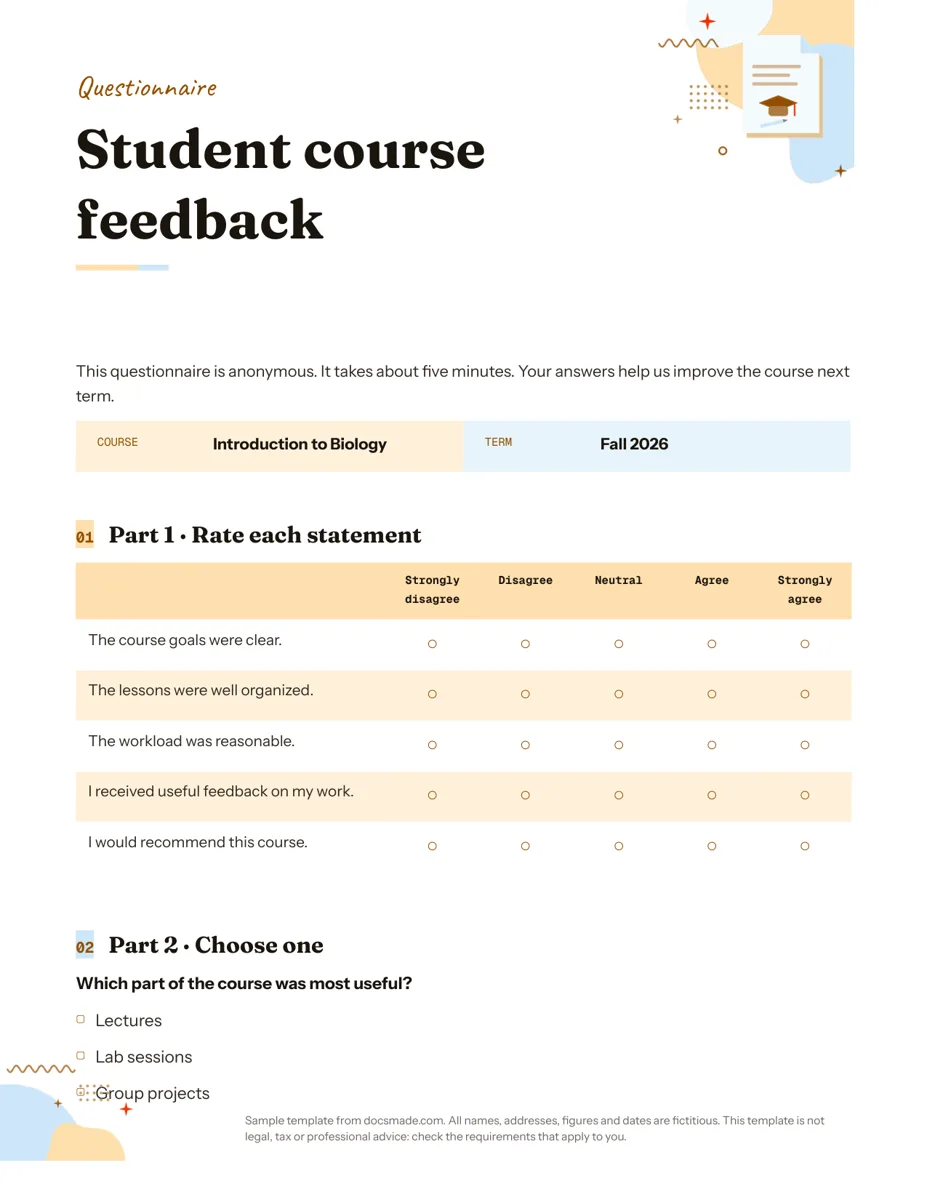
The sample is an anonymous student course feedback form for a fictional "Introduction to Biology" course. It is organized in three parts that move from quick ticks to written answers, so people warm up before they have to think.
- Header and title: a "QUESTIONNAIRE" band and the form name, "Student course feedback".
- Intro note: two short sentences saying the form is anonymous, takes about five minutes, and why the answers matter. It tells people up front what they are signing up for.
- Details table: Course and Term, so filled-in sheets can be sorted later.
- Part 1, rating scale: five statements ("The course goals were clear", "The workload was reasonable" and so on) in a table with five columns from Strongly disagree to Strongly agree. Each cell has a circle to mark.
- Part 2, multiple choice: one question ("Which part of the course was most useful?") with four checkbox options: lectures, lab sessions, group projects and reading assignments.
- Part 3, open questions: "What did you like most about the course?" and "What would you change?", each with a shaded box to write in.
- Closing line: "Thank you for your time."
How to write survey questions people answer honestly
A questionnaire is only as useful as its questions. These rules apply to paper and online forms alike:
- Decide what you will do with each answer. If a question will not change a decision, cut it. Short forms get more complete answers.
- Ask about one thing per statement. "The lessons were clear and interesting" mixes two ideas; split it into two lines on the scale.
- Keep the wording neutral. "How helpful was the excellent lab session?" pushes people toward a positive answer. "How useful were the lab sessions?" does not.
- Use the same scale throughout a section. Switching from agree/disagree to poor/excellent halfway through causes mistakes on paper, because people mark by position.
- Put open questions last. They take the most effort. Two well-chosen ones (what worked, what to change) give you more usable comments than five.
- Make options cover every case. In multiple choice, add "Other" or "None of these" if the list might not fit everyone.
If the form is anonymous, make sure it really is: don't ask for details like a seat number or a small group name that would identify someone in a small class.
Customize the questionnaire in Google Docs
Click Use this template, or open the preview and go to File > Make a copy. The copy is yours to edit in Google Drive. If you are new to this, our guide on how to copy a Google Doc shows each step.
- Add rating statements: click the last row of the scale table, right-click and choose Insert row below, then type the new statement and copy the circles across.
- Change the scale: edit the column headers to a different scale (Never to Always, Poor to Excellent). To use a three-point scale, right-click a column and choose Delete column.
- Edit multiple-choice options: each option is a plain line that starts with a checkbox symbol. Copy a line to add an option, or delete one you don't need.
- Resize answer boxes: click inside an open-answer box and press Enter to make it taller, or drag its bottom border.
- Fonts, colors and paper: use the toolbar for fonts, Format > Table > Table properties for cell colors, and File > Page setup for Letter or A4.
Print, download or share your printable survey
Print copies with File > Print. Before running a stack, print one and fill it in yourself with a pen: it is the quickest way to find a box that is too small or a question that is unclear. For a copy shop, download File > Download > PDF document (.pdf). To edit in Word, use File > Download > Microsoft Word (.docx).
To review questions with a colleague before printing, click Share and give them comment access so they can suggest wording with Insert > Comment.
When should you use Google Forms instead? A printed questionnaire works well in a room: end of a class, a workshop, a waiting area, a community meeting. If respondents are remote or you need automatic charts and a spreadsheet of answers, Google Forms is the better tool, and this document is still useful as the draft where you agree on the questions first.
Questionnaire form ideas for school, work and events
- Course or workshop evaluation: keep the sample almost as is and change the course name and term.
- Parent or student interest survey: replace the scale with interest statements ("I'd like more science experiments") and ask about preferred topics in Part 2.
- Event feedback form: rate venue, timing, speakers and food, then ask what to change next time.
- Team or meeting check-in: a short anonymous scale about workload and clarity of goals, handed out and collected in the same session.
Teachers can pair the form with a lesson plan template for the final session of a unit and a certificate template for course completion. For collecting names and time slots rather than opinions, a sign-up sheet template is the better fit. See the full set in education templates.
Questionnaire template Google Docs FAQ
Is this Google Docs questionnaire template free?
Yes. You can preview it, copy it into your Google Drive and download it as .docx or PDF at no cost. A Google account is needed to make the editable copy.
Can I make a questionnaire in Google Docs instead of Google Forms?
Yes, if you want a document to print or attach to an email. Google Docs gives you full control of the layout on paper. Responses are not collected automatically, so use Google Forms when you need answers gathered online.
Can people fill in this questionnaire on a computer?
They can type into a copy of the document, but it is designed for printing. For digital answers, send each person their own copy, or rebuild the same questions in Google Forms.
How many questions should a questionnaire have?
As few as you need to make your decision. The sample has eight questions in total and is meant to take about five minutes. If yours runs much longer, check whether every question will really change a decision.
Can I use this as a survey template for customers or employees?
Yes. Replace the course details with your product, service or team, rewrite the statements in Part 1, and adjust the multiple-choice options to match.
More templates
-
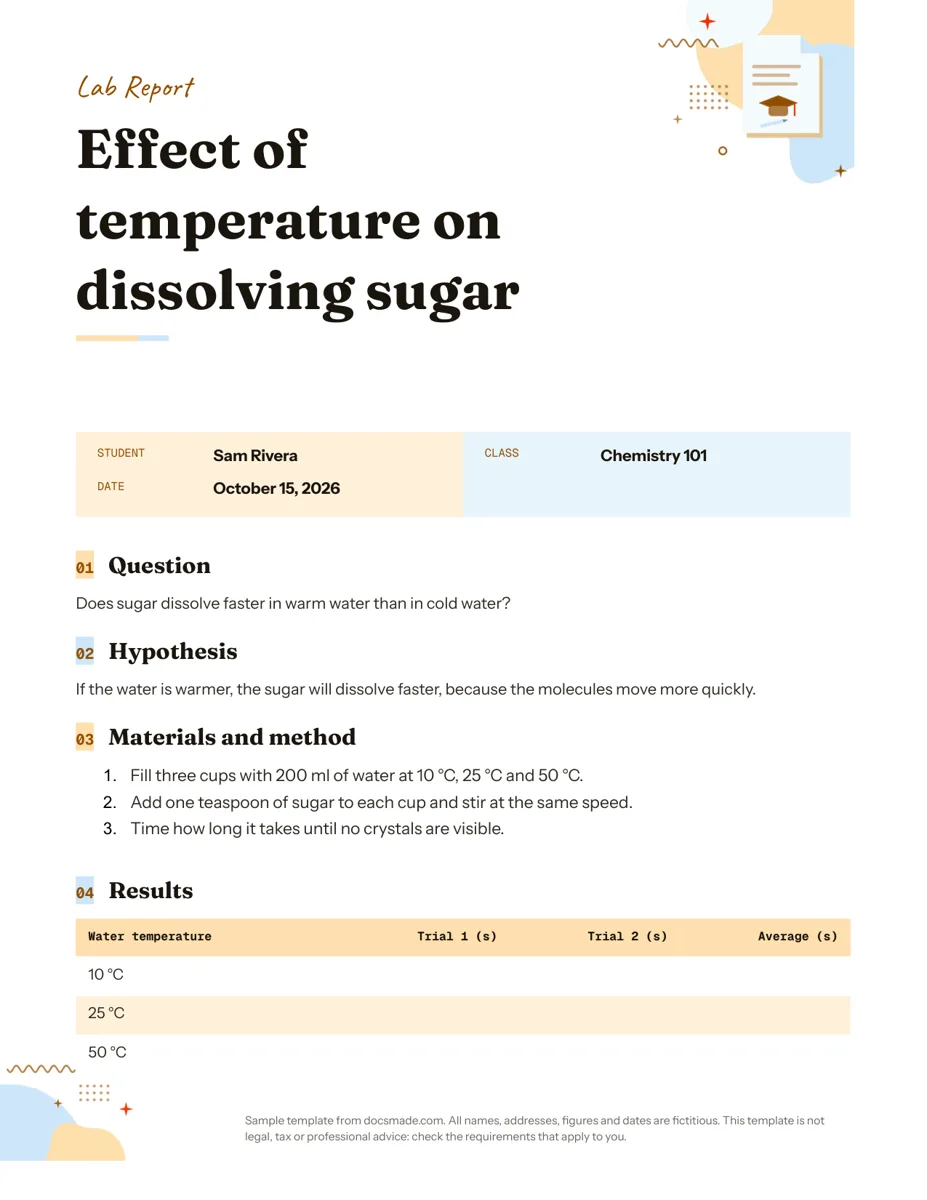 Education Google Docs Lab Report Template for Science Classes Free lab report template for Google Docs: question, hypothesis, method, results table and conclusion. Preview it, copy it, or get .docx and PDF. View template →
 -
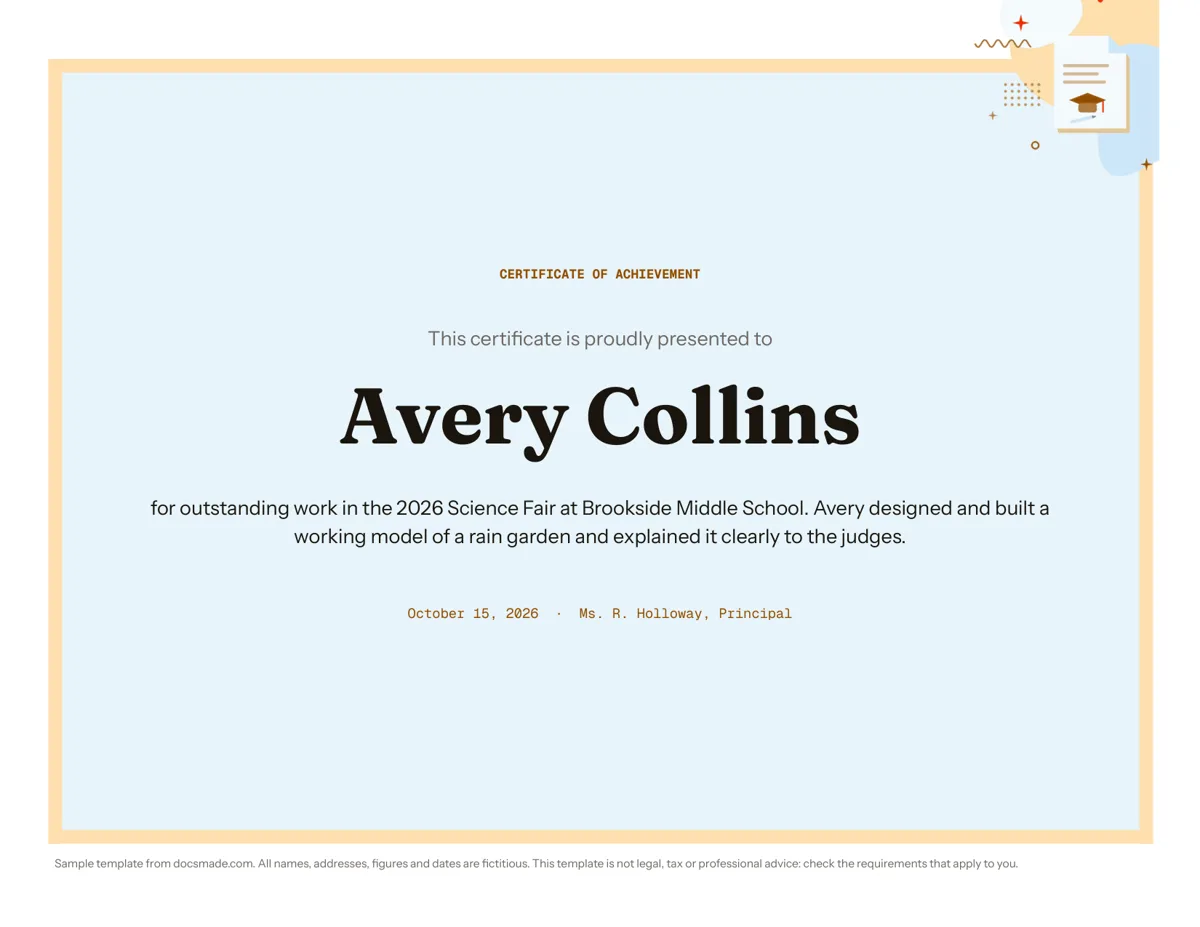 Education Certificate Template for Google Docs: Certificate of Achievement Free award certificate template for Google Docs: a framed landscape certificate of achievement. Preview, copy and edit, or download .docx or PDF. View template →
 -
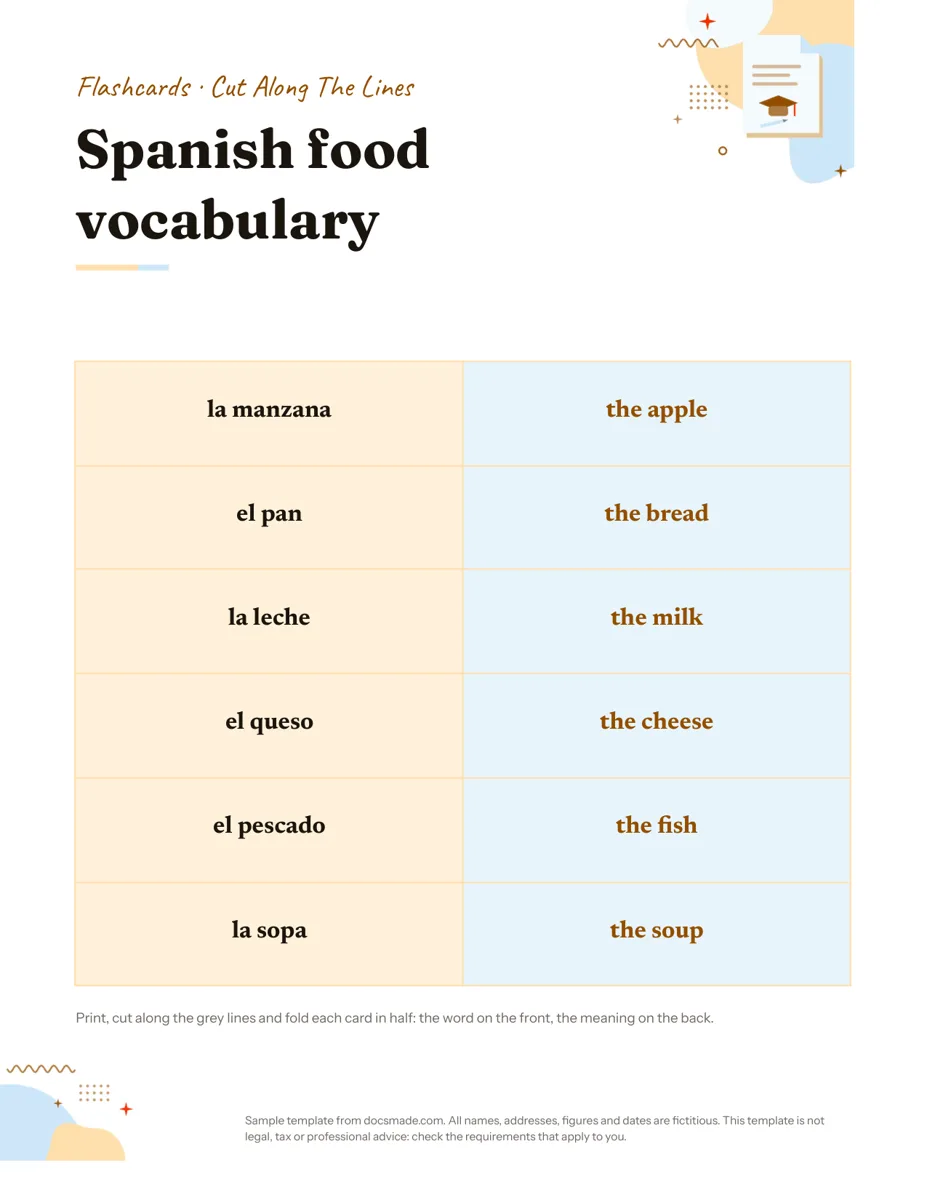 Education Google Docs Flashcard Template: Printable Cut-and-Fold Cards Printable flashcard template for Google Docs: a cut-and-fold grid with the word on the front and meaning on the back. Copy it, or get .docx or PDF. View template →
 -
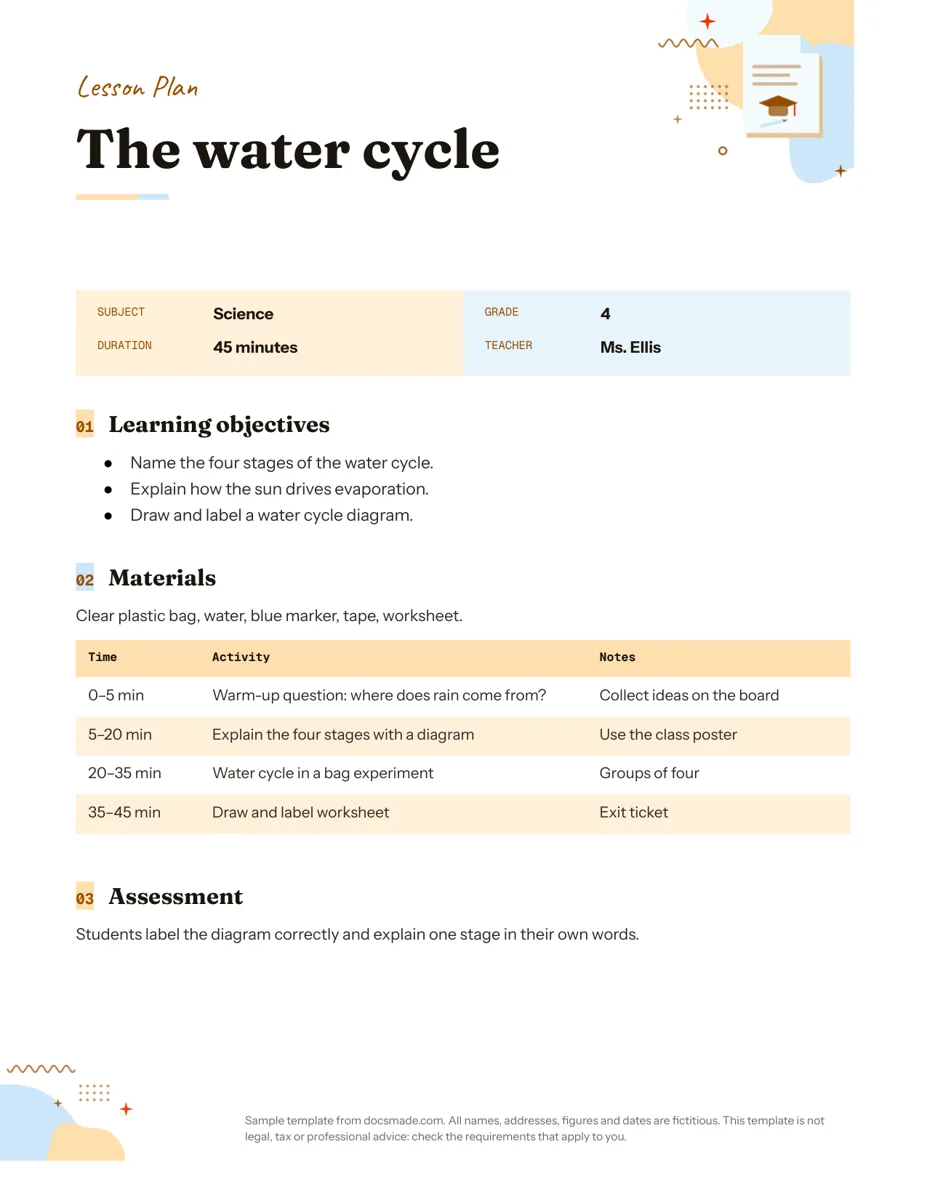 Education Google Docs Lesson Plan Template for a Single Lesson Simple lesson plan template for Google Docs: objectives, materials, timed activities and assessment. Preview, copy, or download as .docx or PDF. View template →